About Gligh
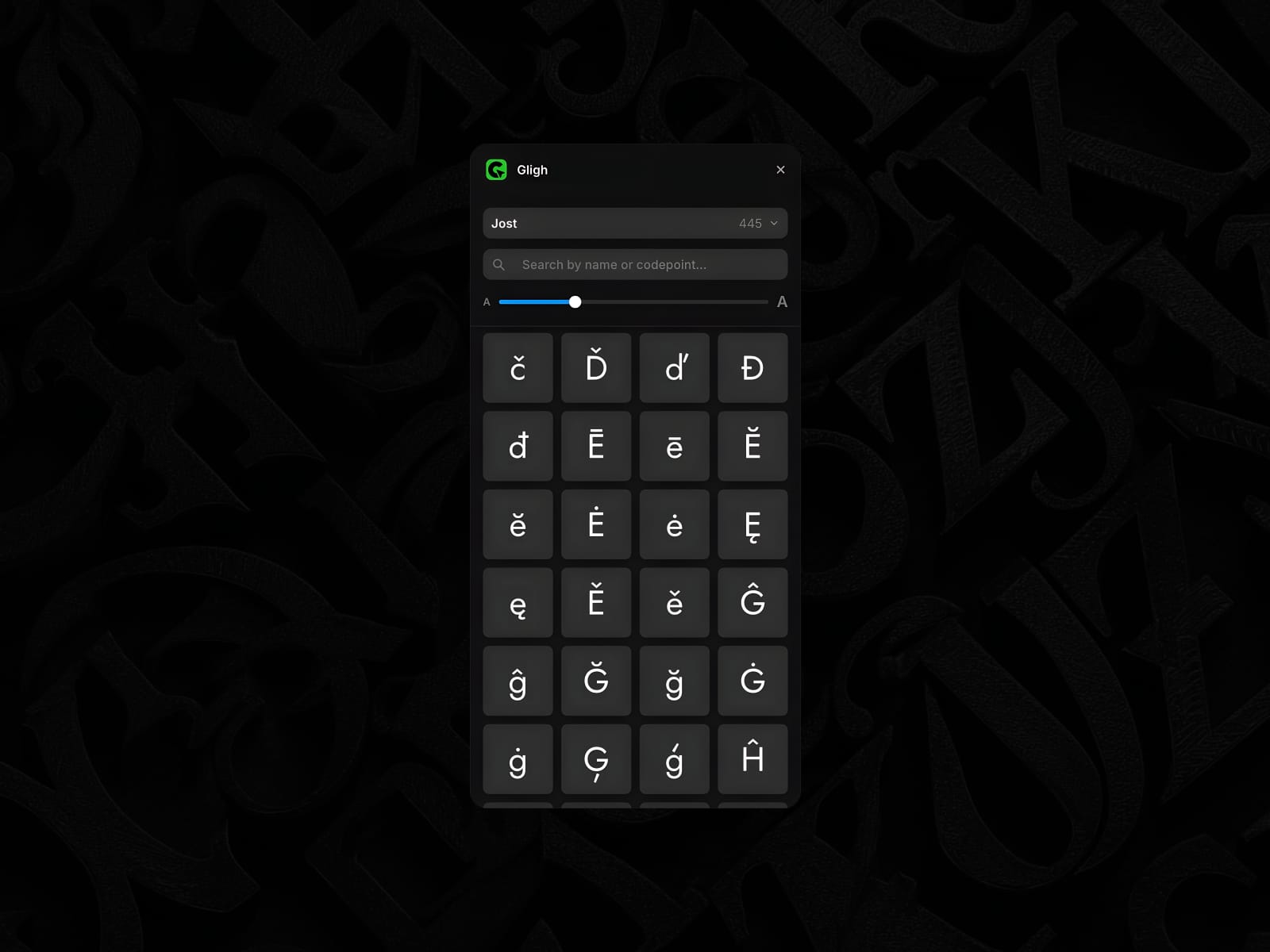
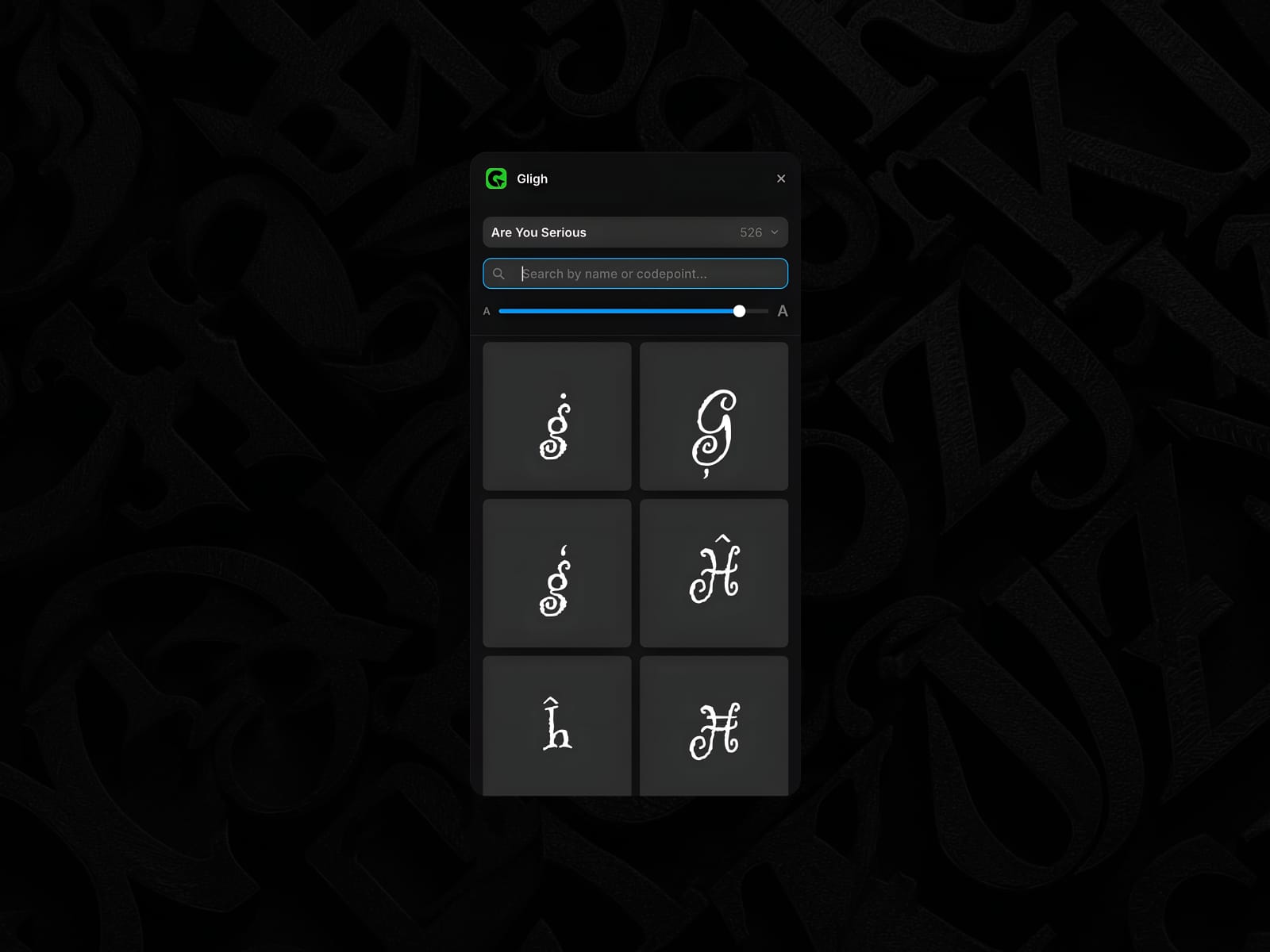
Gligh is a glyphs panel for Framer. Open it next to your design and instantly browse every character in any Google Font you're working with — every variant, every Unicode block the font supports. Click a glyph to copy it. Paste it into any text layer, any input, anywhere.
What Gligh does
Browse the full glyph set of any Google Font. Gligh reads the font file's character map directly, so you see everything the font actually contains — not a curated subset.
Click to copy. One click puts the character on your clipboard, ready to paste. A toast confirms the copy.
Search by name or codepoint. Looking for ❤? Type heart. Looking for U+2764? Type 2764, U+2764, or 0x2764 — all work.
Auto-follows the canvas. Select a text layer using a Google Font and Gligh switches to that font's glyphs automatically. No manual sync.
Resize the grid. A simple slider scales tiles from compact (more on screen) to chunky (easier to inspect ornate or detailed glyphs).
Remembers your last font. Reopen the plugin and it picks up where you left off.
Light and dark mode. Built using Framer's own design tokens — Gligh sits inside the editor like a native panel.
When to use it
Adding decorative typographic flourishes — ornaments, dingbats, swashes.
Inserting math symbols, arrows, currency marks, special punctuation.
Picking the right dash, quote, or space character.
Exploring what a font actually ships with before committing to it.
Working with icon or display faces that pack character into every glyph.
What Gligh works with
Any font from Framer's Font Picker — which means Google Fonts and Framer's curated set. Gligh follows Framer's plugin font API, which does not expose custom uploaded fonts to plugins, so those aren't browsable here. If you select a text layer using a non-Google font, Gligh shows a clear status banner and falls back to the last-loaded family.
Privacy and data
Gligh runs entirely inside your Framer project. It only talks to Google Fonts (fonts.googleapis.com and fonts.gstatic.com) to fetch font files. No account, no API keys, no telemetry. Your last-used font family is stored locally via Framer's plugin data — accessible only to you, only within this plugin.