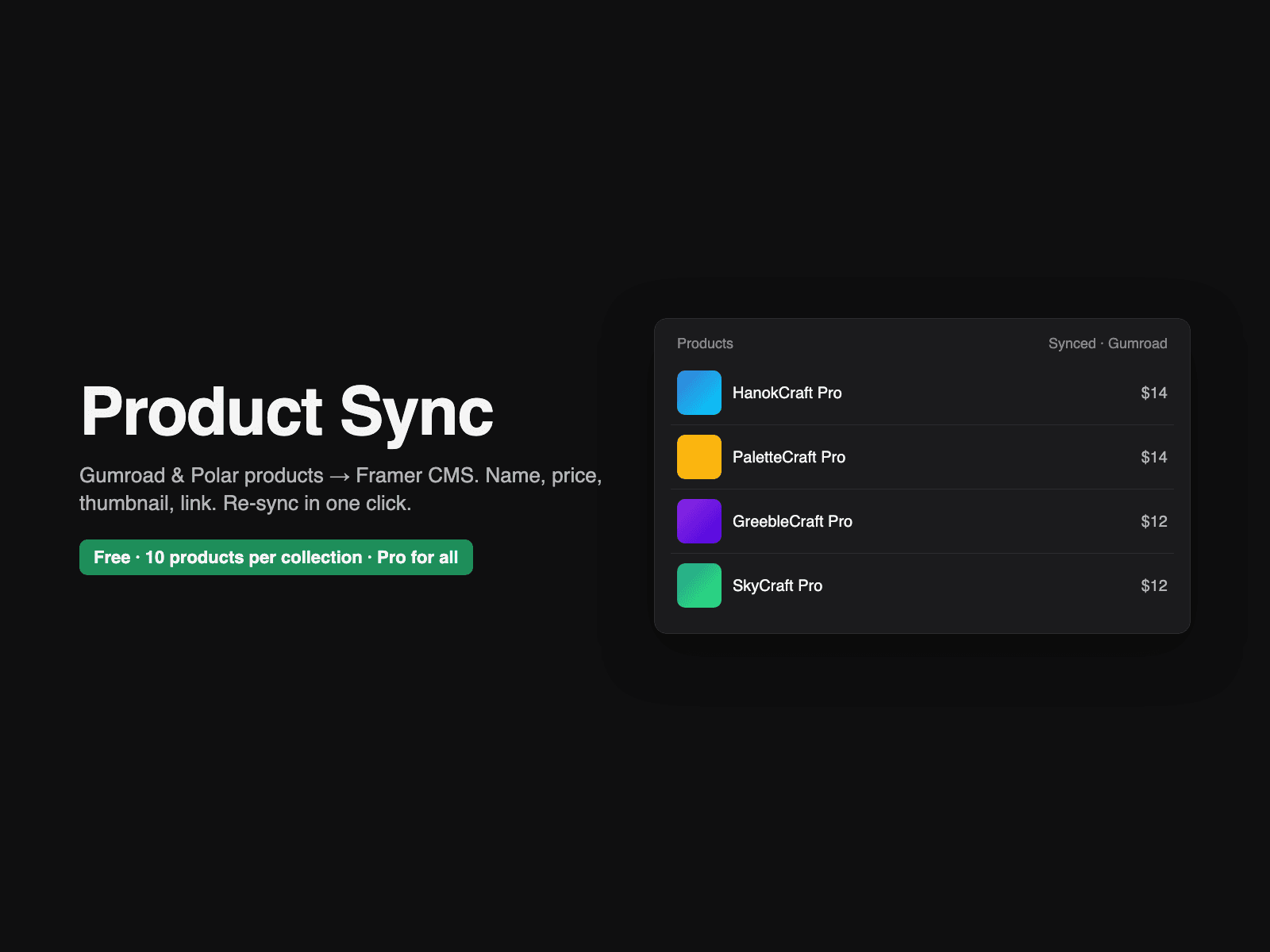
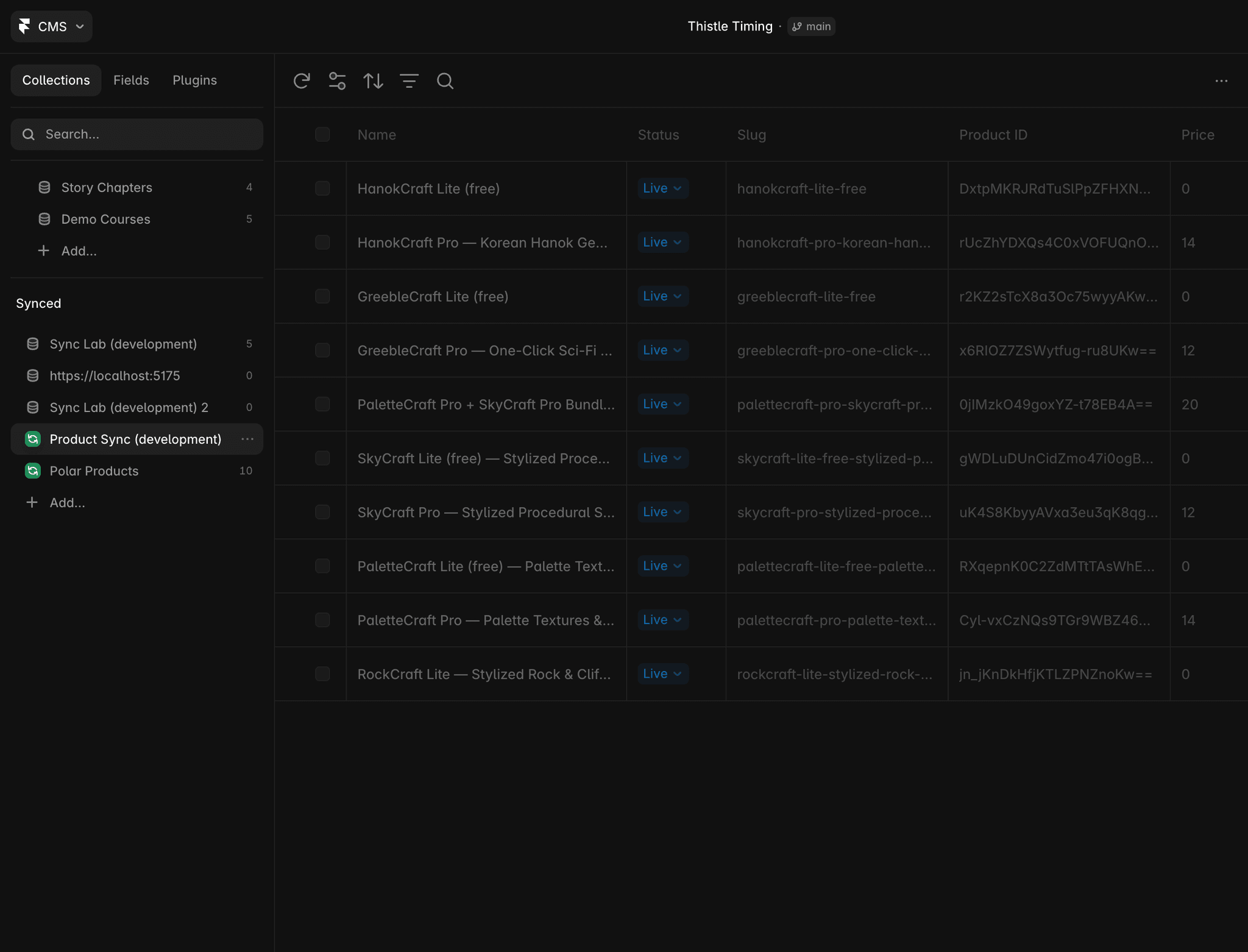
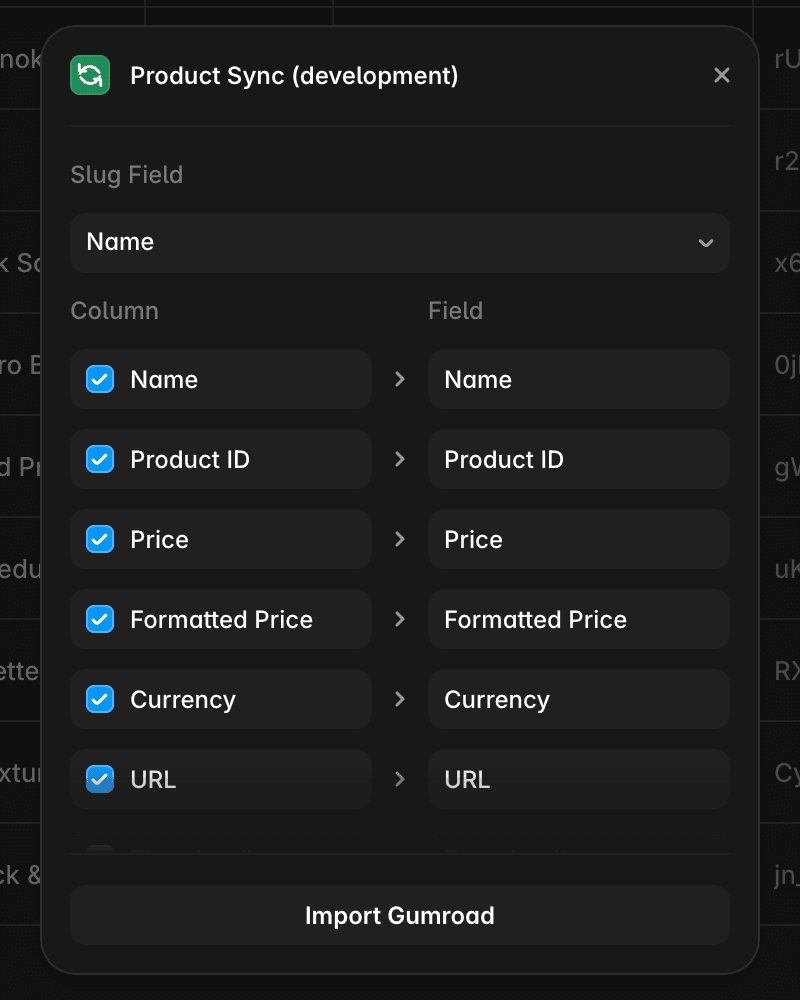
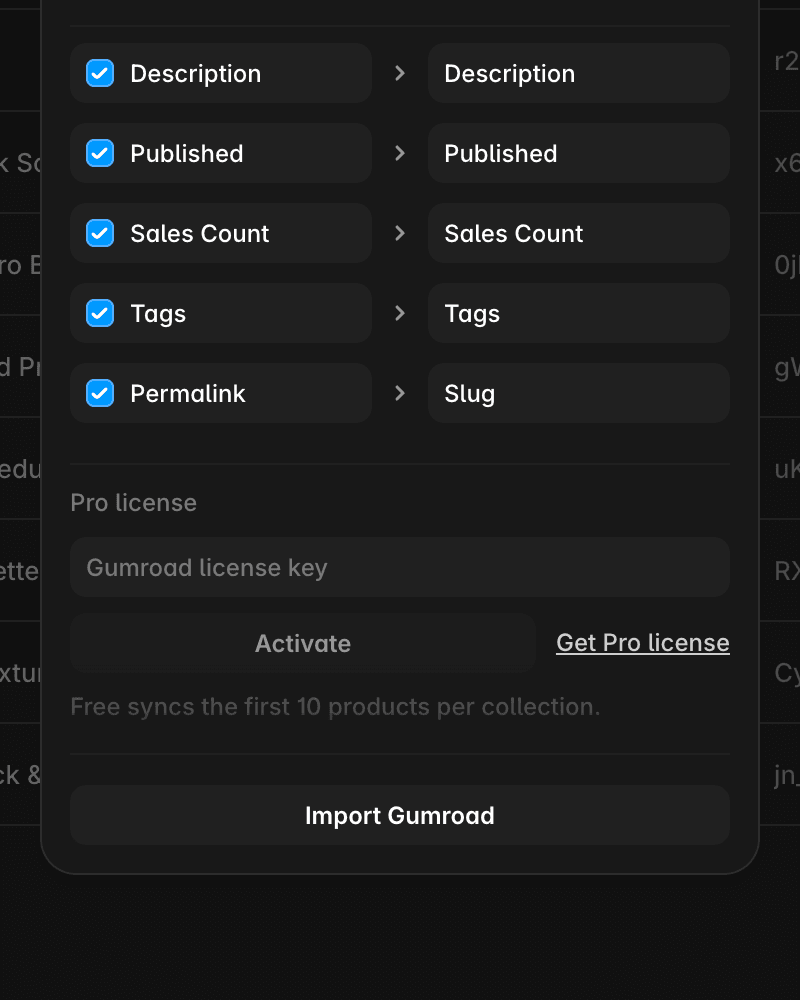
Shipped my first plugin (Product Sync, Gumroad/Polar products into a CMS collection) this week, and the part I didn't expect was the automated security review. Three rounds, each one teaching me something about where secrets are allowed to live in a plugin.
Round 1: I had stored the user's license key in pluginData. Flagged, and rightly so. pluginData is shared with everyone on the project, so a collaborator could read it. Moved it to localStorage, which is per browser and per plugin origin.
Round 2: I kept a tiny "pro is active" marker in pluginData and re-checked the license during every sync. Both flagged. The marker is still shared project state, and the re-check meant a network call with the key on every import. Now the key is verified once when you click Activate, and sync never touches the network for licensing.
Round 3 flagged the token calls themselves (the plugin sends the user's Gumroad/Polar token straight to those APIs, no server of mine in between). That's the same pattern the official CMS starters use, so I wrote back and explained it. A person from the team reviewed it and the plugin was live a few hours later.
What I'd tell past me: treat pluginData as public to the whole project, keep anything secret in localStorage, and keep the number of places a token travels to as small as you can. If you're building a sync plugin, grep your bundle for setPluginData before you submit. Took me three rounds to do that.
Three bugs I only found by testing a carousel on a phone-sized, long page, not in the one-screen preview.
1. Mouse drag moved the cards 13px and stopped. I assumed my pointer math was wrong. The event log said otherwise: pointerdown, then pointercancel. The browser had started a native link drag on the image inside the card and cancelled my pointer. Fix was two lines: draggable="false" on the link and cancel dragstart on the root. 275px after that.
2. After a touch swipe, tapping Next did nothing. My "suppress the click that follows a drag" flag was cleared on the next pointerdown, but the button sits outside the drag surface, so that handler returned early and never cleared it. Moving the reset above the early return fixed it.
3. Pause, then Play, and nothing moved. The Play button kept focus after the mouse click, and my CSS paused the track on :focus-within. Switching to :has(:focus-visible) means keyboard focus still pauses it, mouse clicks don't.
The one that cost the most time was lane phase: with neighbouring lanes starting at different offsets, two cards would overlap for a few seconds every cycle, right around the moment a screenshot gets taken. Starting each lane half a cycle apart from its neighbour cleared it.
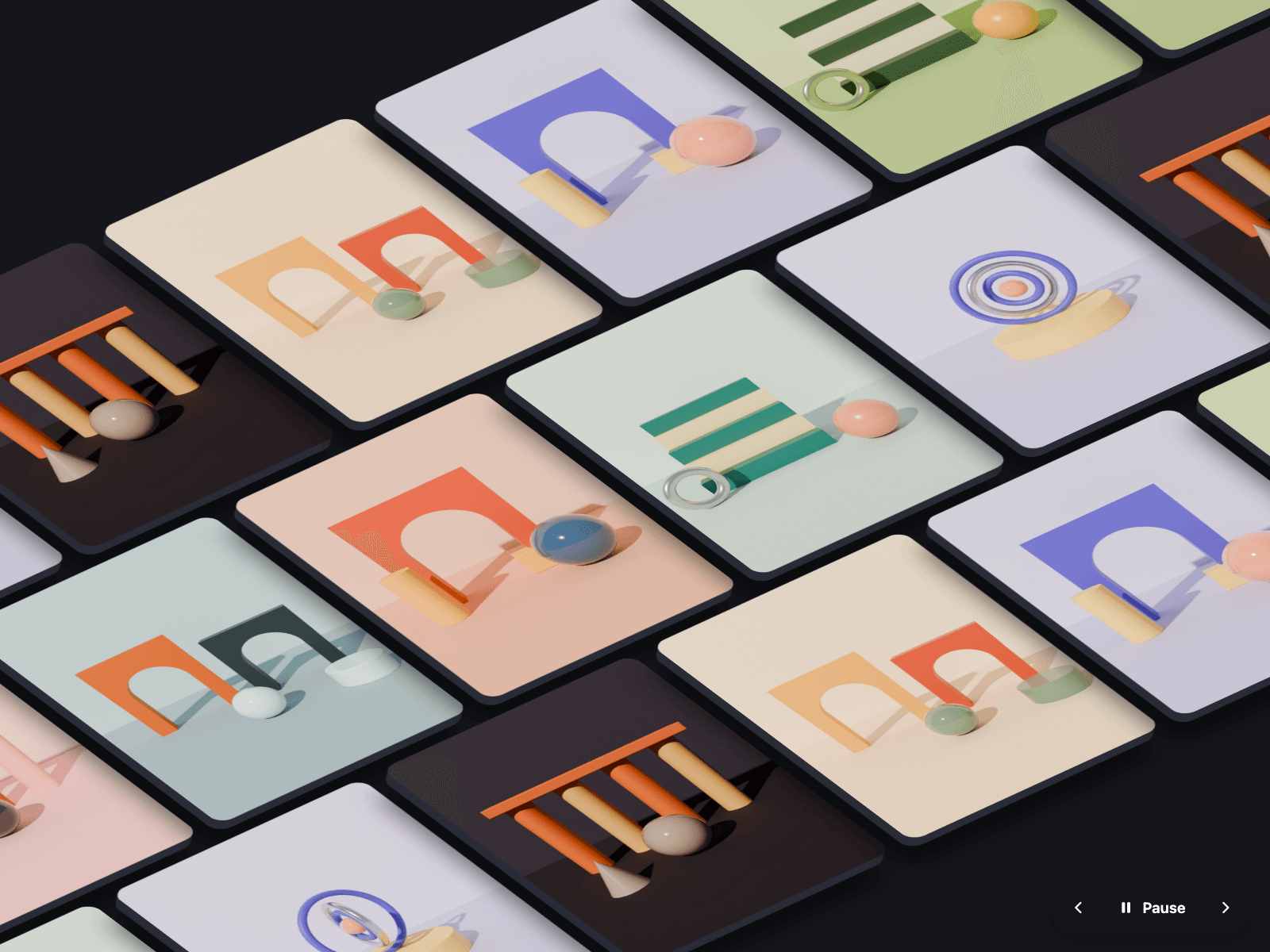
If you ship a carousel (it's the Isometric Carousel in my case): swipe on a real phone, then tap the arrow. Pause it with a mouse, then play. Those two sequences caught more than the whole desktop pass.
A small thing I check on every draggable component now: where does touch-action: none go?
Left: it's on the whole stage. Dragging the sticker works, but a swipe on the empty space around it does nothing. The page scrolled 0px. On a phone that stage is most of the screen, so people just get stuck.
Right: it's only on the sticker, and the stage gets pan-y. Same drag, but the swipe on empty space scrolls the page normally (295px here).
Two more details that made it reliable for me. Use setPointerCapture on the thing you drag, not a listener on window, so the drag doesn't drop when your finger slides off it. And test on a page that's actually long. A one-screen preview hides this completely, because there's nothing to scroll.
If you've got a drag toy or a sticker wall on a site, try swiping the empty bits on your phone.
The pull lamp I posted as a work in progress a few days ago is out now, free. Here's the 15-second version.
A lot of the work went into bugs I made myself, so here they are:
1. The first build swung the wrong way. CSS rotate turns the bottom of the lamp to the left, so when you pulled the cord to the right, the handle slid away from your pointer and the light went the other way. Flipped the angle and the light offset.
2. On a mid-tone background the "off" text was 3.3:1. I now push the text colour away from the background's lightness, which gets those cases to 5.3–5.5:1.
3. In a separate test pass I turned on forced colours (Windows high contrast mode, emulated in Chrome). The cord disappeared, and with the light on, so did the handle, the only thing you can grab. Fixed with system colours for the cord and handle.
4. Same pass: drag the cord with a finger, then press Enter, and the first Enter did nothing. A leftover "ignore the next click" flag from the drag. Now it only ignores the click that comes straight after a drag.
The numbers from the work-in-progress post held up: it settles about 3.5 seconds after a pull, then requests zero animation frames.
One thing I haven't checked yet is a real screen reader. If you use VoiceOver or NVDA and try it, I'd like to hear how the cord reads.
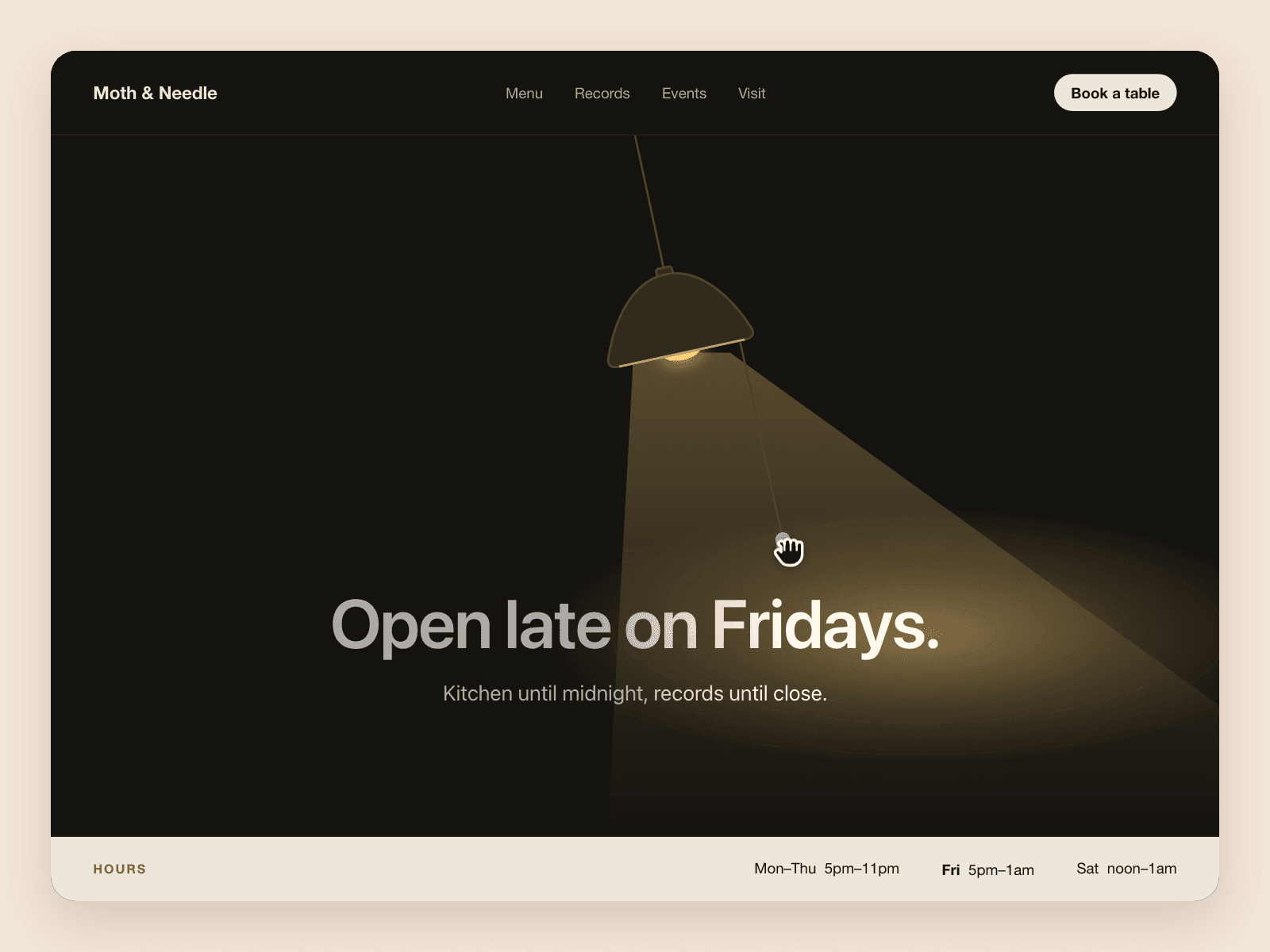
Working on a free component this week: a hanging lamp you pull by the cord.
Pull it and the light comes on, the lamp swings, and the warm spot slides back and forth over the headline underneath. Pull again to turn it off.
Two things I'm testing before it goes out. After you let go it settles and stops drawing in 3.5 to 4 seconds, so it isn't burning CPU on a page nobody's touching. And on a phone, the cord is the only part that grabs your finger. Swipe anywhere else and the page scrolls like normal.
The cord is a real button too, so Tab and Enter work, and screen readers hear "Light is on".
What would you put under it? So far I've tried a 404 page and a "closed for the holidays" banner.
76 listings, 5 sales, $41. Notes from my first three months selling on the marketplace.
First sale took five weeks. Two days after it, the same component got a 1-star review because the font couldn't be changed. That review was right, and it's why every text component I make now has a Font control.
Things I'd check earlier if I started again:
- Buy your own product, or at least open the delivery link a buyer gets. Several of mine pointed at old versions and two pointed at nothing.
- Re-test old listings when you learn something new. On October 1, 19 of my 58 failed my own checklist.
- Look at where you actually rank. I had nothing in the popular top 500, and from the public data each creator seems to appear about once per 20 spots. More listings didn't add visibility for me.
So for the next two weeks I'm making one free component and giving it all the attention. I'll share how it ranks after seven days.
If you've sold on here for a while, what was the first thing that moved your numbers?
Three Framer things I ran into while building a CMS portfolio template.
1. A remix does not copy a form's Send To. The buyer's copy shows the form, but nothing arrives until they set it. So the public preview uses a demo form that sends nothing, and step one in the guide is "set Send To".
2. Avoid id="main" on your own sections. The published page already has an element with that id, so my skip link had two targets. Renaming mine to "content" fixed it.
3. One CMS entry can drive three views. Each project has a Featured switch: it appears in the full index, in a folder of up to three featured projects, and on its own case-study page. Add it once and it shows up in all three.
The template is Mono Folio, a monochrome portfolio for designers, developers and photographers. Live preview: https://tricky-portion-203175.framer.app
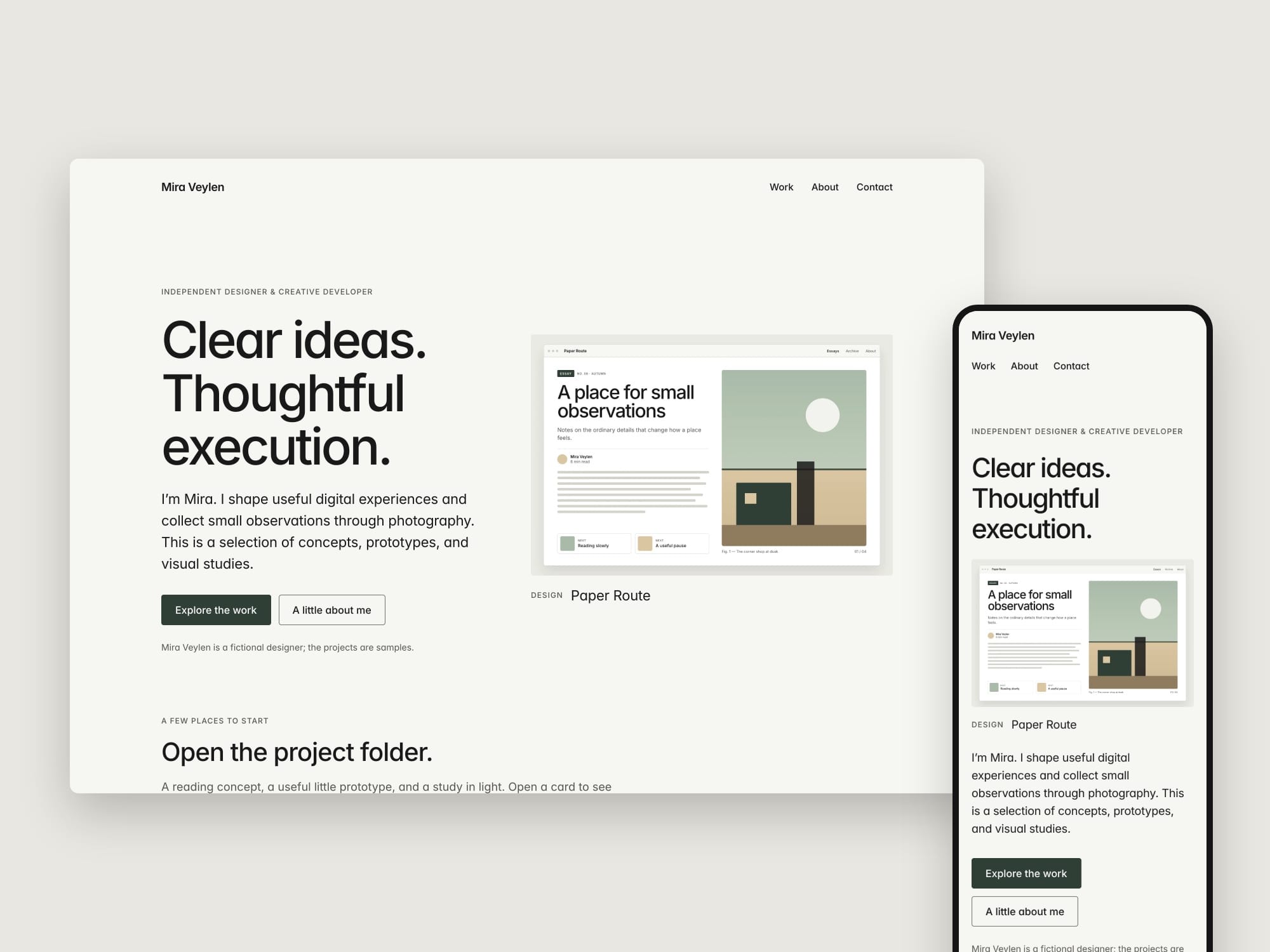
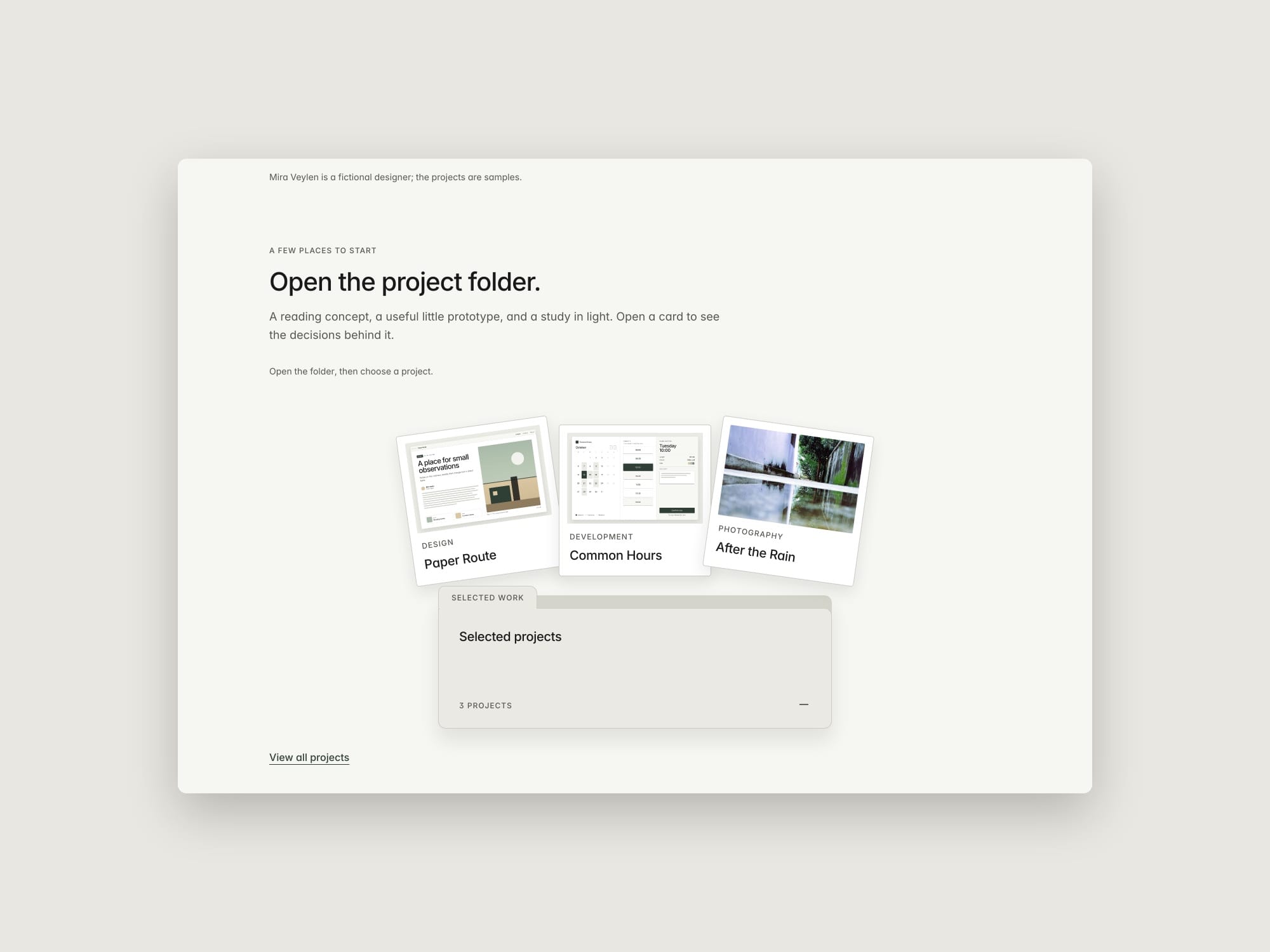
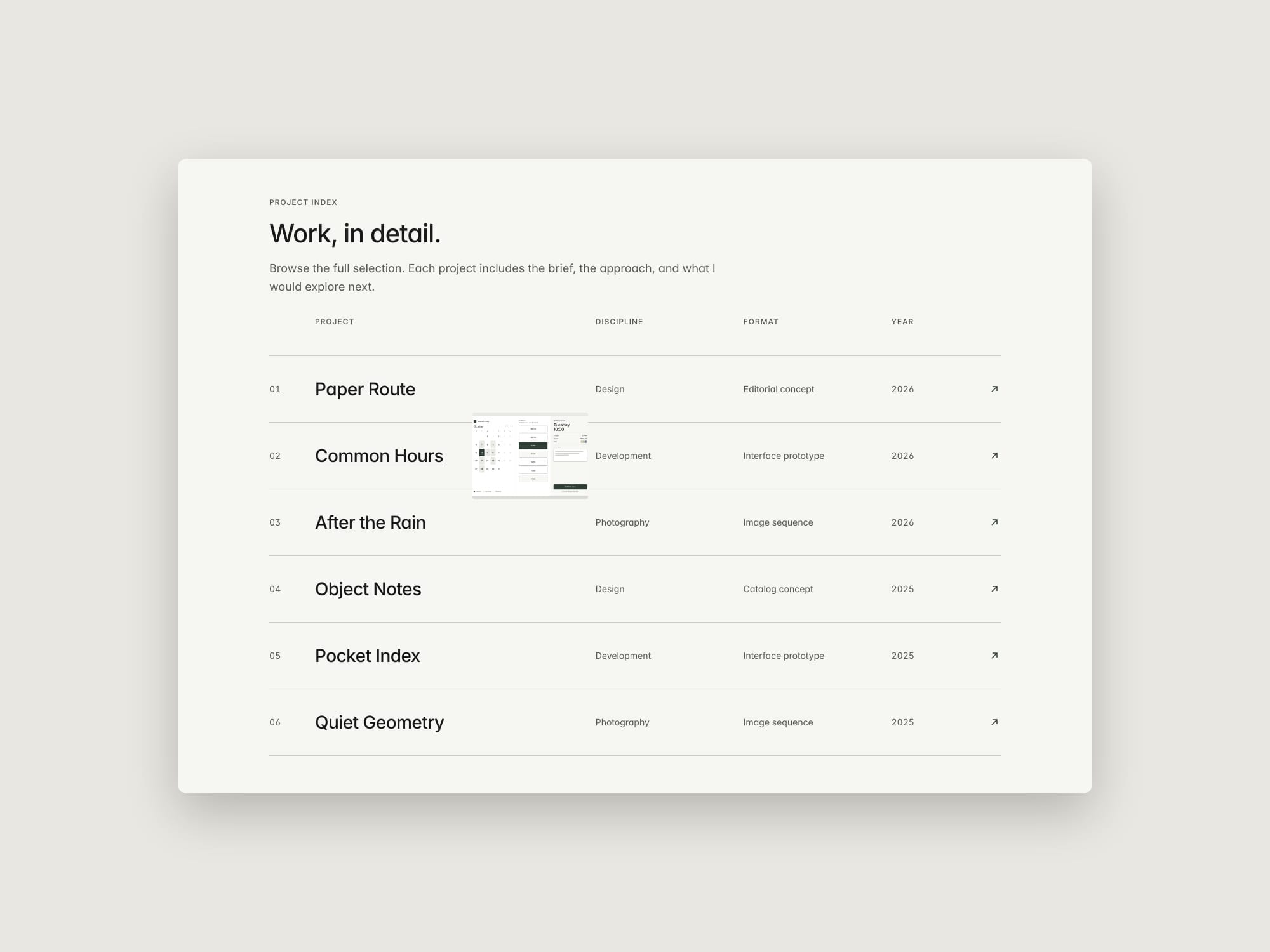
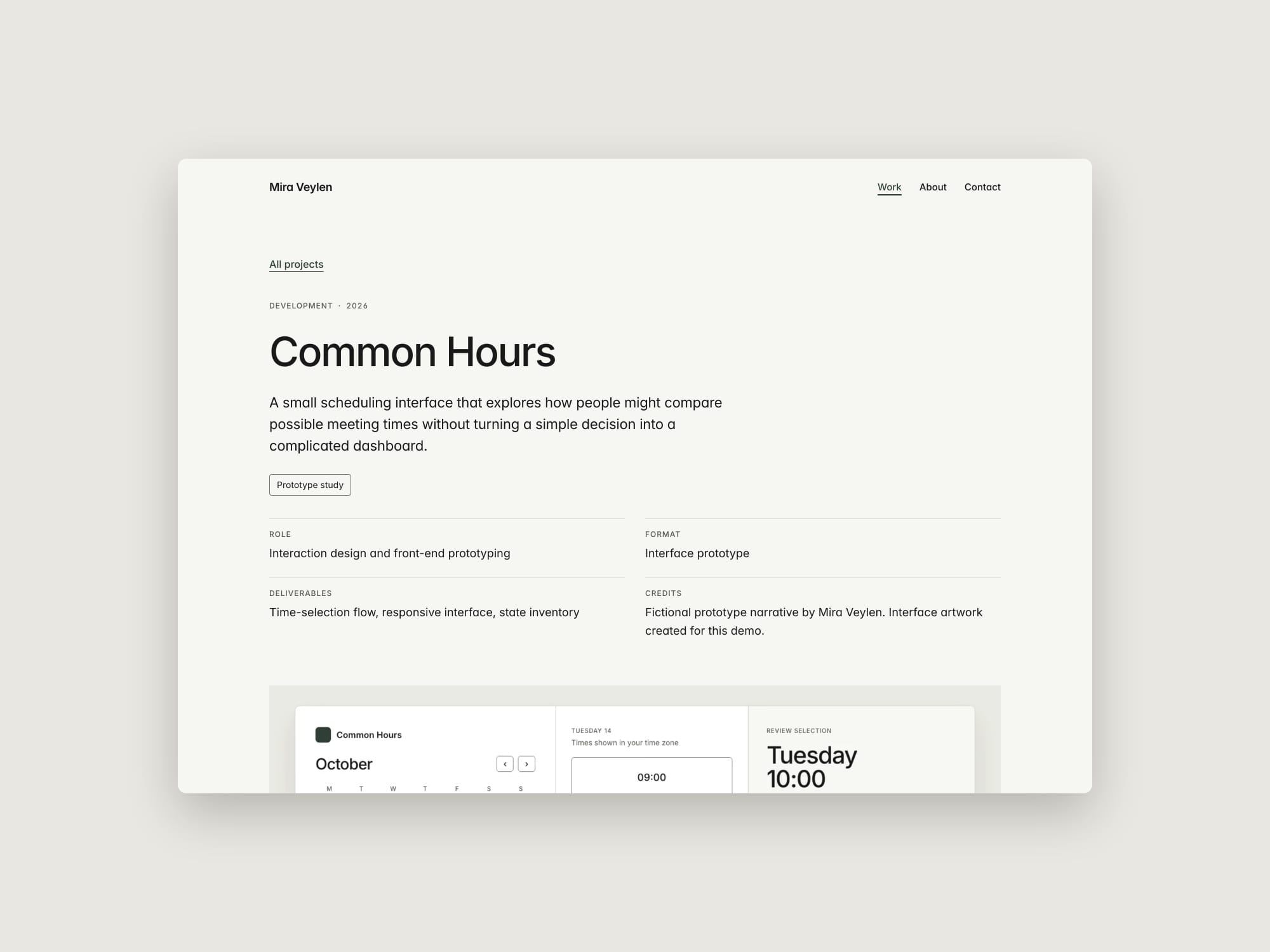
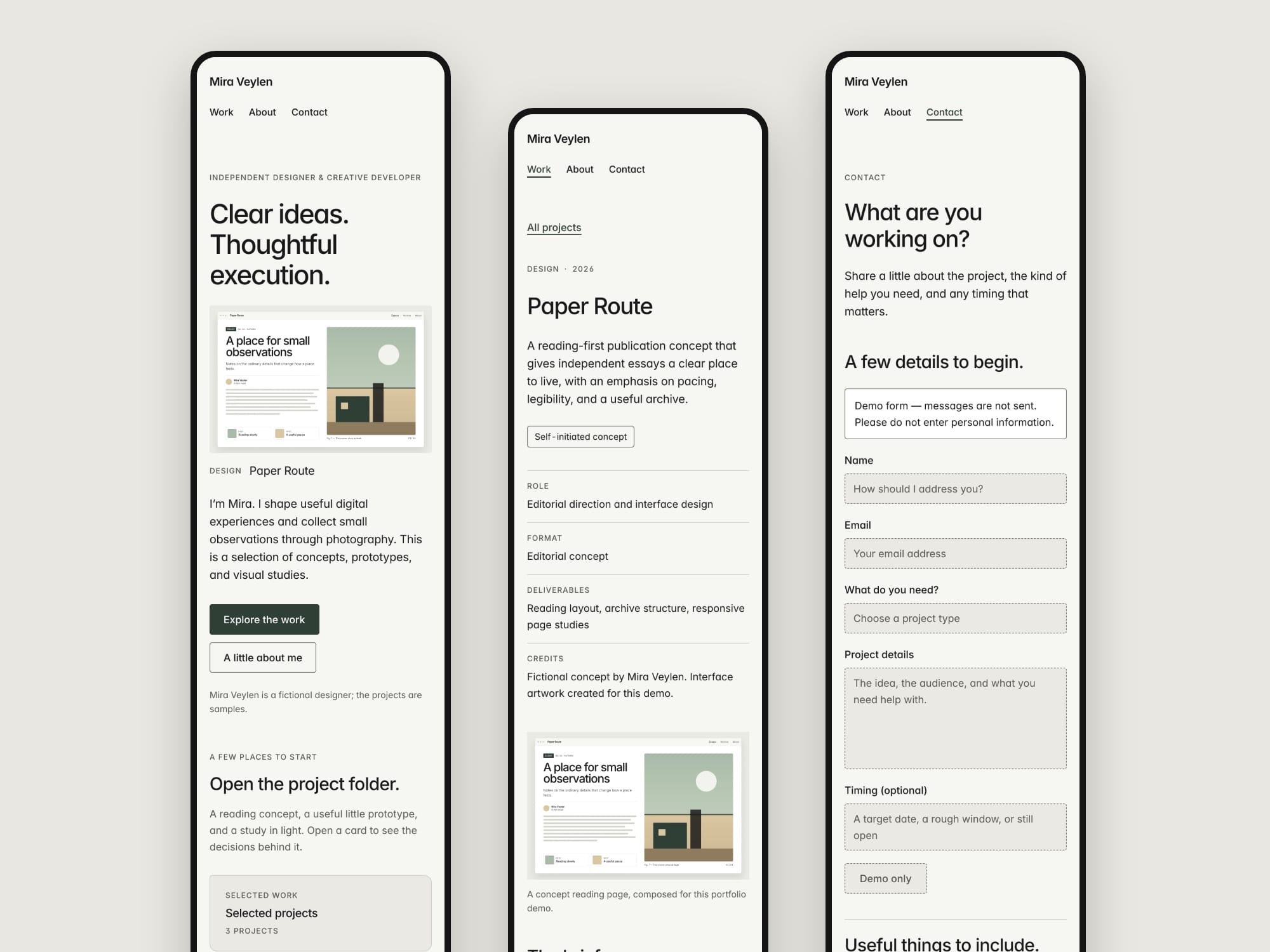
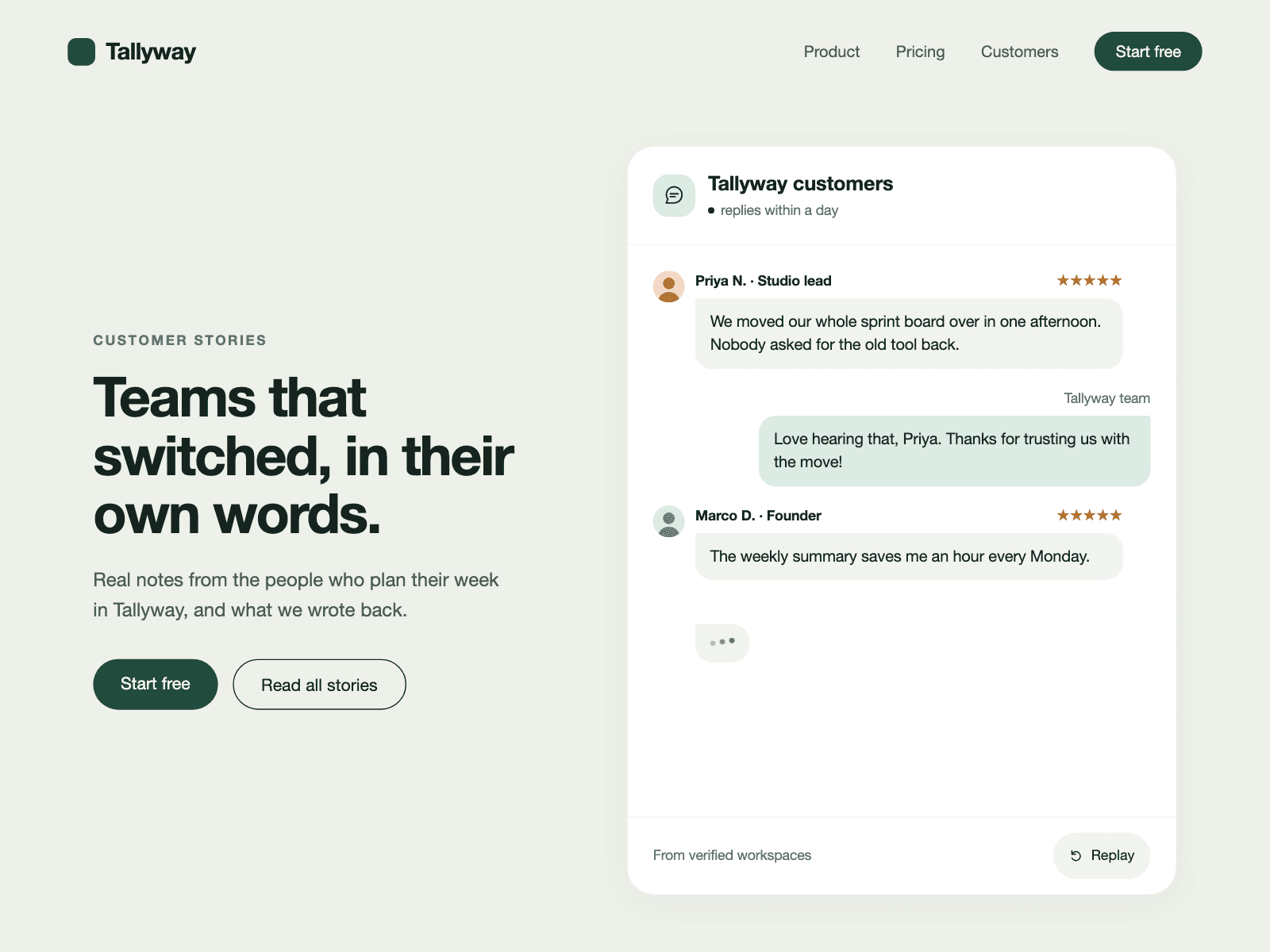
12 new components, each tested at phone width before release.
The bug I fixed most while building them: a swipe area that traps the page. You try to scroll down on a phone and nothing moves. Anything you can swipe in this set still lets the page scroll.
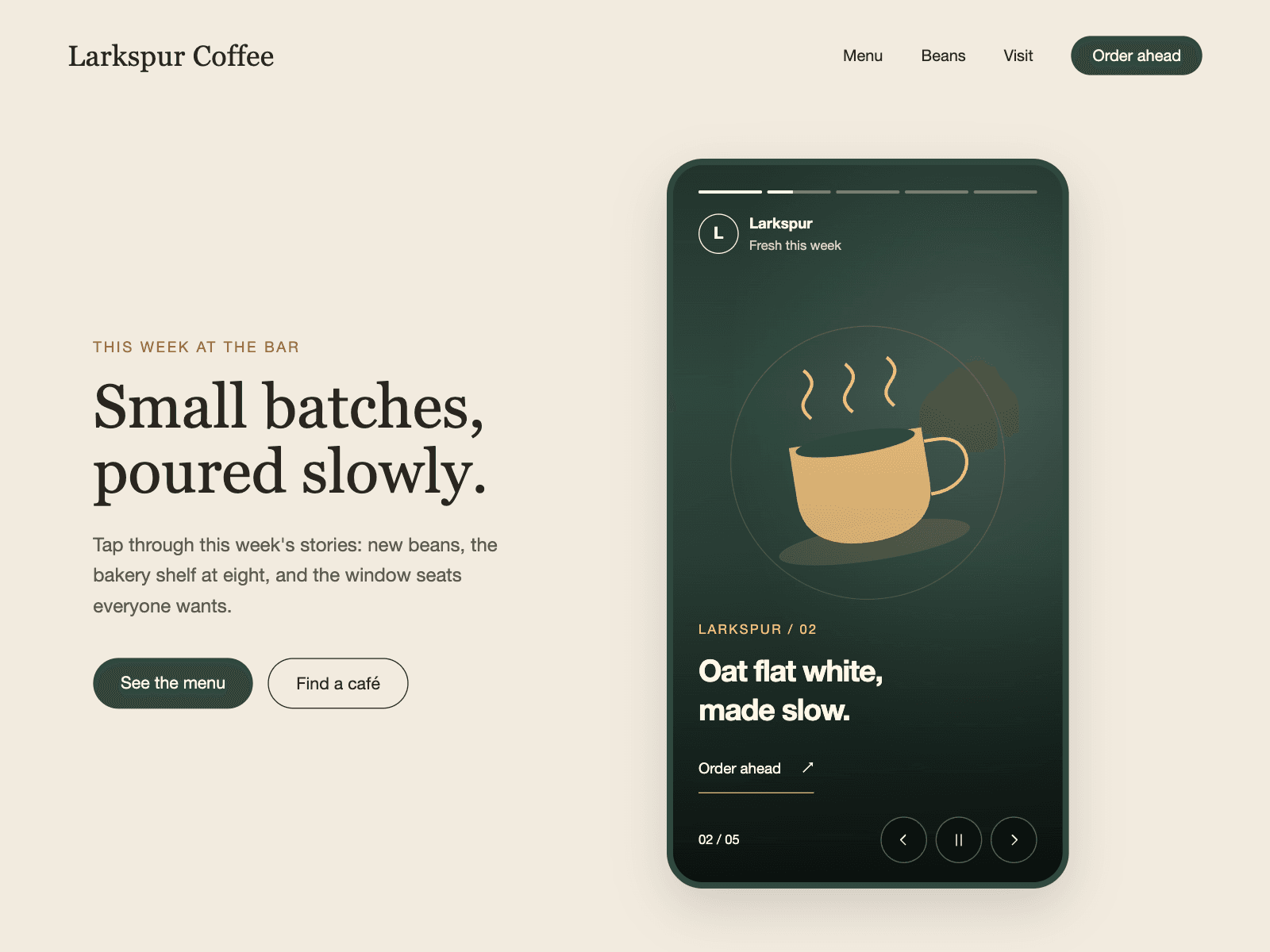
Sections: Crew Grid, Index List, Feature Fold, Story Reel
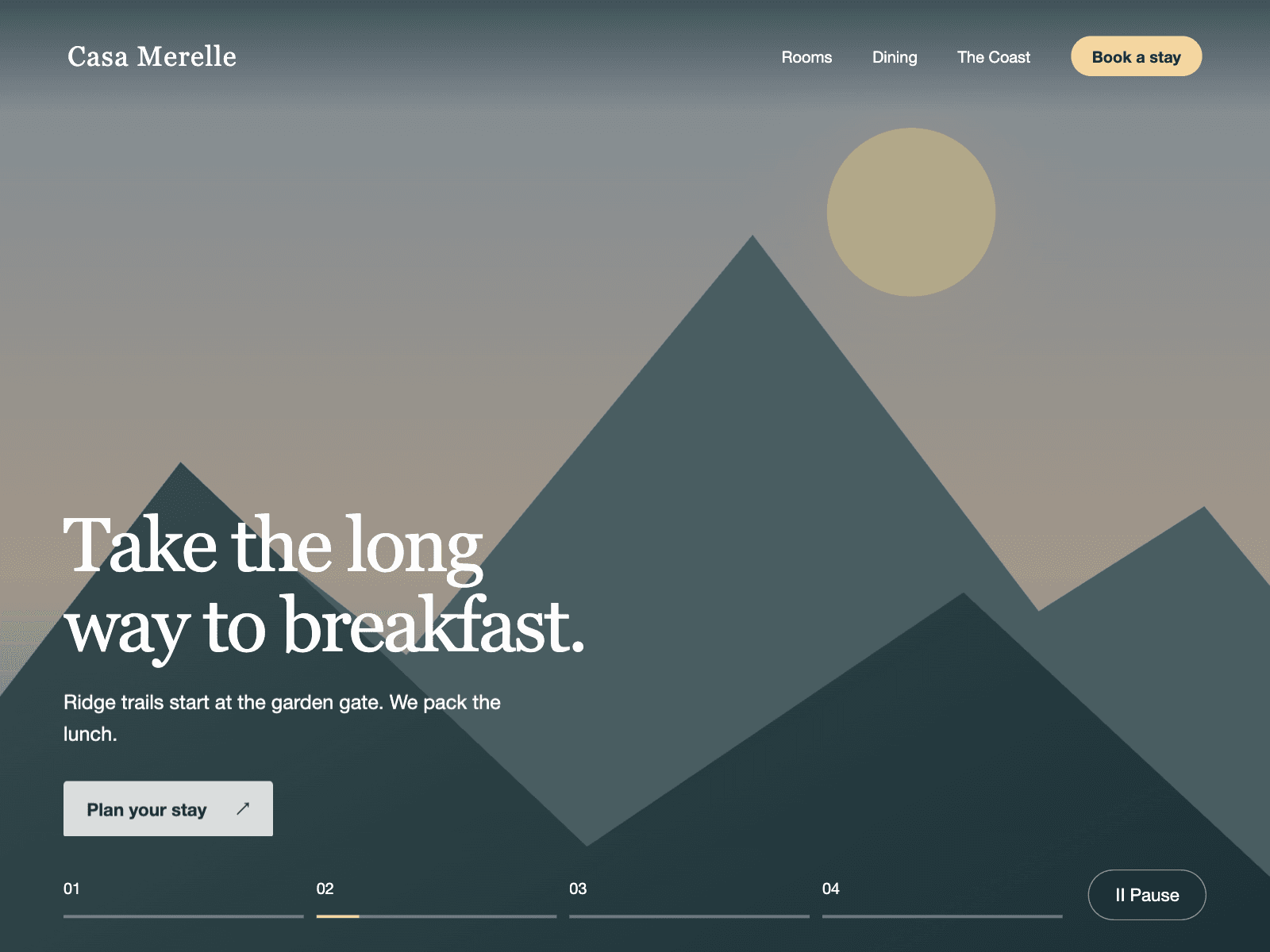
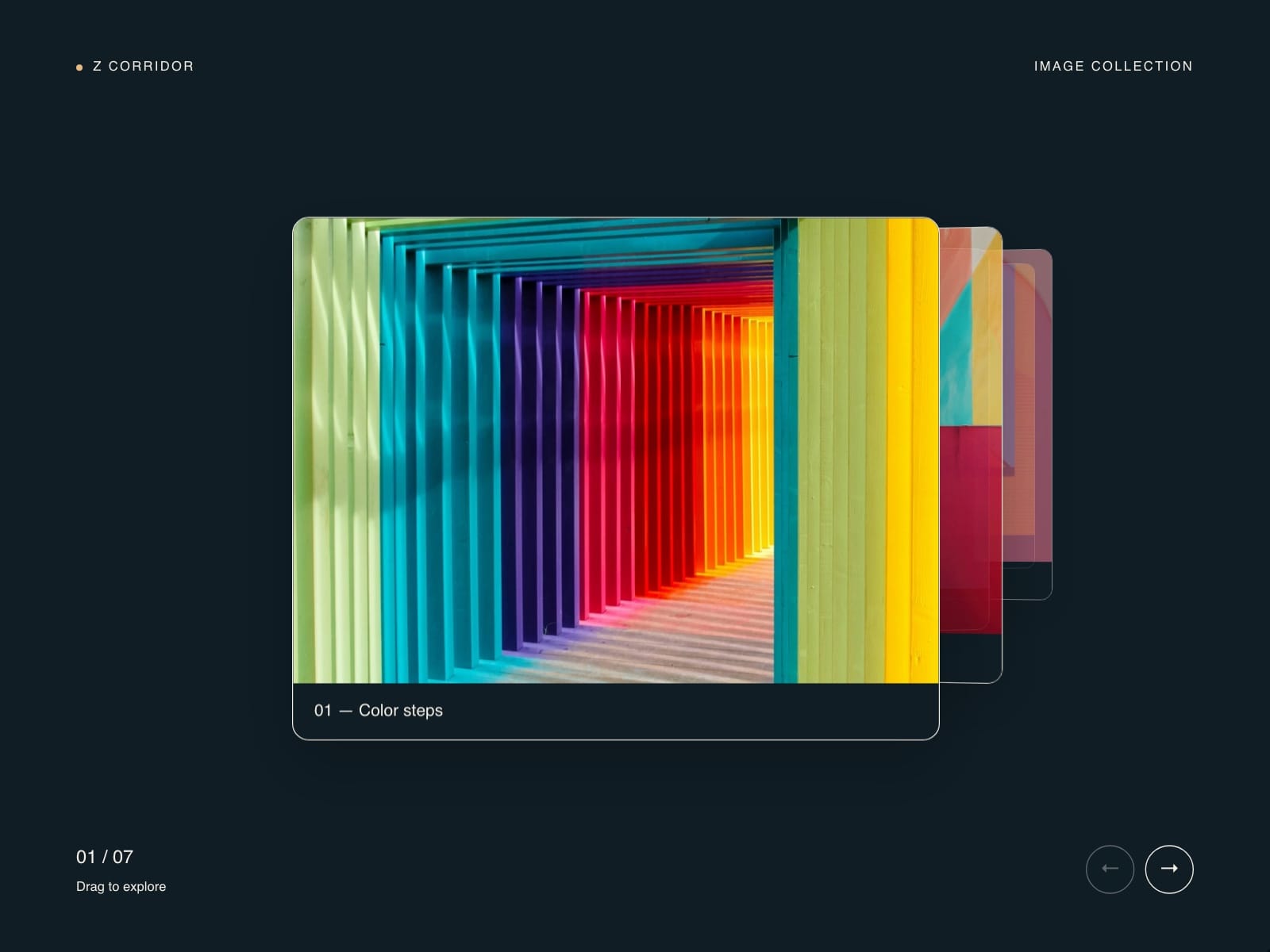
Galleries: Pan Canvas, Z Corridor, Hero Fader, Case Folder
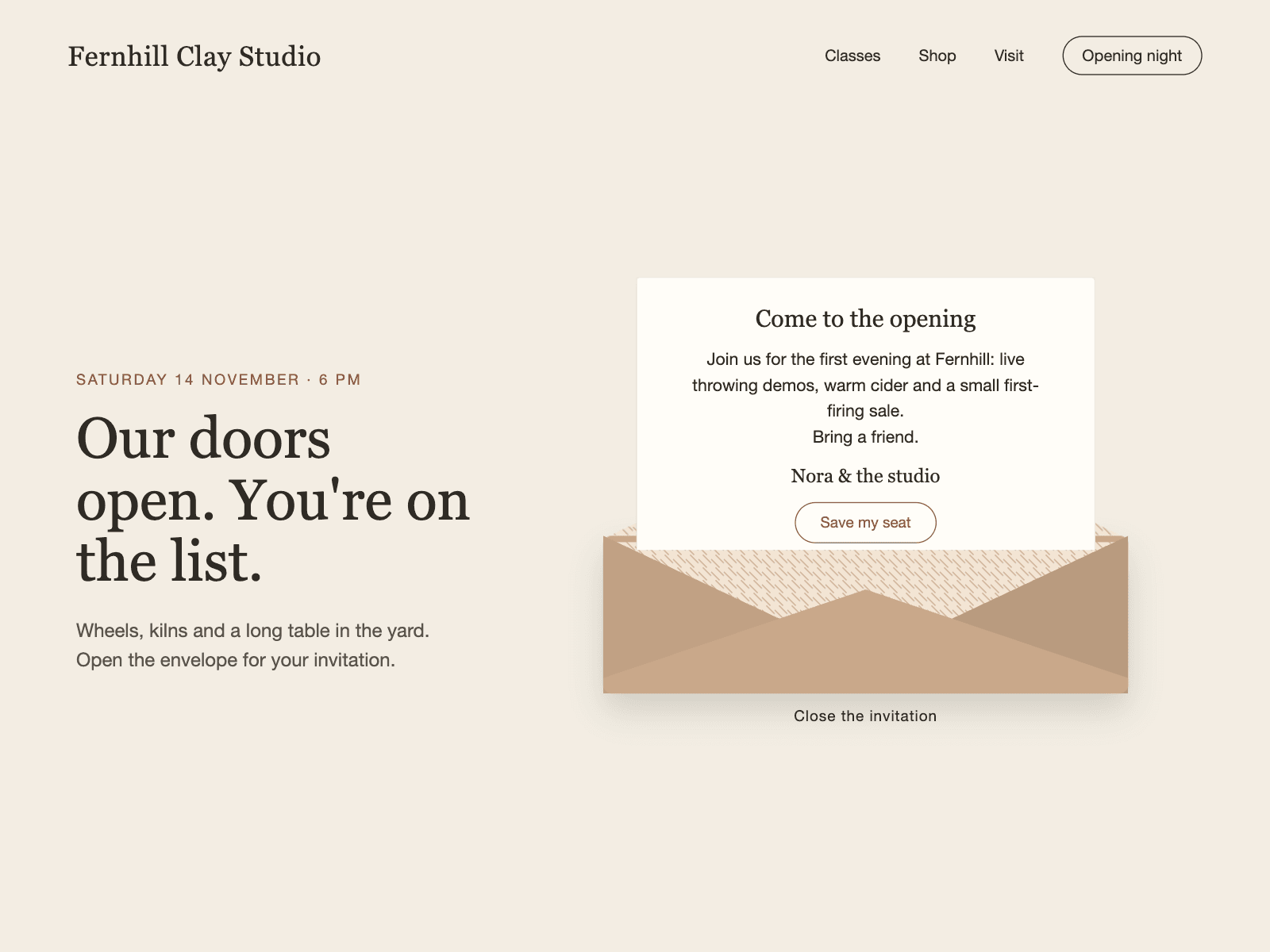
Effects: Caustics, Glass Loupe, Drop Tags, Letter Open
Each has a live preview you can try before buying, $6 to $15.
Find them on my creator page: https://www.framer.com/@ulz-song/