Marketplace
TemplatesComponentsPluginsVectors

    HoverExpand Gallery

    Expand images with smooth hover by piyush vichare

    Show Preview
    HoverExpand Gallery

    About HoverExpand Gallery

    HoverExpand Gallery

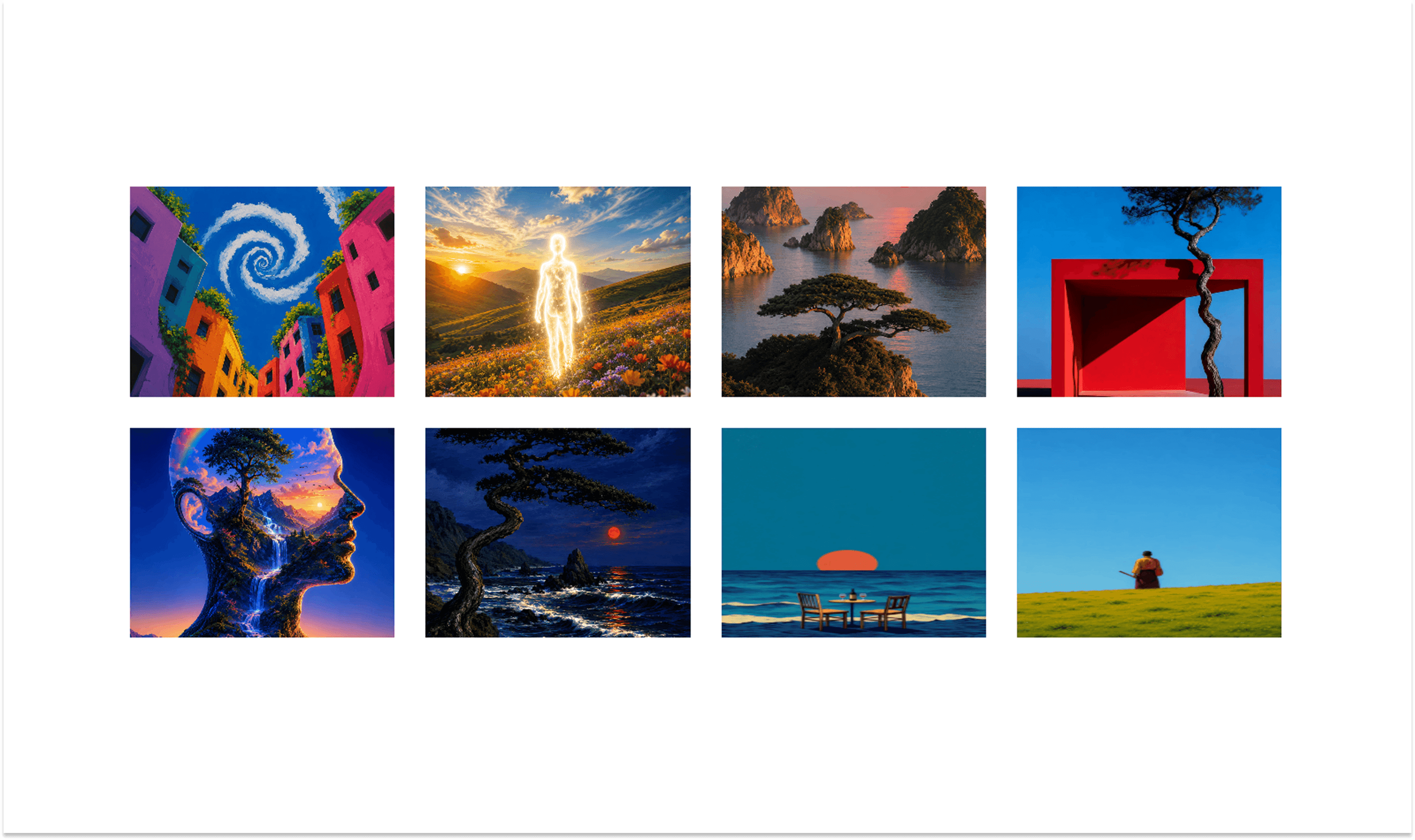
    HoverExpand Gallery is a modern Framer component for creating interactive image galleries with smooth hover expansion. Add up to 6 images and let users focus on each image with a simple, elegant interaction.

    Perfect for portfolios, photography, agencies, fashion, architecture, and creative websites.

    Features

    • Smooth hover expansion

    • Up to 6 images

    • Responsive layout

    • Easy image replacement

    • Clean interactions

    • Minimal setup

    How to Use

    1. Add the Component

    Drag HoverExpand Gallery onto your Framer canvas.

    2. Add Images

    Use the properties panel to add up to 6 images.

    3. Hover Interaction

    Hover over any image to smoothly expand it and bring it into focus. Move away to return to the default layout.

    Tips

    Use high-quality images and keep their visual style consistent for the best results.

    piyush vicharepiyush vichare@piyush-vichare
    Published
    Aug 15, 2026
    Updated
    Aug 15, 2026
    License
    Limited
    Show Preview

    Tags

    • Carousels

    From piyush vichare

    Aura3DCarousel
    Aura3DCarousel
    Component·$5
    CinematicSlideshow
    CinematicSlideshow
    Component·Free
    AutoVideoGallery
    AutoVideoGallery
    Component·Free

    Related Components

    Orbit 360 Image
    Orbit 360 Image
    Component·Free
    3D Service carousel
    3D Service carousel
    Component·Free
    Curved Card Ticker
    Curved Card Ticker
    Component·$5
    piyush vicharepiyush vichare@piyush-vichare
    Published
    Aug 15, 2026
    Updated
    Aug 15, 2026
    License
    Limited
    Show Preview

    Tags

    • Carousels
    Marketplace
    TemplatesComponentsPluginsVectors
    TemplatesComponentsPluginsVectors