About Back to Top Page
Unlock entire Depth library for $149. One price. Lifetime.
--------------------------------------------------------
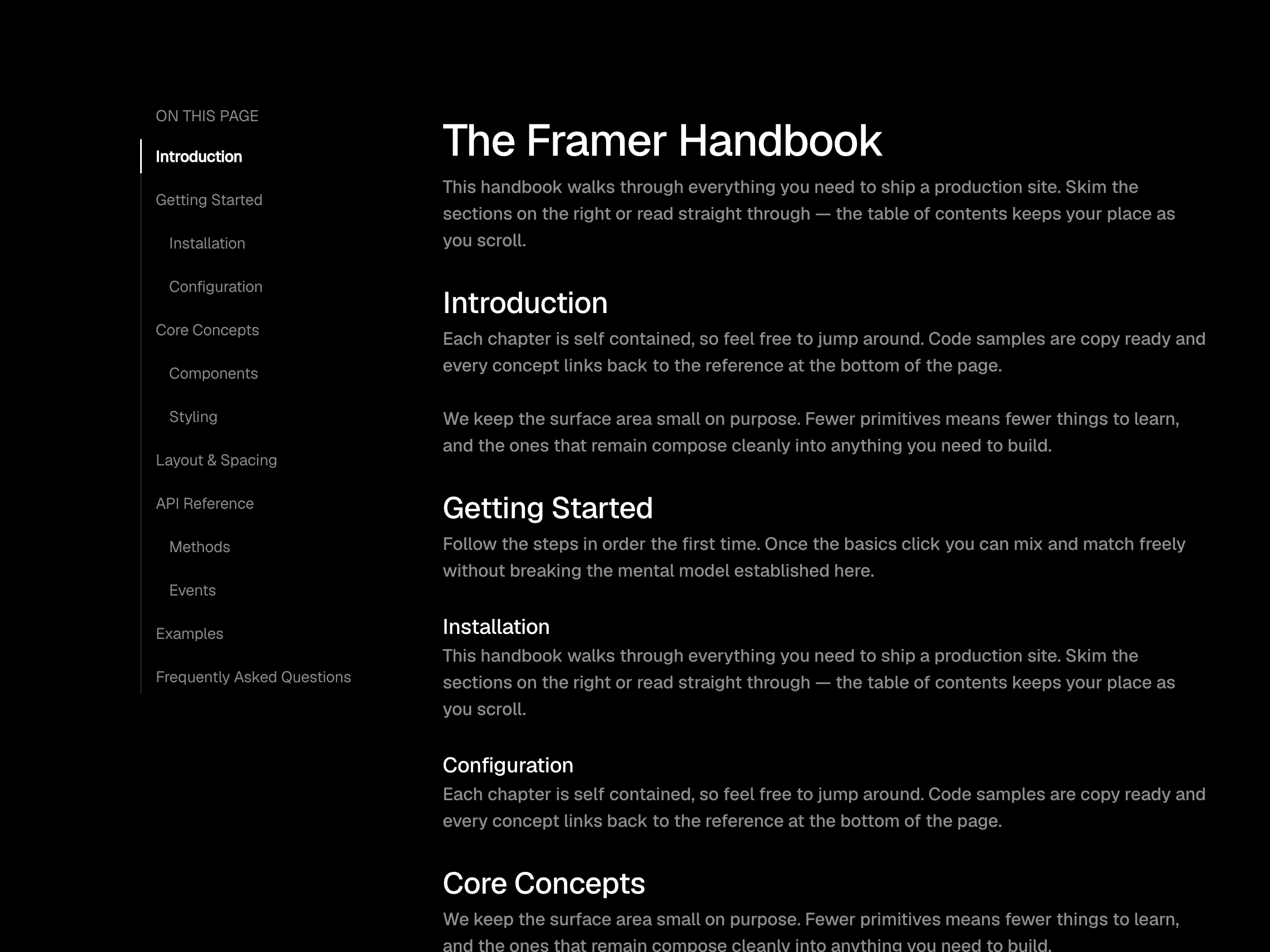
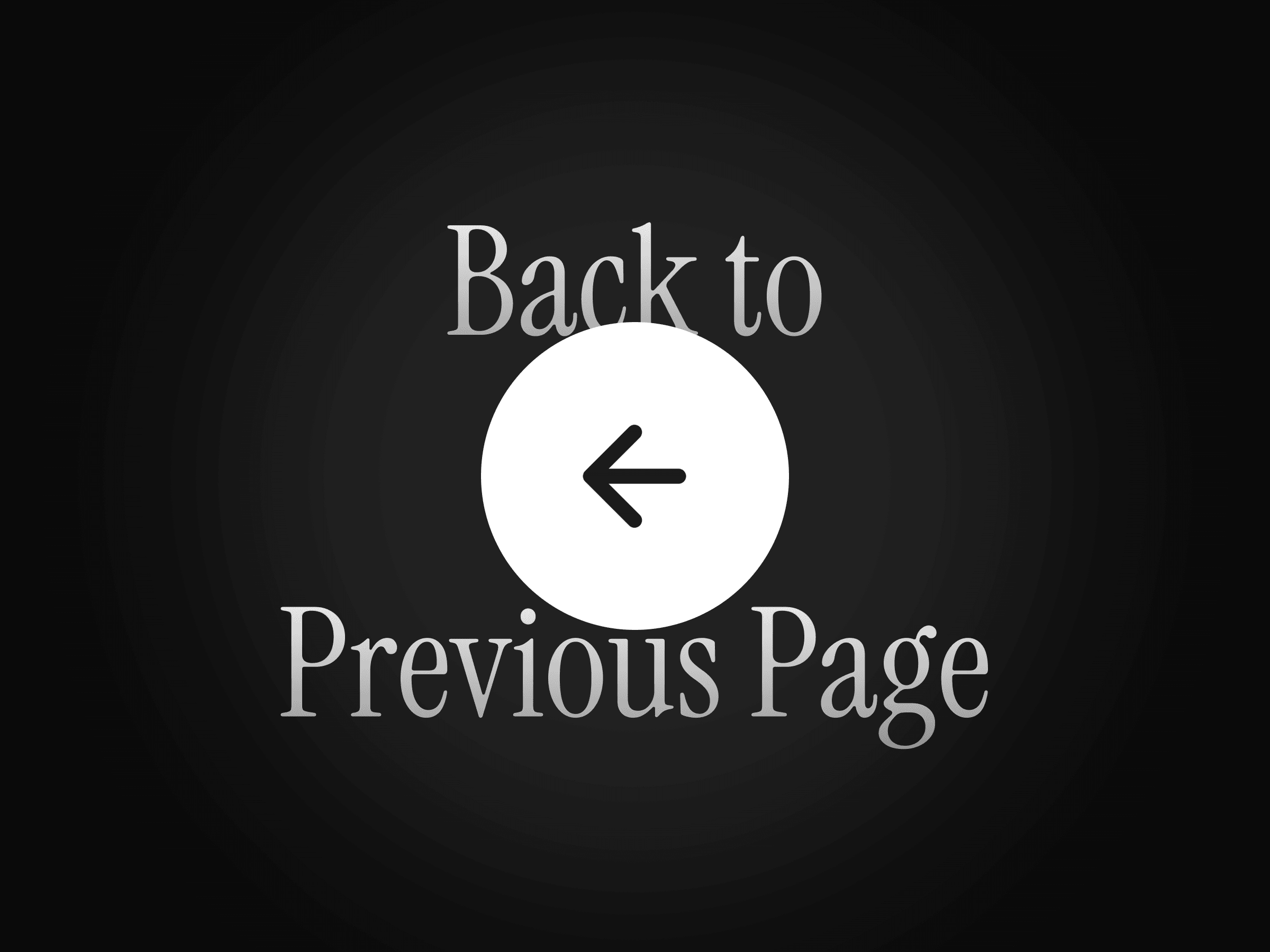
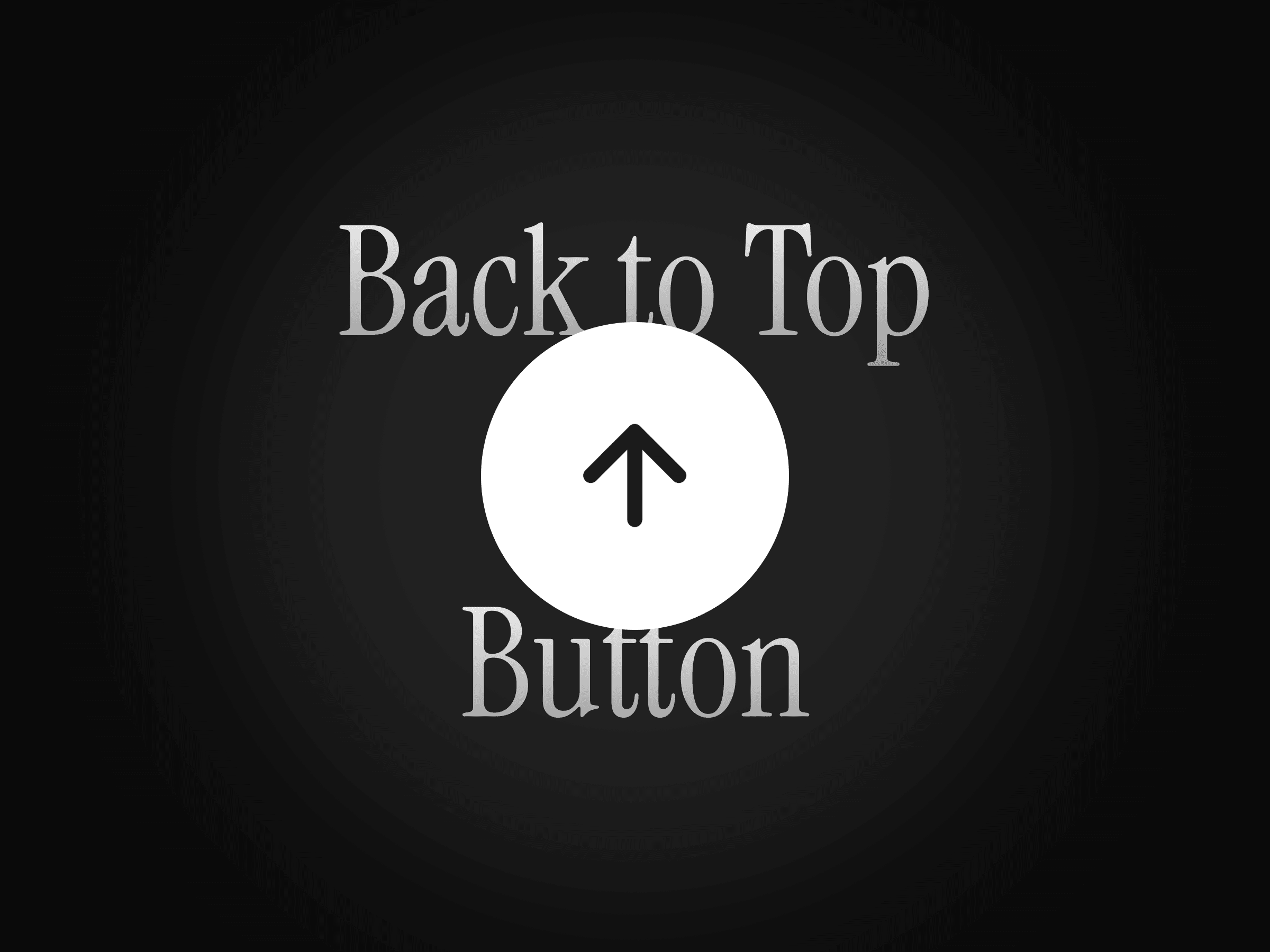
Give visitors a quick and effortless way to return to the beginning of any page. BackToTop stays hidden until the user scrolls past your chosen distance, then appears as a fixed button in the corner of the screen.
Clicking the button smoothly scrolls the page back to the top, making it especially useful for long landing pages, portfolios, blogs, and documentation sites.
How to use
Drop the component anywhere on your page and choose how far the visitor should scroll before the button appears. Customize its position, icon, colors, spacing, and animation directly from the properties panel.
The component automatically stays fixed in the viewport and works across desktop, tablet, and mobile.
Features
Appears automatically after a custom scroll distance
Smoothly scrolls the page back to the top
Arrow and chevron icon styles
Optional custom text label
Adjustable icon size
Custom background and icon colors
Individual or uniform padding controls
Adjustable corner radius
Optional smooth-scrolling behavior
Customizable shadows
Fixed viewport positioning
Responsive across desktop, tablet, and mobile
No setup or coding required
Refund Policy:
Due to the nature of digital products, all sales are final. Once purchased, this component is non-refundable. Please make sure it fits your needs before completing the checkout.
Support: hi@alicorak.com