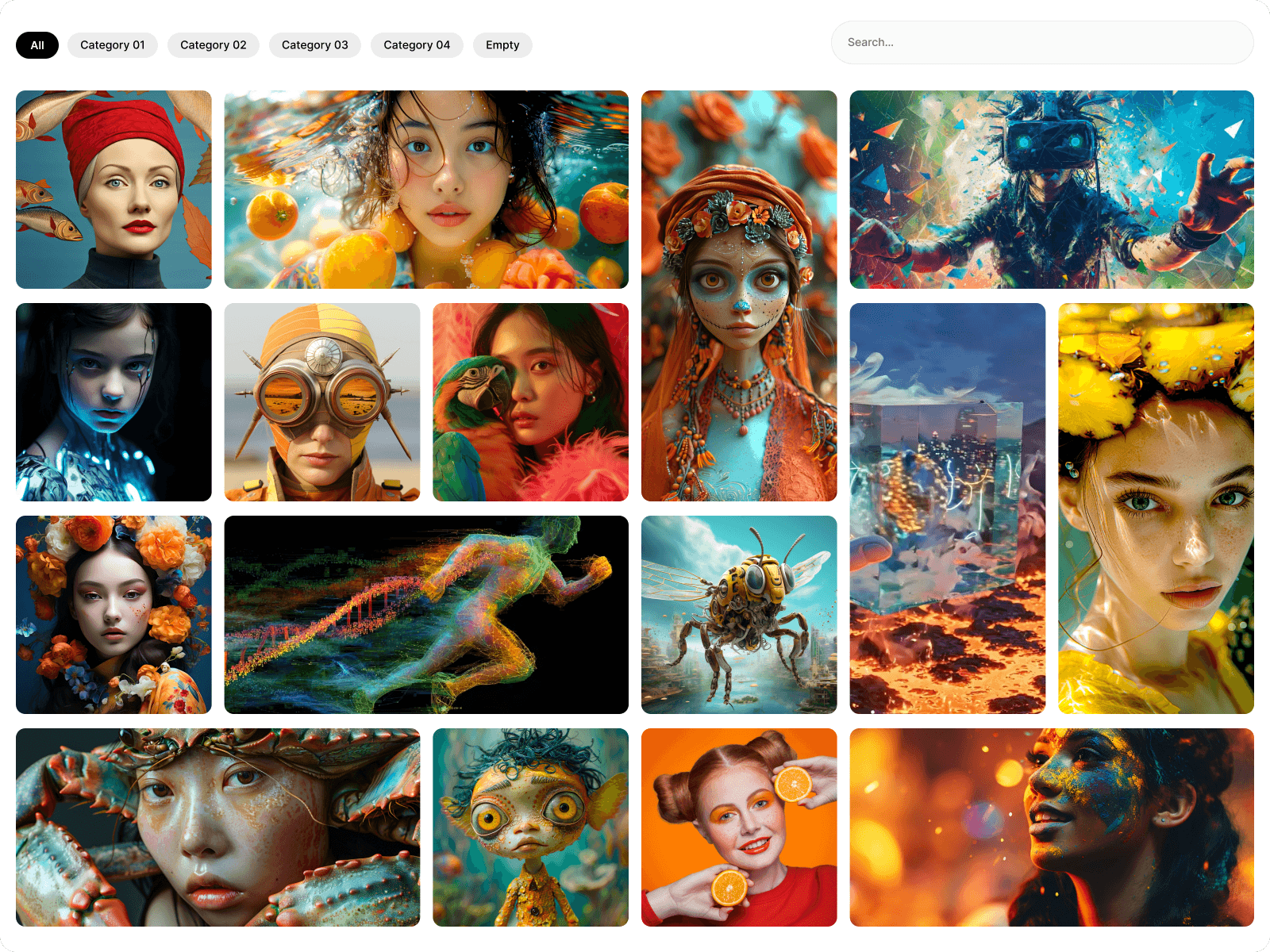
About Filtered Gallery
Filterable & Searchable Lightbox Gallery ⭐
Create beautiful, interactive media experiences with Filtered Gallery—an all-in-one Framer gallery component featuring Category Filtering, Live Search, Masonry Layouts, Lightbox, Sliders, Autoplay, Video Support, Item Titles & Descriptions, and keyboard accessibility. Perfect for portfolios, agencies, photographers, products, case studies, documentation, directories, and creative websites.
✨ Features
Interactive category filtering with smooth transitions
Live search to instantly find gallery items
Custom title and description for every gallery item
Beautiful responsive masonry grid
Adjustable column count for desktop, tablet, and mobile
Built-in lightbox for immersive fullscreen viewing
Supports both images and videos
YouTube video support
Image & media slider
Optional autoplay slider
Touch and swipe gestures for mobile devices
Keyboard navigation inside the lightbox
Keyboard accessibility for gallery tiles
Responsive layout across all screen sizes
Fast, lightweight, and optimized for performance
Clean animations with a premium user experience
Fully customizable styling inside Framer
No coding required
Easy drag-and-drop setup
⚙ Customization
Number of masonry columns
Gallery spacing
Filter categories
Enable or disable the search bar
Customize item titles and descriptions
Border radius
Image aspect ratios
Lightbox behavior
Slider settings
Autoplay speed
Animation timing
Responsive breakpoints
Colors and styling
📦 How to Use
Purchase the component.
Receive the Component URL.
Paste it into your Framer project.
Add images, videos, or YouTube links.
Add a title and description to each gallery item (optional).
Create filter categories.
Enable search to let visitors quickly find gallery items.
Customize the layout and publish.


