About From → To
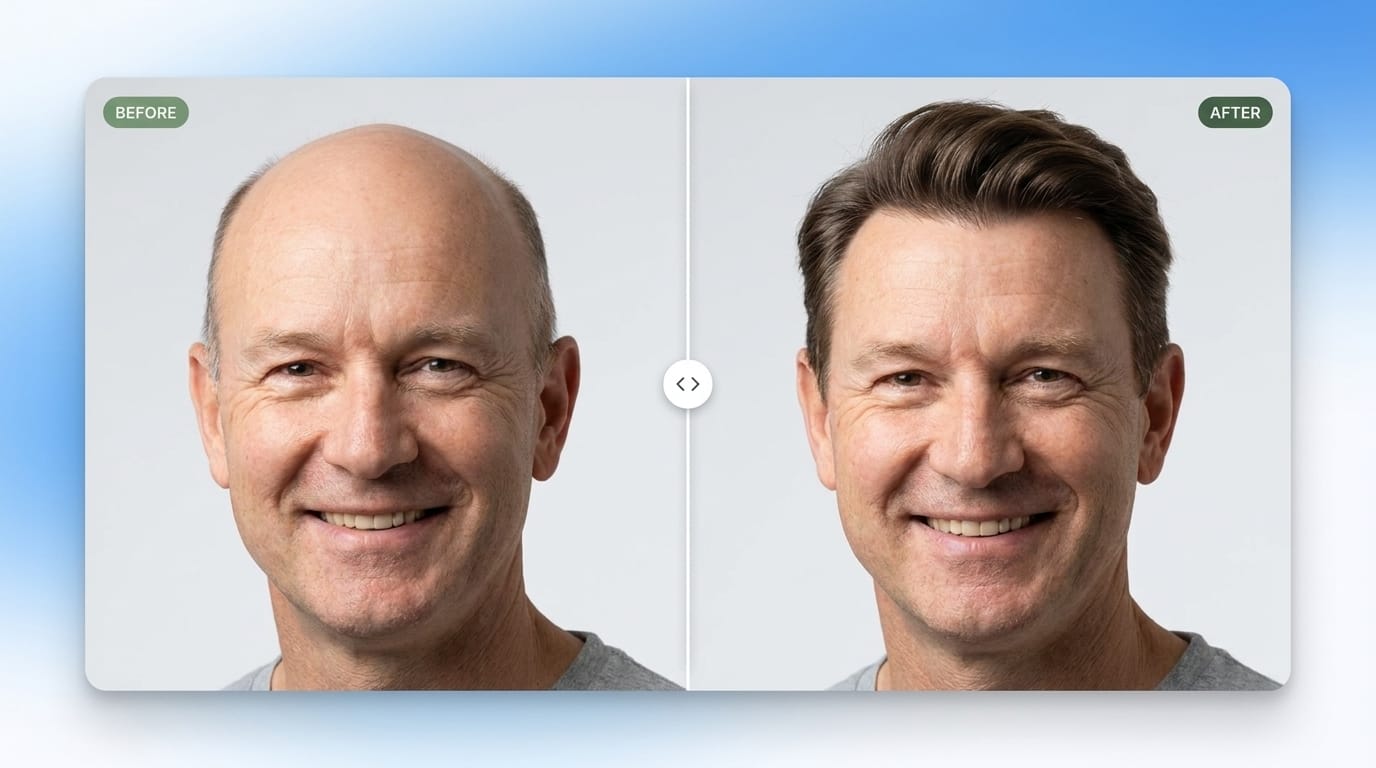
Before & After Comparison
Before & After Comparison is a premium interactive Framer component designed to showcase visual transformations with a smooth and intuitive comparison experience. Users can drag the handle across the image to reveal the Before and After states, making differences instantly clear and engaging.
Key Features
Interactive image comparison Compare two visual states using a smooth draggable slider that reveals the Before and After images.
Customizable images Easily add and replace the Before and After visuals directly through the component controls.
Customizable labels Add and customize Before and After labels to clearly communicate each side of the comparison.
Adjustable slider Control the initial slider position to define exactly how much of each image is visible when the component loads.
Custom handle Customize the comparison handle with adjustable size, shape, and styling to match your design.
Flexible layout Choose how the comparison is displayed with flexible layout and image-fit controls for different design needs.
Smooth animation Fine-tune the animation behavior and transition settings for a polished and responsive interaction.
Responsive design Designed to work seamlessly across Desktop, Tablet, and Phone layouts.
Accessibility support Includes customizable accessibility settings to help make the comparison experience more accessible.
Fully customizable Adjust images, labels, slider position, handle, layout, animation, and accessibility settings directly through native Framer Property Controls.
No code required Everything can be configured directly inside Framer without editing the component code.
Need help or have a question?
Feel free to reach out anytime: