About Stickr
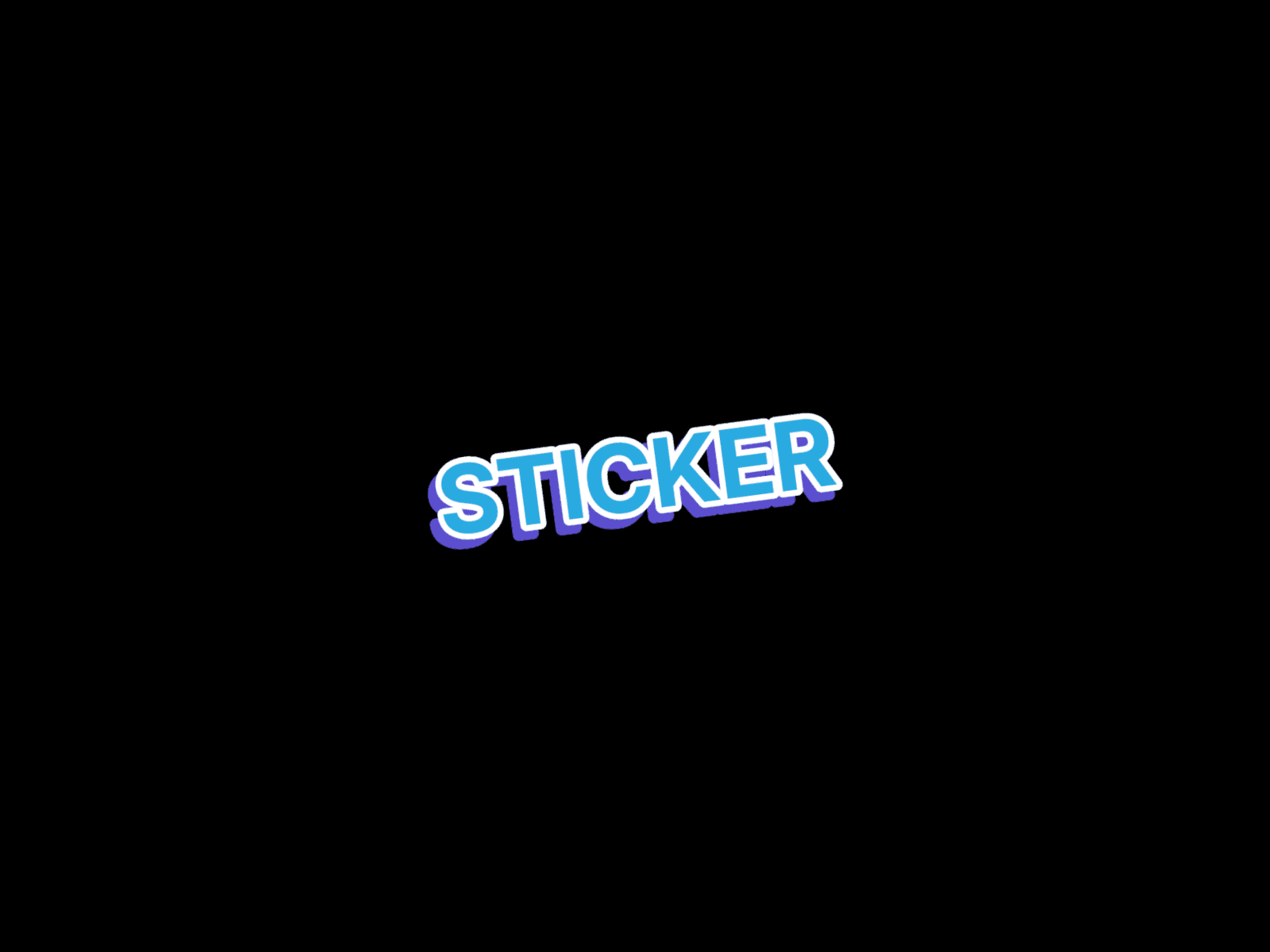
Stickr is a lightweight typography component that turns any heading into a bold, die-cut sticker label, a thick outline stroke, a punchy offset shadow, and a playful tilt, just like a hand-pressed sticker peeled off a sheet.
Perfect for hero sections, playful brand sites, product launches, kids' or lifestyle brands, portfolio intros, or any layout that wants one word to pop off the page.
Purpose & Usage
This component is intentionally designed as a non-interactive text element. It is not meant to function as a button or a navigation link, even though the bold styling may visually resemble interactive UI.
Use it for:
Hero headings
Sticker-style badges and callouts
Decorative intro text
If users want to use it as a link, they can wrap it inside a link container but the component itself is optimized for styling text only, not triggering actions.
Customization
Easily customize text, fill color, stroke color and width, shadow color, shadow angle and distance, rotation, text size, and fonts directly from the Framer edit panel. The offset shadow uses a true drop-shadow filter (not a flat text-shadow), so it follows the exact shape of the stroked text for a clean, authentic cutout look at any size.