About Swipe Images
Unlock entire Depth library for $149. One price. Lifetime.
--------------------------------------------------------
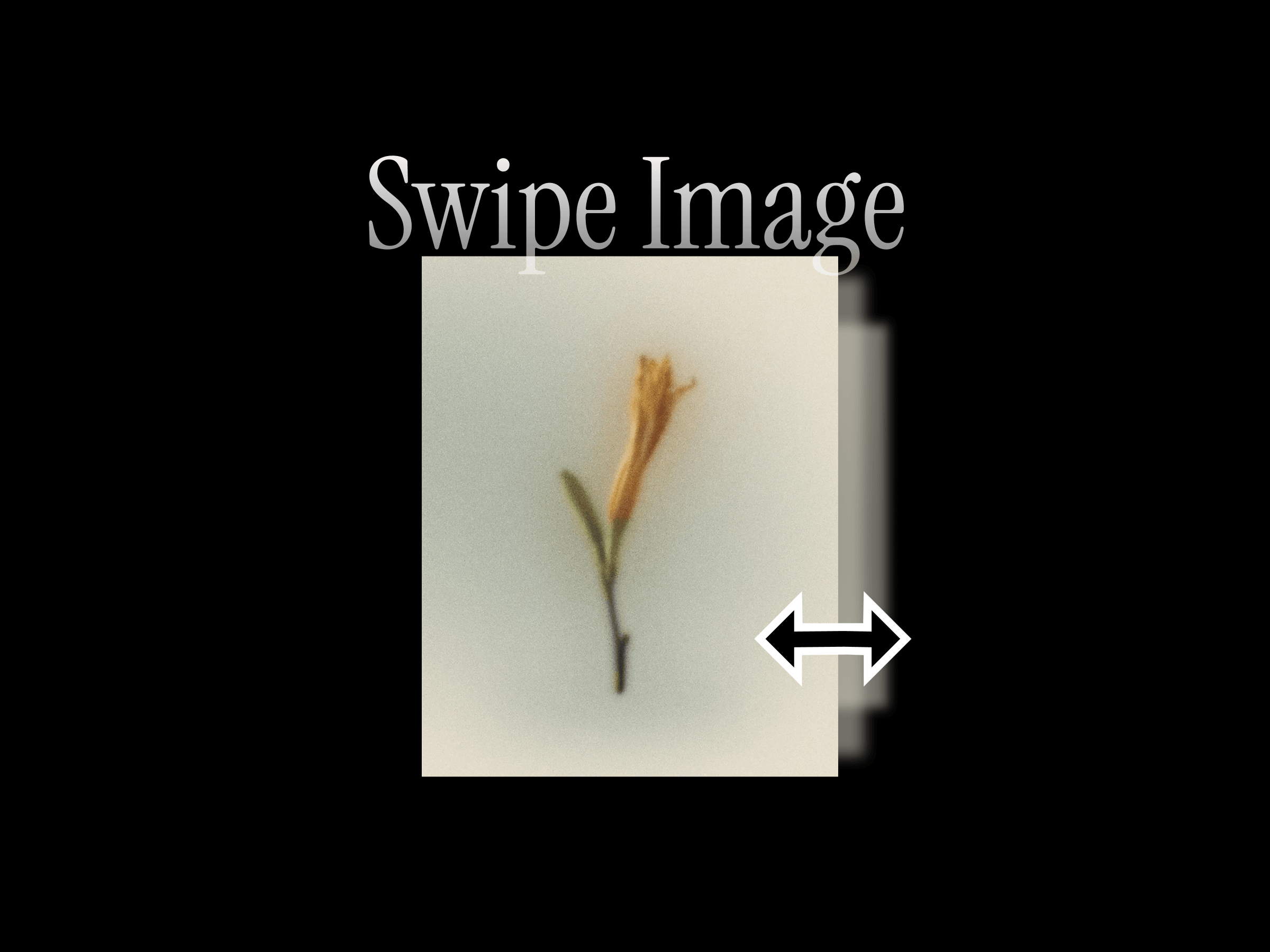
Turn a group of images into an interactive swipe-based gallery. Swipe Images lets visitors move through multiple images by dragging or swiping, making it a simple and engaging way to present product shots, previews, before/after states, or visual variations.
It works especially well for portfolios, showcases, case studies, and product pages where you want several images to live in a single compact frame.
How to use
Drop the component onto your page and add your images from the properties panel. Visitors can then swipe or drag through the image set to explore each item.
You can choose whether the gallery resets to the first image when the cursor leaves or keeps the current image in view. Customize the image fit, corner radius, cursor style, and indicator visibility directly from the properties panel.
Features
Swipe through multiple images in one frame
Add and manage images from the properties panel
Supports drag and swipe interaction
Choose whether the gallery resets or keeps its state on leave
Cover and contain fit options
Adjustable corner radius
Custom cursor styles
Optional progress / image indicator
Great for product galleries, portfolios, and visual comparisons
Responsive across desktop, tablet, and mobile
No setup or coding required
Refund Policy:
Due to the nature of digital products, all sales are final. Once purchased, this component is non-refundable. Please make sure it fits your needs before completing the checkout.
Support: hi@alicorak.com


