About Inletbase
Connect your Framer site to Inletbase to collect form submissions and add an AI chatbot to your website. No coding or manual API keys needed.
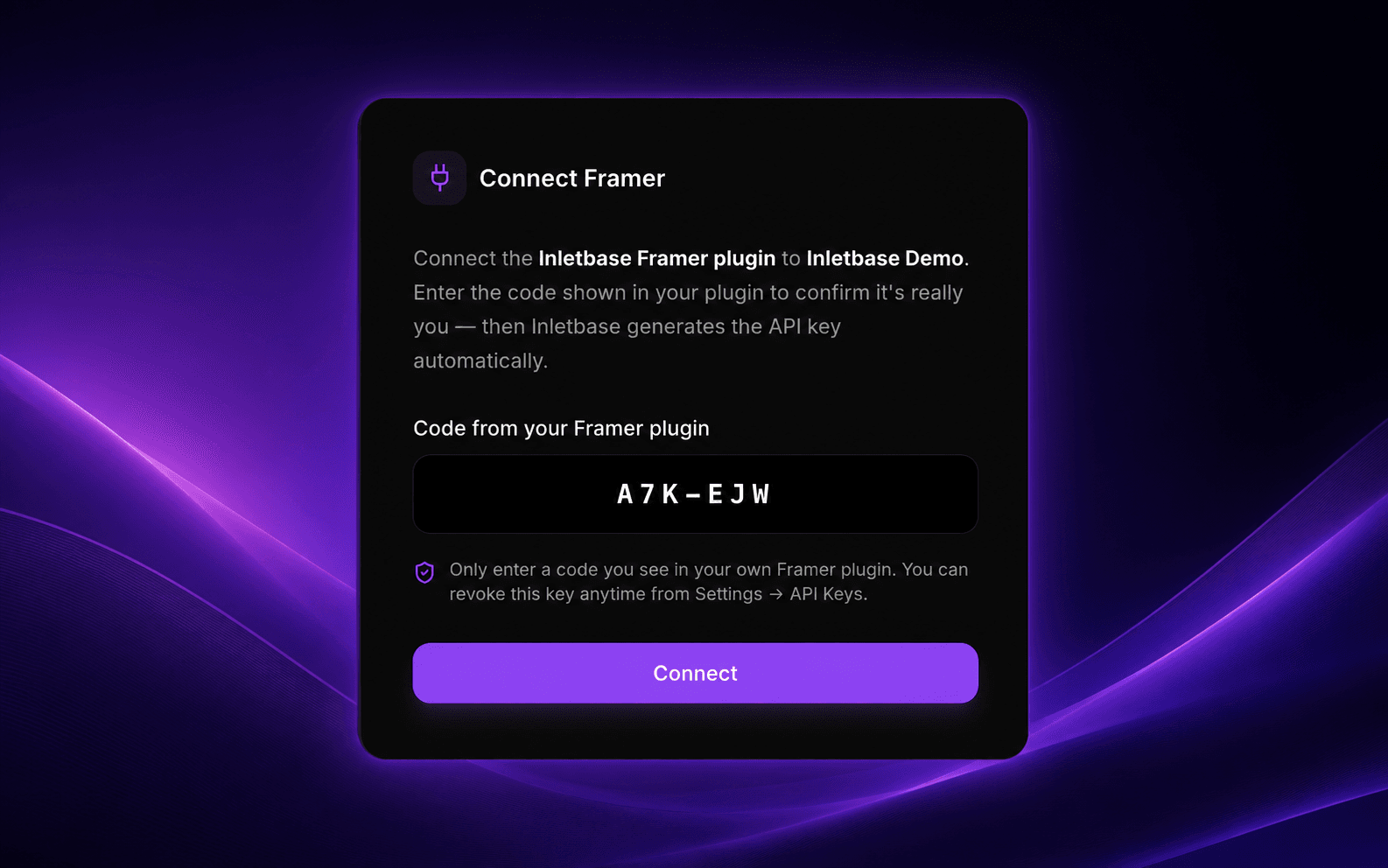
Connect in one click. Just sign in to Inletbase, confirm a short code, and the plugin will connect your account automatically. You can also add an API key manually if you prefer.
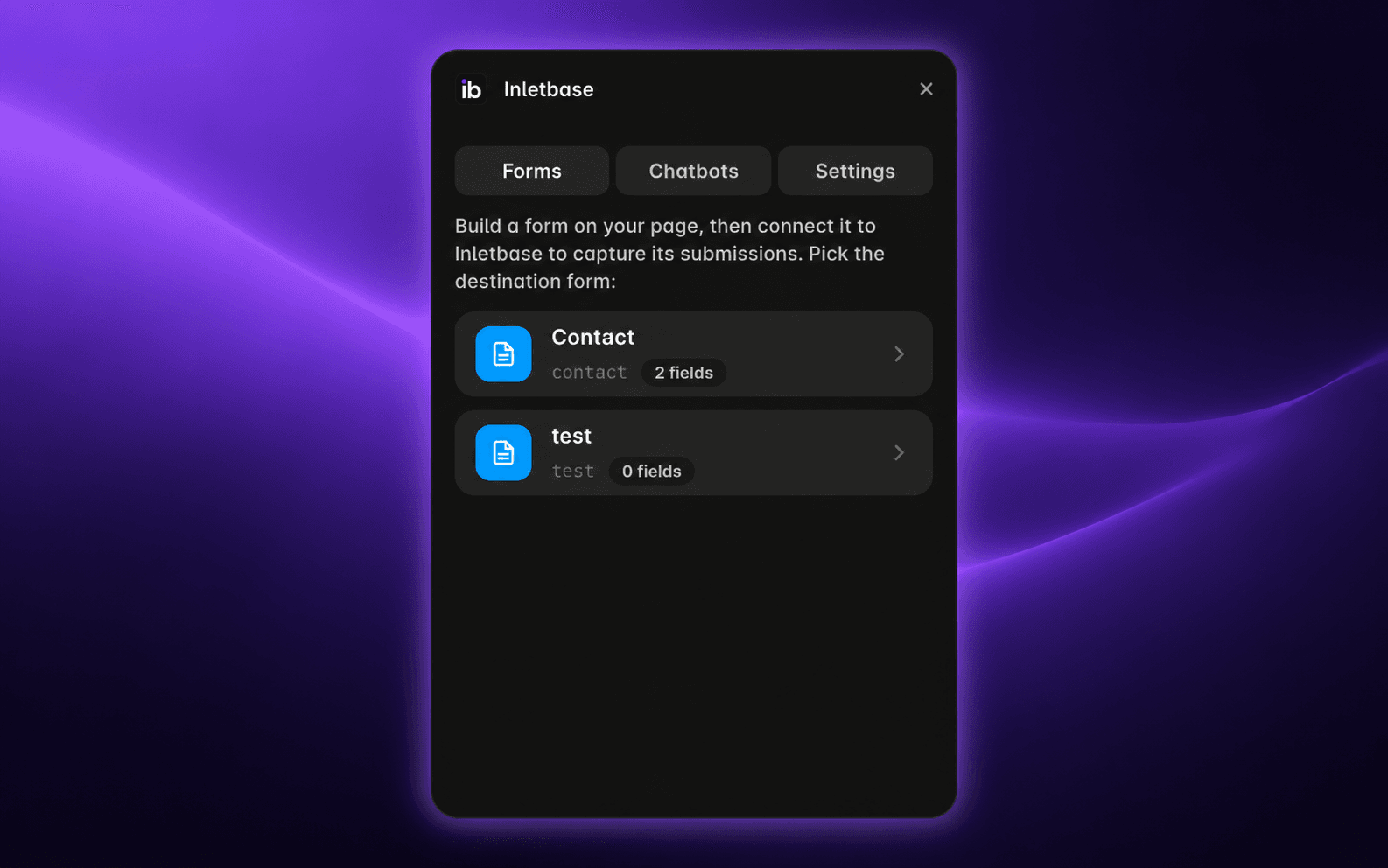
FORMS
• Create a form in Framer as usual.
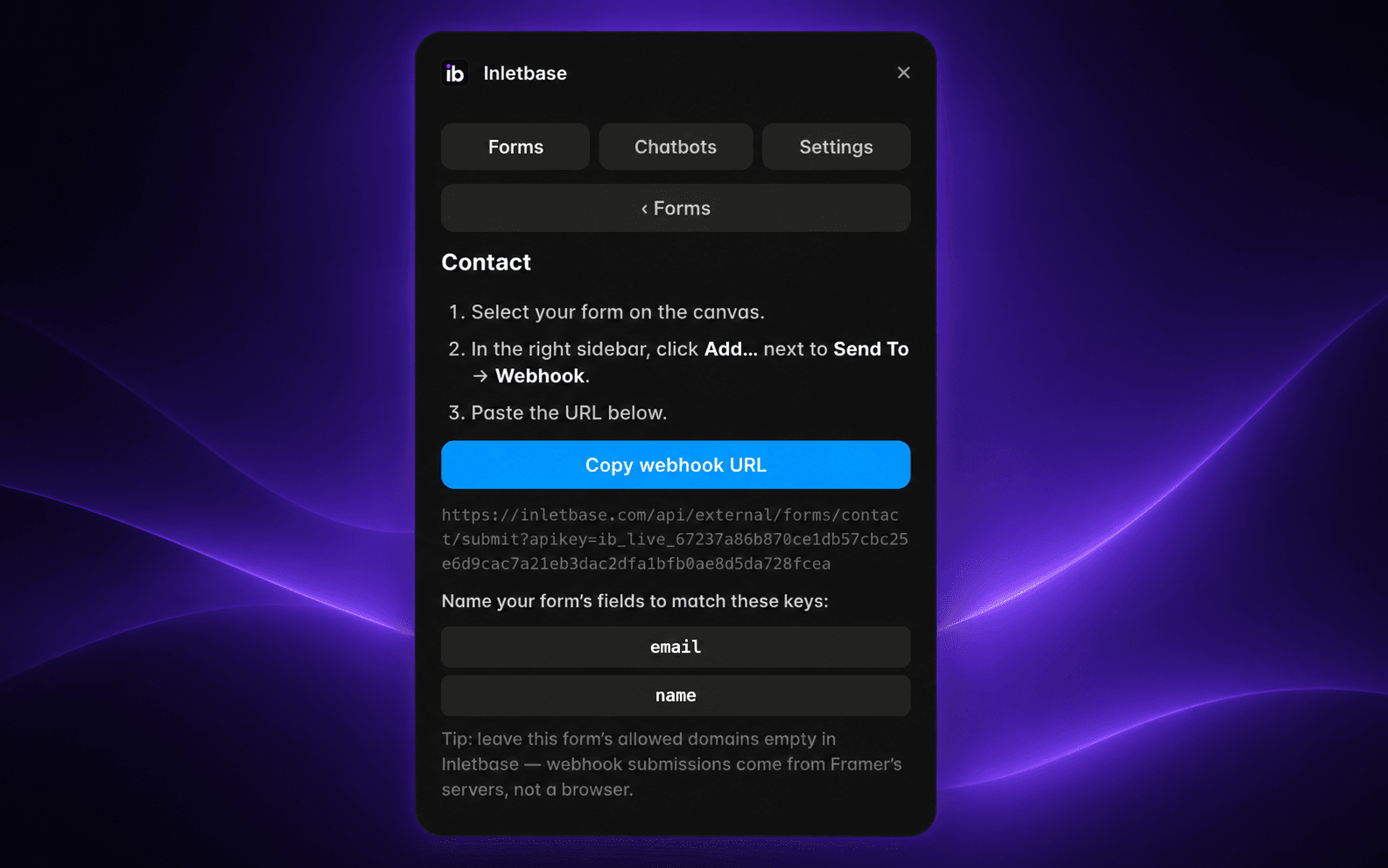
• Select the matching Inletbase form in the plugin and copy its webhook URL.
• Paste the URL into Framer's Send To → Webhook settings. Your form submissions will go directly to Inletbase, where you can manage emails, contacts, and workflows.
AI CHATBOTS
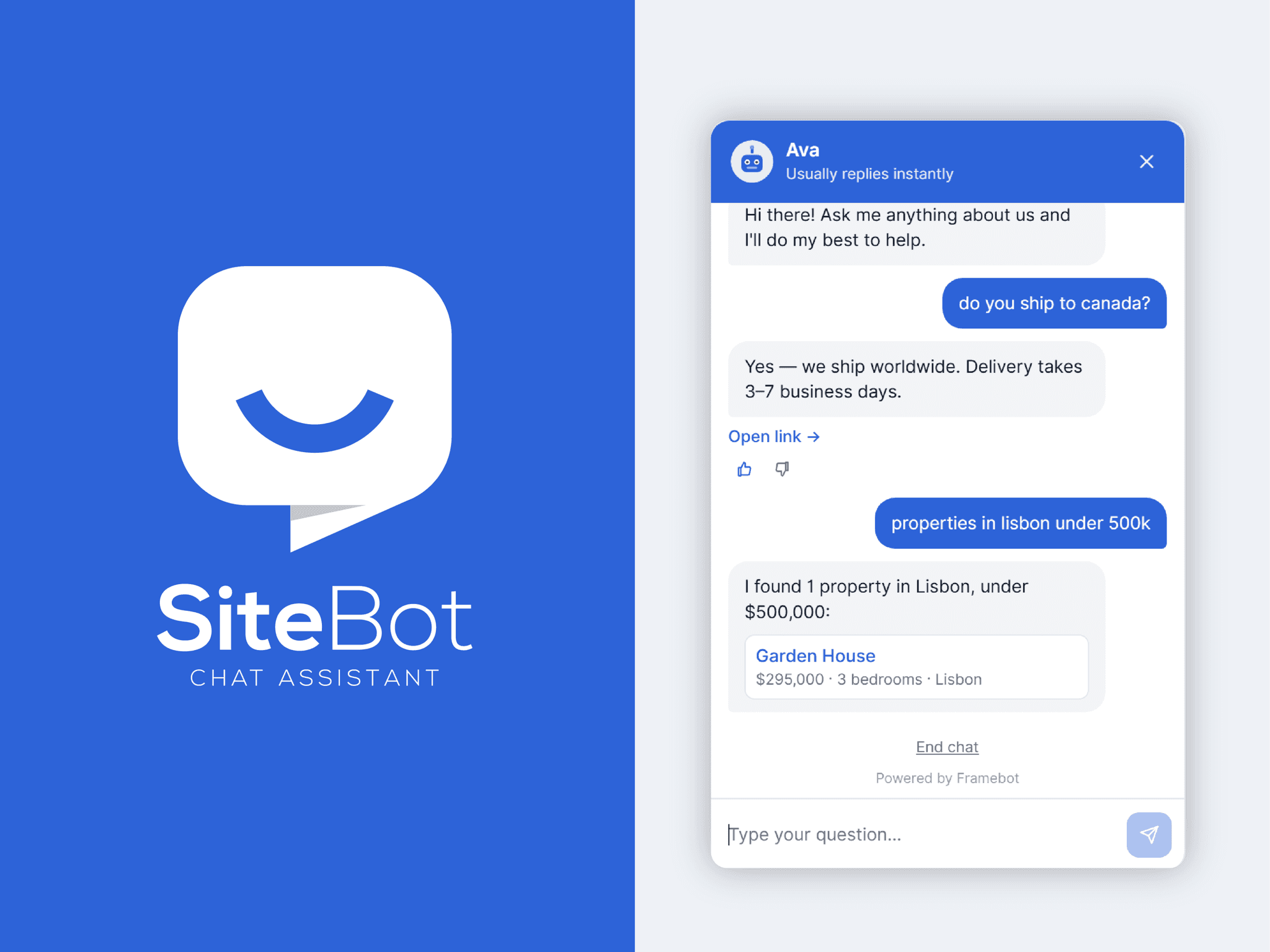
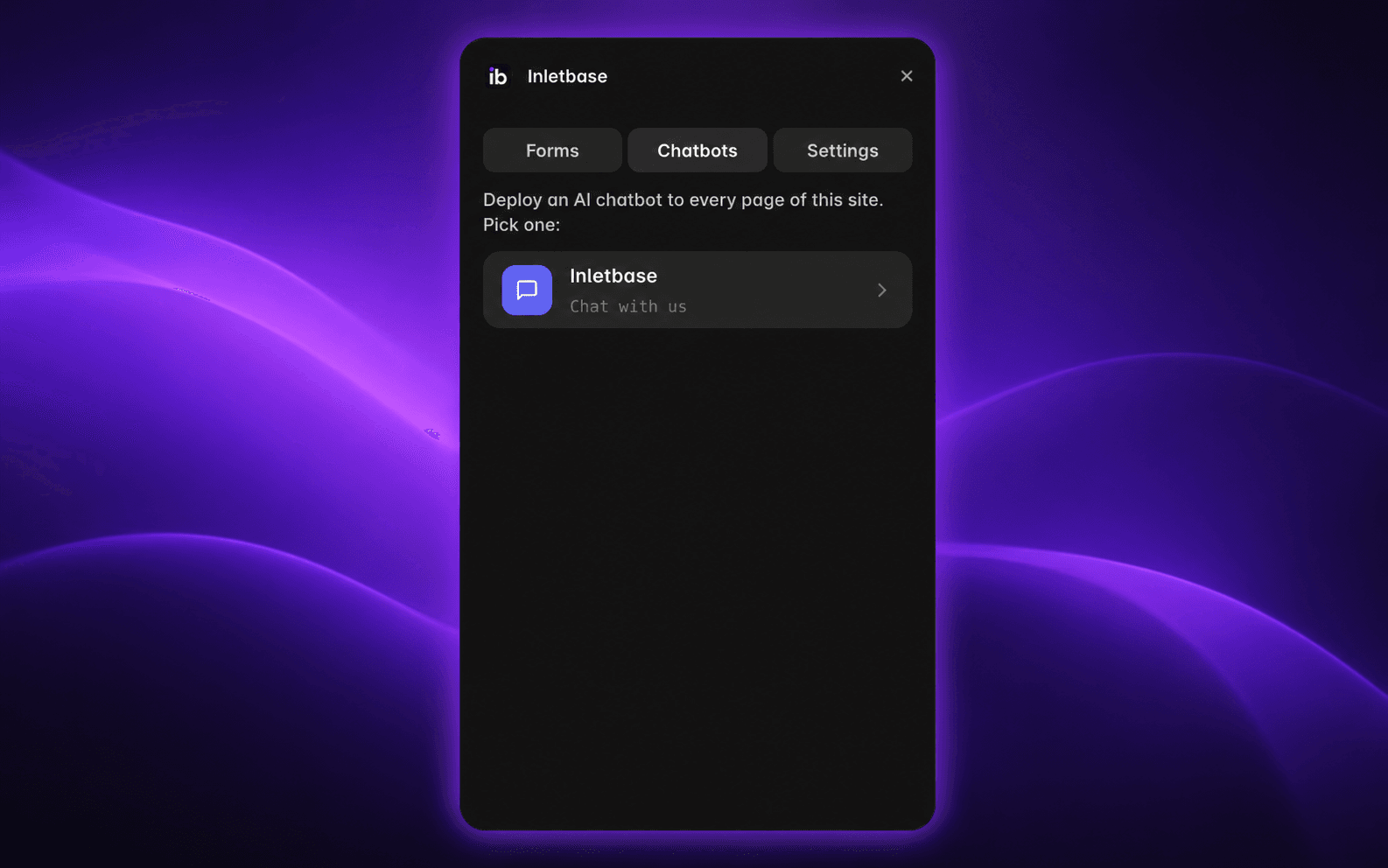
• Add your trained Inletbase AI chatbot to your entire Framer website in one click.
• The chatbot appears across your website. You can change or remove it anytime.
• Customize and train your chatbot from your Inletbase dashboard.
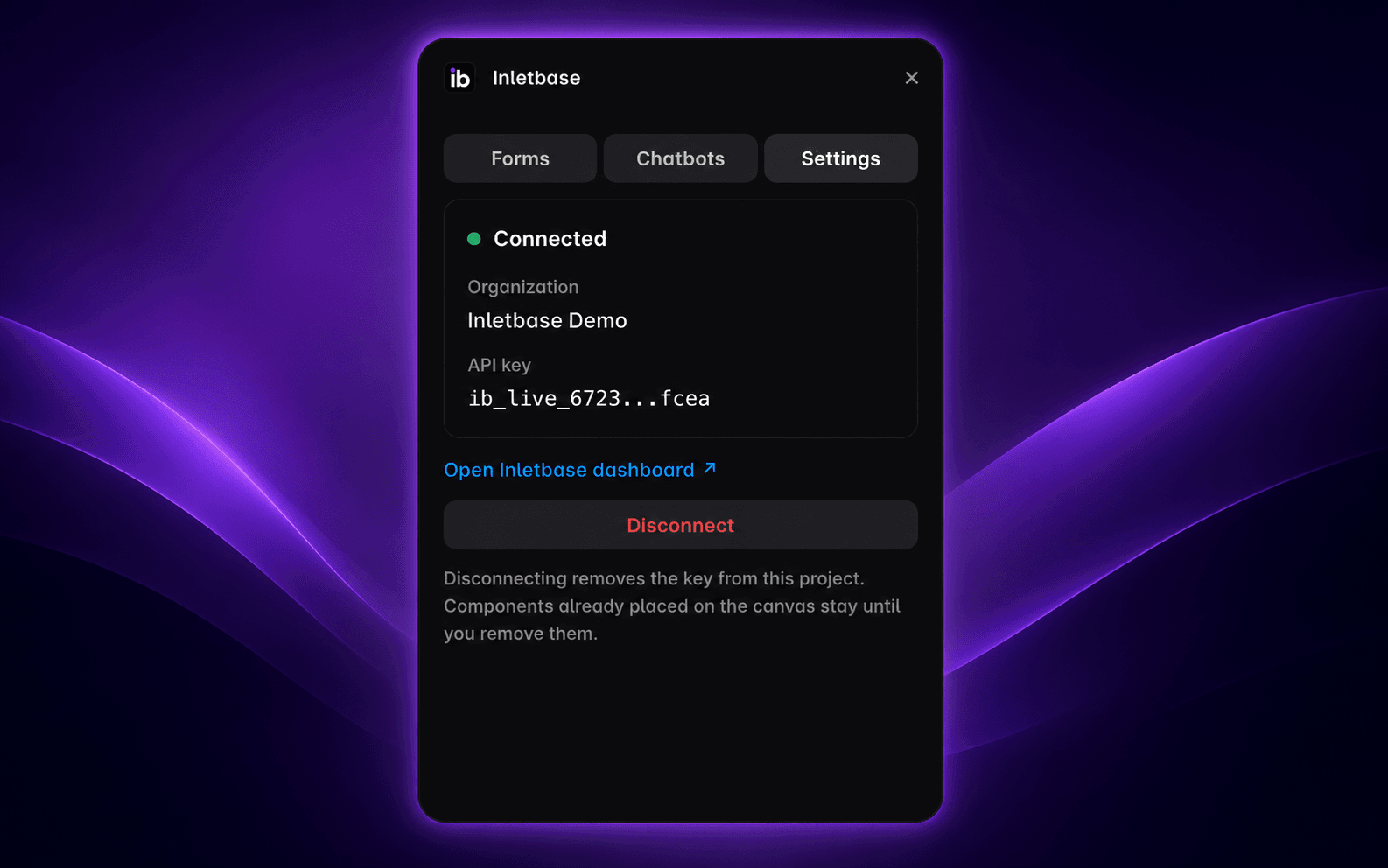
SETTINGS
• View your connected workspace, check your API key, or disconnect your account anytime.
A free Inletbase account is required.
Privacy Policy: https://inletbase.com/legal/privacy