About ASCII Pattern Motion
ASCII Pattern Motion turns your canvas into living ASCII art.
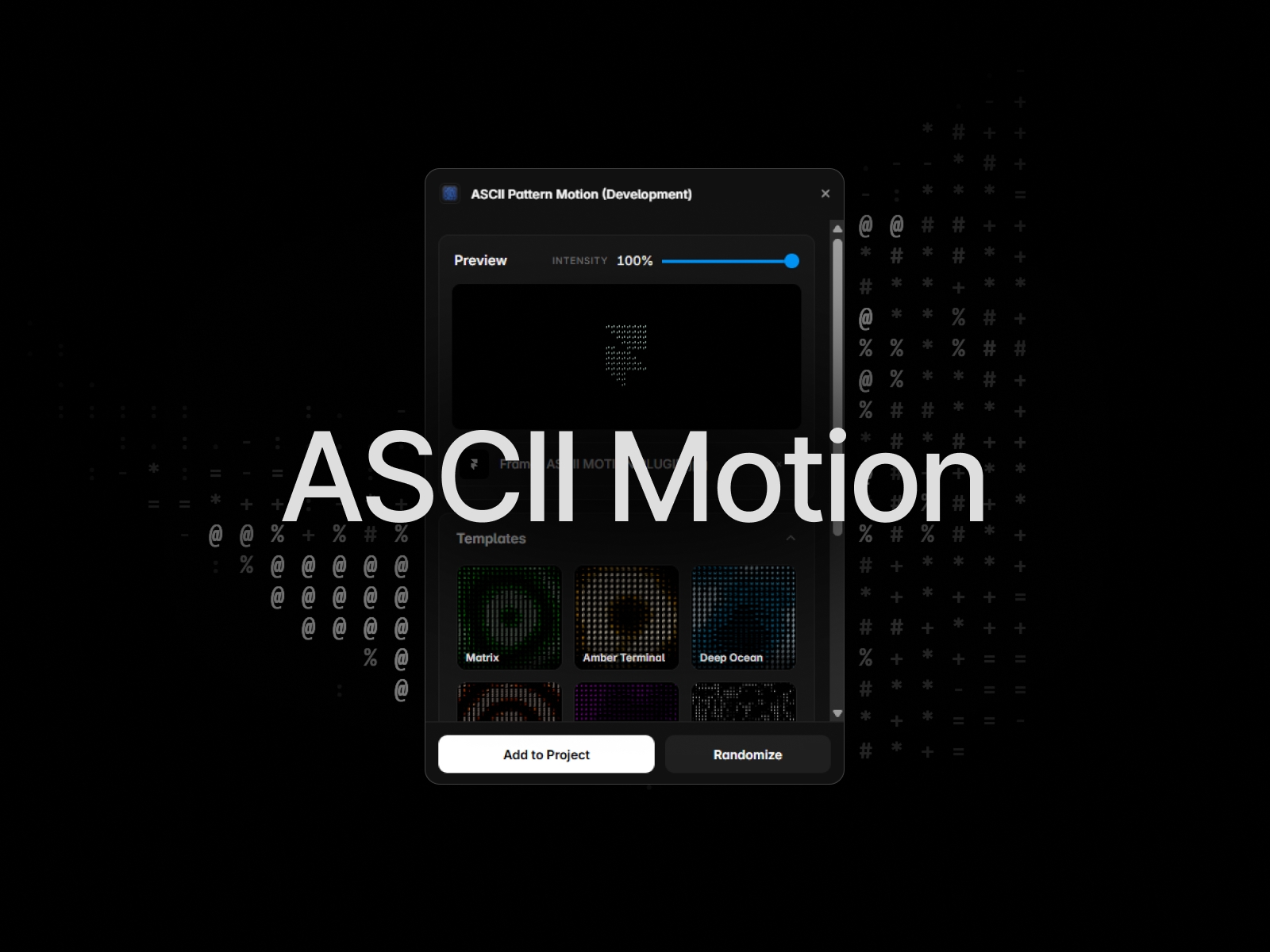
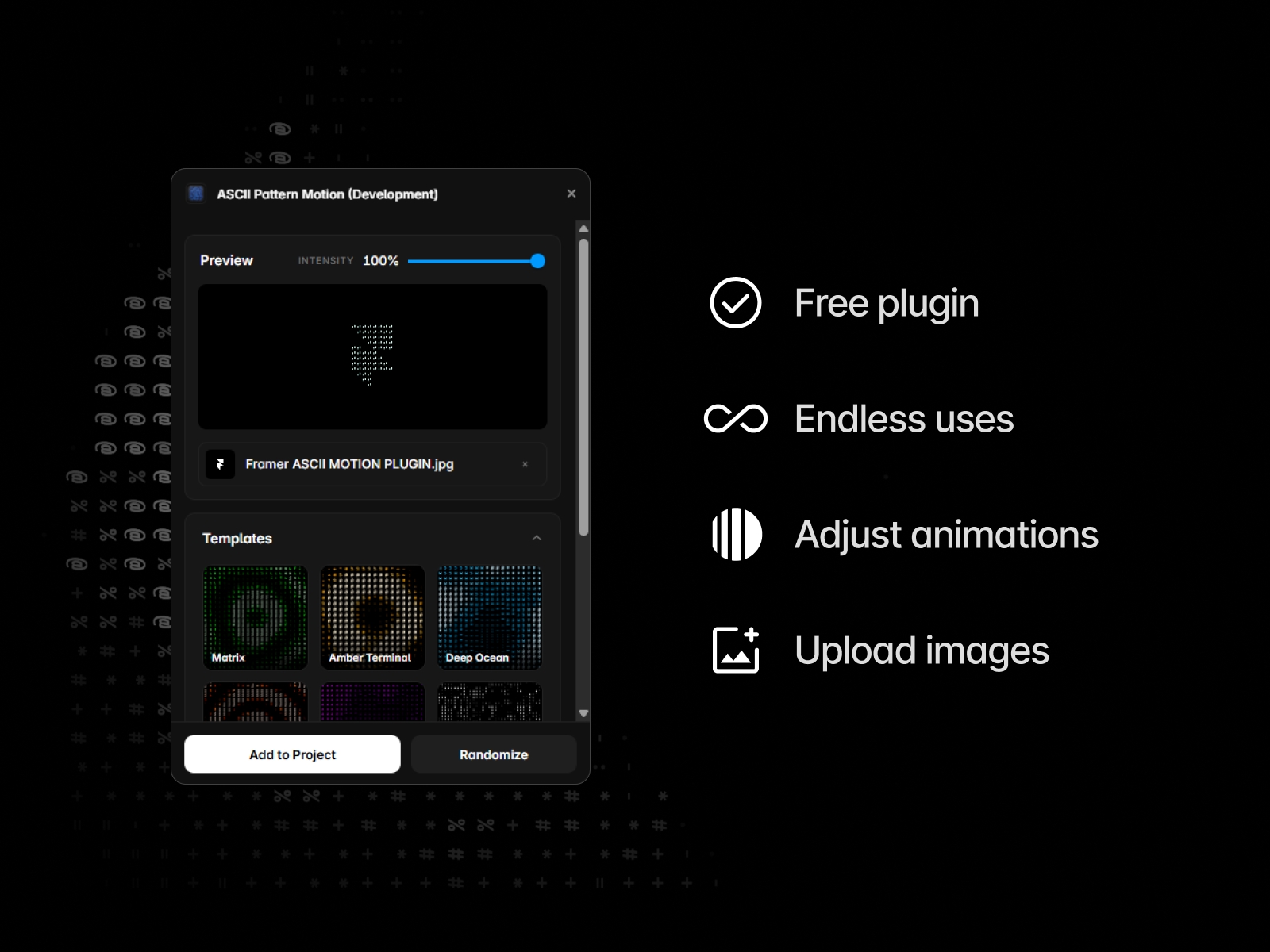
Design a fully animated, fully customisable ASCII effect in a live preview, then add it to your project as a real Framer component with one click. Every parameter stays editable on the canvas afterwards.
WHAT YOU GET
• Live preview - see every change instantly while you design, with a global Intensity slider on top.
• Templates - one-click presets to start from, shown as visual tiles.
• Full control - speed, cell size, brightness, contrast, hue and saturation, plus advanced noise, distortion, frequency, sharpness, gamma and vignette controls.
• Your own photos - upload an image or drop it on the preview and the ASCII pattern is generated from it. The image travels with the component onto the canvas.
• Randomize - one button for a completely new look when you need inspiration.
HOW IT WORKS
1. Open the plugin and pick a template, or start tweaking the sliders.
2. Optionally upload a photo to build the effect from.
3. Press "Add to Project". The component lands on your canvas at 200×200 and can be resized freely. Every setting is exposed as a property control on the inserted component, so you can keep editing it directly on the canvas - no need to reopen the plugin.
GOOD TO KNOW
• The inserted component is fully self-contained. It keeps working even if you later remove the plugin.
• Rendered with WebGL, so animation stays smooth and stays on the GPU.
• Transparent background support - the effect composites cleanly over anything you place behind it.
• Free, with no limits on how many times you insert it.