About Framixs Shape
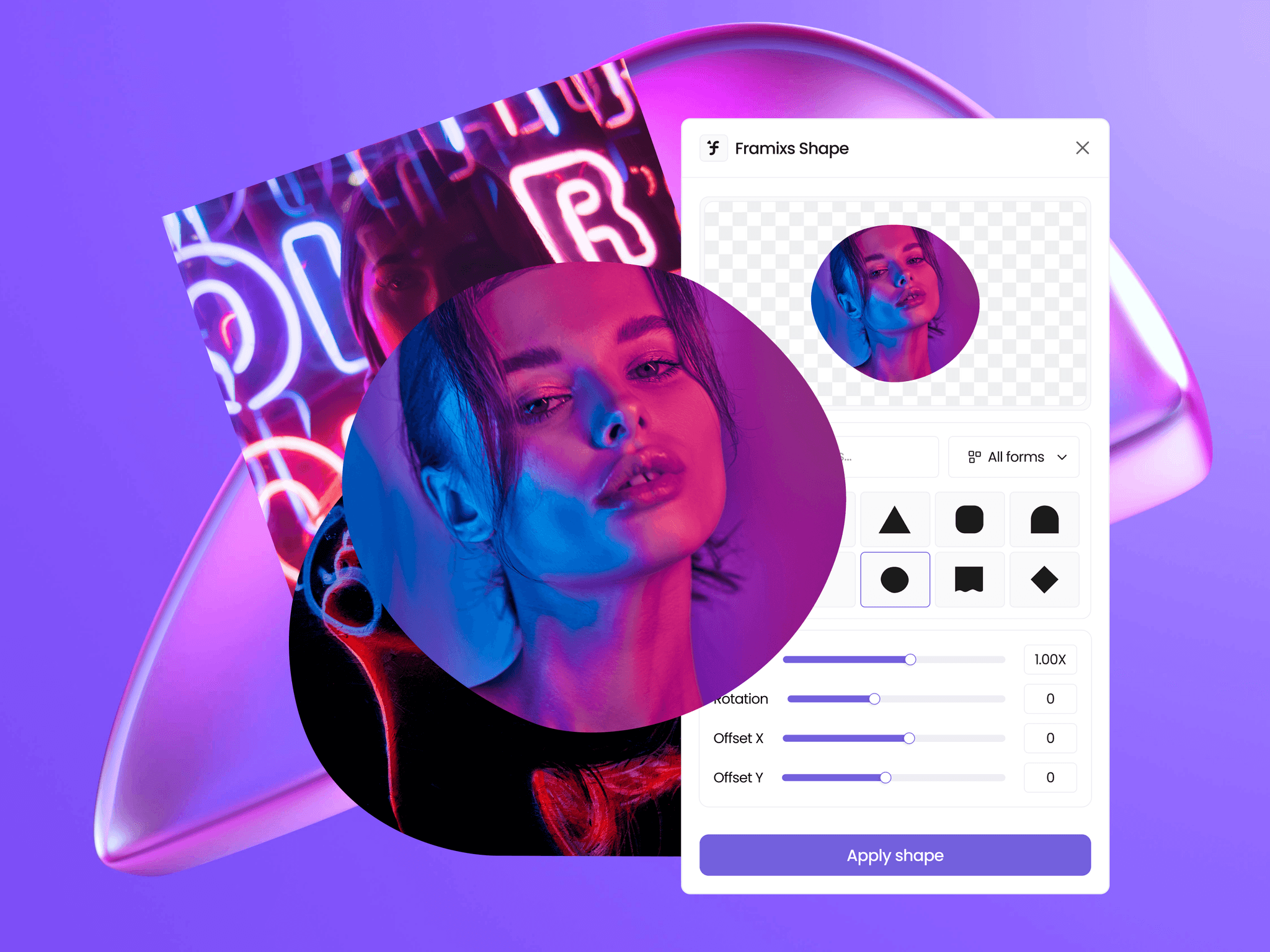
Apply clean shape masks to any image directly on your Framer canvas. Pick a shape, adjust it, and apply no exporting, no external editor, no leaving your project.
How it works
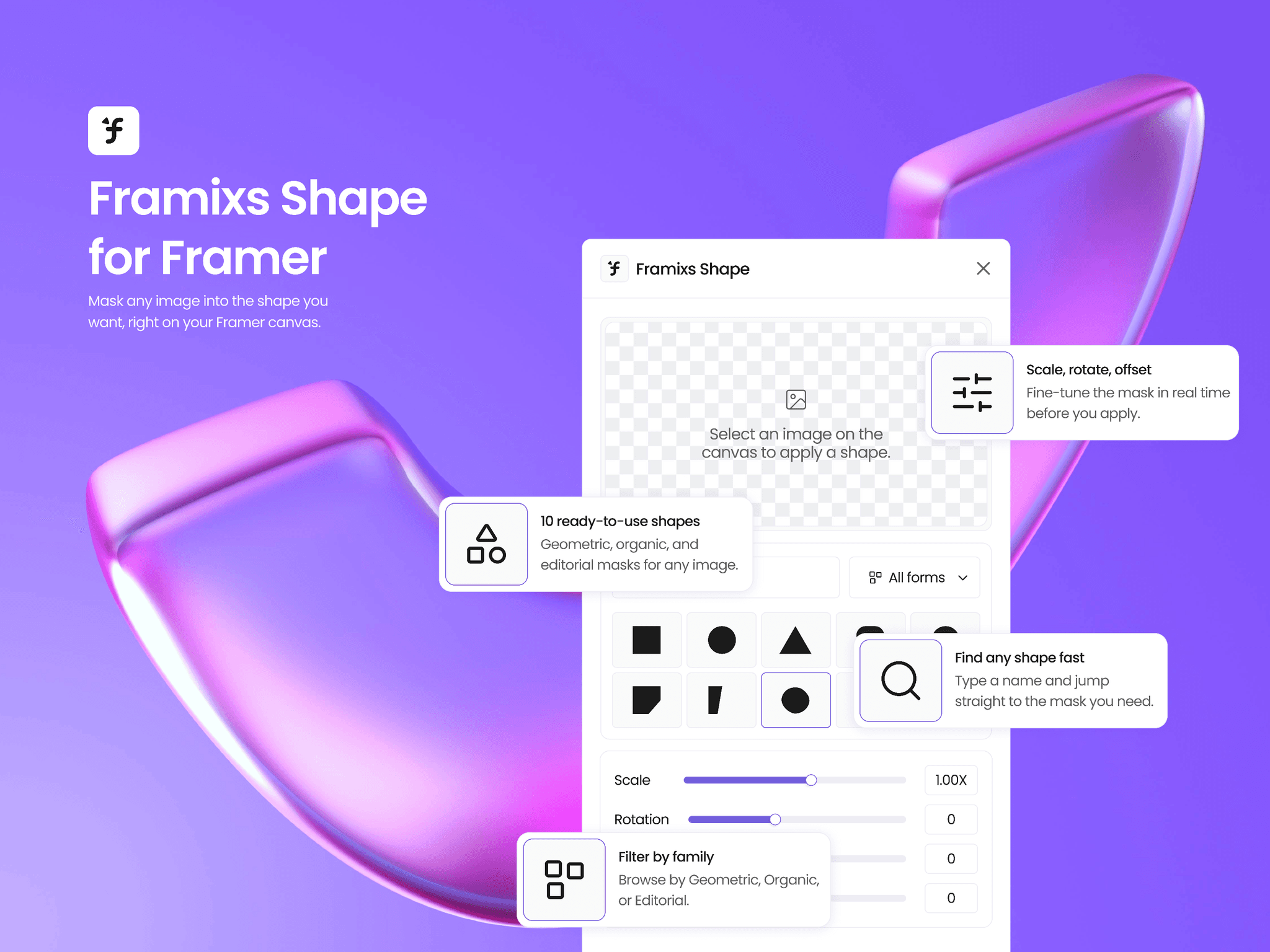
Select an image on your canvas, choose a shape from the panel, and fine-tune it with live controls for scale, rotation, and offset. You see the result in a real-time preview before you apply it.
Ten shapes, three families
Geometric: Square, Circle, Triangle, Diamond
Organic: Squircle, Sharp Blob
Editorial: Arch, Wave, Diagonal Cut, Split
Search by name or filter by category to find the right shape in seconds.
Built for Framer
Framixs Shape adapts to light and dark themes automatically, following your Framer editor. Swap shapes anytime your original image is always one undo away.