About IconSearch SVG Icons
Find the perfect icon without leaving Framer
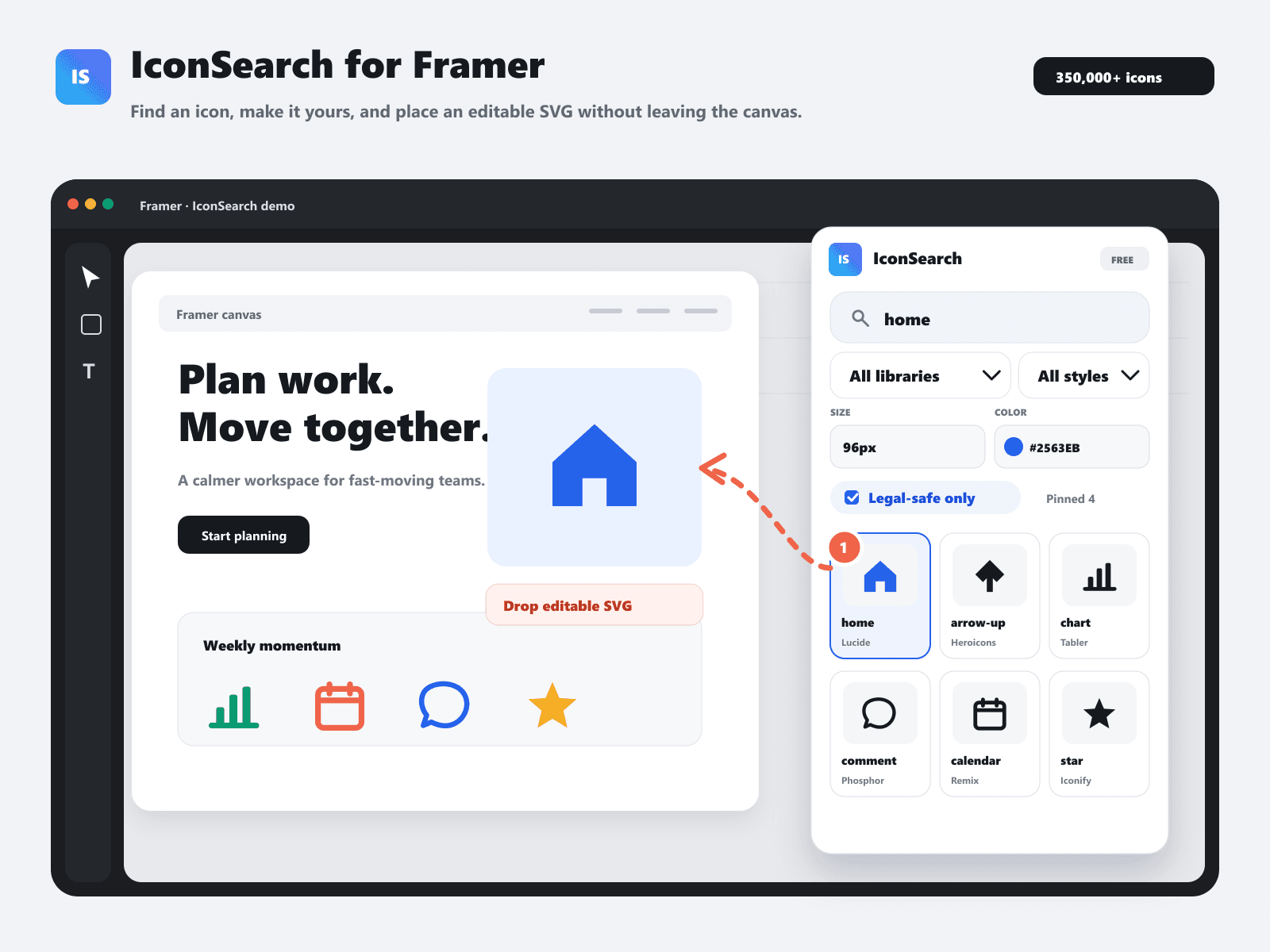
IconSearch gives you access to more than 350,000 SVG icons from 18 named open-source libraries and over 220 Iconify collections. Search, customize, and insert icons directly into your Framer canvas without downloading files or switching websites.
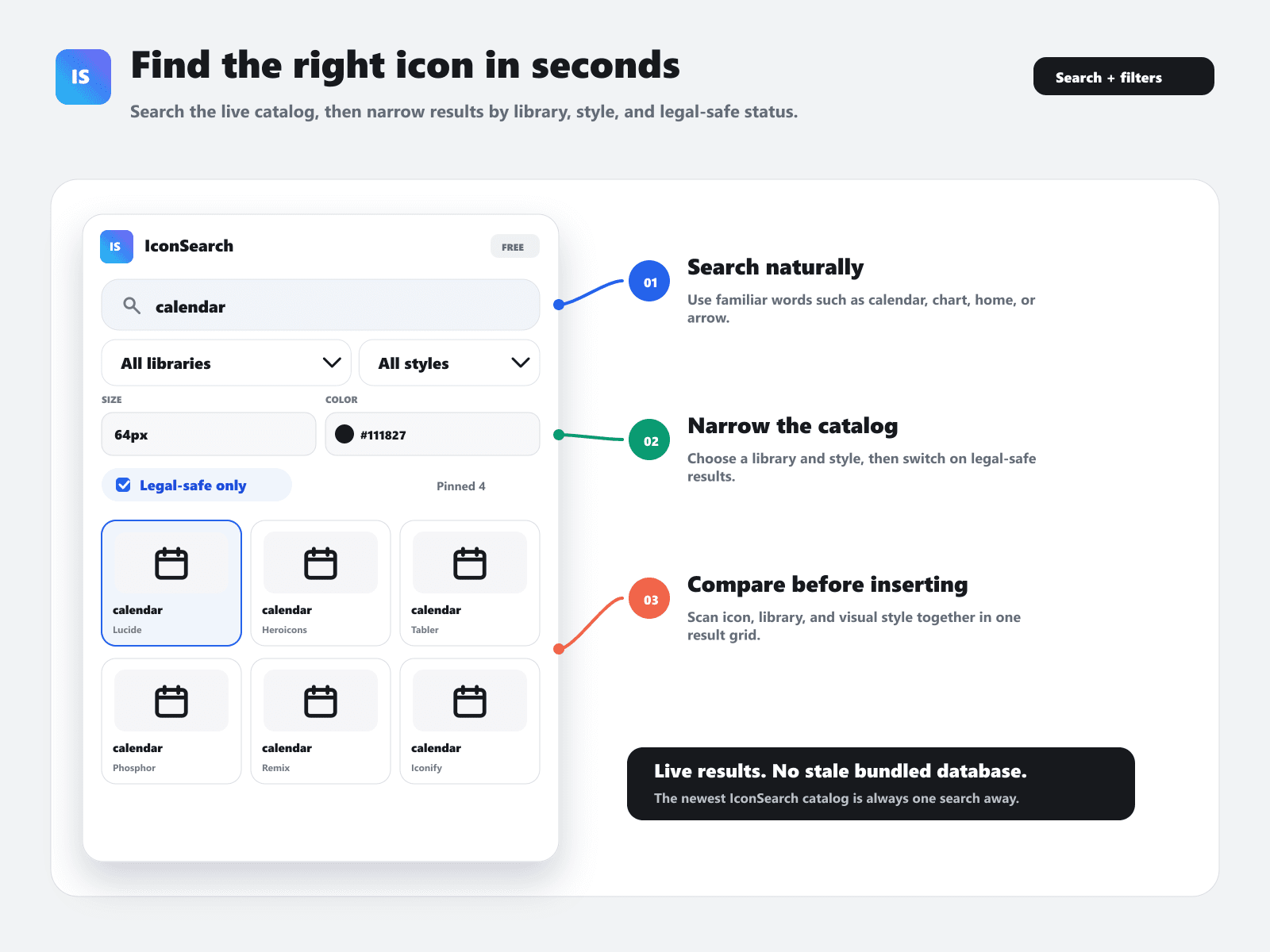
Search and filter
Find icons for navigation, interfaces, social media, analytics, commerce, and more. Filter by library and visual style, including outline, solid, duotone, two-tone, and sharp. Use the legal-safe filter to focus on icons marked for common commercial use. Always check the original library license for your project.
Customize and insert
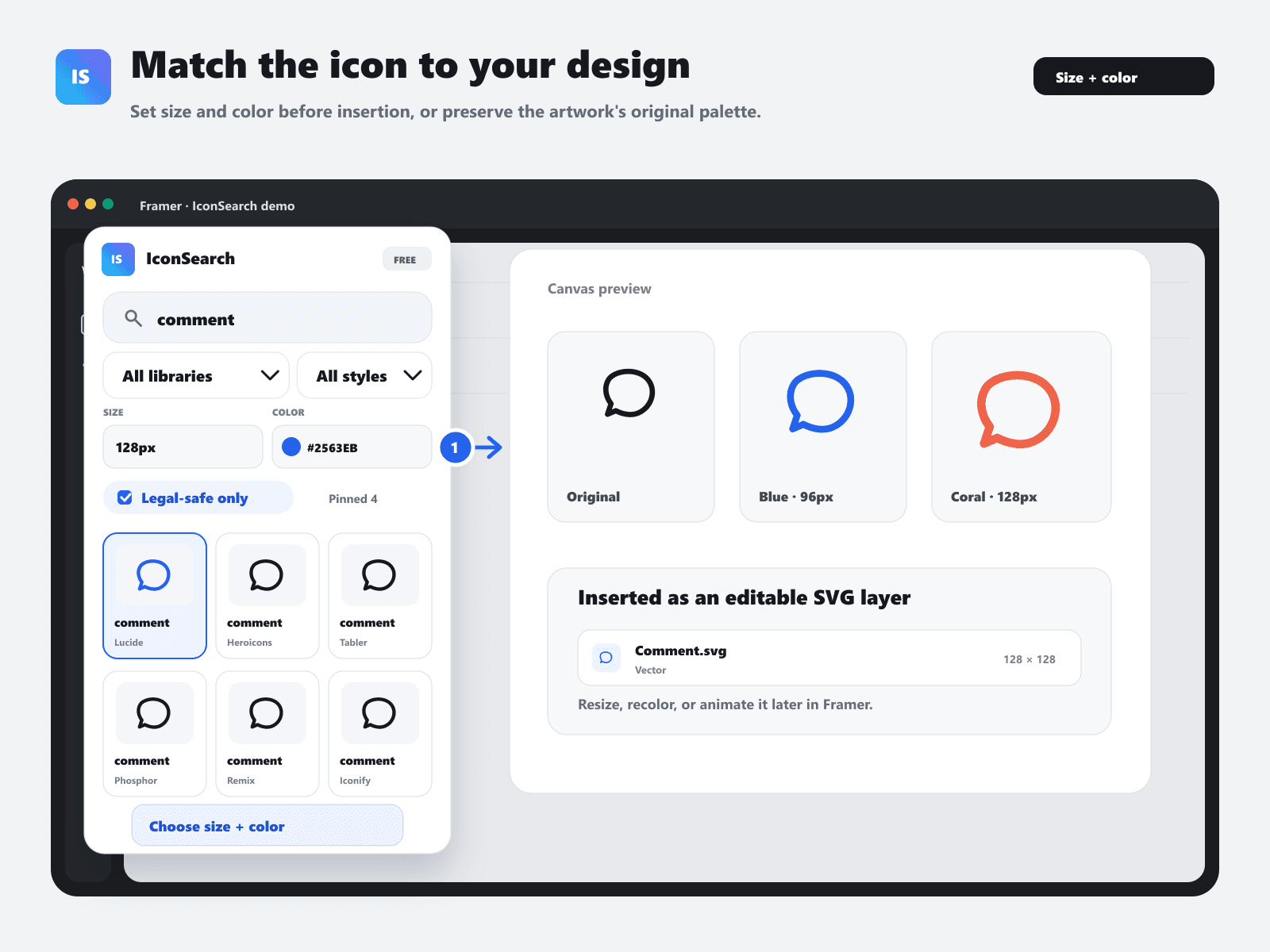
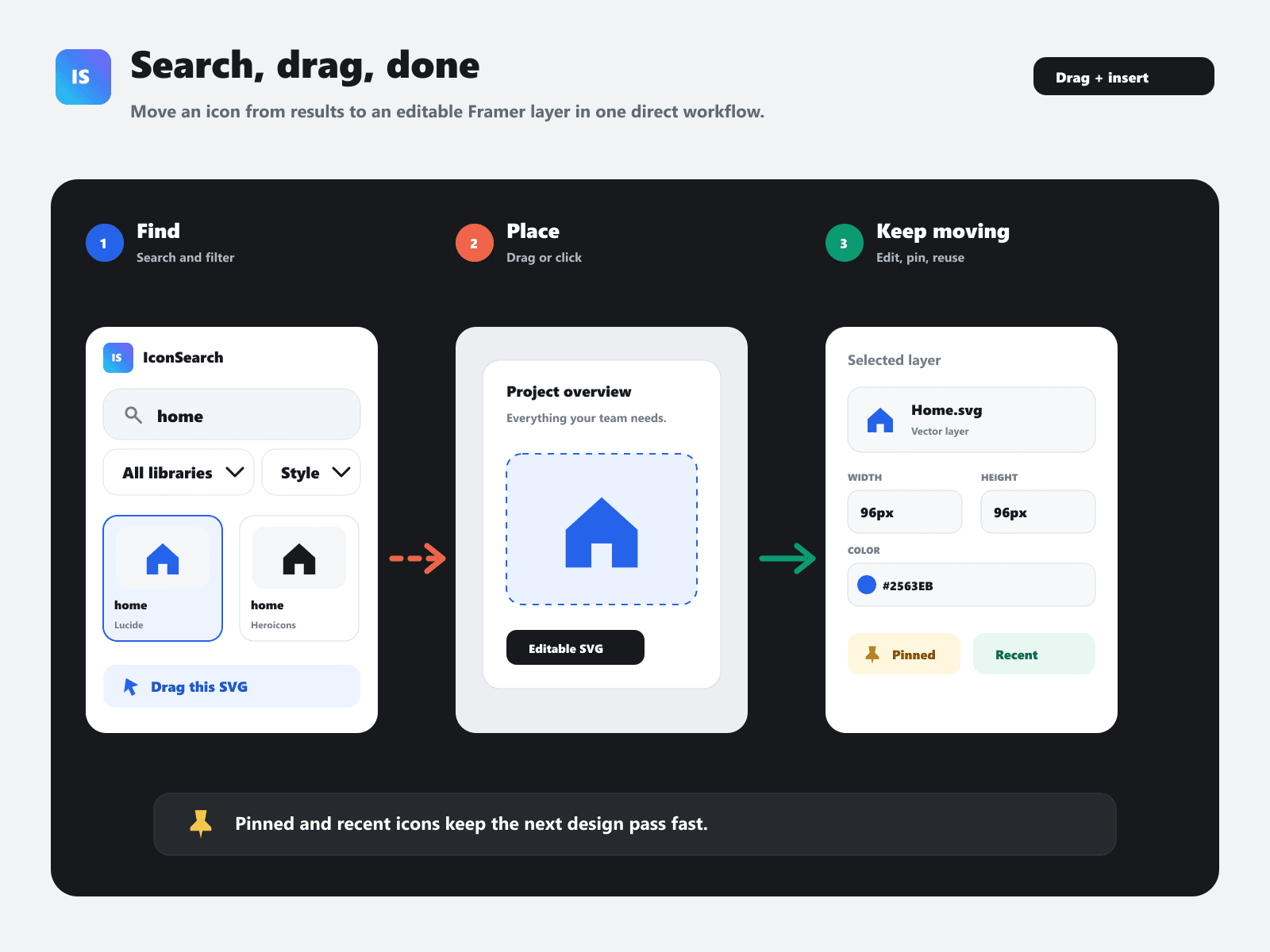
Choose an icon size, apply any color, or preserve its original colors. Click an icon to insert it immediately, or drag and drop it exactly where you need it. Icons are added as clean, editable SVG layers inside Framer.
Key features
- More than 350,000 searchable SVG icons
- 18 named libraries and over 220 Iconify collections
- Library, style, and legal-safe filters
- Adjustable size and color
- Original-color support
- Click-to-insert and drag-and-drop
- Pinned and recently used icons
- Clean, editable SVG output
- Secure browser-based sign-in
- Free to use
Privacy and security
The plugin does not read or upload your Framer project, canvas contents, screenshots, or selected layers. It communicates only with IconSearch and trusted SVG providers to search and retrieve icons. Sign-in uses a revocable IconSearch app session.
IconSearch requires an internet connection. Icon availability and licensing depend on the original library.
Website: https://iconsearch.info