

About LumineSalon
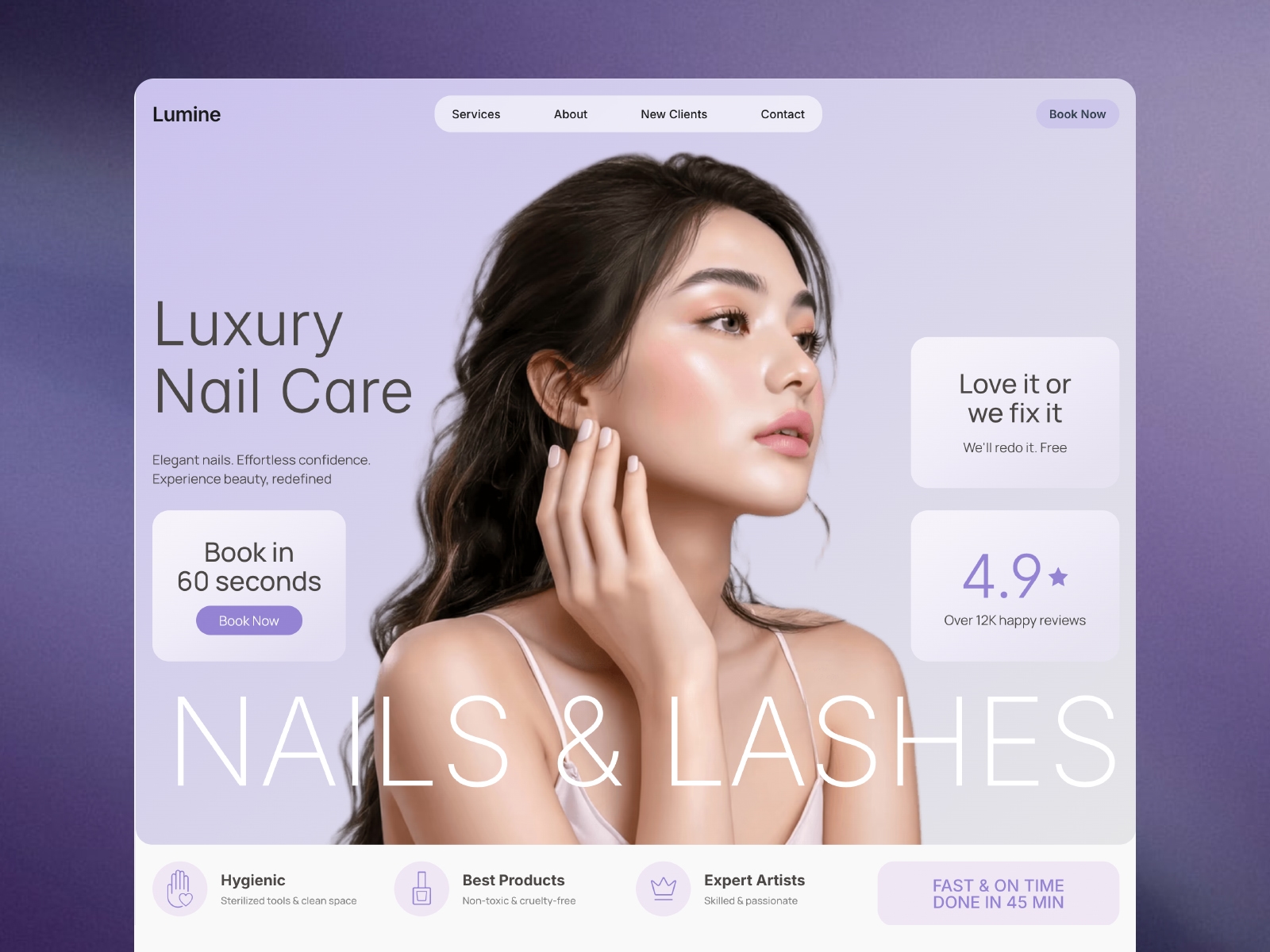
Lumine is a nail salon and manicure studio template built for nail technicians, lash artists, brow studios, and beauty spas that want a booking experience as polished as the service itself.
At its center is the Book a Visit calculator — a multi-step booking form connected live to Calendly. When a client books a manicure, pedicure, gel manicure, dip powder set, nail art appointment, lash extension fill, or brow lamination, it becomes a real event on your real Google Calendar, with a real confirmation email — not just a message sitting in your inbox.
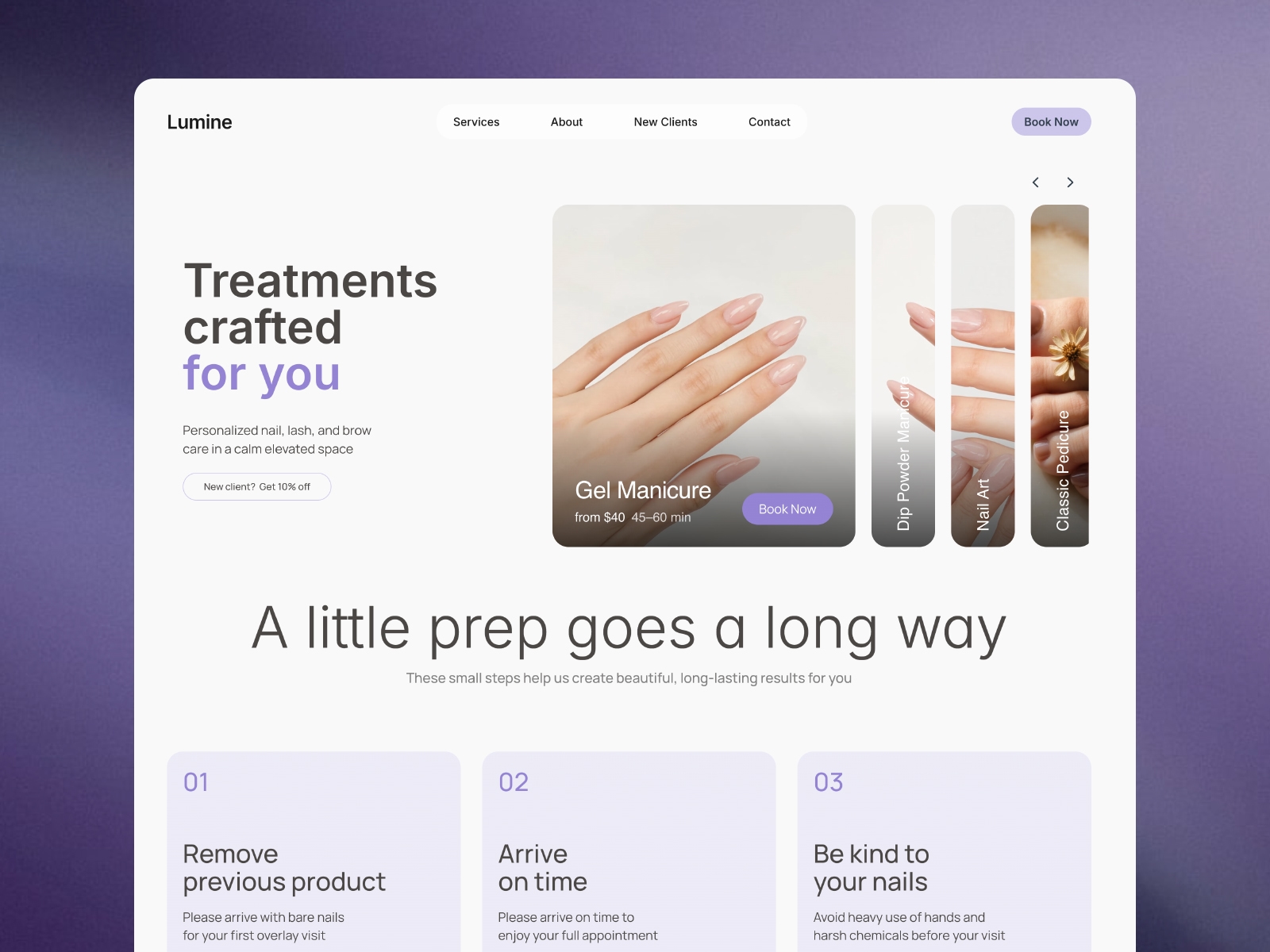
How it works: clients pick a visit type, browse your service menu (manicure, pedicure, nail art, lash, and brow services, pulled from your CMS with pricing and duration), add optional add-ons, removals, and extras with a live price summary, choose a specialist or "First Available," and finish by booking a real time slot through an embedded Calendly widget. Every service card and "Book Now" button across the site can deep-link into the calculator with that exact service pre-selected.
Everything — services, specialists, add-ons, prices, colors, text, and the Calendly connection — is configured through ordinary Framer property controls. No code required.
Design: soft greige backgrounds, deep navy and lavender accents, serif display type, and bento-grid layouts inspired by Korean beauty editorial design.
Included: Home, Services, About, New Clients, and Contact pages, plus Services, Team, and FAQ CMS collections. A full in-canvas setup guide walks you through branding, content, and connecting your own Calendly account — written for someone who has never used it before.