About Glass Arc Carousel
About Glass Arc Carousel
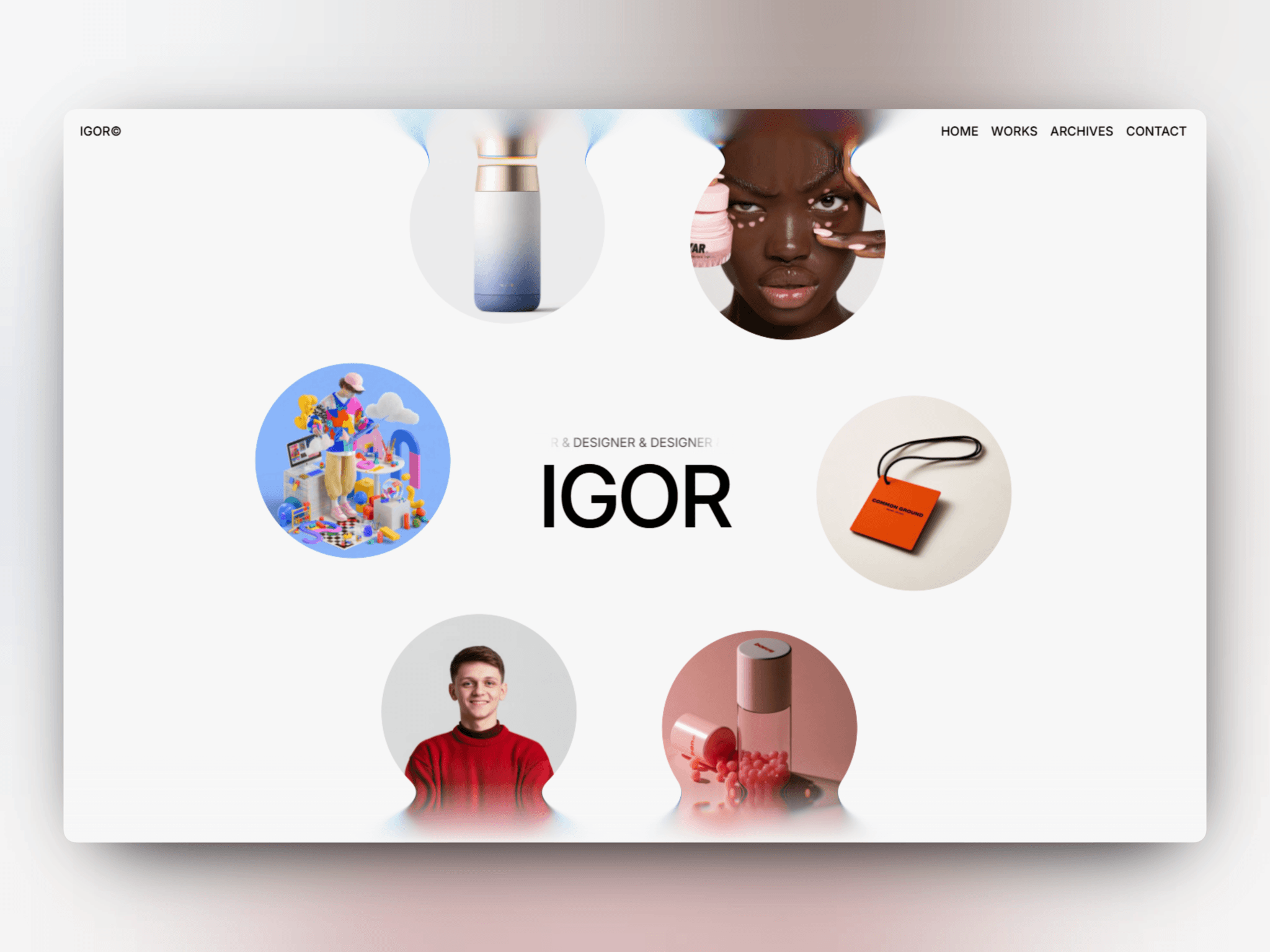
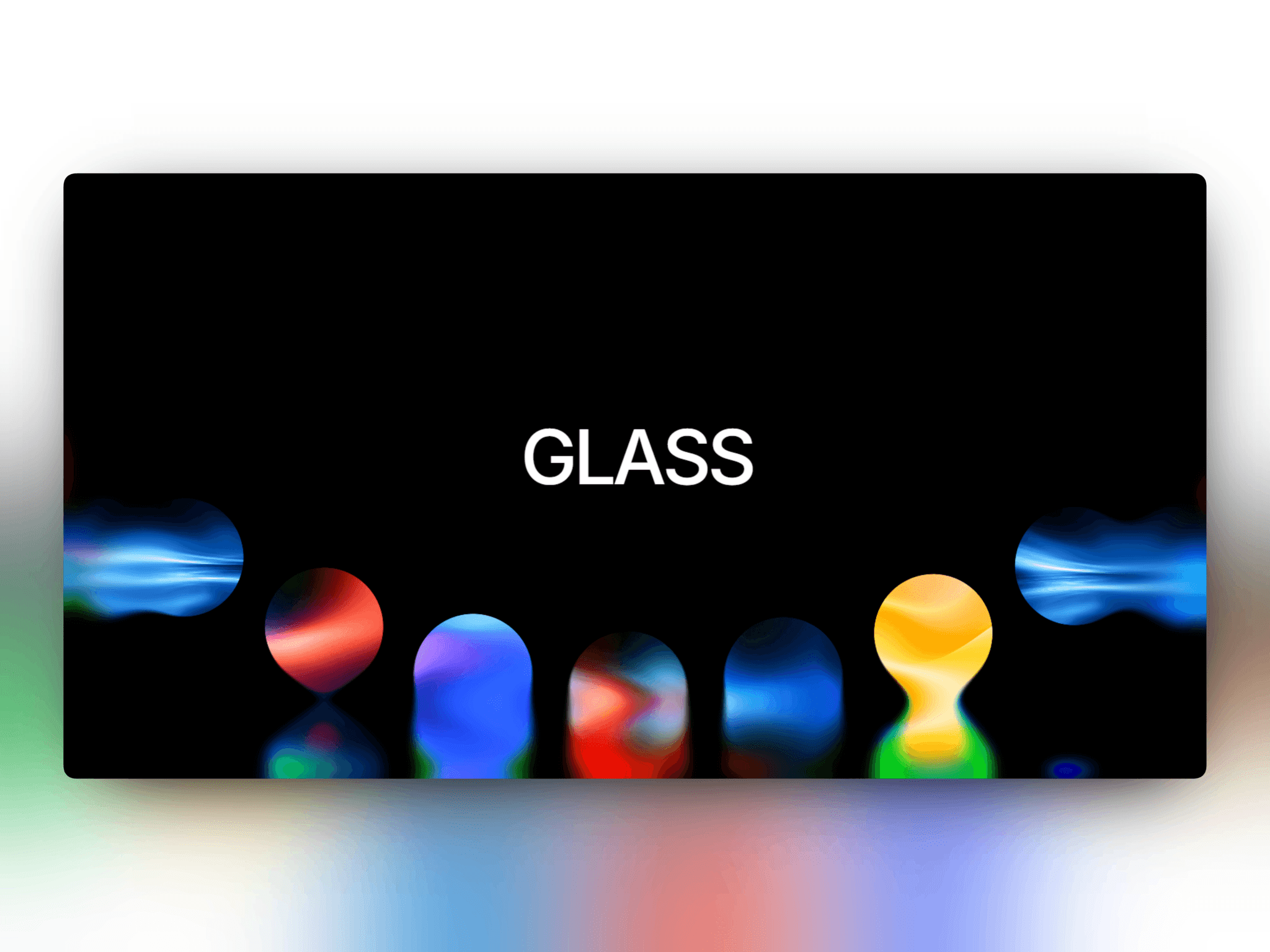
Circular images flow from right to left along an adjustable arc, passing behind a refractive liquid-glass edge. Add ambient motion or optional dragging to hero sections and visual showcases.
Features
Up to 24 replaceable images with alternative text
Infinite arc motion with adjustable disk size, arc depth, spacing and autoplay speed
Mouse and touch dragging in either direction, plus left/right arrow keys
Enable Drag switch, Drag Speed, Drag Momentum, Pause on Drag and Resume Delay controls
Liquid-glass refraction, chromatic aberration, progressive edge blur, reflections and optional circle-edge distortion
Responsive sizing, transparent background and Framer color-style support
Static composition on the Canvas; animation pauses offscreen or when the tab is hidden
Reduced-motion support
How to use
Add the component, set its width and height, then open Disk Images to add, remove or reorder images. Tune Disk Size, Arc Depth, Image Spacing and Carousel Speed. Set Arc Depth to zero for a straight carousel.
Switch Enable Drag on to interact. Adjust Drag Speed and Drag Momentum; zero momentum stops on release. Pause on Drag pauses autoplay during interaction and inertia, with Resume Delay controlling when it resumes. Vertical touch gestures retain page scrolling.
Motion behavior
Use automatic motion, dragging, or both. Reduced-motion preferences disable autoplay and release momentum while preserving direct dragging. Per-image links and CMS bindings are not included.
Visual Assets
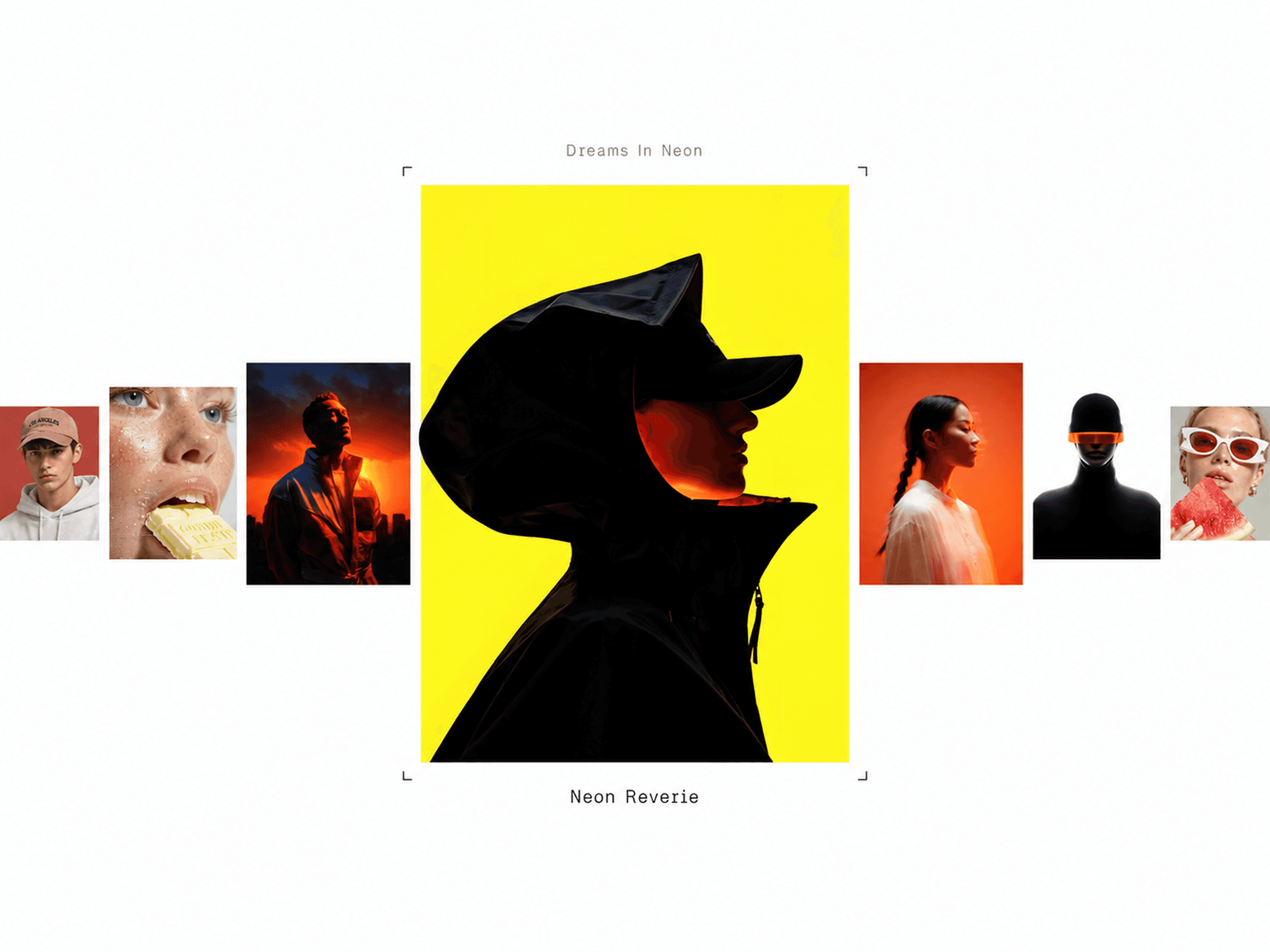
The live demo uses Soft Mesh, Luminous Grain and Light Studies images by bytog.supply.