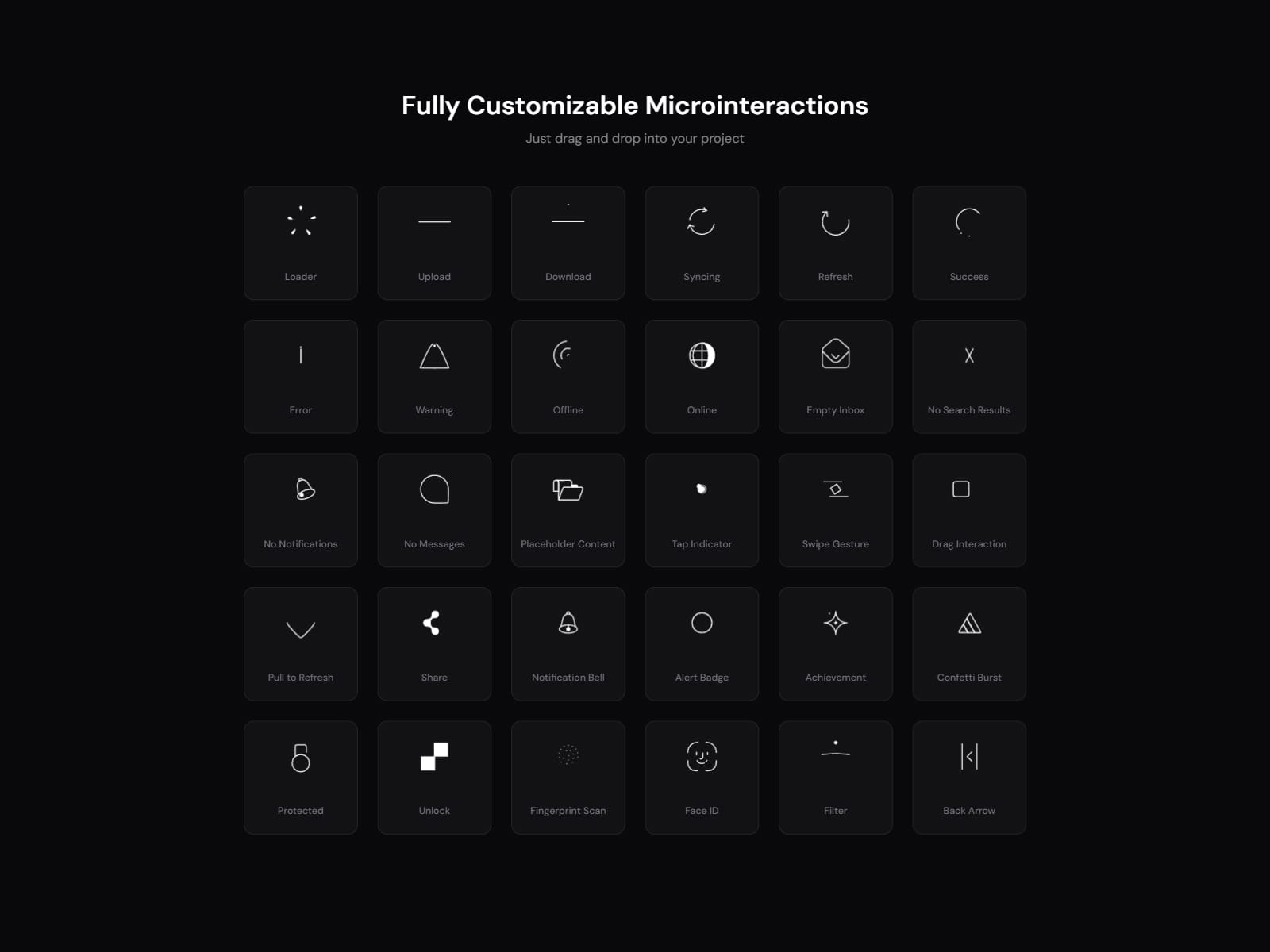
About 30 Lottie Animations
30 Lottie Animations: customizable microinteractions for Framer
Add polished animated icons to your Framer site in seconds. This pack includes 30 ready-made Lottie animations for loaders, success and error states, notifications, gestures, security and more. Every one is controlled from Framer's Style panel, with no code and no Lottie files to find or upload.
Why choose this pack
Recolor in one click. Match any brand color or dark and light theme with the Icon Color control.
Adjust stroke width. Make icons thinner or bolder to fit your design. This works on the line-based animations.
Full playback control. Loop, autoplay, speed, play on hover, and reverse on mouse leave.
Nothing external to set up. All animation data is built in. Pick an animation from the dropdown and it works, with no JSON files or URLs.
Works in any Framer project. Drag the component in, choose an animation, adjust the controls.
What's included (30 animations) Loader, Upload, Download, Syncing, Refresh, Success, Error, Warning, Offline, Online, Empty Inbox, No Search Results, No Notifications, No Messages, Placeholder Content, Tap Indicator, Swipe Gesture, Drag Interaction, Pull to Refresh, Share, Notification Bell, Alert Badge, Achievement, Confetti Burst, Protected, Unlock, Fingerprint Scan, Face ID, Filter, Back Arrow.
Perfect for SaaS landing pages, web apps and dashboards, onboarding flows, empty states, form feedback, loading screens, portfolios and mobile-style UI prototypes.
How to use it
Install the component and drag it onto your canvas.
Choose an animation from the Animation dropdown.
Set color, stroke width and playback in the Style panel.


