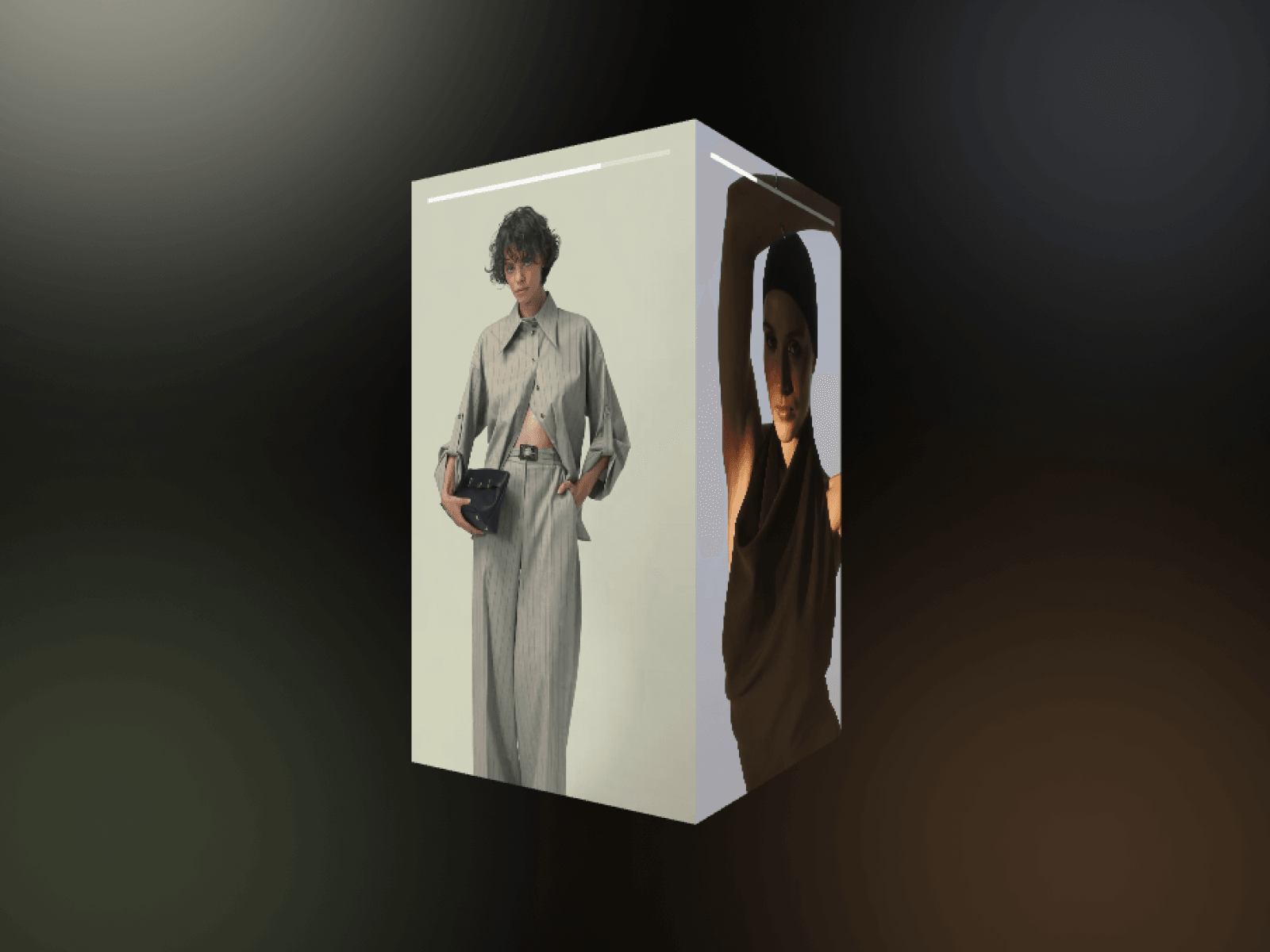
About 3D Media Showcase
Transform static media into an interactive 3D cylindrical carousel with smooth drag physics, auto-playing videos, and dynamic story-style progress bars.
Features
Smooth inertia-based drag and swipe rotation
Full support for high-resolution images and videos
Dynamic Instagram Story-style 3D progress bars
Active-panel video autoplay with smart background pausing
Automatic edge snapping to face the nearest slide
Intelligent 'object-fit: cover' texture mapping
Lightweight WebGL architecture with deep memory cleanup
Built-in IntersectionObserver to preserve battery and GPU usage
Seamless responsive resizing on all screen sizes
Complete in-canvas Framer live preview controls
Customization Options
Media items array (switch between images and videos)
Panel width and panel height dimensions
Camera distance and focal depth offset
Scene background color and transparency
Drag sensitivity and touch responsiveness
Motion smoothing and lerp speed damping
Snap to face toggle on release
Live preview toggle for canvas performance
How to Use
Drag and drop the component onto your Framer canvas
Add your media items via the properties panel
Select whether each slide is an image or a video
Adjust panel dimensions and camera distance to fit your layout
Fine-tune drag sensitivity and snapping behavior
Publish your site to deliver an engaging 3D experience
Use Cases
Modern agency portfolio showcases
Instagram and TikTok reel displays
SaaS feature highlights and walkthroughs
E-commerce 3D product previews
Creative case study visual galleries
Premium landing page hero sections
Client testimonial video reels
Digital artwork and photography exhibits