About Mintbox Carousel
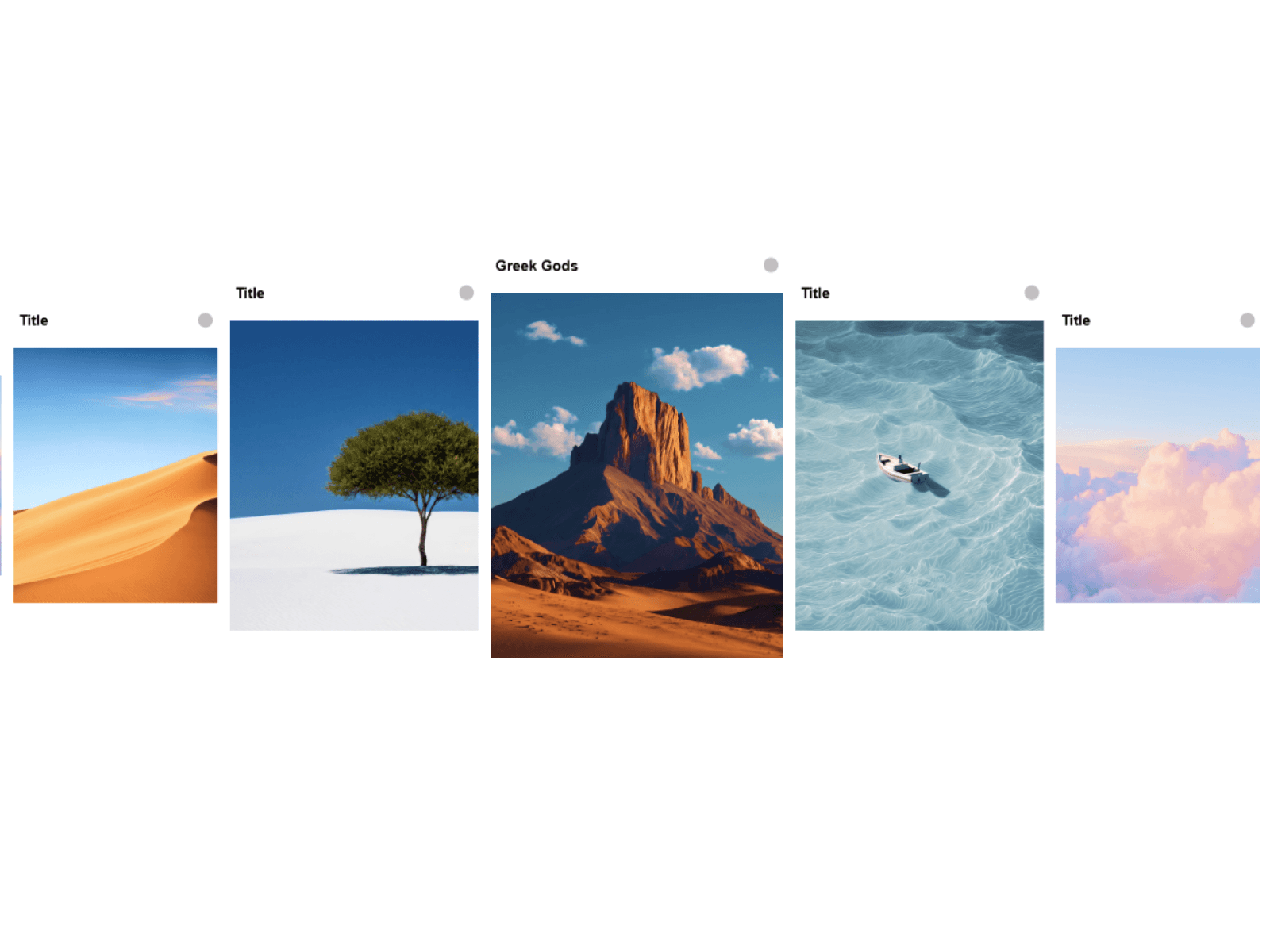

A touch-friendly carousel component helps you present testimonials, products, case studies and team members in a smooth, swipeable layout, horizontal or vertical. Built for full control without writing a line of code.
What Sets Mintbox Carousel Apart:
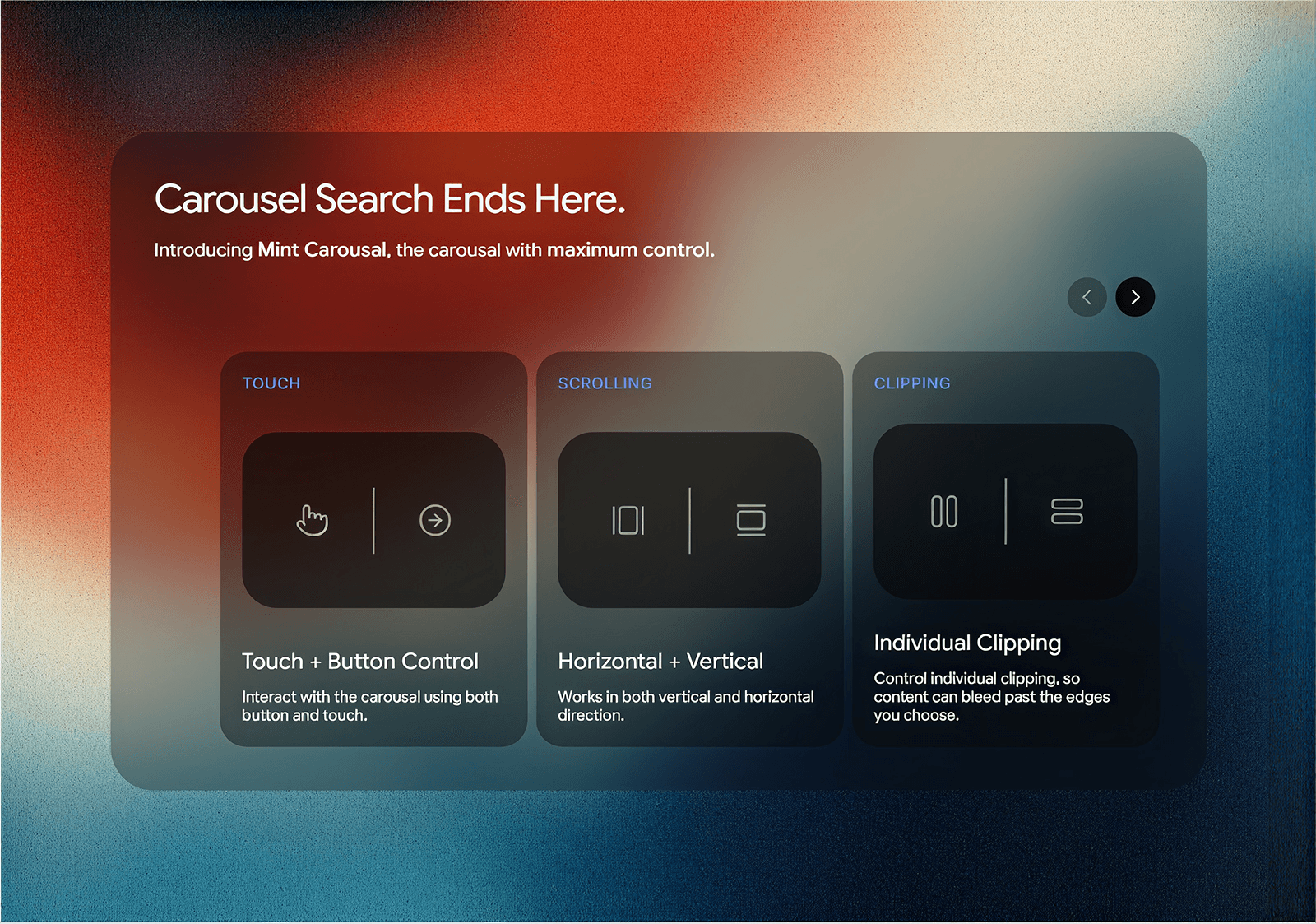
Touch and Button Navigation – Swipe or drag with flick momentum, snap and a soft edge bounce, or use arrow buttons. Show or hide either one.
Horizontal and Vertical Scrolling – Switch direction from one dropdown. Buttons, dots and bar adapt automatically.
Custom Card Sizing – Set an exact card size, or switch to native-style Auto and Columns / Rows sizing with alignment options.
Padding on All Four Sides – Set left, right, top and bottom padding separately.
Clipping on Each Side – Turn clipping on or off for left, right, top and bottom independently.
Fit Support – Set the carousel to Fit and it sizes to the first card instead of collapsing.
Dots or Progress Bar – Choose either, with full control over size, color, opacity and placement.
Organized Property Panel – Related controls are grouped, and options that don’t apply are hidden.
Customization Included:
Direction, card size, gap and padding
Per-side clipping
Touch, drag and snap behavior
Button layout, position and styling
Dots and progress bar styling
Animation speed and move distance