About Scroll through a 3D
✦ Turn a pile of images into a place people walk through.
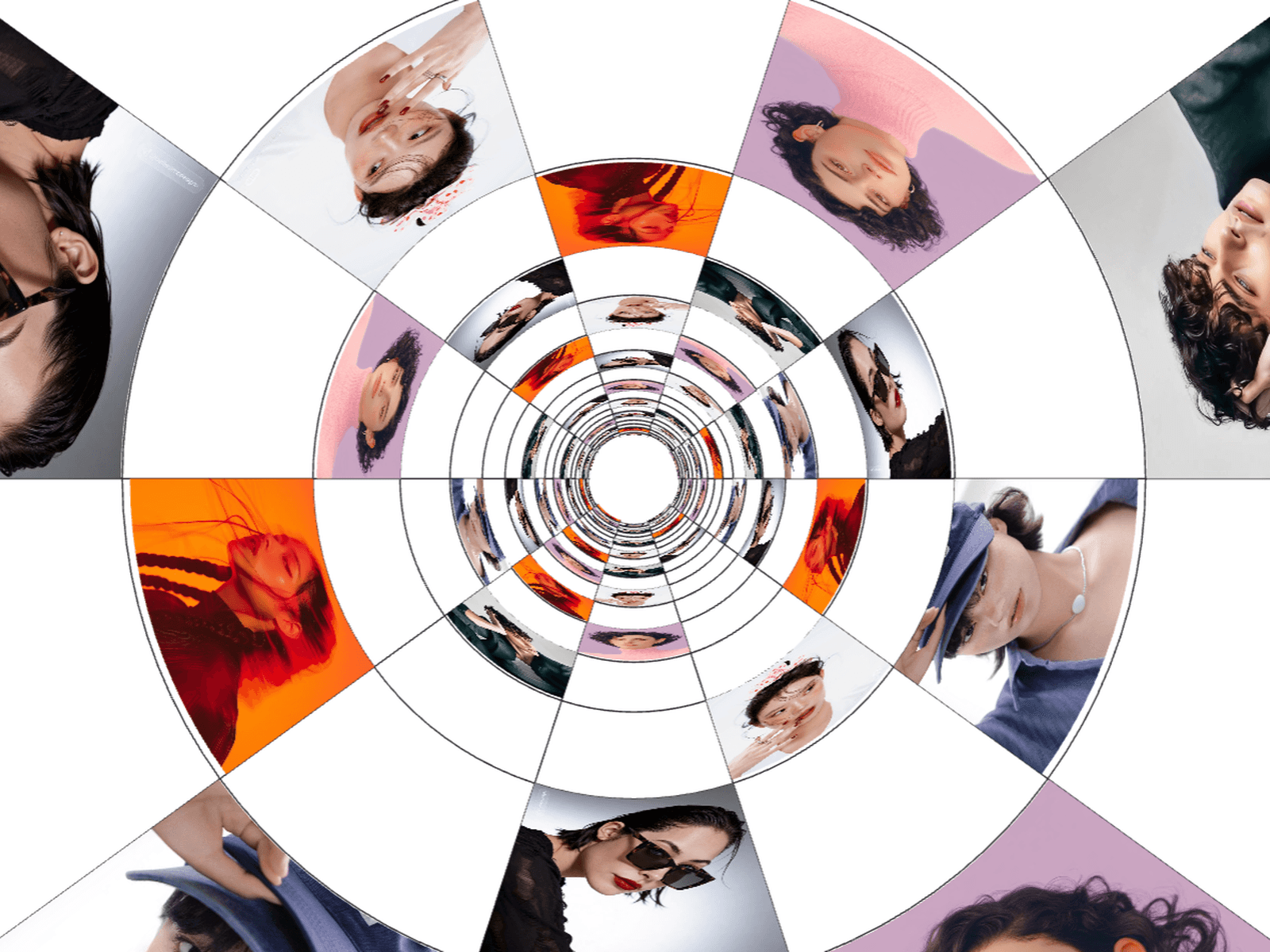
Page Corridor lines your images up as pages along a 3D hallway. Visitors scroll, drag or just watch it drift. Tap a page and it flies to the front for a closer look. Tap again and it goes back.
It's built for portfolios, lookbooks and campaign pages, and for any site where a flat grid feels too safe.
⚙ What you can customize
Images ✦ Number of pages ✦ Page width & height ✦ Depth gap ✦ Spread ✦ Page angle ✦ Page tilt ✦ Bend ✦ Scroll speed ✦ Smoothing ✦ Auto drift speed & direction ✦ Viewed page size ✦ View animation speed ✦ Background color
🖱 Included interactions
Mouse wheel scroll ✦ Drag & swipe ✦ Auto drift ✦ Tap to view ✦ Esc to close ✦ Pages bend as you scroll
🎯 Perfect for
Portfolios ✦ Photography & art galleries ✦ Magazine & lookbook previews ✦ Case study intros ✦ Product launches ✦ Hero sections ✦ Event & campaign pages
📱 Made to behave
Fills whatever frame you give it. Touch friendly. Vertical swipes still scroll the page on mobile. You can switch off wheel capture so visitors don't get stuck on your page. It pauses when it's off screen, and drifting stops if someone has reduced motion turned on.
🧩 Easy setup
Paste it on the canvas, add your images in the Properties panel, done. No code needed. Until you add images, you'll see numbered placeholder pages so you can play with the controls right away.