About Advanced Google Map

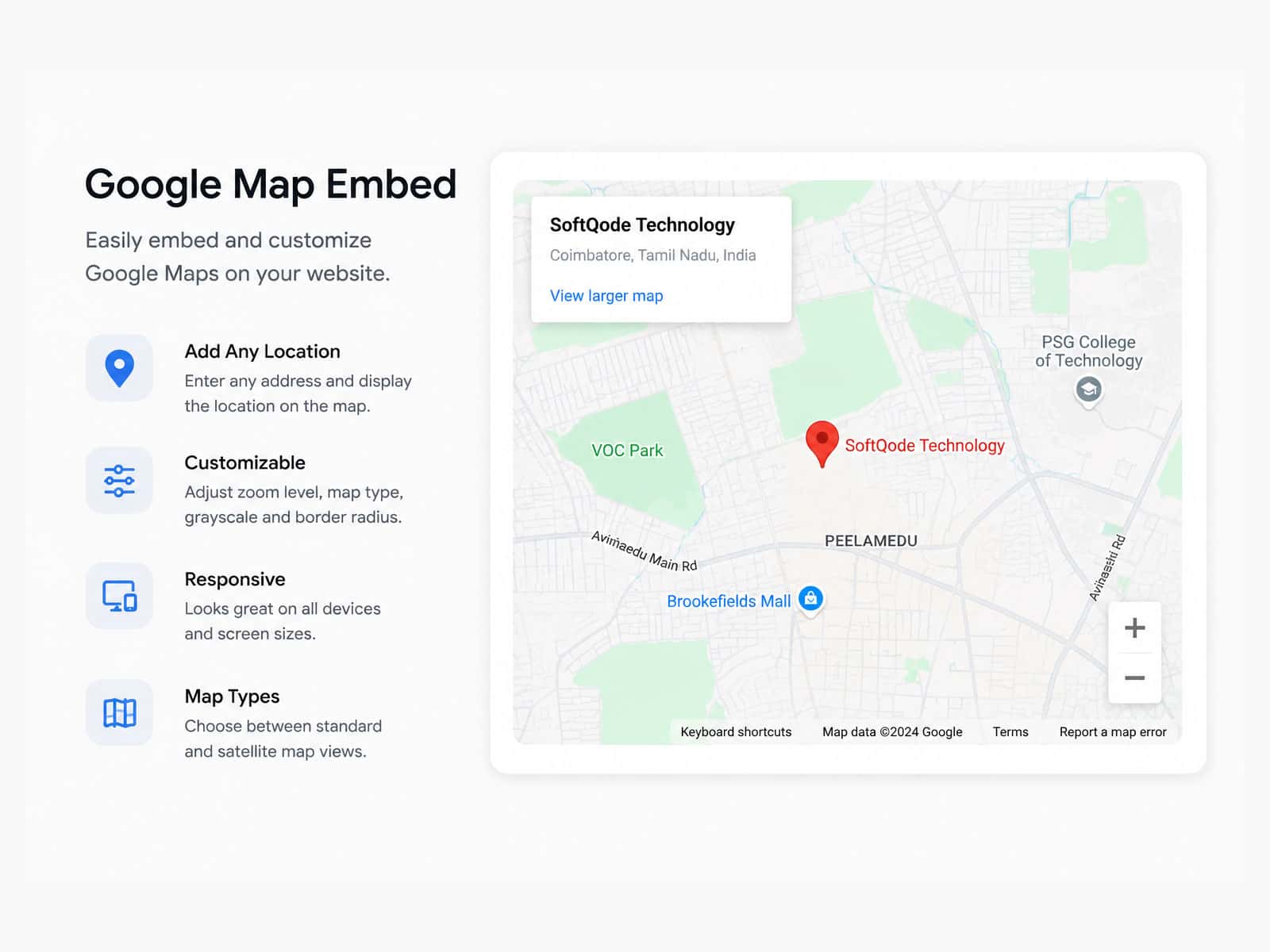
The Advanced Google Map Embed component gives you full control over Google Maps inside Framer. You can manually add locations or fetch them dynamically from your CMS, customize markers, control zoom levels, and fine-tune map styling — all wrapped in a smooth, Apple-style UI that looks great on every screen size.
With the latest update, managing locations is even more powerful and user-friendly:
✨ New Features
Sidebar List View
Display all markers in a scrollable sidebar alongside the map.
Search & Filter
Let users quickly search markers by title or description.
Sort by Distance
Sort locations based on the user’s current location using browser geolocation.
Collapsible Sidebar
Collapse the sidebar to focus entirely on the map when needed.
UI Theme Control
Choose between Auto, Light, or Dark themes for the sidebar and controls.
Geolocation Integration
Uses browser location data to calculate distances accurately.
Flexible Links per Marker
You can fully customize both the link and the link text inside each marker.
Add a Get Directions link, connect any URL from your CMS, or send users to external pages with ease.
Perfect for
Location directories
Travel and tour maps
Real estate listings
Store locators
CMS-driven location-based projects
🔴 Live Demo
See it in action: https://advanced-google-map-embed-demo.framer.website/
Tutorial
📌 Notes
This is a digital product. Due to the nature of Framer components, all sales are final and non-refundable.
If you need help or have questions, feel free to reach out.
Contact: hello@pin.supply