About AI Loading State
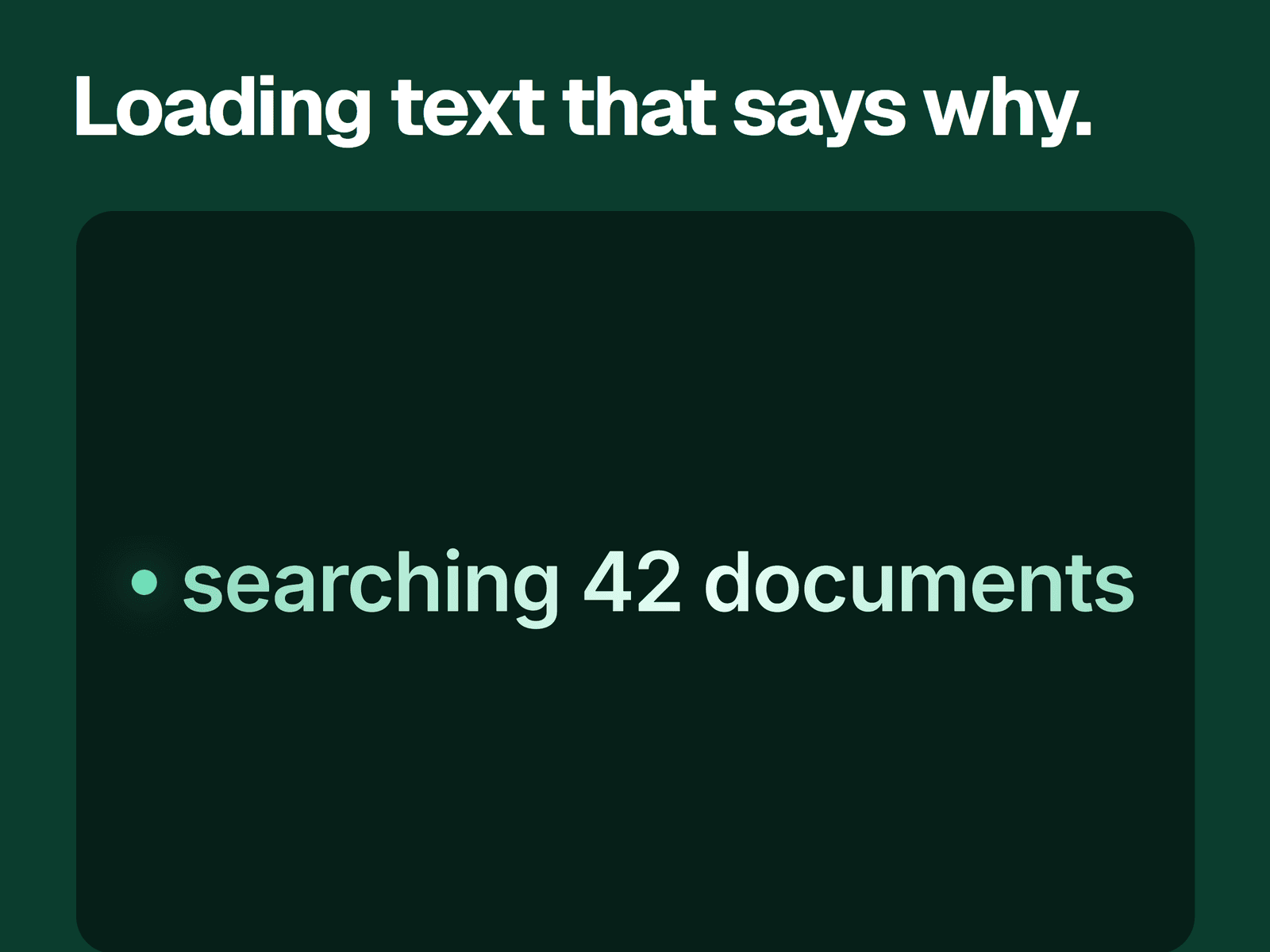
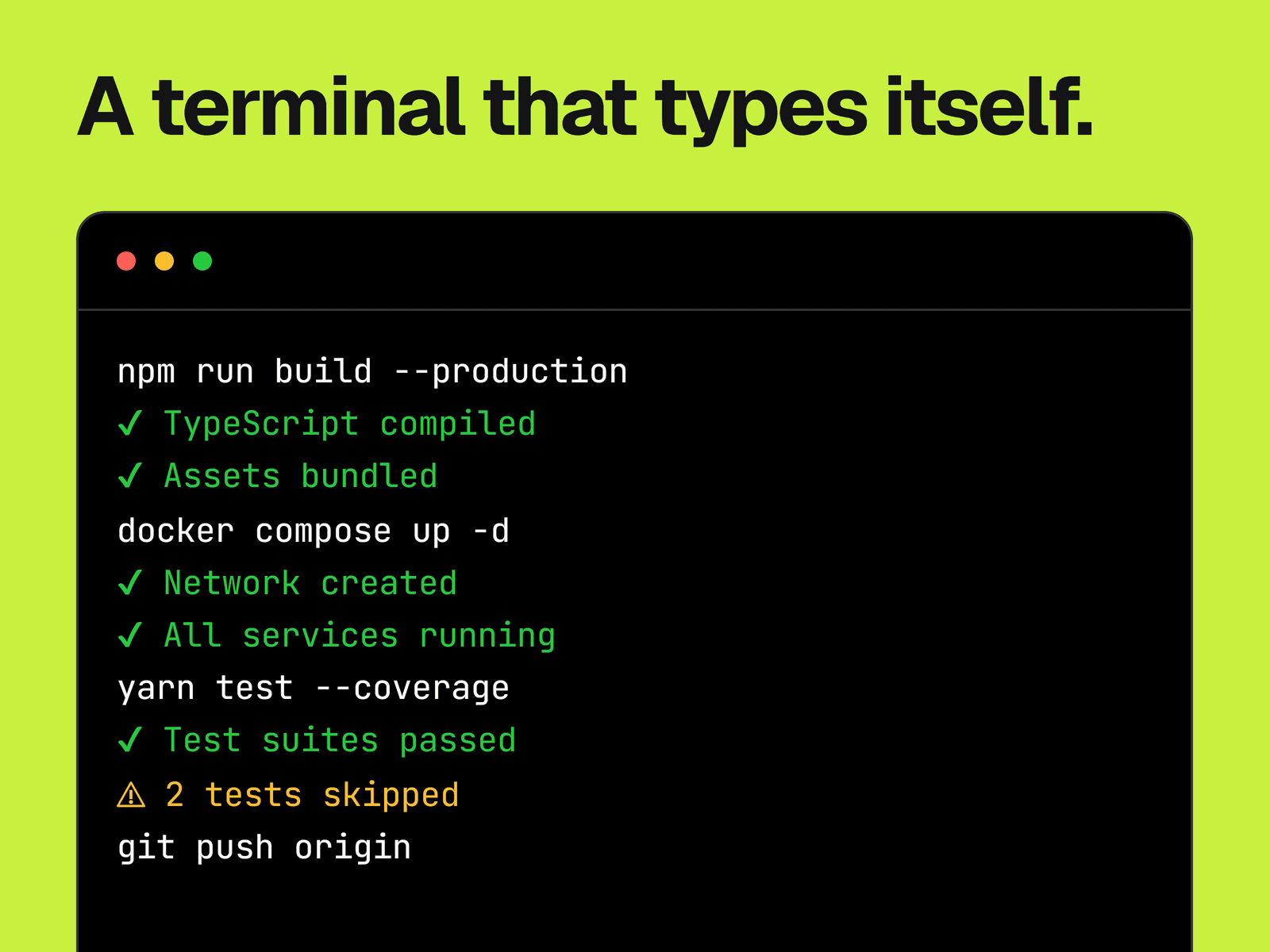
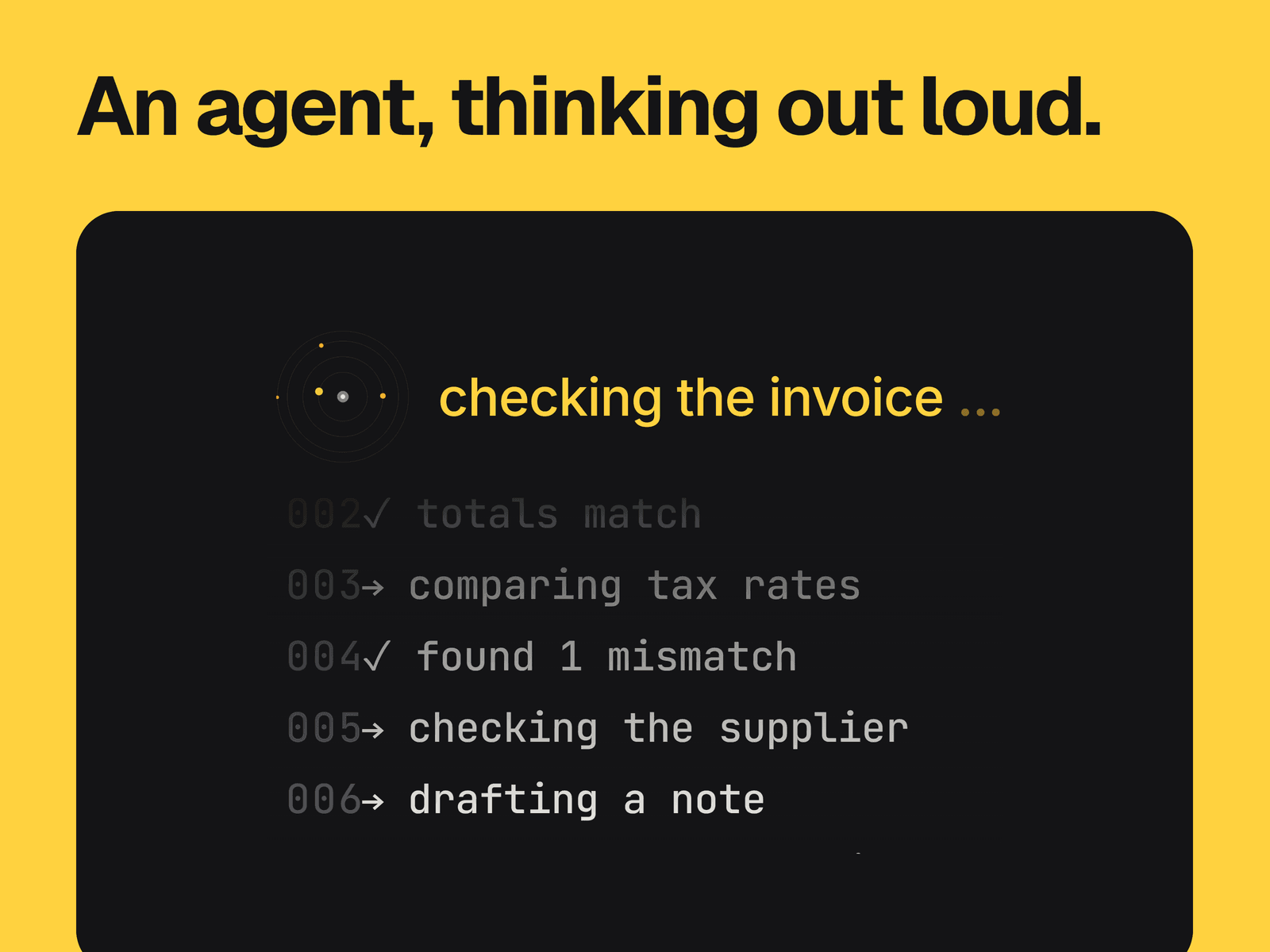
A status line with orbiting dots, above a numbered log that scrolls one line at a time. When a sequence runs out of lines, the status and log switch to the next sequence, and the last one loops back to the first.
What you can change
Every sequence: its status text and its log lines.
The time between lines, from 500 ms to 5 seconds, how many lines show at once, from 2 to 8, and the height of each line.
The spinner's size, from 20 to 64 px, its center color and up to 6 dot colors.
Separate fonts for the status and the log, with colors for the log text, line numbers, status and background.
The color of the fade over the top of the log.
Where it fits
AI product pages and chat mockups that need to show an agent at work, in a hero or a feature section.
Good to know
It plays the text you enter on a loop. It doesn't connect to a model, report real progress or reach a finished state.
Set Fade Color to match your background, or the top of the log shows a tinted band. The default text colors are meant for the dark default background.
Give each sequence more lines than Visible Lines, or the sequence changes before the log has anything to scroll.
Lines don't wrap, and the block is centered, so it can shift sideways when a sequence with longer lines comes in.
The frame doesn't grow with Visible Lines. Three lines fit the default 160 px height, so make it taller for more.
The editor shows a still of the first sequence. It plays in preview and on the published site.