About Aisol Pull Lamp
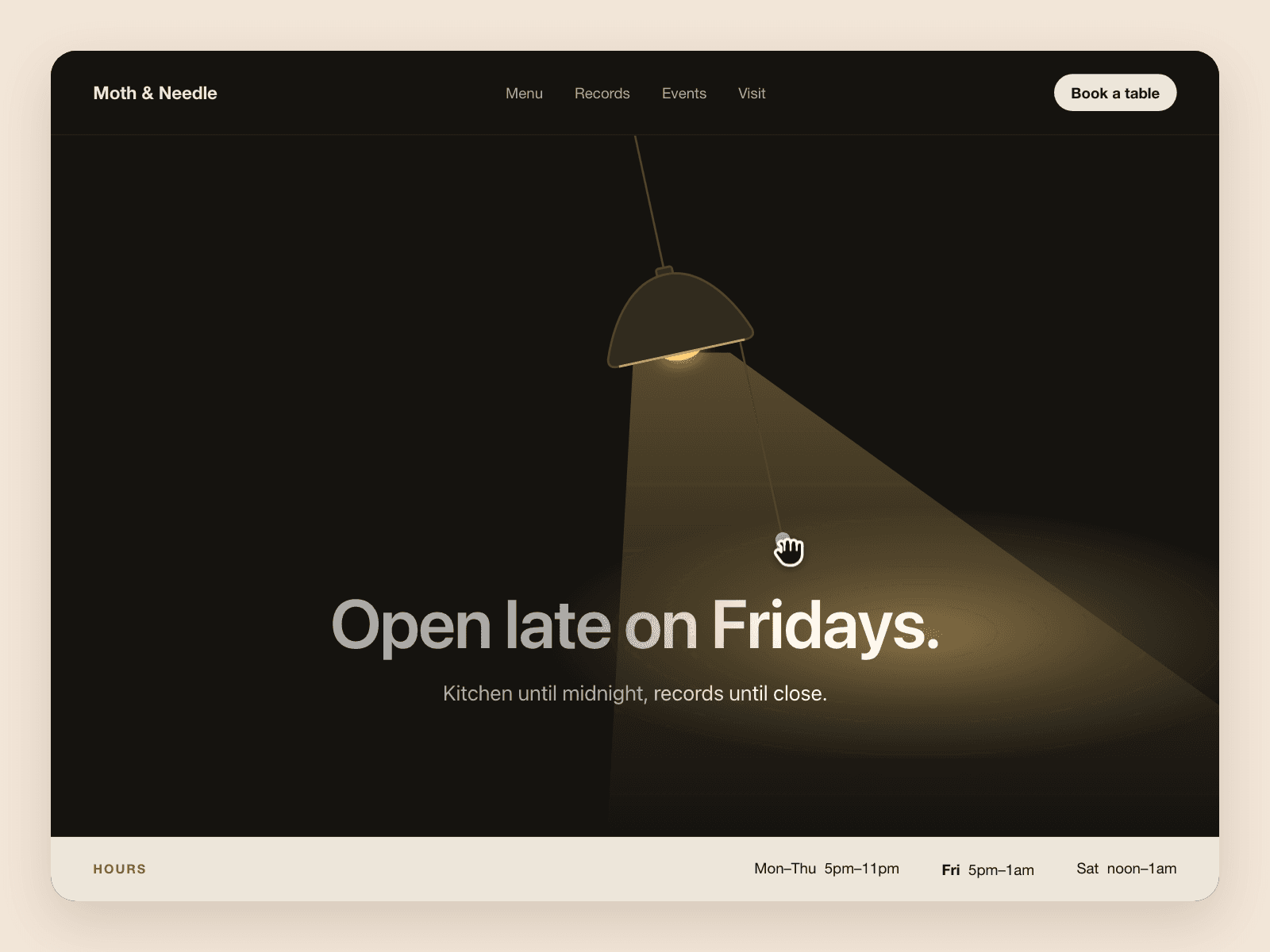
Aisol Pull Lamp is a hanging lamp for the top of a section. Pull the cord and the light switches: the lamp swings, a warm pool of light slides across your headline, then it settles and stops.
It comes with a dome lamp, a headline and one line of text, all editable in the right panel. Try it on a hero, a 404 page or a "closed today" banner.
- Pull the cord down, tap it, or Tab to it and press Enter or Space.
- After a pull it comes to rest in 3.5 to 4 seconds (we counted animation frames in Chrome), then requests no frames until the next pull.
- On a phone only the cord takes your finger. Swipe anywhere else and the page scrolls.
- The headline and text are real page text, readable with JavaScript off, in the state you pick in Start.
- With reduced motion the lamp does not swing, and the switch still works.
What you control
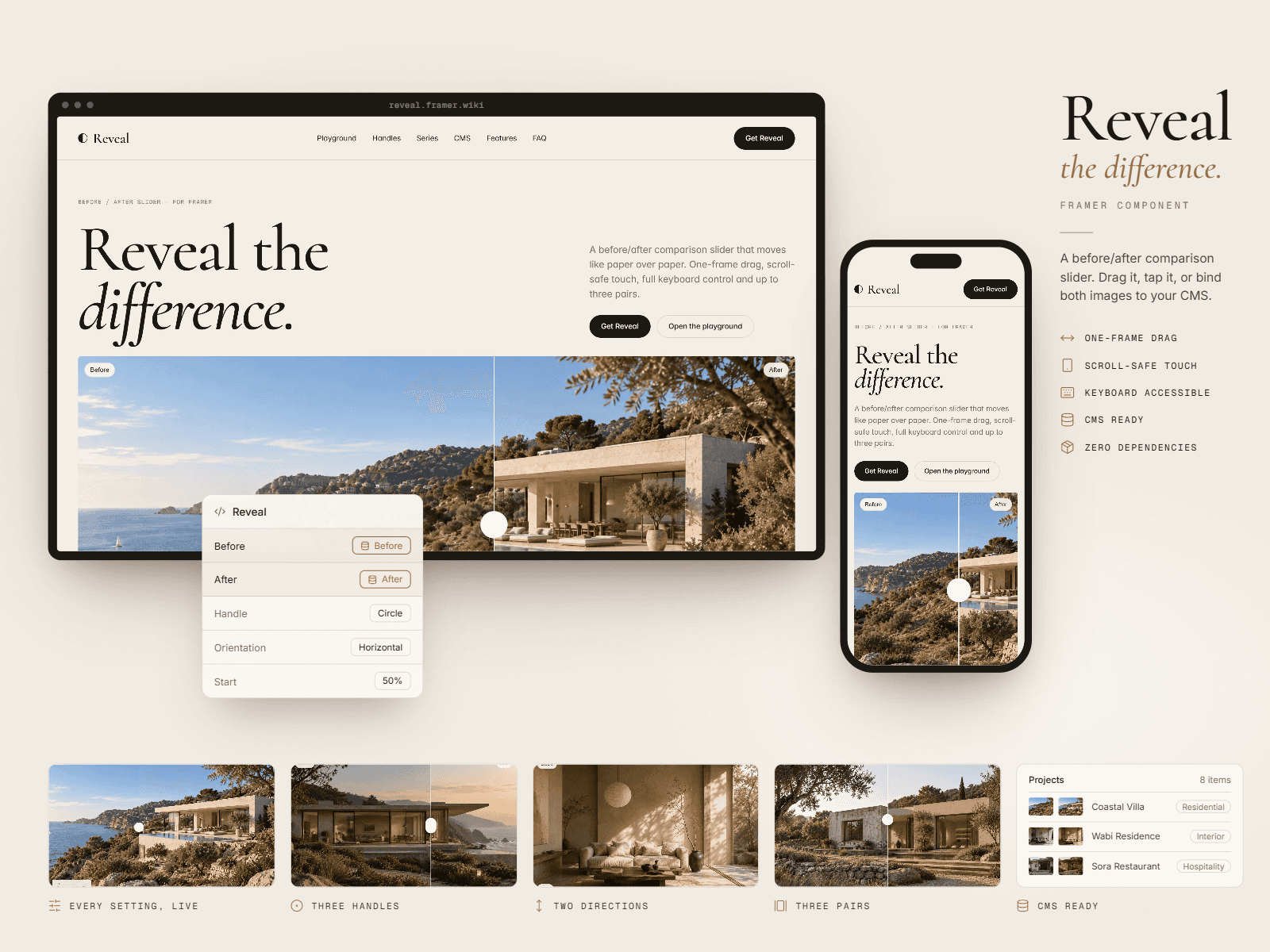
• Title and Text (leave Text empty to hide it)
• Font (a px size sets the base; sizes follow a 1.125 scale)
• Lamp: Dome, Bulb or Cone
• Light and Room colours
• Start: On or Off
• Labels: the names screen readers hear for the cord
Accessibility
The cord is a button. Its name follows the state ("Light is on. Pull the cord to turn it off") and each switch is announced politely. The lamp and the light are hidden from screen readers. Text colour is worked out from Room, so the headline stays readable with the light off: 7.6:1 on the default Room, 7.4:1 on a light cream Room. In forced colours mode the cord and its handle stay visible (checked in Chrome's emulation).
Limits: Room works best very dark or very light. Around mid grey the text still passes 4.5:1, but the cord handle can fall below 3:1. Older browsers without CSS relative colour use a simpler mix that loses contrast on light Rooms. The section is at least 480px tall and grows with its text. At Font weight Regular the title stays semibold.
For light that moves on its own, see Aisol Caustics.