About Aisol Sticky Stack
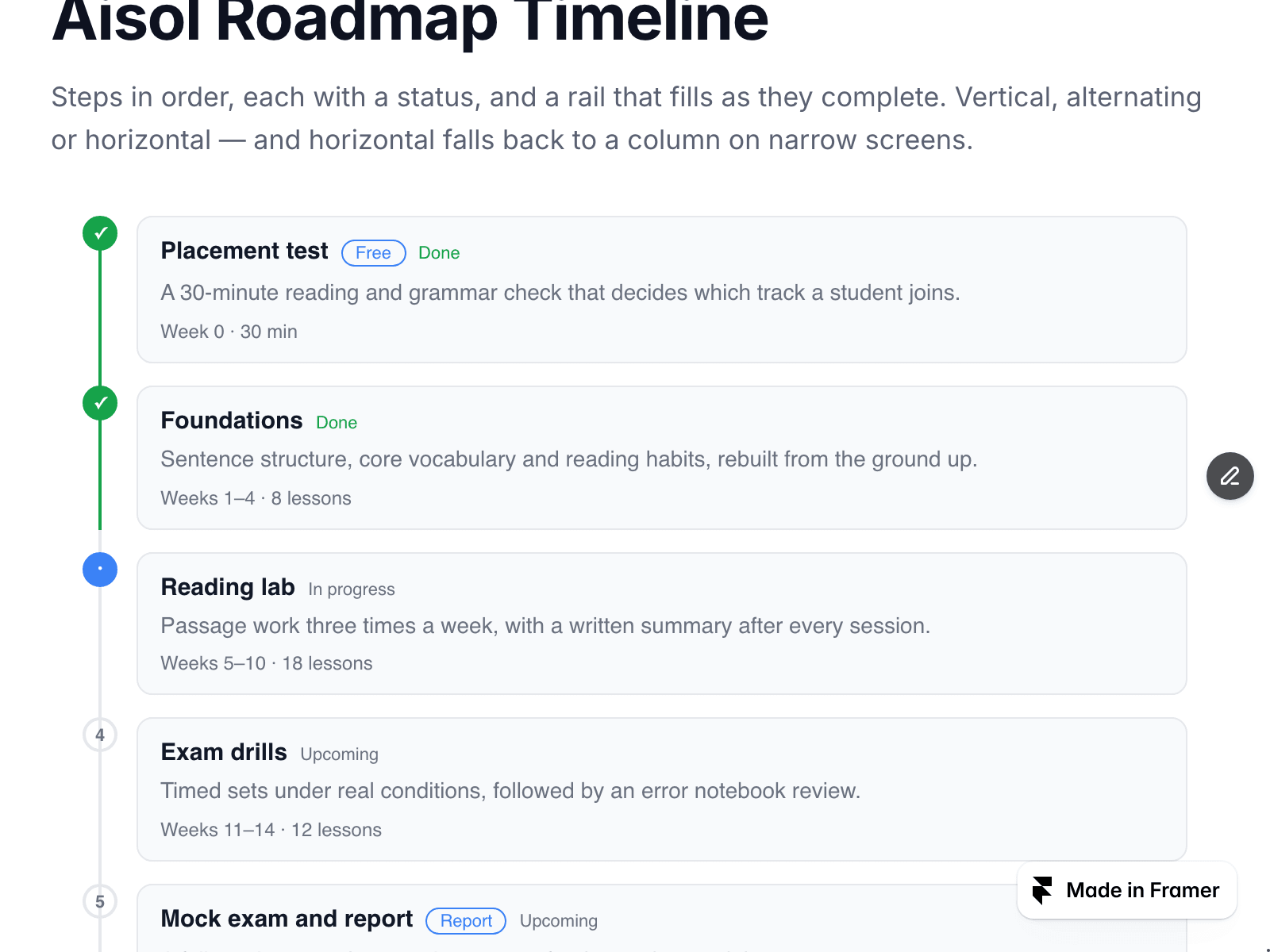
Aisol Sticky Stack turns a set of steps into a stack: each card settles at its own position near the top of the window, and the next one comes to rest on it, leaving the step label of the one underneath still visible.
The stacking is plain CSS sticky. There is no scroll listener and nothing is measured — the only script in the component is a one-shot fade for each card as it enters, and reduced motion drops even that while keeping the stack itself.
- Reduced motion is respected properly: when the visitor has motion turned off, the animation does not run and the observer is never attached.
- Nothing is measured. No getBoundingClientRect, no scroll listeners, no layout reads — so the Framer canvas stays still while you work.
- The static renderer is a separate, pure branch: no observers, no timers, no transitions. What you see on the canvas is the finished state.
What you control
• Where the first card settles (leave room for a fixed navigation bar)
• How much of the buried card stays visible
• How much each buried card shrinks — set it to zero for a flat stack
• Scroll gap between cards, corner radius, heading level, text size, four colours
• Steps as an array, or bind a CMS collection through the step slots
• Step label, badge and link per step; list name for screen readers; empty-state text
Steps are a real ordered list with numbered labels, so the order is readable by machines as well as by eye — leave the step label empty and it numbers itself. On the canvas the stack is unpinned so every card is visible while you edit.
More components at Aisol Studio → https://thistle-timing-694660.framer.app/