About Apple Video Player
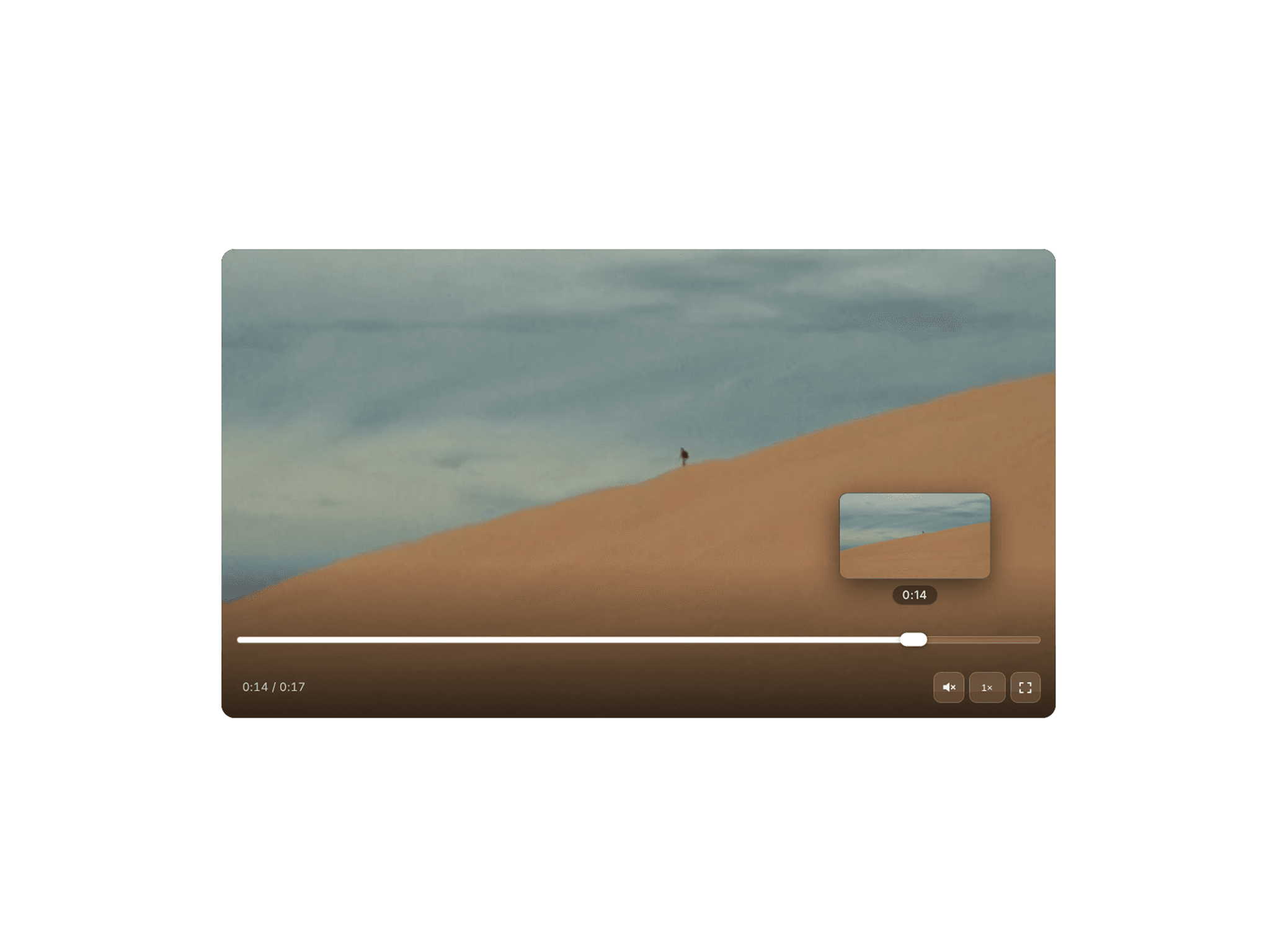
A minimal, Apple-flavoured video player. Controls that fade in when you want them and vanish when you don't. Drop in a file and it just looks right.
Note
Full screen doesnt work in the preview above but it will in your canvas & website.
Features
Upload videos from your device or Youtube/ Vimeo / Reels
Aspect ratios - 16:9, 9:16, 1:1 or custom
Auto crop & custom crop
Auto play- ON / OFF
Auto mute- ON / OFF
Loop video
Minimal UI mode with only play/pause & mute/unmute
Change corner radius
Video speed change
How to use
copy component
paste into canvas
upload your video or paste a link
crop or choose your aspect ratio
Shortcuts
Space bar / Mouse click - play / pause
M- Mute
Hold trackpad / mouse button - 2x Speed
F- Fullscreen/ Minimize
Left arrow - -10 seconds
Right arrow - +10 seconds
Mouse hover over bar - Video timeline.