About Ask AI Tools
Ask AI Buttons — AI Prompt Buttons for Framer
Help website visitors explore your business, products, or services using their preferred AI assistant.
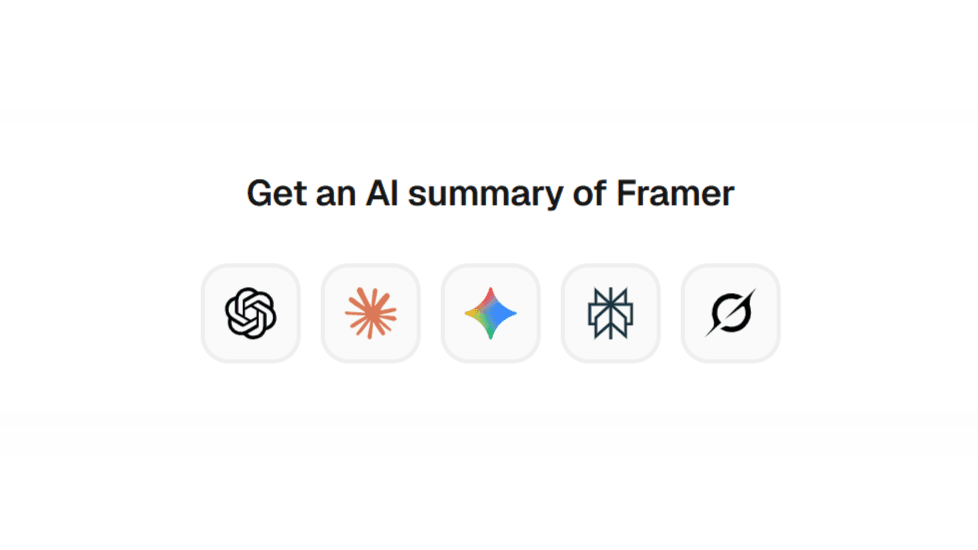
Ask AI is a customizable Framer code component that lets you add a row of AI service buttons to your website. Set your own prompt, choose which AI services to display, arrange them in your preferred order, and customize the appearance directly in Framer.
Features
5 AI services: ChatGPT, Claude, Gemini, Perplexity, and Grok.
Custom prompts: Define the question or instruction sent to each selected service.
Enable or disable services: Display only the AI assistants you want.
Custom service order: Arrange the buttons to suit your website.
Flexible link behavior: Open AI services in a new tab or the current tab.
Visual customization: Configure typography, colors, alignment, padding, spacing, borders, and corner radius.
Brand or custom icon colors: Match the component to your website's design.
How it works
Add Ask AI to your Framer canvas.
Set your heading and custom prompt.
Choose which AI services to display and arrange their order.
Customize the component's appearance.
Publish your website and test the links.
When a visitor clicks an AI service button, they are directed to that service with your configured prompt included in the URL. Prompt pre-filling depends on the destination service's current URL behavior.
Use cases
SaaS and product landing pages
Business and agency websites
Blogs and editorial content
Documentation and educational websites
Product directories and resource pages
Important information
Ask AI is a link-based component, not an embedded chatbot. It does not require an AI API key or run an AI model on your website.
Visitors may need an account with the selected AI service. The component does not automatically append the current page URL to the prompt.
Make it easier for visitors to explore your business with the AI assistant they already use.