About Audio Player Button
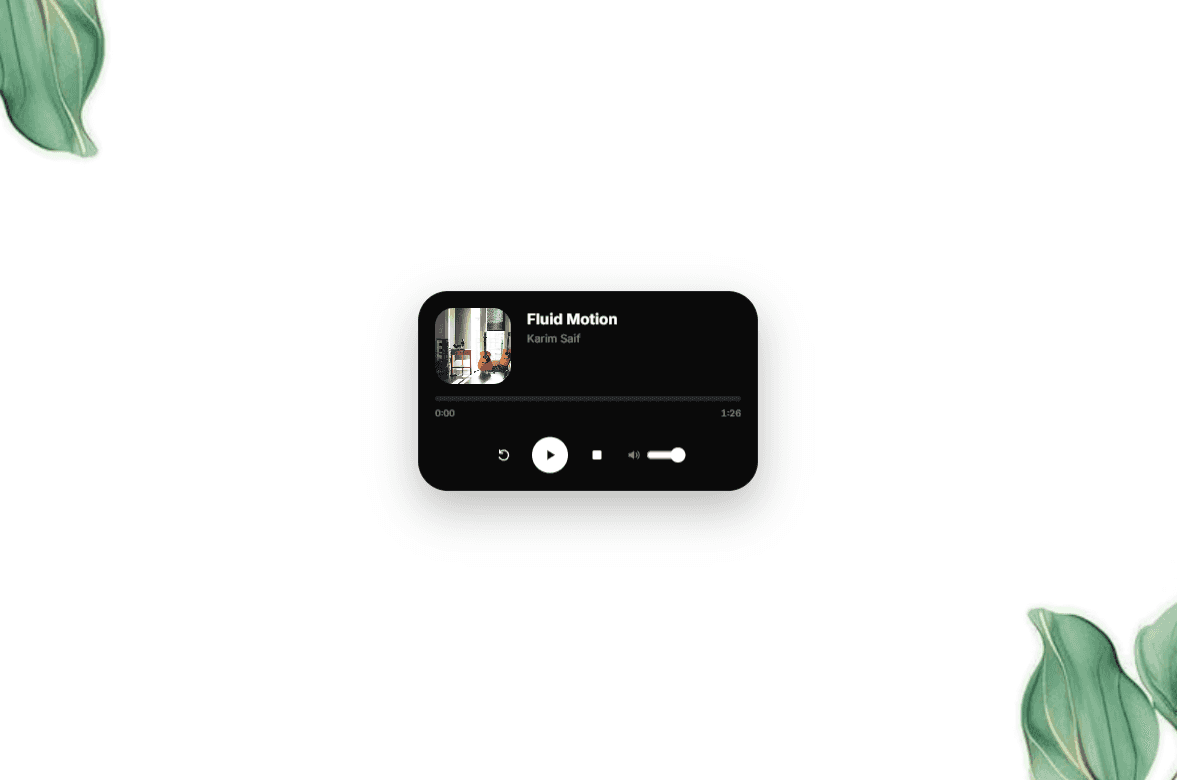
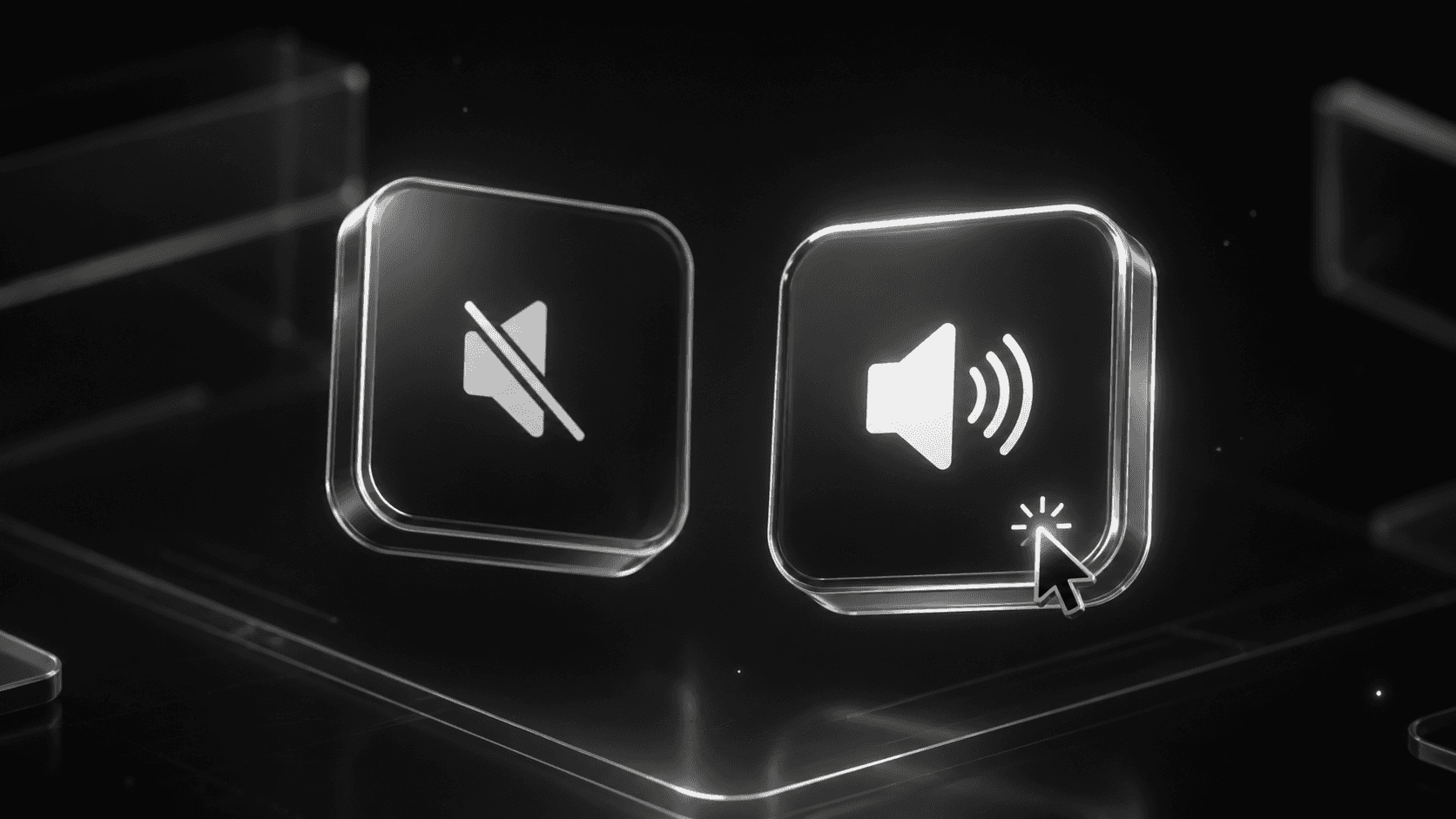
Drop a single button anywhere on your site to play full-page background audio. Visitors tap to start the sound and tap again to mute. A clean, lightweight way to add atmosphere, music, or voice to any page.
What it does
Place one small button anywhere on your page and give your whole site a soundtrack. When a visitor taps it, your chosen audio plays across the full page in the background. Tapping again mutes it. It's the simplest way to add ambient music, a brand sound, or a spoken intro without cluttering your layout.
Easy control
One button, one job. Visitors stay in control — they choose when sound comes on and when it stops. No intrusive players, no extra UI.
What you can change
Audio file (upload your own track)
Button icon and label
Button size, color, and shape
Default state (muted / unmuted)
Position and placement on the page
Responsive behavior The button stays crisp and tappable on desktop, tablet, and mobile, sitting wherever you place it without breaking your layout.
Use Cases
Portfolio and brand sites that want a signature sound
Landing pages with ambient or mood music
Event, music, and artist pages
Storytelling and immersive experiences
One button. Full-page sound. Total control for your visitors.