About Autodemo
Show people how your product works, without recording a video.
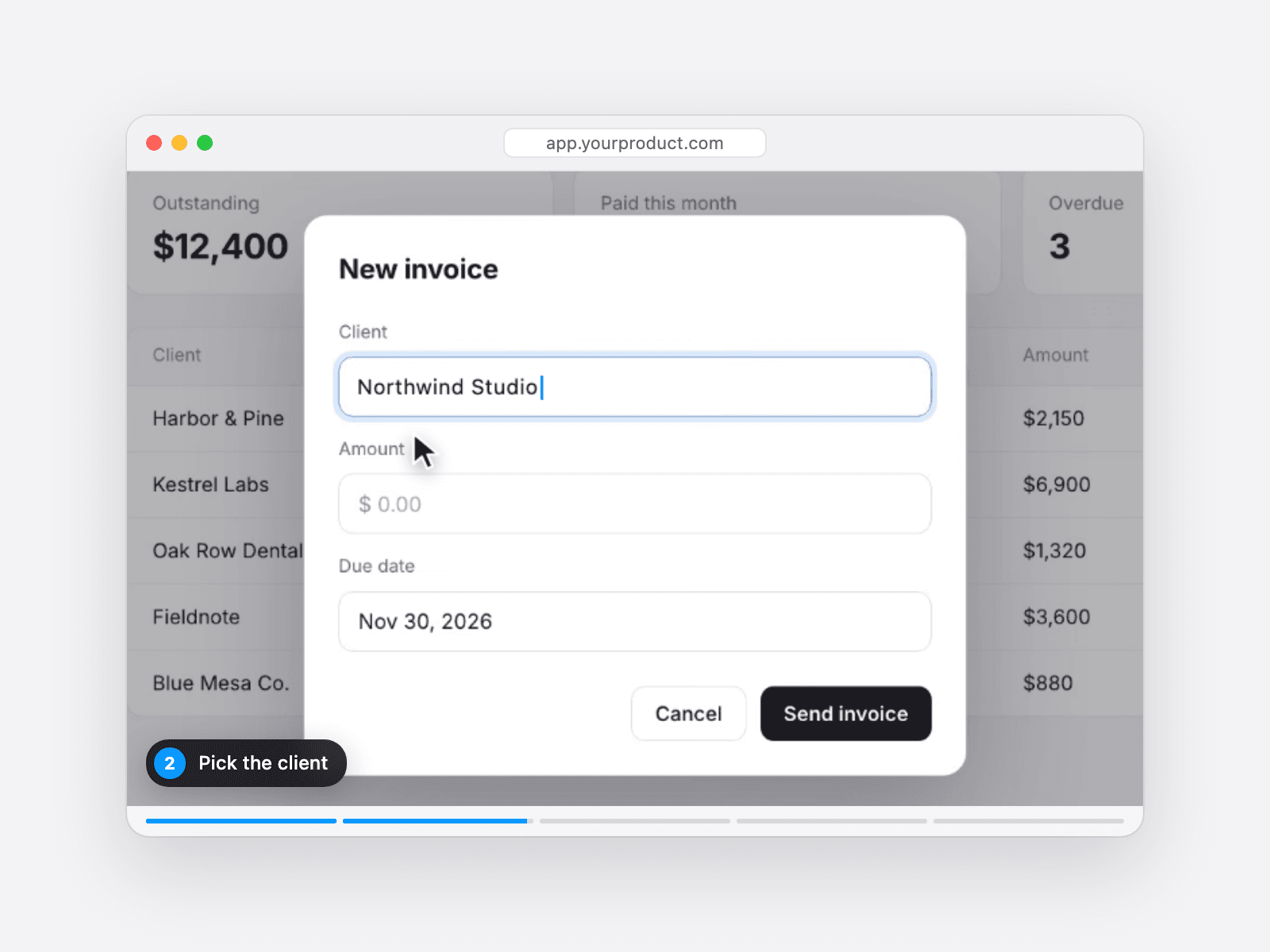
Autodemo turns screenshots of your app into a demo that plays by itself. A cursor moves across the screen, clicks buttons and types into fields. The view zooms in on the part that matters, and a caption explains each step. Visitors see your product in action as soon as they scroll to it.
Autodemo is for founders and designers who sell an app or a software product and build their site in Framer.
A screen recording goes out of date every time your app changes. With Autodemo, you replace one screenshot or edit one word, and the demo is up to date again.
How it works
Take a screenshot of each screen you want to show.
Open the free setup page. Click where the cursor goes, drag a box around the part to zoom into, and blur anything private.
Copy the setup code, paste it into Framer, and add your screenshots. The order does not matter.
What you can set
Steps: click, type, hover or wait, each with its own caption.
Look: a browser frame, a card or no frame. A Mac, PC or dot cursor. Your accent color and the font of the typed text.
End screen: a button to your sign-up page, and a Watch again button.
Playback: start when the demo scrolls into view, on hover or on click. Set the speed and the loop.
Phones: captions move under the screenshot, so they stay readable.
Privacy: blur names and emails. The setup page never uploads your screenshots.
Watch the live demo and try the setup page before you buy.