About Before/After Image S
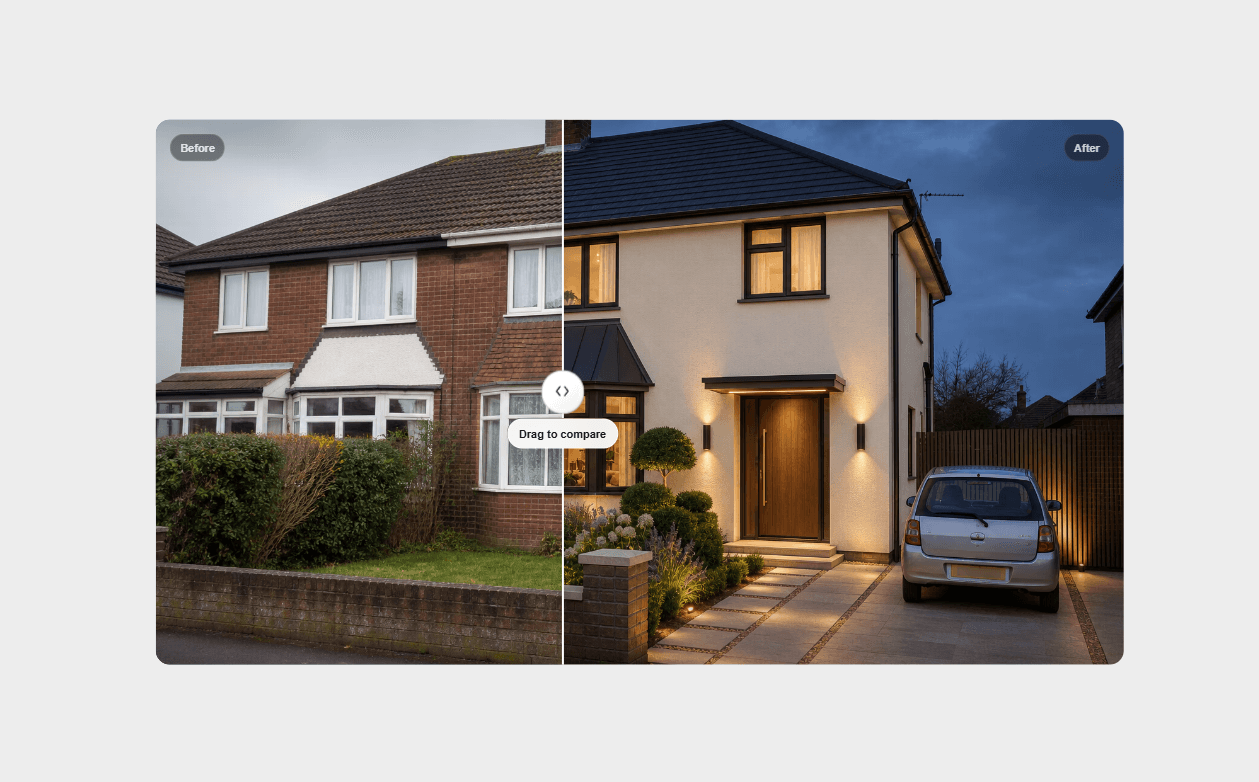
A responsive drag-to-compare slider for showing before/after transformations —
home renovations, design revamps, photo edits, fitness progress, case studies.
Drag with mouse, touch, or keyboard. Every visual detail is editable from the
property panel, no code required.
FEATURES
- Horizontal or vertical orientation — frame shape adapts automatically
- Cover or Contain image fit, so your images never look cropped or stretched
- Fully accessible — keyboard arrow key support, proper ARIA roles
- Customizable handle: size, color, icon, shadow, hover scale
- Before/After labels with position, color, and style controls
- Adjustable divider width, color, and glow-on-drag effect
- Subtle load-in nudge animation so visitors notice it's draggable
- Optional edge vignette for a polished, framed look
- Works as a manual drag slider, or set a fixed reveal position for
scroll-triggered or programmatic control
USE CASES
Renovation and redesign portfolios, photo editing showcases, product
transformations, fitness/progress galleries, agency case studies,
before/after marketing sections.
No code needed — every option is a control in the Framer panel.