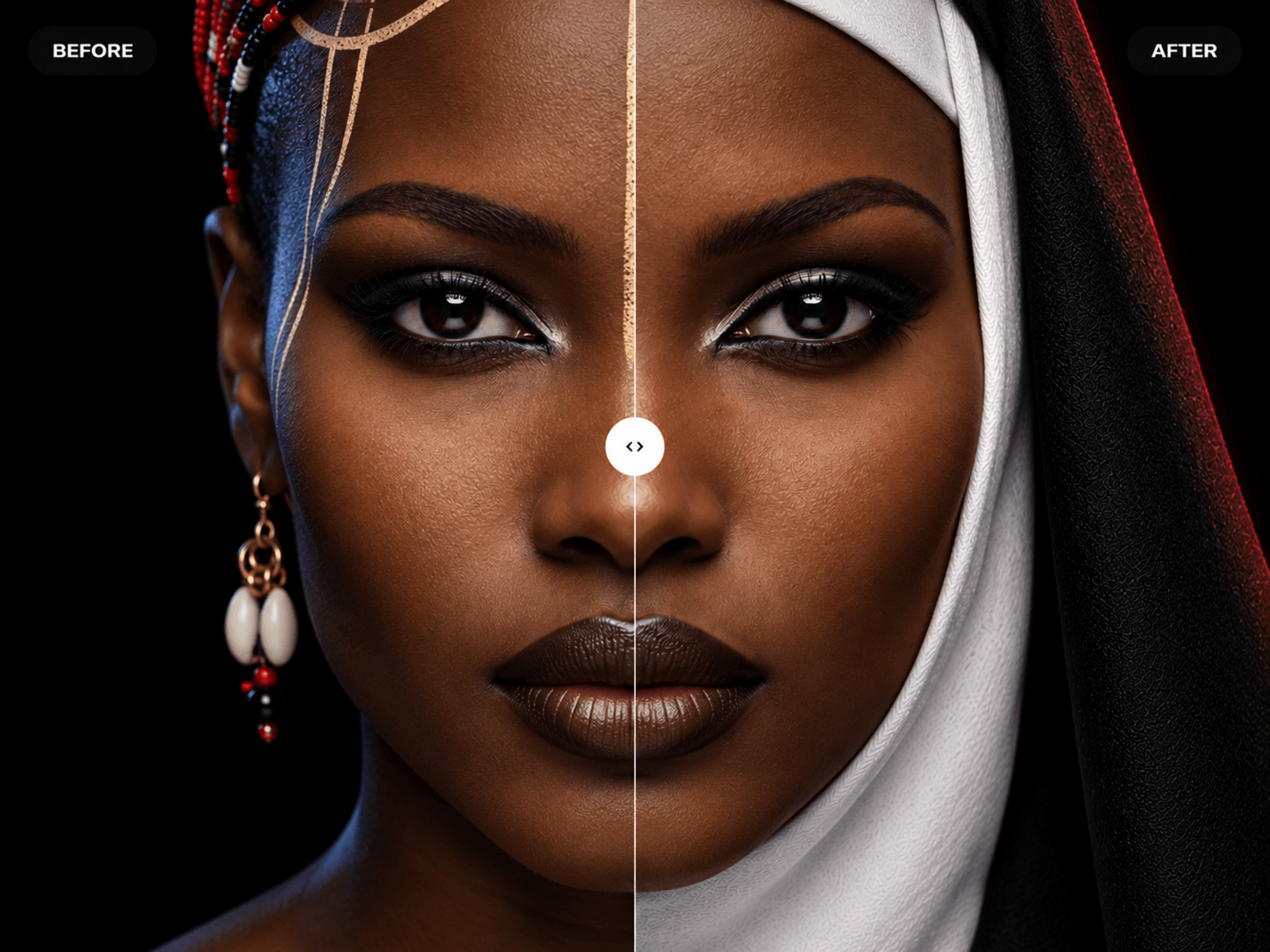
About Before/After Reveal
Turn any two images into a smooth, interactive before and after comparison.
Before/After Reveal gives visitors an engaging way to explore transformations, redesigns, retouching, renovations, product improvements, case studies, and creative processes directly inside your Framer website.
Visitors can drag the comparison handle, click anywhere to reposition it, use pointer-follow mode, or control the reveal with their keyboard. The component works horizontally or vertically and includes a smooth entrance animation that only begins when it enters the viewport.
CUSTOMISE EVERYTHING
• Upload separate before and after images • Choose horizontal or vertical reveal direction • Switch between drag and pointer-follow interactions • Set the initial reveal position • Enable click-to-position and double-click reset • Adjust image fit, position, scale, brightness, and hover motion • Customise the divider width, colour, and opacity • Style the handle, border, background, icon, size, and shadow • Add before and after labels • Display the current reveal percentage • Add an eyebrow, headline, supporting text, and CTA • Control image parallax and inactive-side dimming • Add an adjustable vignette • Configure separate mobile headline, spacing, content, and handle settings
BUILT FOR REAL FRAMER PROJECTS
The component is responsive, touch-friendly, keyboard accessible, and optimised for Framer’s canvas, static rendering, and published websites.
Perfect for:
• Branding and website redesign case studies • Photo retouching and colour grading • Architecture and interior transformations • Beauty and aesthetic results • Fitness progress comparisons • Product redesigns • Restoration projects • Creative portfolio presentations
Add your images, customise the appearance, and create a polished comparison experience without building the interaction from scratch.