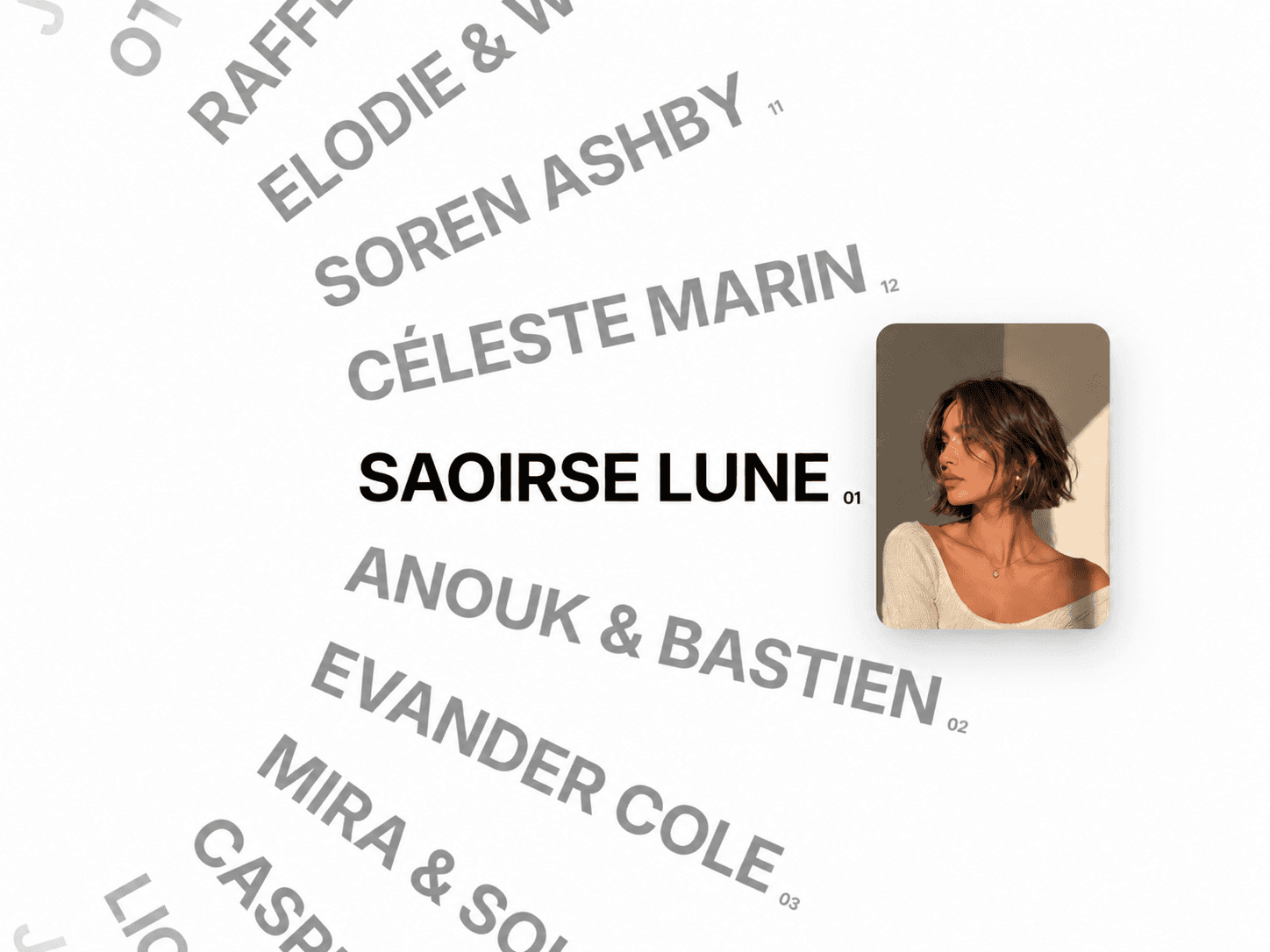
About Blur Text Effect
Blur Text Effect
A flexible text effect component that creates progressive blur transitions across individual characters, allowing text to gradually move from sharp to blurred with smooth visual control.
Built to create expressive typography treatments, it applies blur values independently to each character based on its position within the text, making it possible to create directional fade effects, edge emphasis, and dynamic visual compositions.
Beyond the visual effect itself, the component includes intelligent responsive behavior and automatic translation compatibility, ensuring the effect remains stable across different layouts and real-world usage scenarios.
Key Features
Progressive character-based blur effect
Independent blur calculation for each character
Left, right, or dual-edge blur directions
Adjustable blur intensity controls
Adjustable blur width controls
Fully customizable typography and colors
Blur Direction Modes
Left → blur gradually decreases from left to right
Right → blur gradually increases from left to right
Both → blur on both edges with a clear center area
Intelligent Responsive System
Unlike many text effects that rely on transform: scale(), Blur Text Effect uses a dynamic typography recalculation system.
Instead of visually scaling the component, it intelligently adjusts:
font size
letter spacing
line height
This avoids common scaling issues such as:
Broken stack spacing
Incorrect alignment
Wrong interaction areas
Unnatural layout expansion
The component dynamically calculates the optimal scale based on available space while preserving natural typography proportions.
Result:
Text grows and shrinks naturally without creating layout inconsistencies.
Width must be set to fill
Automatic Browser Translation Support
This component includes a less common but highly practical feature: compatibility with automatic browser translation systems.
Blur Text Effect actively detects content changes and automatically rebuilds the effect when translated text is detected.
The effect automatically updates while preserving blur behavior and layout consistency.
Result:
The component continues working seamlessly even after dynamic translation occurs.
Automatic Text Measurement
The component includes an internal measurement system that continuously calculates the natural width of the content.
This helps:
prevent overflow issues
determine responsive sizing limits
maintain stable typography proportions
calculate adaptive scaling behavior
Accessibility Support
Visual text effects often reduce accessibility by exposing each character separately.
Blur Text Effect preserves accessibility by separating visual rendering from semantic content.
Result:
Screen readers read the complete sentence naturally
Users do not hear individual letters one by one
Visual effects remain independent from accessibility behavior
Design
This component was designed around expressive typography while keeping behavior predictable and practical in real-world layouts.
Instead of acting as a purely decorative animation, it was built to adapt to responsive layouts, dynamic content, and translated interfaces without sacrificing consistency.
It integrates naturally into:
hero sections
landing pages
typography showcases
portfolio websites
product highlights
interactive sections
creative layouts
experimental typography systems
Why use it?
Most text effects focus only on visuals and tend to break under real-world conditions such as responsive layouts, dynamic content changes, or browser translation systems.
Blur Text Effect was designed differently.
Beyond creating progressive blur transitions, it handles responsiveness intelligently, adapts to changing content automatically, and maintains accessibility without requiring additional setup.
The result is a component that feels expressive, flexible, and dependable while remaining simple to use.
Perfect for
Hero typography
Landing pages
Portfolio websites
Product highlights
Interactive headings
Creative websites
Typography systems
Experimental layouts
Motion-inspired interfaces
Design systems