About BlurToggleImage
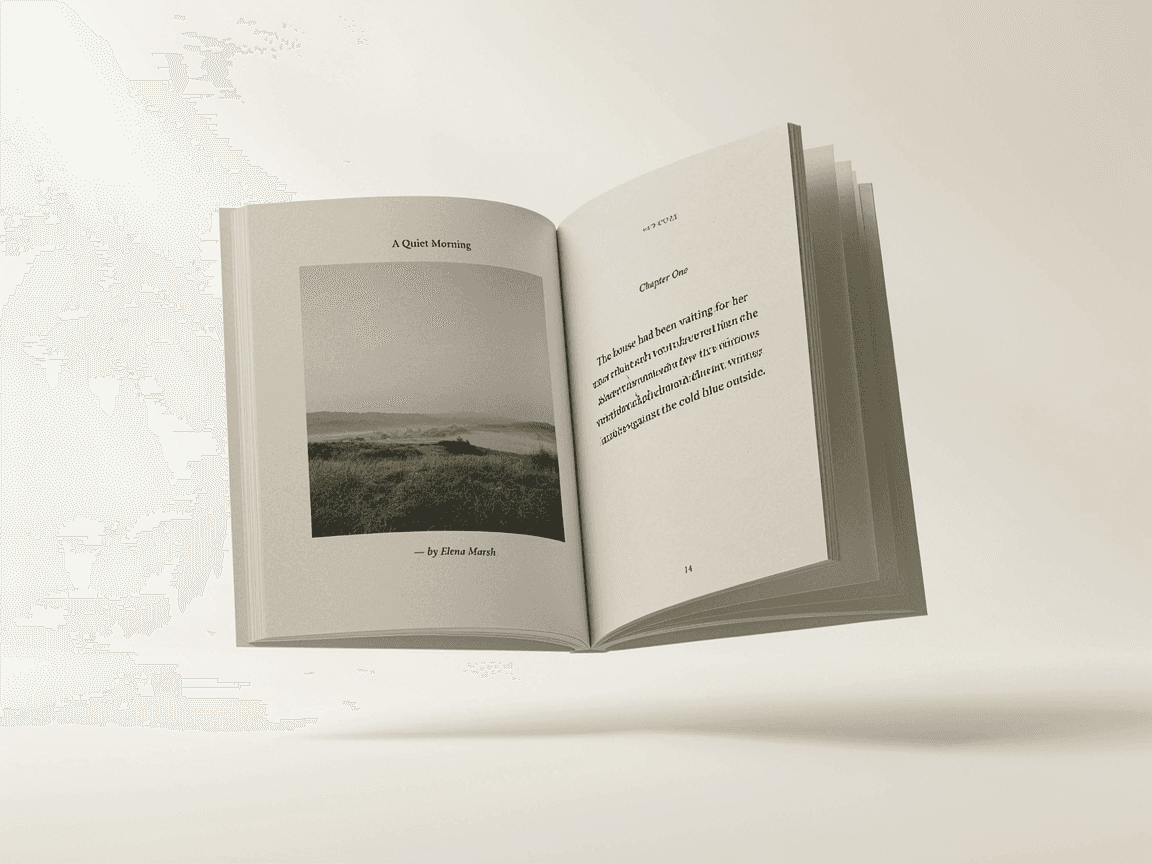
Blur Toggle Image is an advanced and fully customizable Framer component that lets you beautifully reveal or hide any image using elegant blur transitions and interactive controls.Perfect for product reveals, premium content teasers, or portfolio showcases — it combines smooth motion, layered overlays, and animated icon feedback to create a polished, professional experience.
🚀 Features
🖼️ Dual Source Support — Use either a Framer image upload or a direct image URL
🌫️ Dynamic Blur Effect — Control blur amount and toggle visibility with one click
🎨 Stylish Overlays — Add gradient and color overlays for extra visual depth
🕶️ Icon Customization — Adjust color, size, hover glow, shake, and pulse animations
🕒 Auto Restore Timer — Automatically re-blur after a set delay
⚡ Smooth Transitions — Customizable transition speed for perfect motion timing
🧊 Rounded Corners — Add a soft border radius for a clean design finish
🪄 Motion-Powered Interactions — Built with Framer Motion for fluid UI dynamics
💡 Use Cases
Before / After image comparisons
Hidden content reveals
Password-protected content previews
Creative portfolio thumbnails
Premium or teaser image blocks
🔧 Properties
Image / Image URL: Use local upload or external image source
Start Blurred: Choose whether the image starts blurred
Blur Amount: Adjust blur intensity
Border Radius: Round the image edges
Overlay Colors: Add color + gradient overlays
Icon Settings: Customize color, size, hover glow, shake & pulse
Transition Speed: Control transition timing
Auto Restore Time:Automatically blur again after N seconds
🧩 Why Designers Love It
This component adds motion and emotion to static images — no code, just creative control.It’s the perfect mix of UX polish and storytelling, helping users focus on what matters most: the reveal.