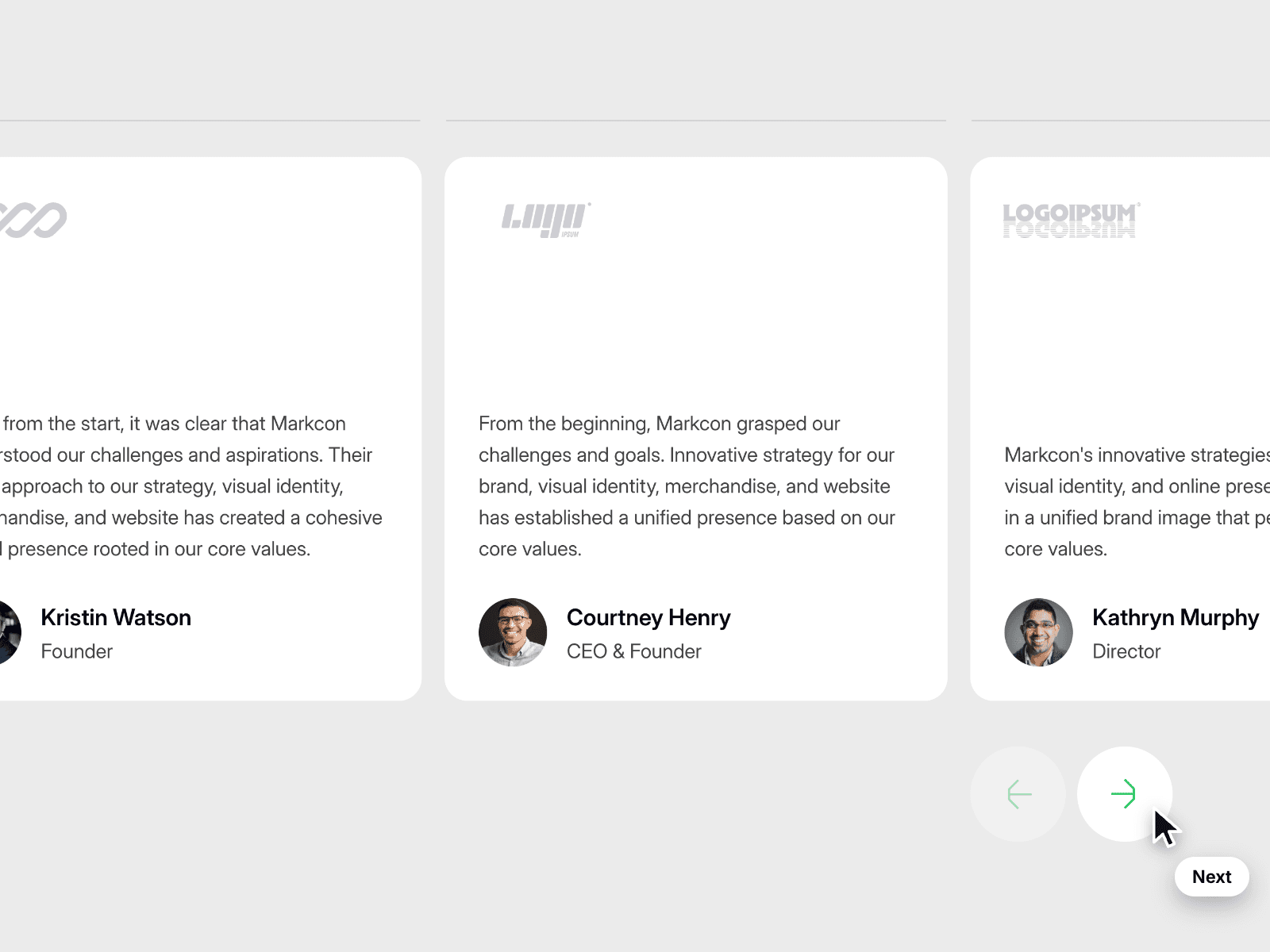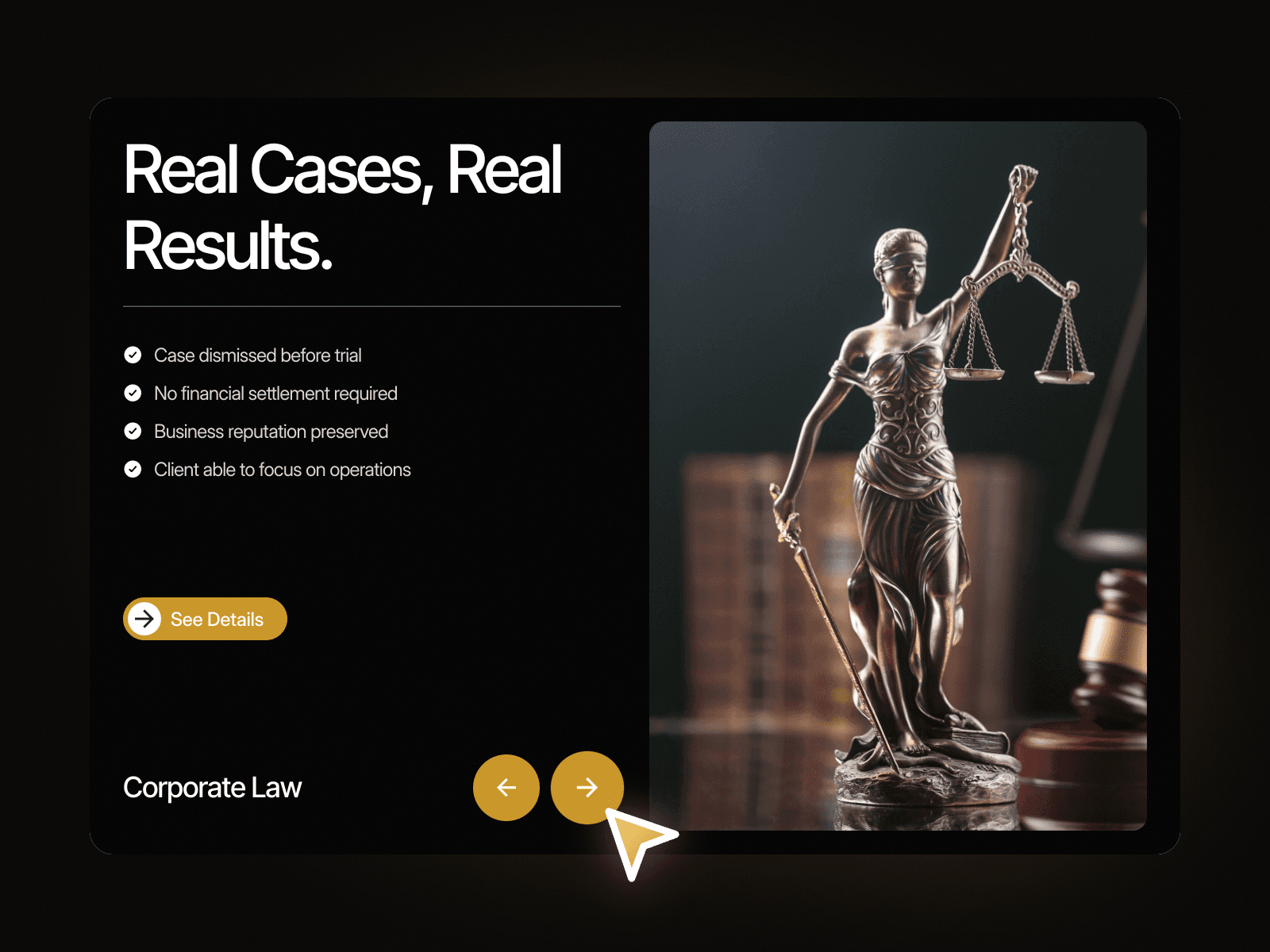
About Case Results Slider
Case Results Slider – Show Your Best Cases One Slide at a Time
Case Results Slider pairs a bold headline and a checklist of outcomes with a tall image. Two round arrow buttons move between three cases, and each slide brings its own results, category label, image and See Details link. It gives case studies or client wins a confident, focused section.
How it works
Three case slides, switched with the previous and next arrows.
Each slide shows four result points with check icons.
The category label, the image and the See Details link change with every slide.
Includes Mobile variants.
Easy to customize
Edit the main title, every result point, each category label, image and link.
Change the accent color of the buttons.
Drop it into any Framer page and edit it from the properties panel or with your AI agent.