About Case Tab Image Sync
Case Tab Image Sync – Three Case Tabs Above One Big Image
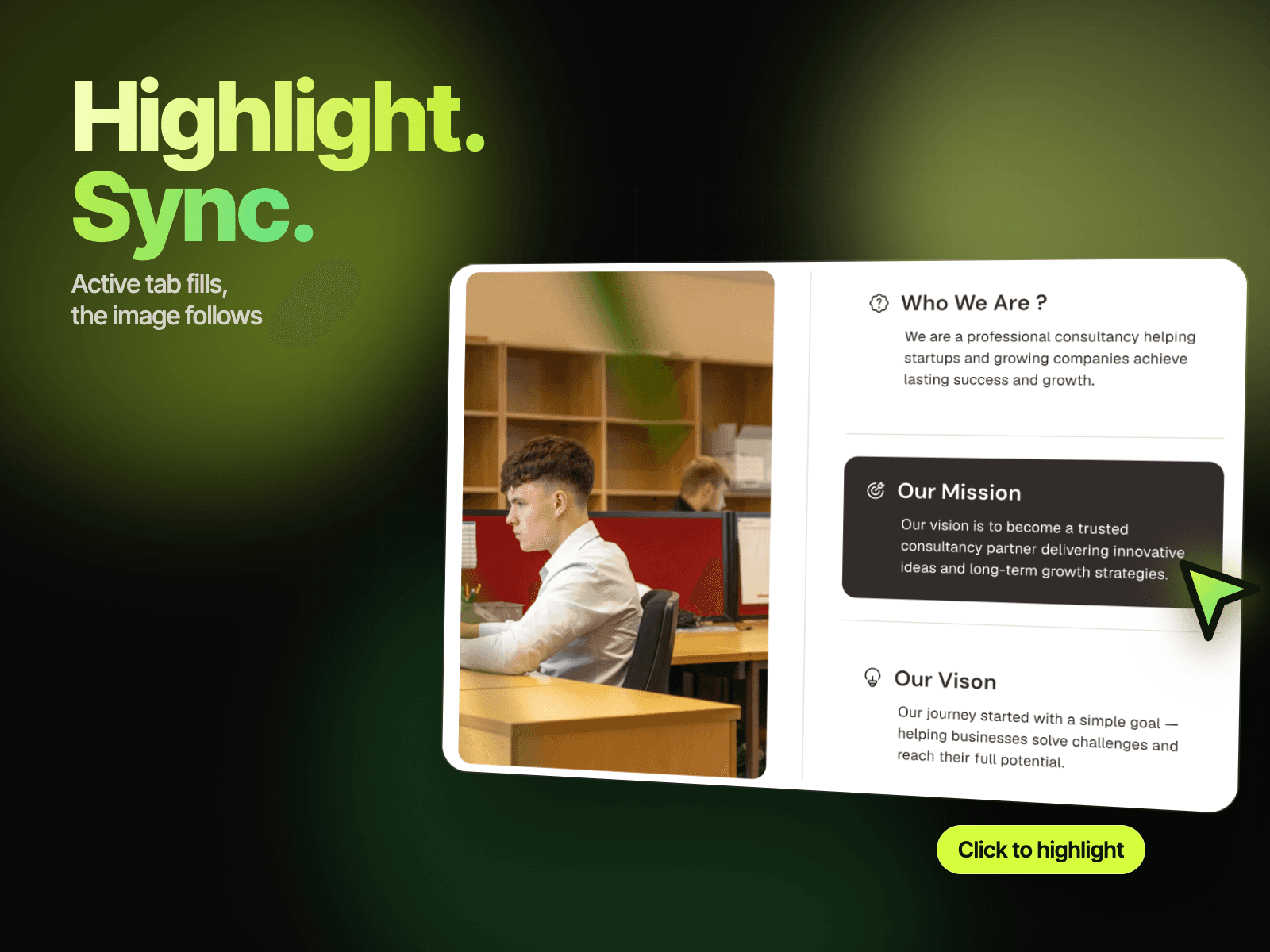
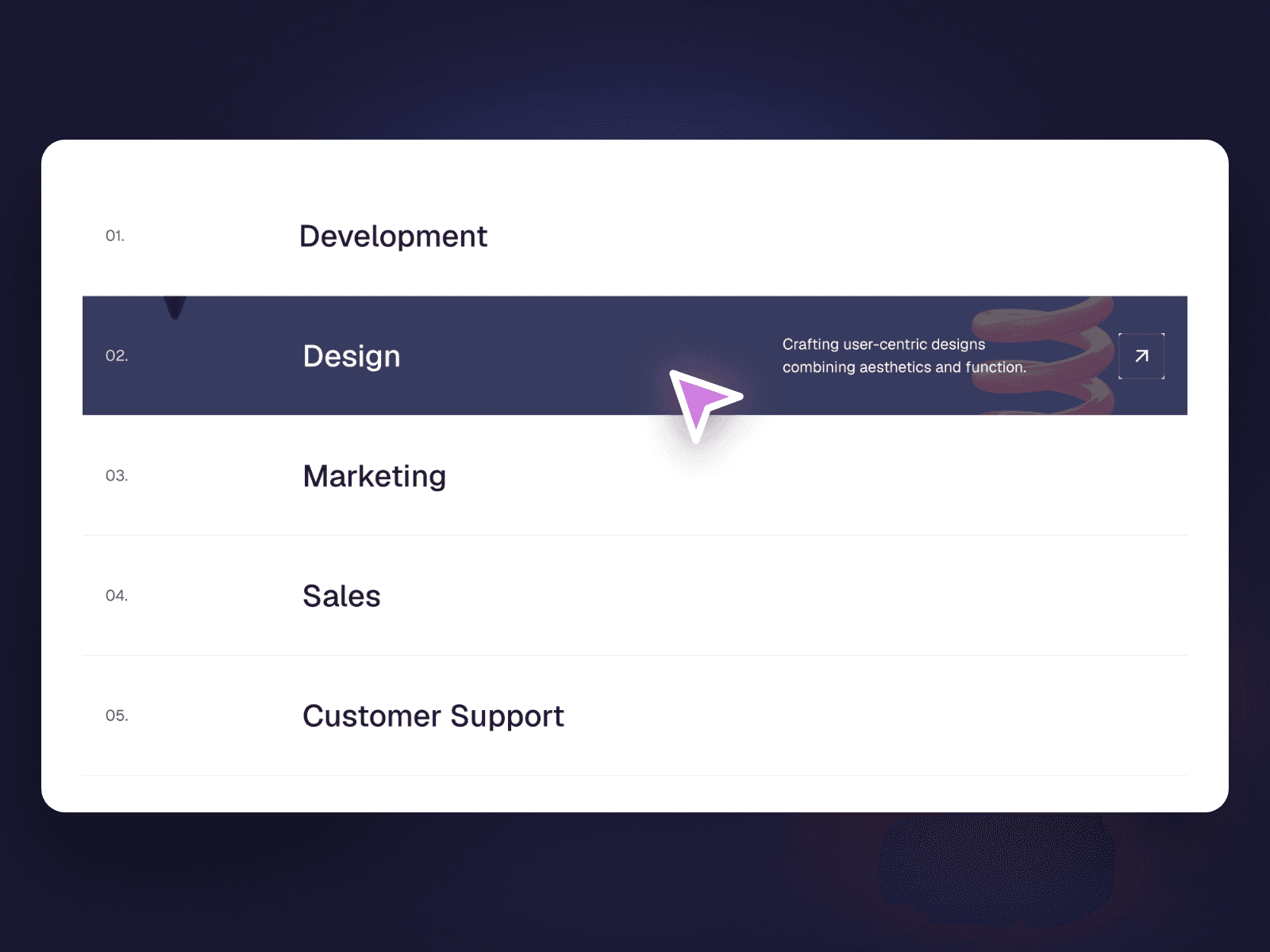
Case Tab Image Sync places three numbered case tabs above a wide image. Click a tab and it gets a highlighted border while the large image below switches to that case. Hover the image and a round arrow button appears in the middle to invite a closer look.
How it works
Three tabs, each with a number, a small thumbnail and a title.
Click a tab to highlight it and switch the large image.
Hover the image to reveal a round arrow button.
Includes Mobile variants.
Easy to customize
Edit each tab's number, title, small image and large image.
Use it for case studies, projects or featured work.
Drop it into any Framer page and edit it from the properties panel or with your AI agent.