About Channel Chat Button
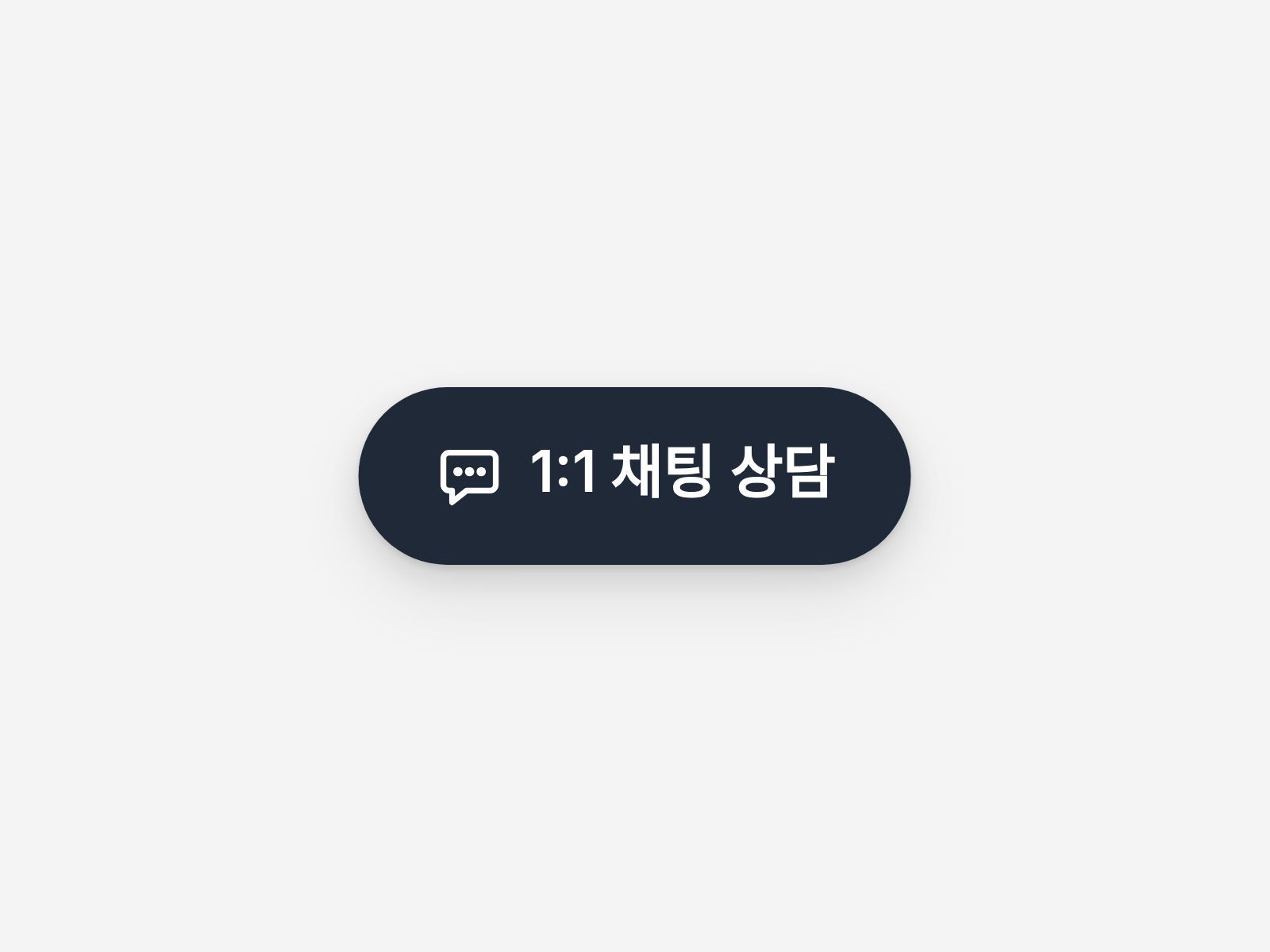
Channel Chat Button adds a button that opens a 1:1 chat with your KakaoTalk® Channel. Paste your channel ID and it works: no API key, SDK, or script needed. On phones, the KakaoTalk app opens directly.
What you can adjust:
Channel ID: the part after pf.kakao.com/ (e.g. _xhfwNX). A pasted channel URL works too
Label: leave it empty for an icon-only square button
Size: S / M / L
Font (uses your project fonts), fill and text color, corner radius (pill by default)
Shadow on/off, plus built-in hover, press and keyboard-focus states
Icon: built-in chat bubble, your own image, or hidden
New tab: off by default. On mobile, the browser is left on a KakaoTalk page after the app opens either way: with New tab on it's an extra tab, with it off it replaces your page (visitors can go back)
How to use:
Drop the component onto your page and enter your channel ID.
To make it float in a corner, select the component and set Position to Fixed, then pin it to the bottom right (24px or more from the edges).
Make sure your page has a phone breakpoint. Without one, phones shrink the desktop layout and a fixed button can be clipped by rounded screen corners.
Until a channel ID is entered, the button shows a guidance message instead of a broken link.
Tested in mobile Safari, mobile Chrome, and the Instagram in-app browser (November 2026).
Not affiliated with or endorsed by Kakao Corp. KakaoTalk is a registered trademark of Kakao Corp.
Questions or issues: 24hdreaminn@gmail.com