About Click Pop Effect
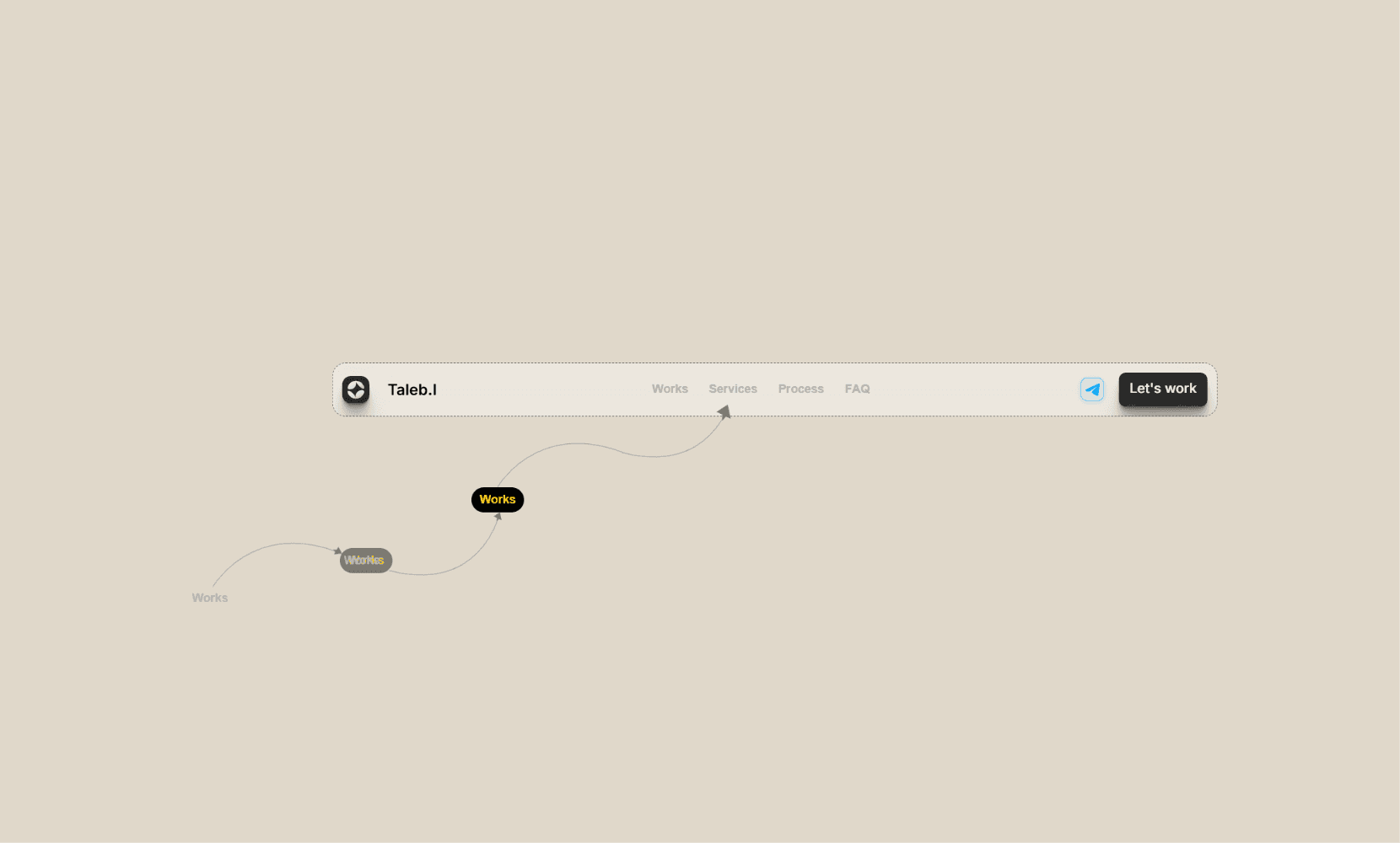
A lightweight click feedback layer for Framer buttons.
Instructions:
1. Place the component in the same container as any clickable element, set the container's overflow to "Visible".
2. Set the component position to Absolute, keep z index unset, then Send to Back.
3. Match the component size to the clickable element.
4. Customize the effect text, position, color, typography, motion, and timing.
5. Preview or publish, then click the element to see the animation.
For multiple buttons with different effect text, place one effect layer behind each button.
The component renders a static Canvas preview for accurate placement and animates only in Preview and Live.