About CMS Filter Tabs
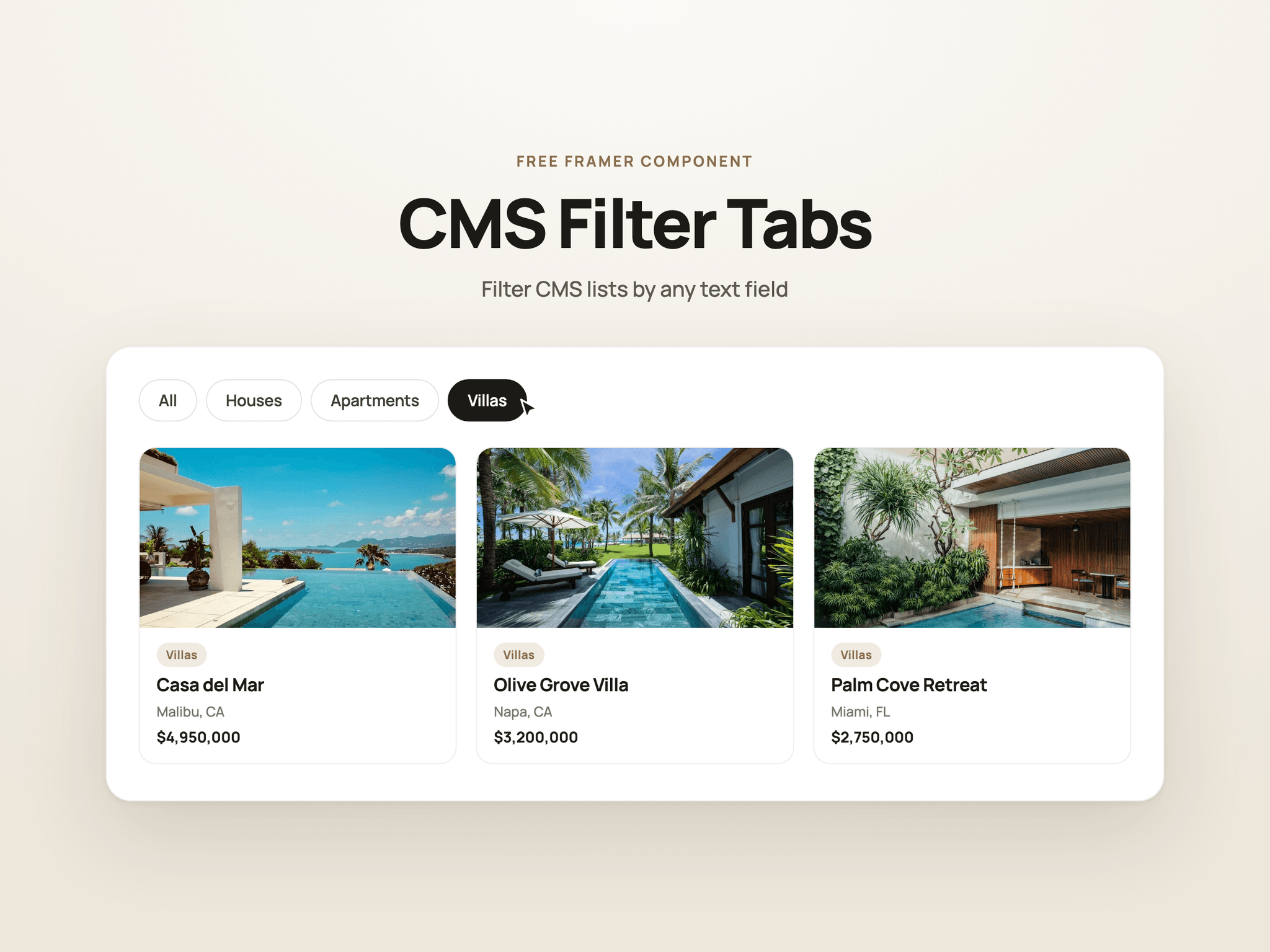
CMS Filter Tabs turns any CMS Collection List into a filterable list, with tabs that build themselves from your content.
Connect a text field like “Type” or “Category”, and the component reads each value from your items and creates a tab for every one, plus an All tab. Add a new item with a new value and a new tab appears. No tabs to set up by hand.
Features
Automatic tabs: generated from your CMS content, always in sync.
Text fields only: connects to text fields, so images and other field types can’t be linked by mistake.
Instant filtering: the list updates in place, with no page reload.
Shareable links: the active filter is saved in the page address (for example
?type=villas), so visitors can share or bookmark a filtered view.Fully styleable: colors, corner radius, gap, padding, and separate active and inactive states.
Responsive: tabs wrap neatly on tablet and phone.
Setup (2 minutes)
Add a page variable (Text, no default) and give it a URL query parameter, such as
type.On your Collection List, add the filter: your text field equals that variable.
Drop CMS Filter Tabs into your card, set Role to Field Value, and connect it to the same text field.
Drop a second CMS Filter Tabs on the page, set Role to Filter Bar, and style it.