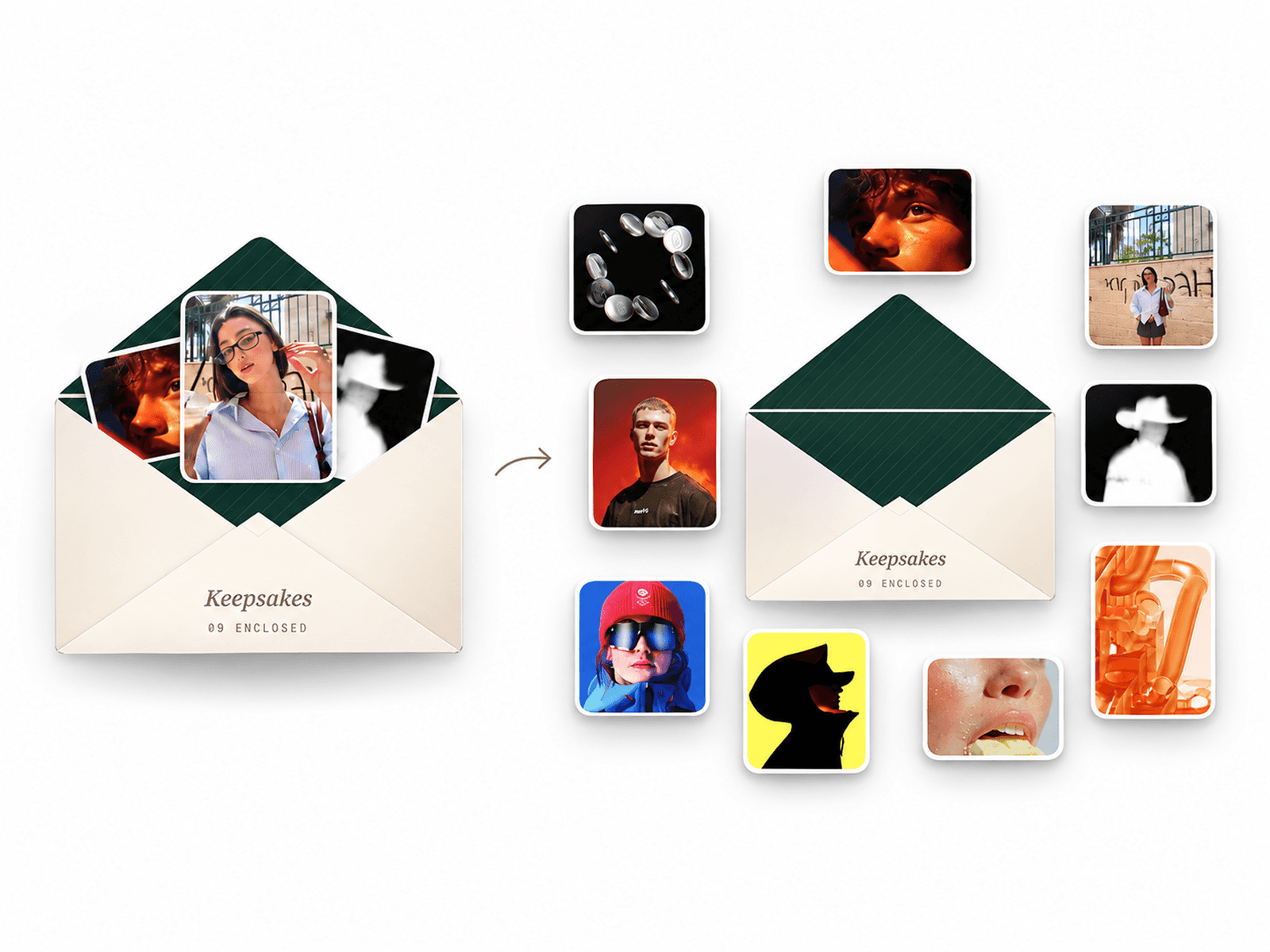
About CMS Media Masonry
CMS Media Masonry is a flexible responsive media gallery for Framer that combines images and videos in a clean masonry layout with automatic filtering, smooth hover effects, animated reveals, and an immersive fullscreen viewer. Each media item can include its own title, subtitle, categories, and CMS Link, making it ideal for creative portfolios, photography websites, agencies, studios, fashion brands, editorial websites, case studies, and visual storytelling.
HOW TO USE
Add CMS Media Masonry to your Framer page
Add images or videos to each media item
Add titles, subtitles, categories, and CMS links
Choose natural or uniform tile sizing
Customize columns, spacing, radius, and tile proportions
Enable filters, animations, video playback, and fullscreen viewer
KEY FEATURES
Responsive masonry media gallery
Image and video support
Upload or URL media support
Natural and uniform layouts
Automatic responsive columns
Custom tile aspect ratios
Category filtering with item counts
Multi-filter selection
Sticky, floating, or inline filter dock
Smooth entrance and filter animations
Image hover zoom, tint, and shadow effects
Video autoplay, looping, and muted playback
Smart in-view video playback
Fullscreen media viewer
Previous and next navigation
Keyboard and mobile swipe navigation
Custom titles and subtitles
Individual CMS Link support
Light and dark viewer options
Responsive desktop and mobile layouts
Reduced-motion support
WHY CMS MEDIA MASONRY?
CMS Media Masonry gives your Framer website a flexible way to showcase images and videos together in one responsive gallery. The masonry layout keeps the presentation dynamic while automatic filters make it easy for visitors to explore different categories.Keywords: CMS Masonry Gallery, Framer CMS Gallery, Framer Masonry Gallery, Media Gallery Framer, Image Video Gallery, Responsive Masonry Gallery, Framer Gallery Component, CMS Media Gallery, Portfolio Gallery, Creative Portfolio, Video Gallery, Image Gallery, Framer Code Component.