About CMS Vid-Img Carousel
This Ultimate Carousel + Lightbox is the most powerful and flexible carousel component for Framer. Whether you're building a portfolio, product showcase, or media gallery, this component adapts to any use case with pixel-perfect control.
🎨 6 Display Styles
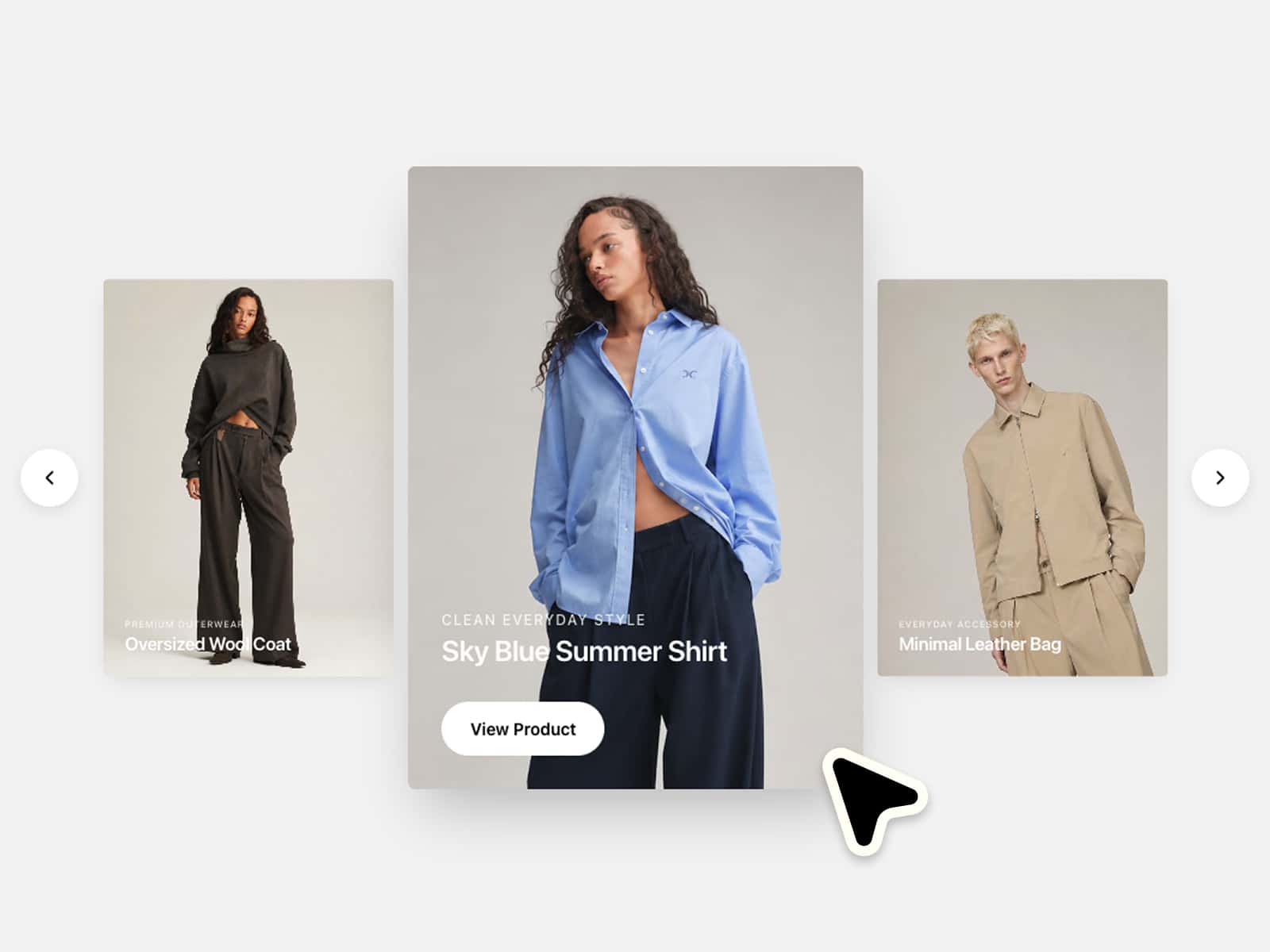
Simple, Fade, Peek Edges, Cards Expand, Coverflow 3D, and Smooth Scroll
Each style offers unique visual effects and transitions
Smooth animations with customizable speed
📦 Flexible Data Sources
Connect single or multiple Collection Lists (CMS)
Add Static Items for manual control
Shuffle Order option to randomize content
🖼️ Content Modes
Images/Videos: Photos, graphics, video files with aspect ratio control
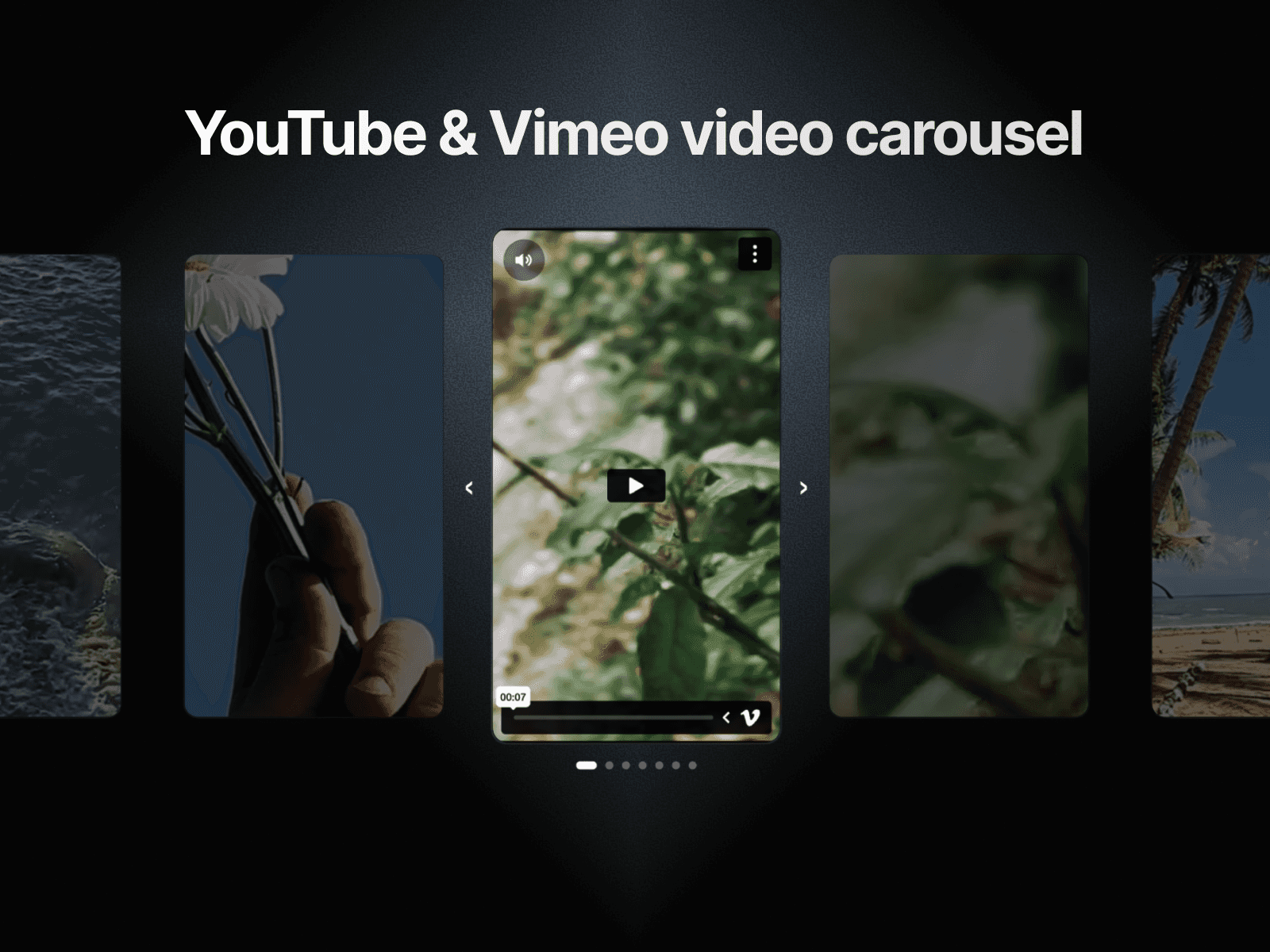
Components: Custom Framer components, cards, frames, YouTube/Vimeo embeds
🔍 Built-in Lightbox
Fullscreen viewing experience for images and videos
Internal or external control layouts
Video autoplay with native controls
Custom close button and arrow icons
Portal mode to display above all elements🎬 Advanced Video Control
Autoplay on visible slide or on hover
Sound on hover
Reset on hover out
Full lightbox video playback with controls
🎯 Navigation Options
Drag/swipe to navigate
Keyboard arrow keys support
Click sides to navigate
Mouse wheel/trackpad scrolling
Infinite loop or bounded navigation
✨ Hover Effects
Scale zoom on hover
Color effects: Black & White, Sepia, Blur
Smooth transition animations
🎛️ Full Design Control
Custom arrow icons, sizes, colors, blur, and positioning
Dot indicators with default or custom icon modes
Adjustable gaps, padding, and radius
Shadow effects
Keep Ratio mode with configurable base height
Fit or Fixed sizing for components
📐 Responsive & Smart Sizing
Ratio Size for maintaining aspect ratios
Min/Max width and height controls
Tile positioning (top, center, bottom) for Smooth Scroll
Auto-fit content dimensions for components
⚡ Performance
Preloading strategies: All, Current Only, or Lazy Load
Optimized rendering and transitions
Refund policy :For any question about the setup of the component, updates or improvements, please send us a mail at framermaster1@gmail.com.
If you encounter an issue with your purchase, please contact us within 7 days and we’ll do our best to resolve it.
Because this is a digital product, all sales are considered final.
Once you complete your purchase, you'll get instant access to the Framer component. Since digital items can't be returned, we're not able to offer refunds, exchanges, or cancellations. Refunds are only issued in cases of duplicate charges.
Please make sure to review the features and preview materials before buying. If you're unsure or have any questions, feel free to reach out — we're happy to help before you commit.
By completing your purchase, you're confirming you understand and accept these terms.