About Code Block Pro
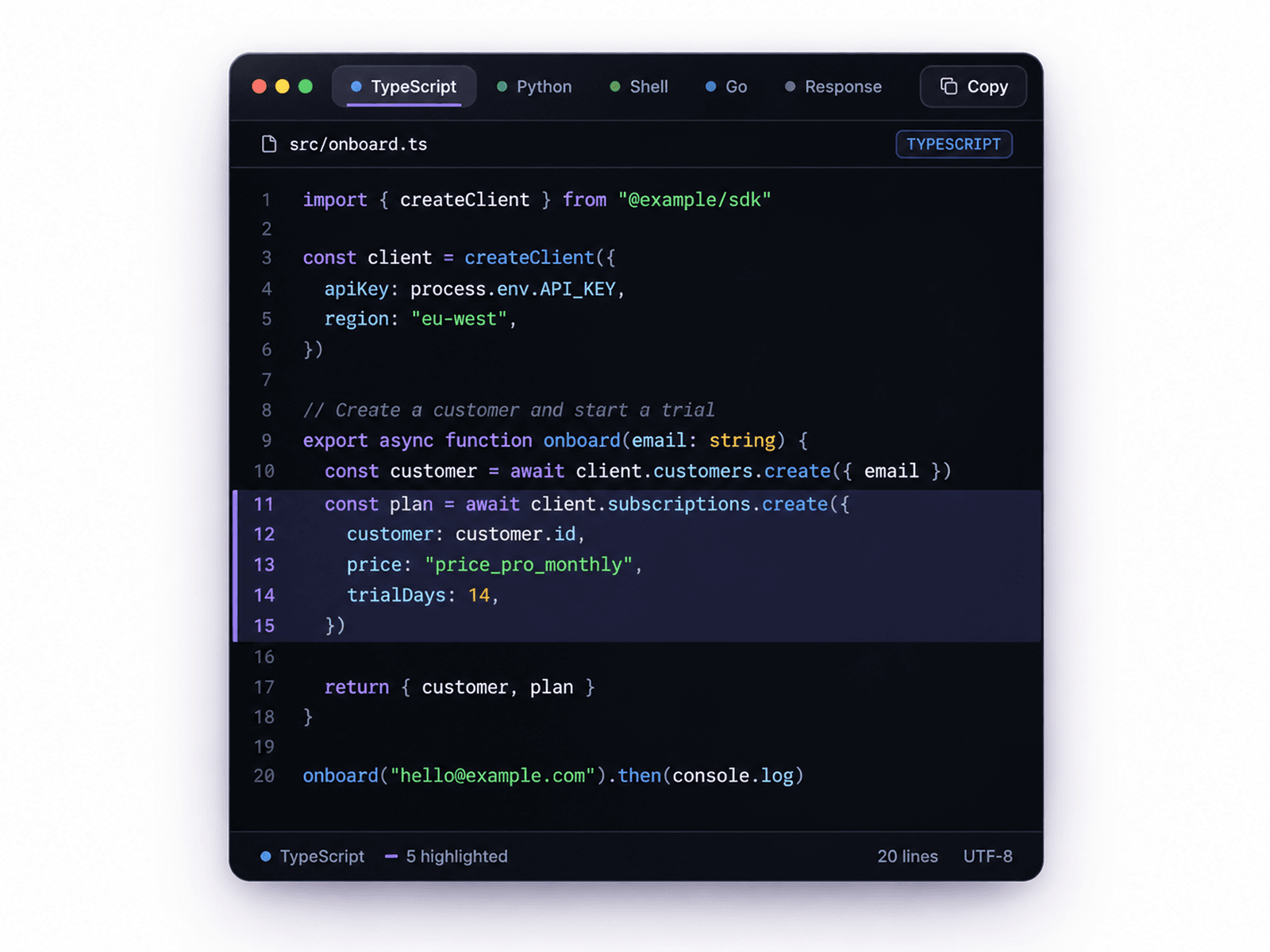
Code Block Pro transforms ordinary code snippets into beautifully designed, interactive code presentations. Featuring rich syntax highlighting, animated file tabs, elegant editor-inspired layouts, and refined motion, it brings a professional developer experience directly to your Framer website.
Showcase multiple programming languages, switch between code examples, and let visitors copy snippets instantly. With customizable themes, typography, animations, and interface controls, Code Block Pro makes technical content feel polished, engaging, and effortless to explore.
✦ Key Features
Syntax Highlighting – Beautifully color-coded code for improved readability.
10 Programming Languages – Supports TypeScript, JavaScript, Python, Go, Rust, Ruby, PHP, Java, Shell, and JSON.
Multiple Code Tabs – Organize different code snippets with animated tab navigation.
6 Premium Themes – Midnight, Graphite, Abyss, Ember, Porcelain, and Linen.
Dark & Light Modes – Switch between beautifully styled code appearances.
One-Click Copy – Copy code instantly with animated confirmation feedback.
Line Highlighting – Emphasize specific lines or ranges within code snippets.
Animated Tab Transitions – Smooth spring-based transitions between code examples.
Automatic Tab Cycling – Automatically rotate between snippets at customizable intervals.
Editor-Inspired Interface – Optional window controls, file headers, and status bar.
Customizable Typography – Adjust code fonts, font sizes, line heights, and spacing.
Flexible Code Layout – Configure line numbers, word wrapping, padding, and rounded corners.
✦ Use Cases
Developer portfolios, SaaS landing pages, API documentation, programming tutorials, technical blogs, product documentation, software showcases, coding courses, and developer-focused websites.
✦ Present Code with Confidence
Code Block Pro brings the visual quality of a modern code editor into Framer, making every snippet easier to explore, understand, and share.