About Concept Stepper
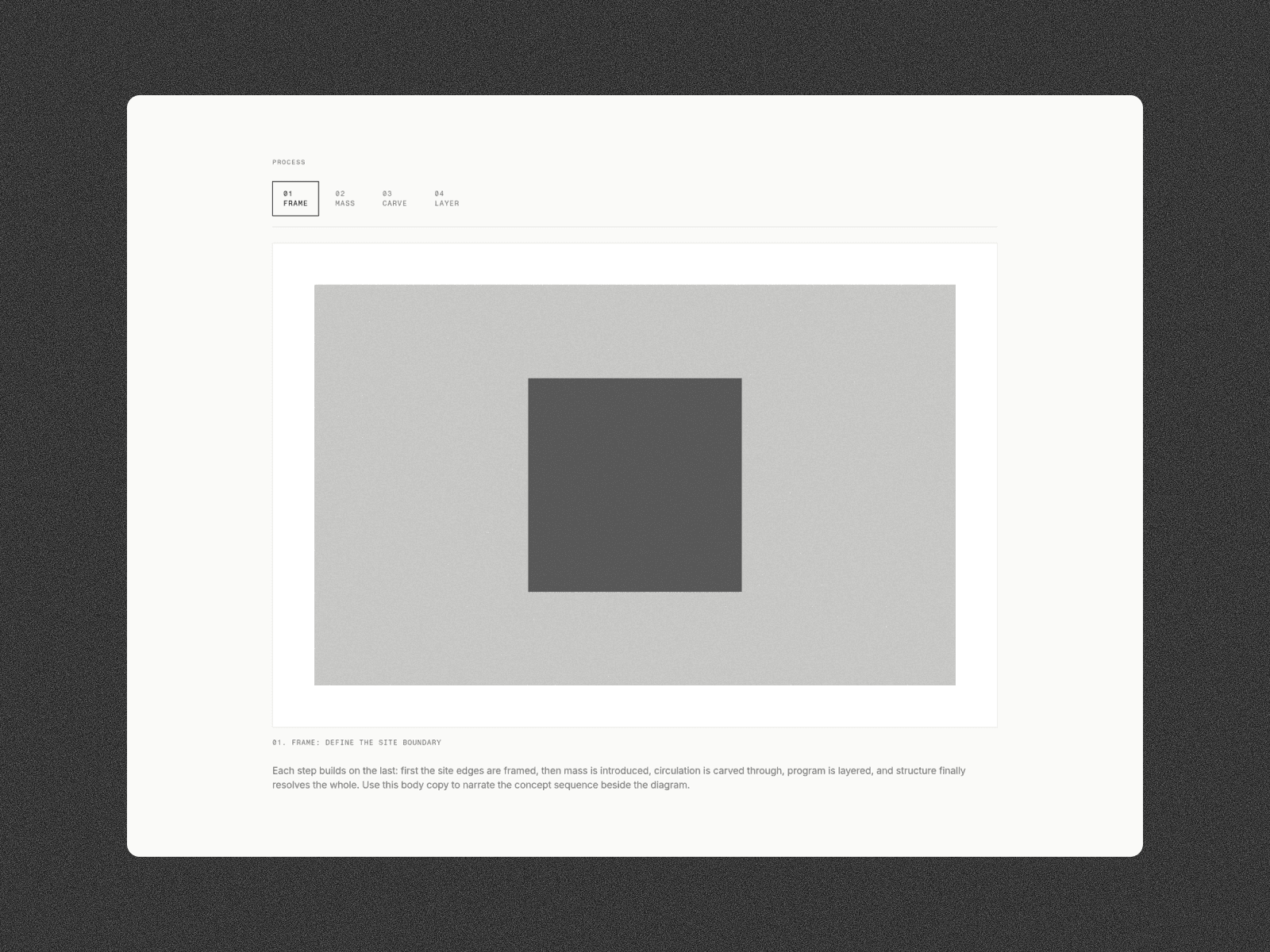
Tell a process or form-finding story as users scroll. Concept Stepper pins a diagram on desktop and advances numbered steps as the page moves - then switches to swipe navigation on mobile.
Ideal for architecture case studies, product process sections, research narratives, and any sequence that needs a diagram + caption locked in view while copy progresses.
What's included
Sticky scroll mode (desktop): diagram stays pinned while steps change
Mobile mode: vertical layout + left/right swipe on the diagram
Configurable steps: number, title, description, image (up to 8)
Section label + body copy with full typography controls
Transition presets: crossfade, slide, zoom
Click or hover activation when sticky scroll is off
Scroll distance per step, sticky offset, mobile breakpoint
Canvas preview step + reduced-motion safe behavior
How to use
Paste the code component into your Framer project
Drop it into a tall section so sticky scroll has room
Add your step images and rewrite the process copy
Tune scroll-per-step and colors to match your page
A focused storytelling component - not another generic accordion.