About Copy Link Button
Overview
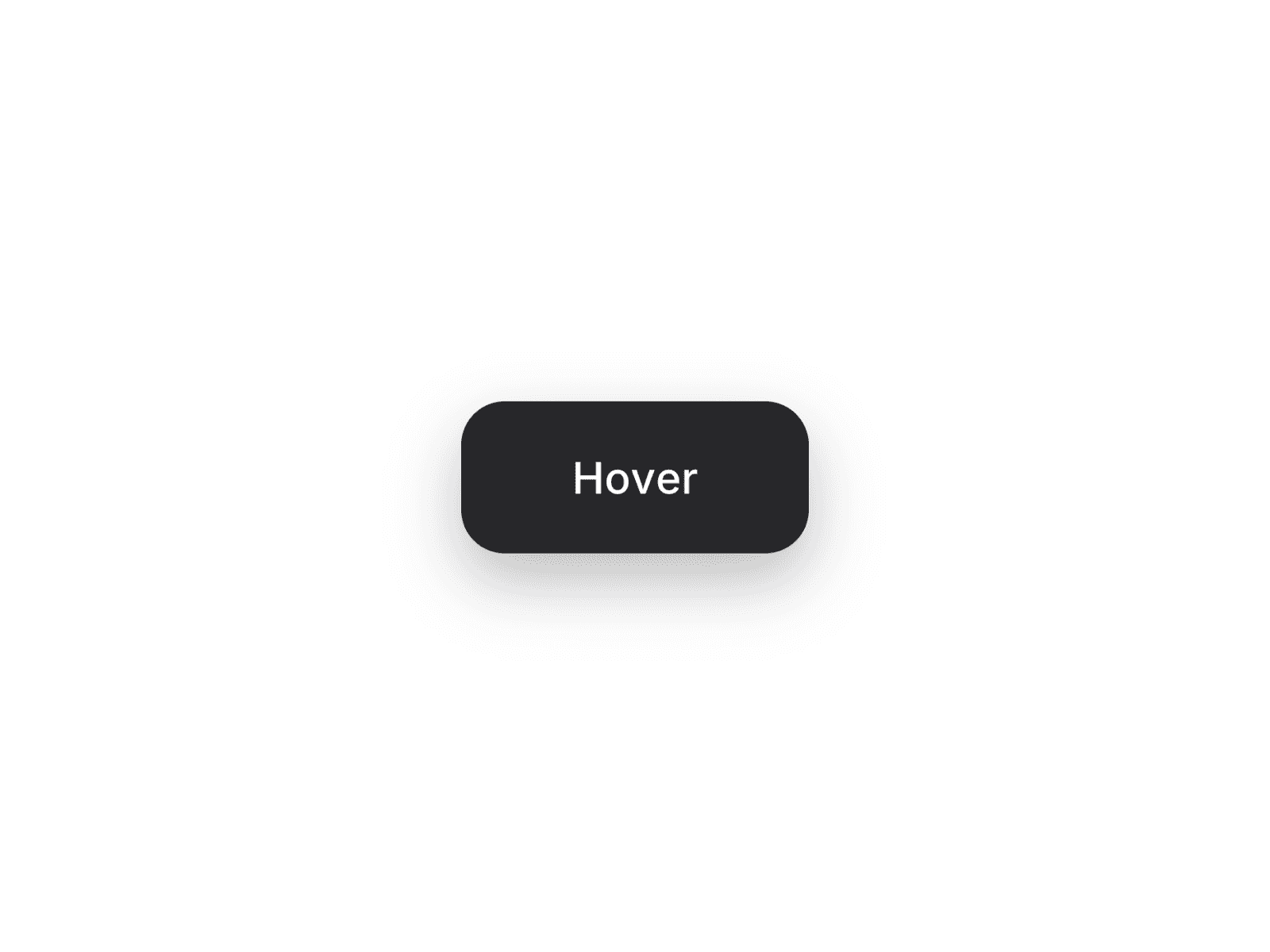
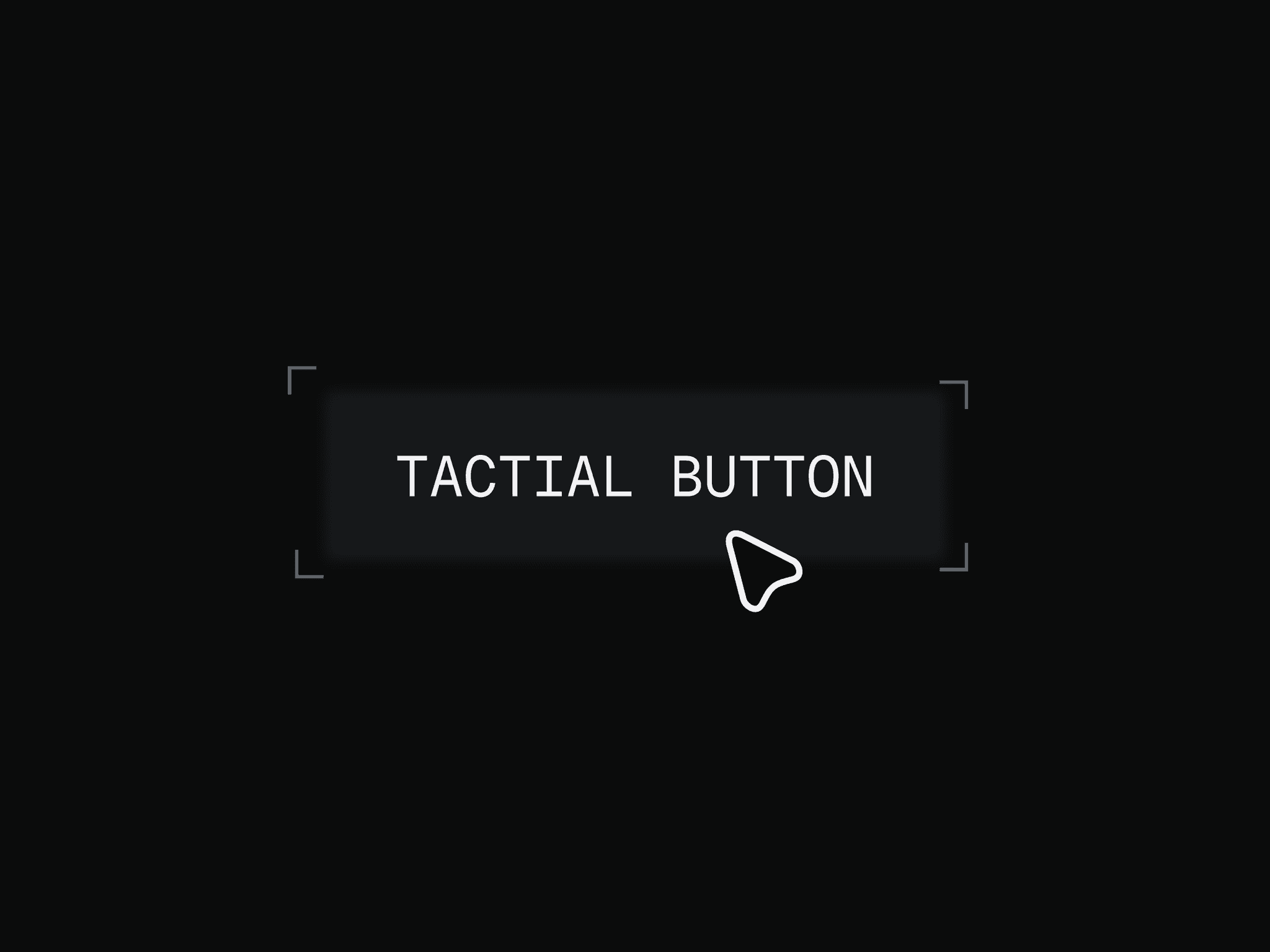
A copy link button designed to provide clear interaction feedback through multiple states, such as default, progress, and success. Built for modern interfaces where quick and reliable link sharing is essential.
Getting Started
Copy and paste the component into your Framer canvas
Place it where link sharing is needed
Edit the link or content to be copied
Preview to test copy interaction and feedback states
Customization
Most controls are available directly in the right-side panel of the component. For animation duration and reset behaviour, these can be adjusted inside the component itself.
Property controls
Use Cases
Share links in portfolios or landing pages
Copy invite or referral links
Product or app interfaces
Utility actions in dashboards
Notes
Uses Framer’s native copy-to-clipboard component for reliable functionality
Includes multiple feedback states (default, progress, success)
Designed for consistent interaction and usability
Easily integrates into existing layouts
Support
If you have any questions, need clarification, or run into any issues, feel free to reach out at s.senthil2206@gmail.com