About Coverflow 3D
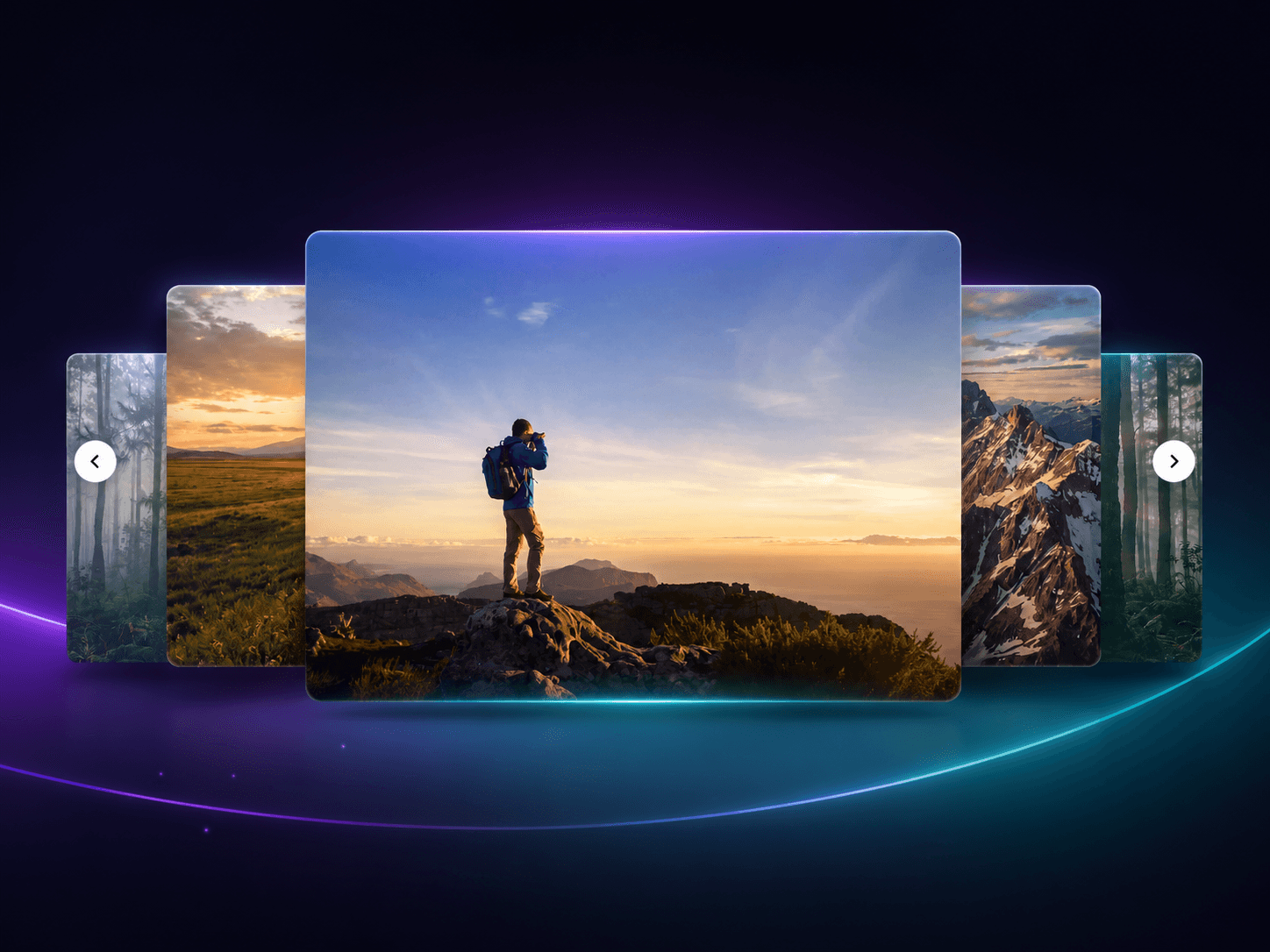
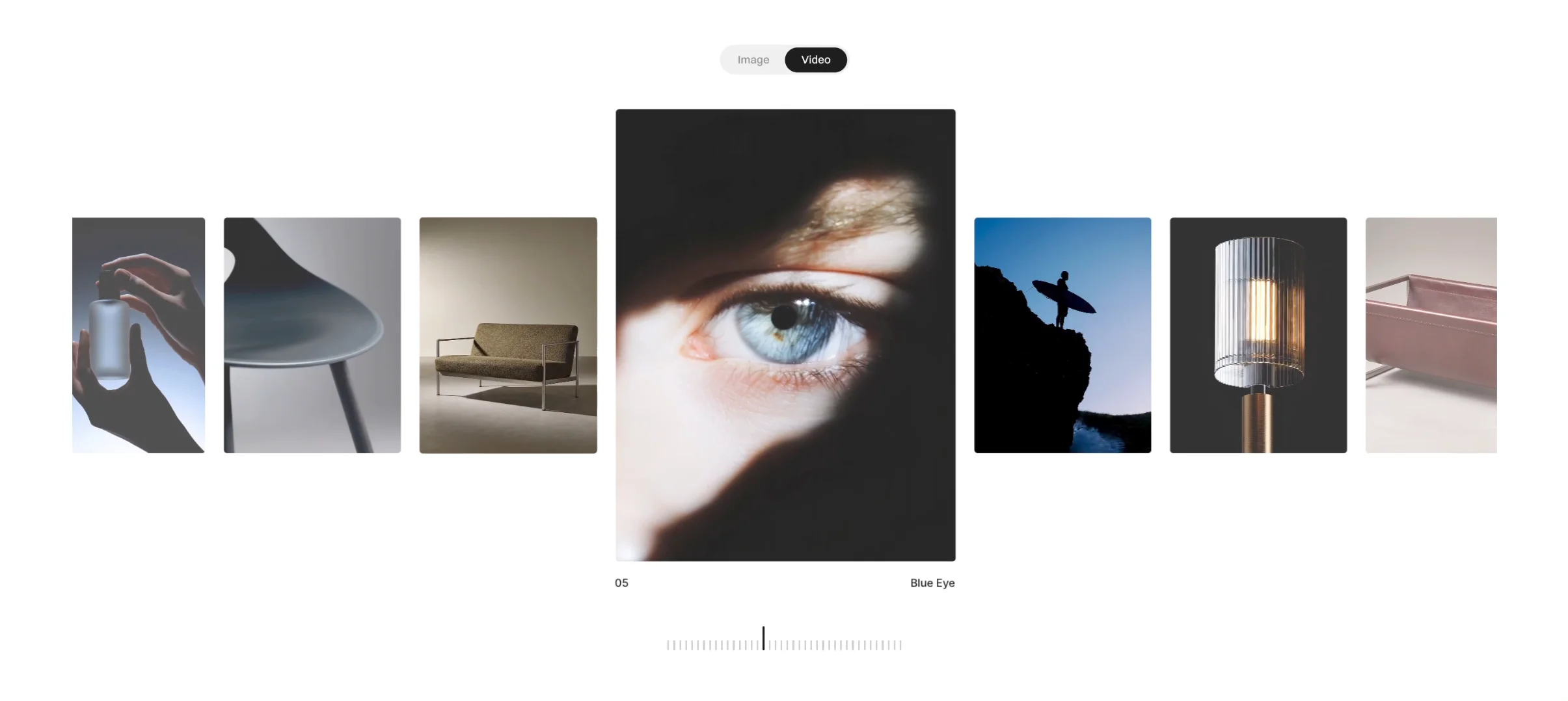
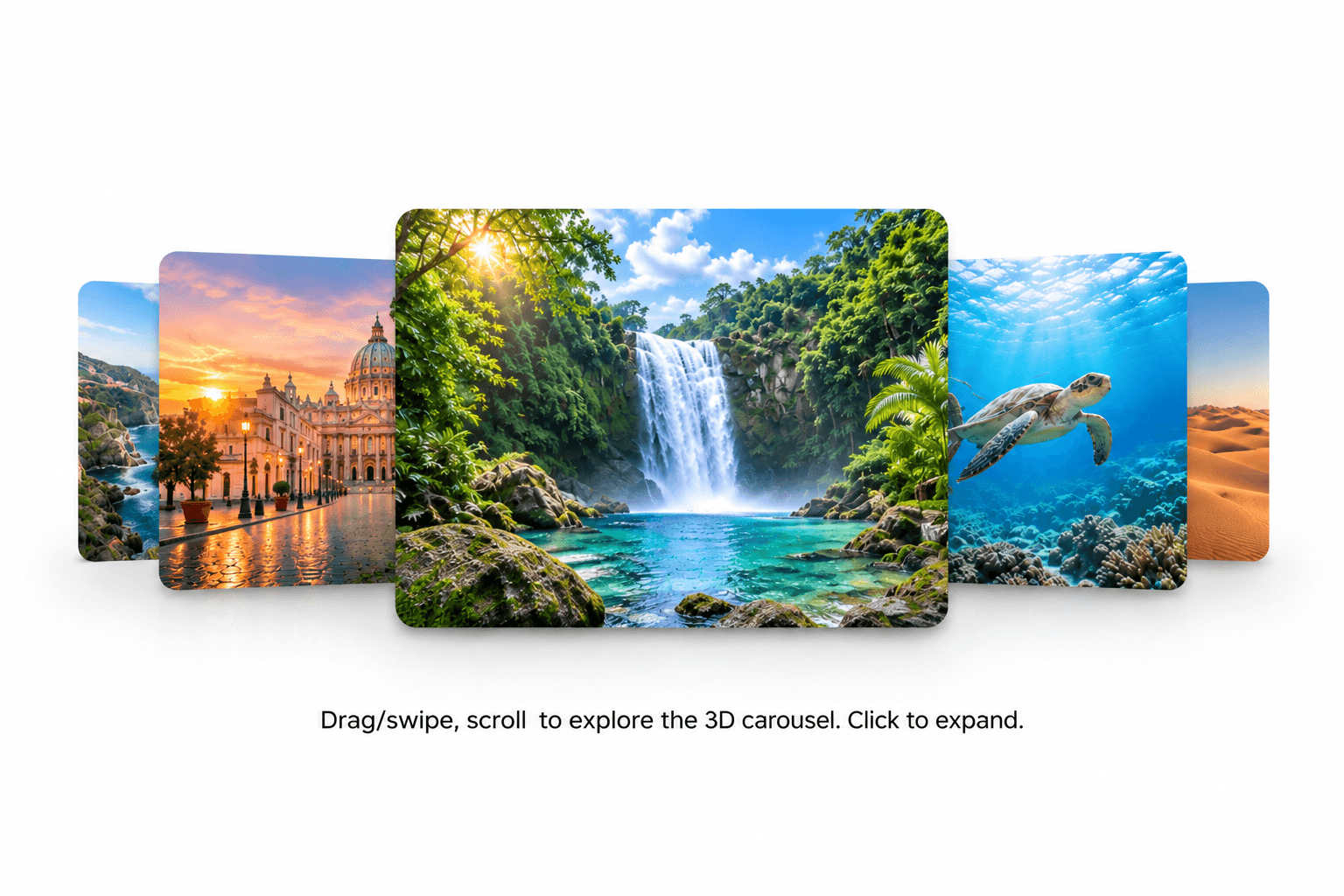
Coverflow 3D Carousel is an interactive 3D image carousel featuring layered cards, realistic depth, and smooth perspective transitions. Drag, swipe, or scroll to explore each item, then click the active card to expand it into a detailed view. Perfect for creative portfolios, photography showcases, project galleries, and modern agency websites.
Customize Options
1. Items
Image – Add an image for each carousel card.
Title – Set the title displayed on each item.
Short Desc – Add a description shown in the expanded view.
Button Text – Customize the CTA label.
Button Link – Set the destination URL. The button is hidden when no link is provided.
2. Layout
Item Width / Height – Adjust card dimensions.
Radius – Customize card corner rounding.
Spacing – Control the distance between cards.
Center Gap – Adjust the space between the active card and surrounding cards.
3. 3D Effect
Angle – Set the rotation angle of side cards.
Depth – Control the distance between cards in 3D space.
Perspective – Adjust the 3D perspective.
Active Scale – Set the size of the focused card.
Reflection – Toggle the card reflection effect.
4. Zoom & Fold
Zoom Fill – Control how much space the expanded card occupies.
Fold Angle / Scale – Customize how surrounding cards fold away.
Stiffness / Damping – Adjust the spring animation behavior.
5. Interaction
Loop – Enable continuous carousel navigation.
Drag Distance – Adjust drag sensitivity.
Slides / Swipe – Set the maximum number of cards moved per swipe.
6. Zoom Detail
New Tab – Choose whether CTA links open in a new tab.
Title Font / Color – Customize the expanded title.
Desc Font / Color – Customize the description.
Title Desc Gap – Adjust spacing between text elements.
7. Button
Background / BG Hover – Customize button background colors.
Text / Text Hover – Set button text colors.
Radius – Adjust corner rounding.
Padding X / Y – Control button dimensions.
Border / Border Color – Customize the button border.
Button Font – Adjust button typography.