About Crest Gallery
About Crest
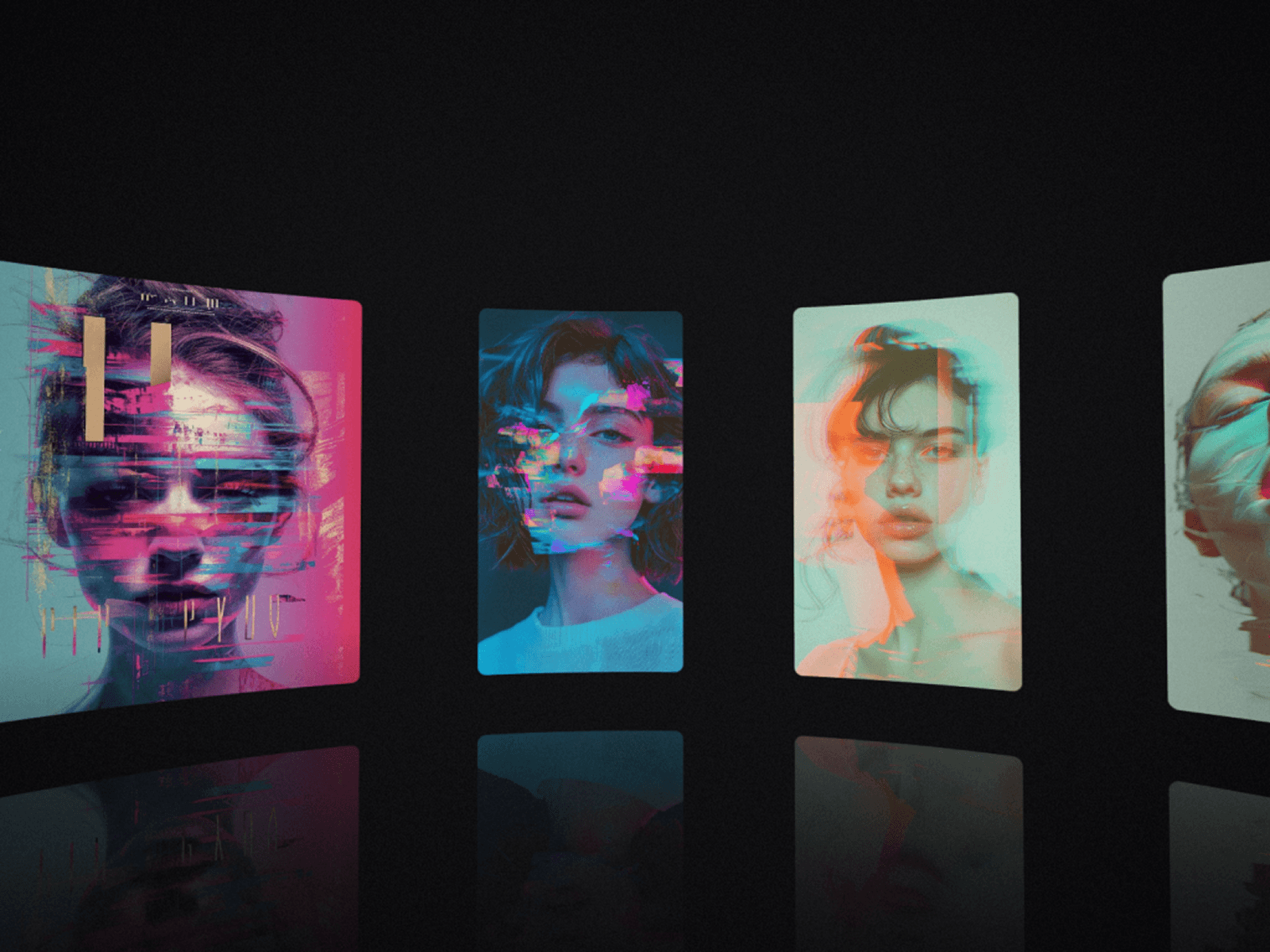
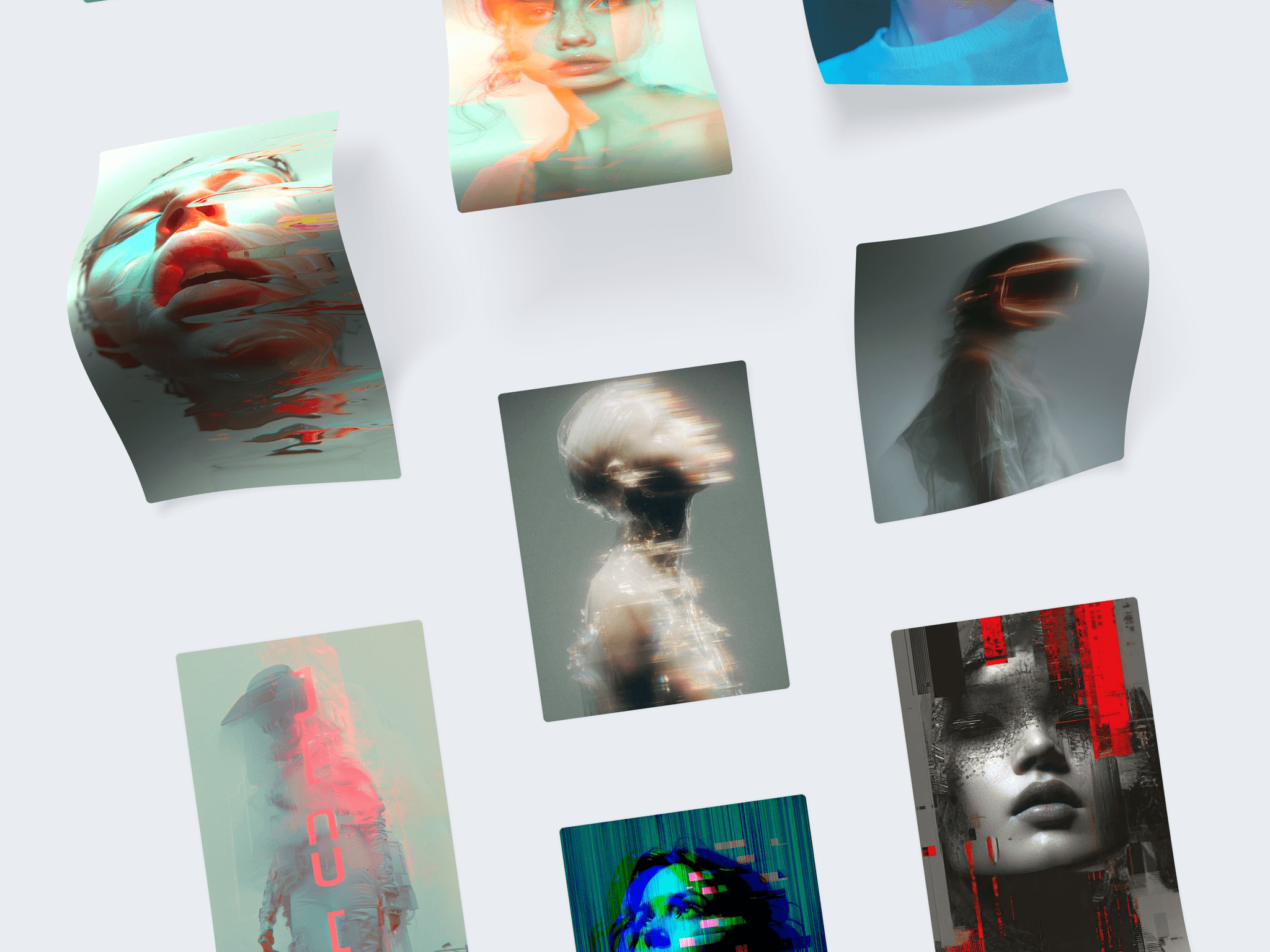
A free-scrolling gallery for Framer. The section pins and your images rise through it in slanted columns, then fall over a hidden arch, gliding over whatever lies beneath, bending, reflecting light, and casting their shadows off the page as they pass.
Key Features
Drape Over a Hidden Arch – Each image bunches up as it climbs the arch and settles flat on the other side, with real light and a soft shadow that grows lighter and blurrier the higher it lifts.
Shape the Arch – Set its height, its width and how open or closed it curves, from a wide sweep across the screen to a narrow arch.
Reacts to the Scroll – Scroll fast and the arch swells, then settles back as the page slows down.
Pinned Scroll Section – The section holds still while the images pass, then the page carries on. It stays pinned as long as your images need, at a steady pace, whatever the number of images or columns.
Slanted Masonry Columns – One to five columns on desktop, leaning at the angle you choose. On phones, one large column or two.
Links per Image – Turn each image into a way into a project.
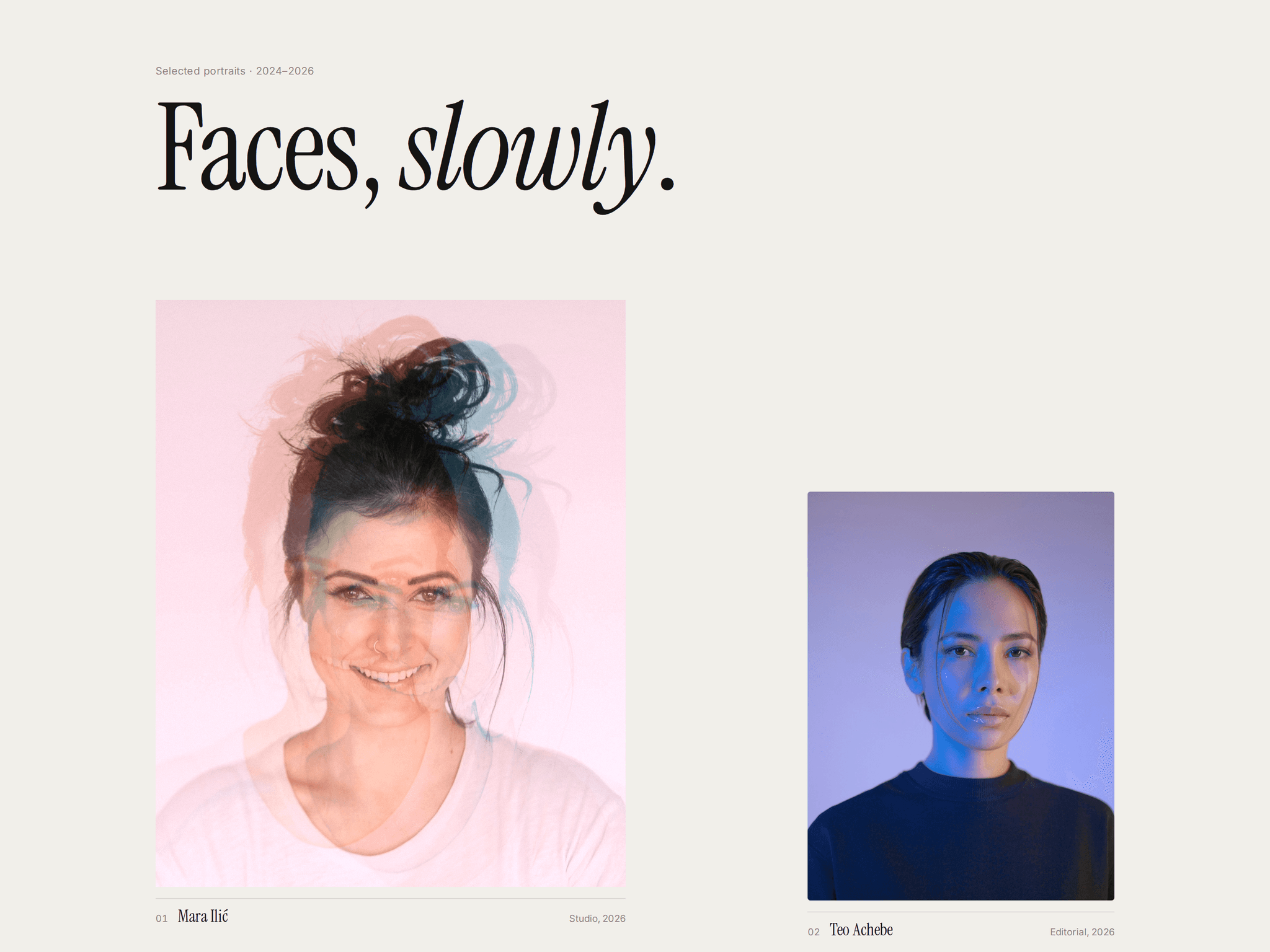
Ready When Dropped In – Sample portraits show how it looks and step aside as soon as you add your first image.
Fine Control – Scroll speed, image size, slant, light, shadow, corner radius, background and inertia.
Accessible and Lightweight – Your images stay real images for screen readers and search engines. Respects reduced motion, pauses off screen and runs on plain WebGL with no extra libraries.
What You Can Create
Photography portfolios
Studio and designer work pages
Fashion lookbooks
Editorial and magazine sites
Art and exhibition sites
More From the Maker
Want your work to feel like a place to walk through? Passage turns your images into a scroll-driven 3D gallery. Distortion Gallery is free too: images that react to the cursor like photographs. Find both on my creator profile.