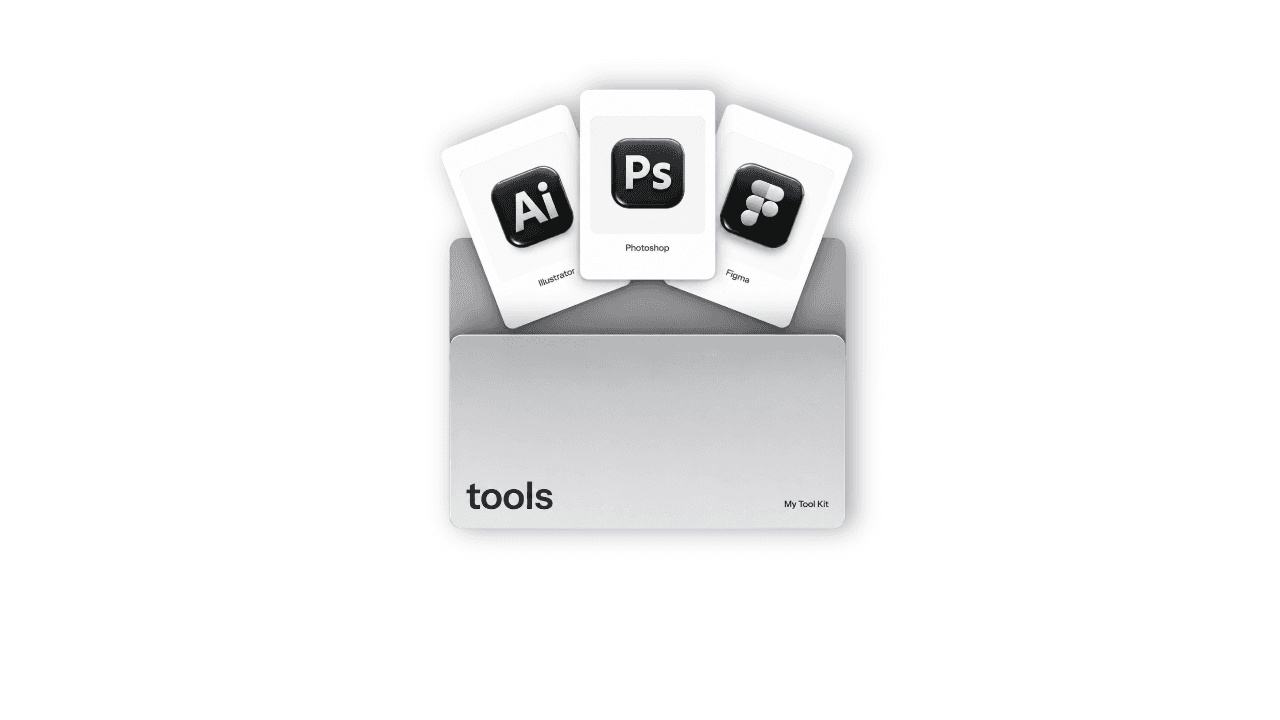
About Desk Dock
A macOS-style dock for your Framer site
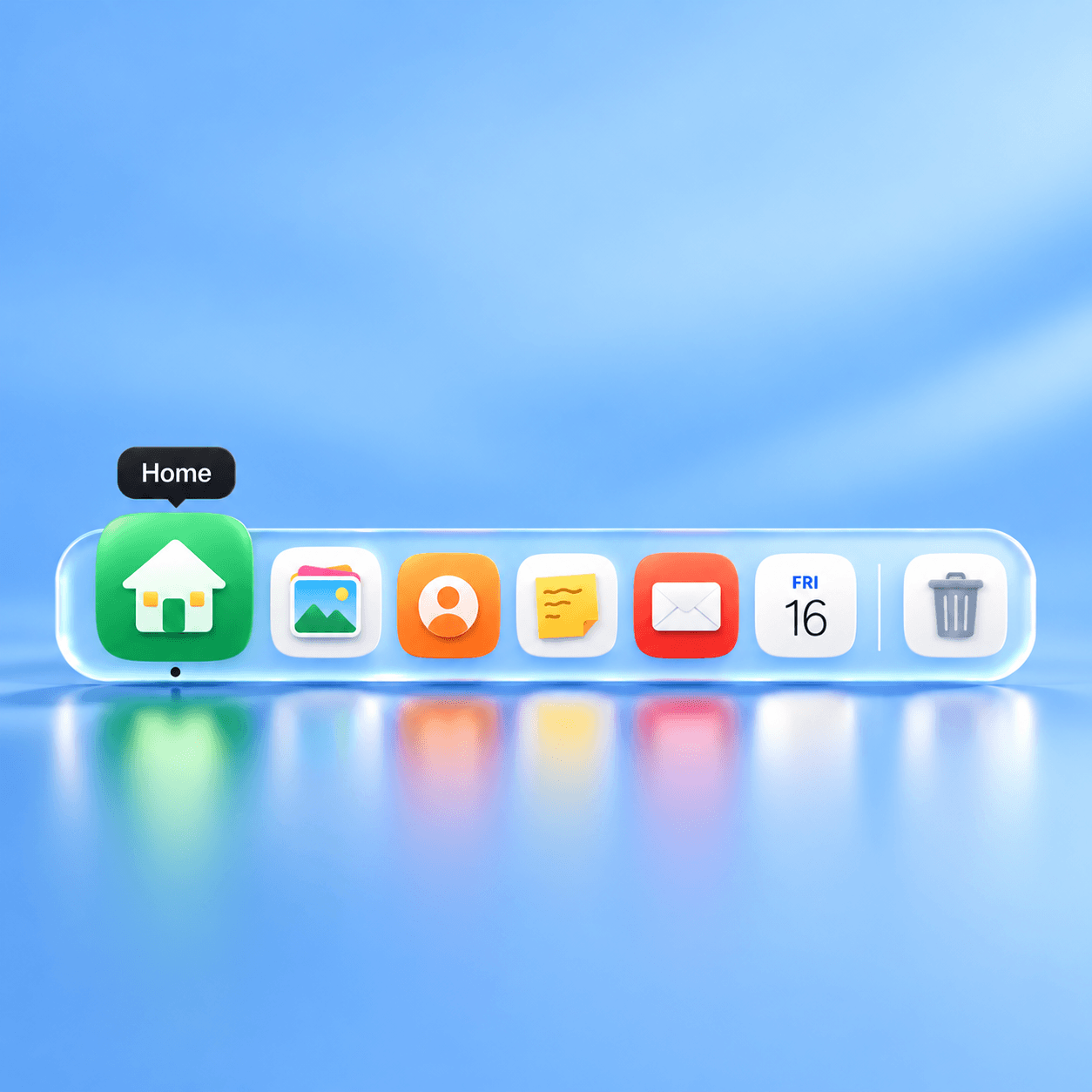
Desk Dock adds a dock to the bottom of your site, the same way a desktop does. Icons grow as the cursor gets close, bounce when clicked and show a label on hover. It fits portfolios, agency sites and any “desktop OS” style website.
Features
Smooth, spring-based magnification on hover
Bounce on click, a tooltip label for every icon and an active-page dot
15 ready-made app-style icons: Home, Work, Gallery, About, Mail, Chat, Calendar, Notes, Folder, Browser, Music, Camera, Settings, Trash and Link
The calendar icon always shows today’s date
Use your own image for any icon
Each item can link to a page, an email, Calendly or any URL, and can open in a new tab
Dividers to group your icons
Frosted glass background with adjustable blur, colours, border and radius
Every size and spacing is editable: icon size, magnify size, hover distance, gap and padding
How to use
Drag Desk Dock onto your page and pin it to the bottom centre.
Add, remove or reorder items in the right panel.
Pick an icon, a label and a link for each item.
Open Preview to see the magnify effect.
Tip: Keep it to 6–8 icons so the dock stays clean.
Questions or need help? Reach out anytime.