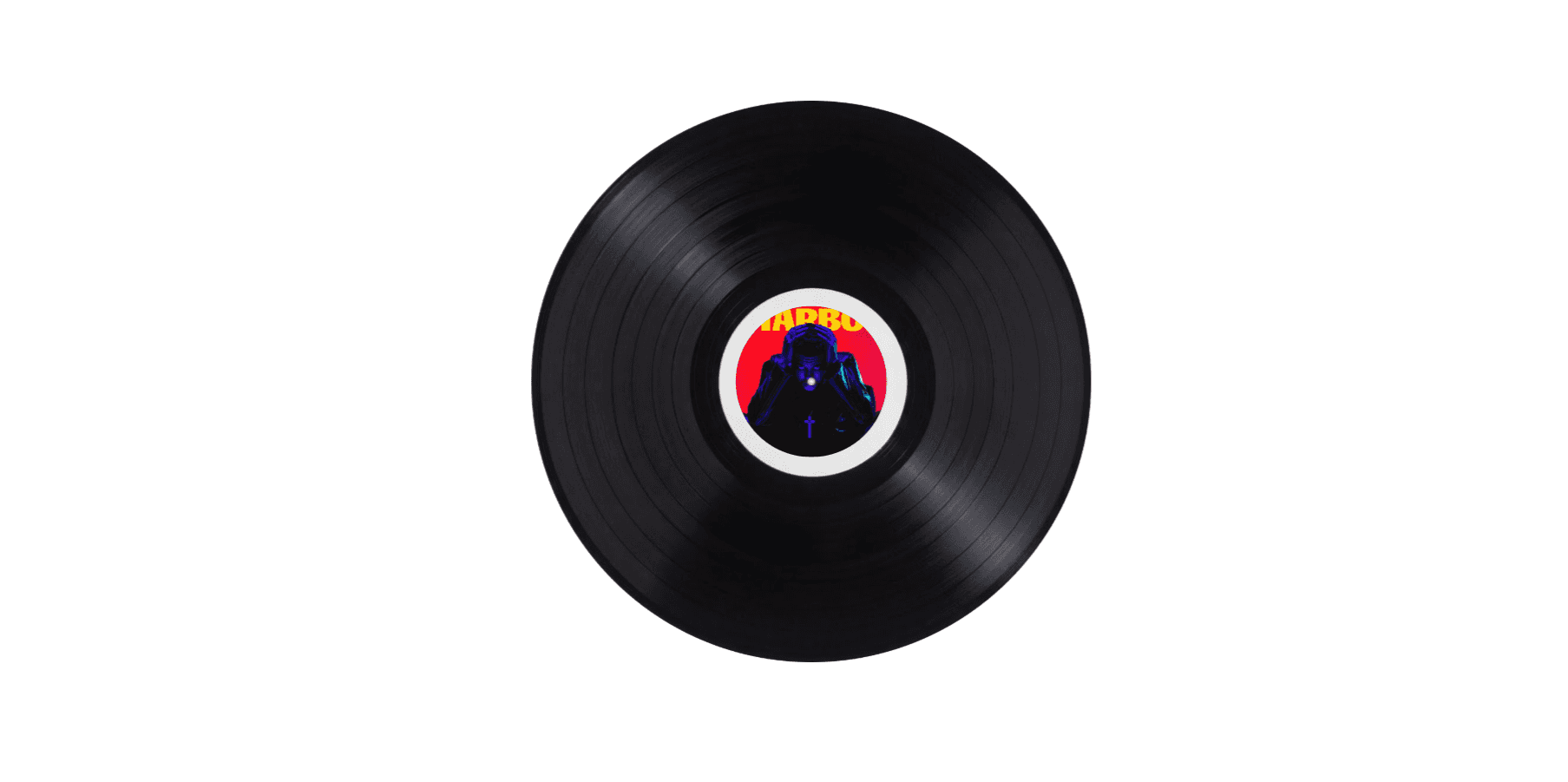
About DiscDrop
DiscDrop — DiscDrop Music Player for Framer
Bring your Framer projects to life with a rich, immersive music player that feels as good as it looks. DiscDrop features a spinning vinyl disc that rotates while your track plays and pauses when it stops — giving every song a tactile, real-world feel.
Key Features
Playlist Support Add unlimited songs via the property panel. Each song has its own title, artist name, cover art, audio file, and lyrics. The player auto-advances through the playlist and shows an elegant end-of-playlist screen with a Replay option.
Global Accent Color One color control styles everything — the play button, progress bar, lyrics pill, volume slider, dot navigation, and vinyl ring — keeping your UI perfectly consistent across all tracks.
Custom Font Control Use Framer's native Font picker to change the typeface, weight, size, and style of the song title, artist name, and lyrics to match your brand.
Lyrics Overlay Each song supports a full lyrics panel. Tap the Lyrics button to open a beautiful frosted-glass overlay. Tap outside or press Close to dismiss it.
Live Progress Bar A fully interactive seek bar shows real-time playback position. Drag the thumb to scrub to any point in the song instantly.
Volume Control Built-in volume slider with a mute toggle. Can be shown or hidden via the property panel toggle.
Canvas-Accurate Background The canvas background color fills the entire frame — what you see in the Framer editor is exactly what renders in preview and published sites. No more white background surprises.
Property Controls Every visual option is configurable without touching code — accent color, card background, canvas background, title color, subtext color, font, volume visibility, and all song data.
How to Use
Add the component to your Framer project from the Marketplace
Open the property panel and expand the Songs array
For each song, fill in: Song Title, Artist Name, Cover Image, Audio File, and Lyrics
Upload audio using the Audio File picker (MP3, WAV, OGG, AAC, M4A, FLAC supported). Framer hosts the file automatically
Set your Accent Color to match your brand — it updates all UI elements at once
Choose a font using the Custom Font picker
Set Canvas Background to match your frame's background color so preview matches the editor
Resize the frame freely — the player card stays centered at 340px while the background fills the canvas
Audio Tips
Spotify, Apple Music, and YouTube links cannot be played — their content is DRM-protected
Download free, licensable MP3s from Pixabay Music (pixabay.com/music) or Mixkit (mixkit.co/free-music) — no attribution required
Recommended format: MP3 for best compatibility and file size