About Distortion Gallery
About Distortion Gallery
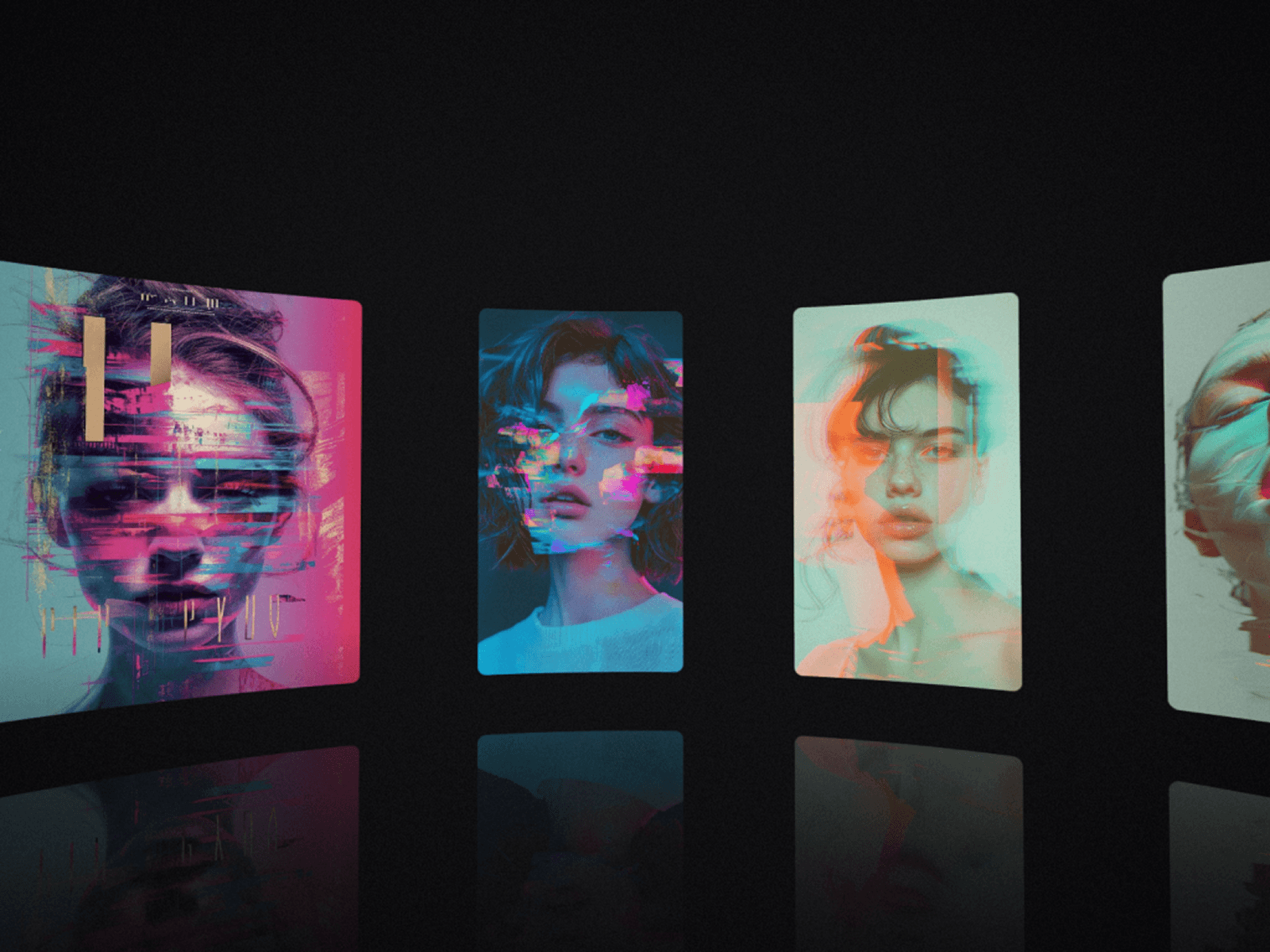
A free image gallery for Framer that reacts to the cursor like a photograph. Hover an image and it splits into a tinted double exposure, or trails behind the cursor like a shot taken mid-motion. Scroll fast and the images bend with the speed, then settle back.
Key Features
Two Hover Styles – Echo: faint tinted copies slip out along the cursor, like two exposures on one negative. Streak: the image trails behind the cursor and stays sharp where you point.
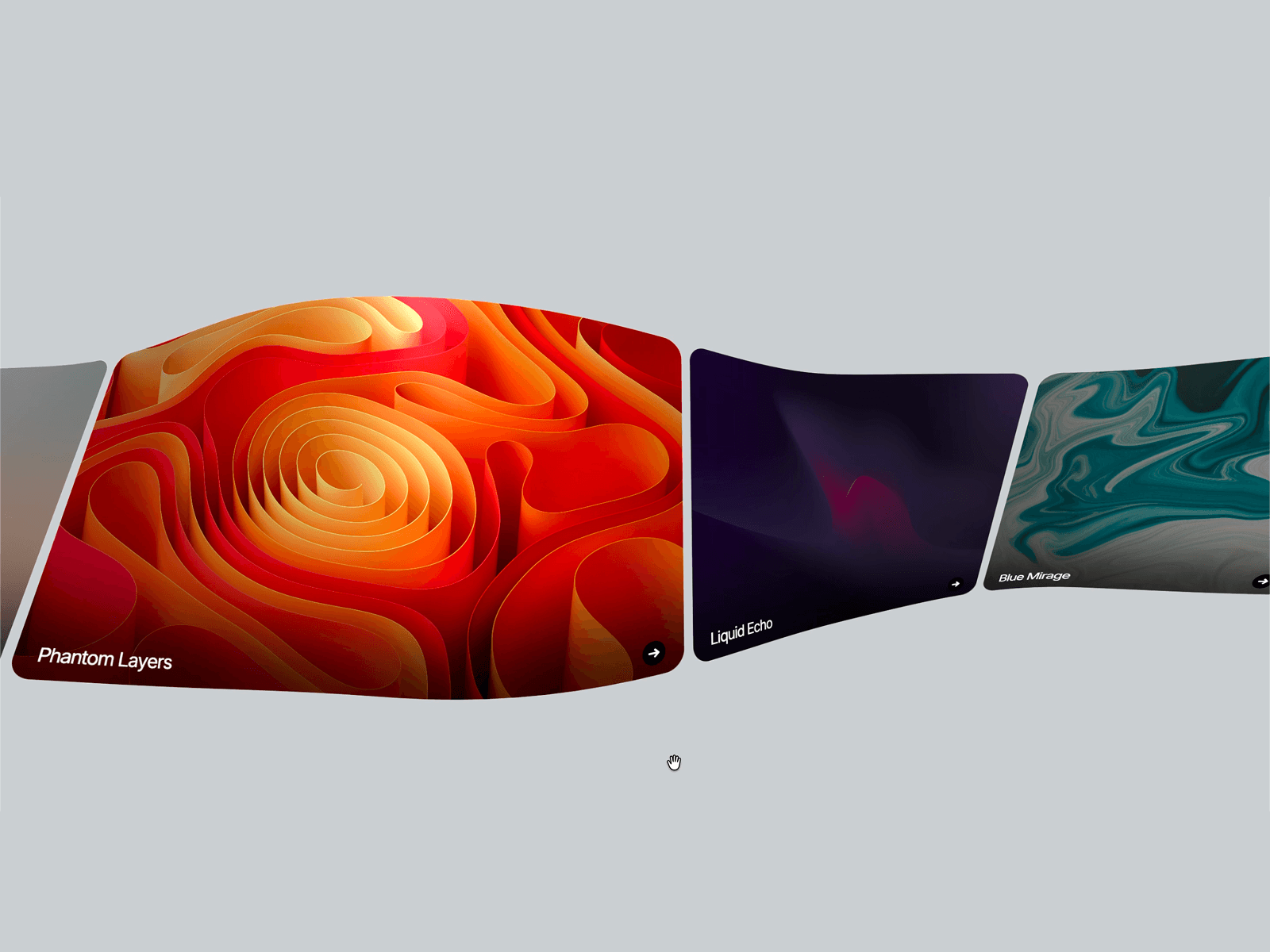
Scroll Bend – Images curve with the scroll speed and spring back when it stops.
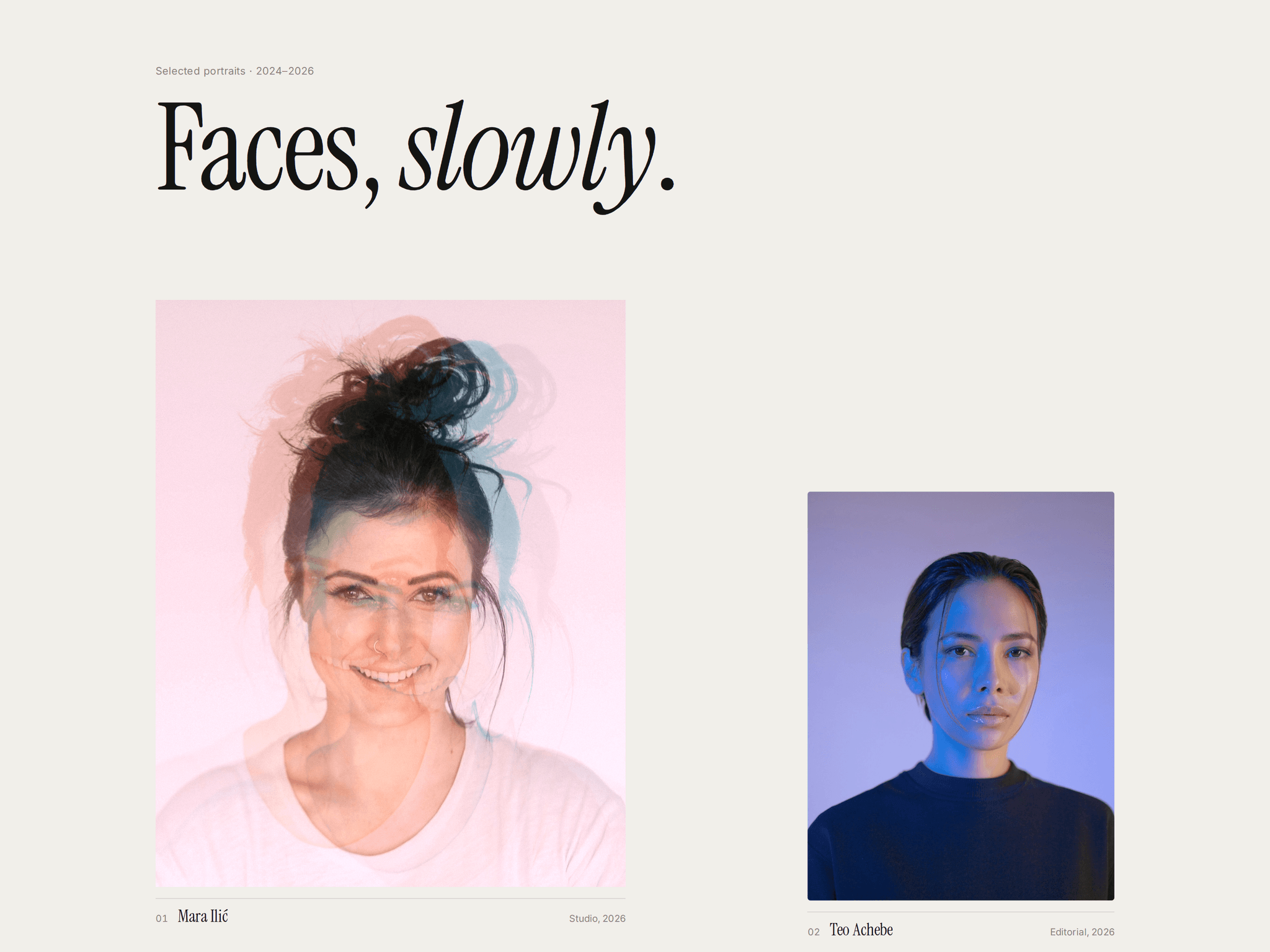
Editorial or Grid – A magazine-style spread with staggered sizes, or clean columns with the aspect ratio you choose.
Layout Switch for Visitors – An optional Editorial / Grid switch lets visitors choose how to browse, and every image glides to its new place. Rename the labels and align it left or right.
Captions – Title, detail and index number, with your own fonts and colors.
Links per Image – Turn each image into a way into a project.
Responsive by Itself – Follows the component's width at every breakpoint. On narrow screens the editorial layout becomes one column and captions stack.
Ready When Dropped In – Sample portraits show how it looks and step aside as soon as you add your first image.
Fine Control – Hover strength, hover zoom, scroll bend, smoothing, gap and corner radius.
Accessible and Lightweight – Your images stay real images for screen readers and search engines. Respects reduced motion, pauses off screen and runs on plain WebGL with no extra libraries.
What You Can Create
Photography portfolios
Studio and designer work pages
Fashion lookbooks
Editorial and magazine sites
Art and exhibition sites