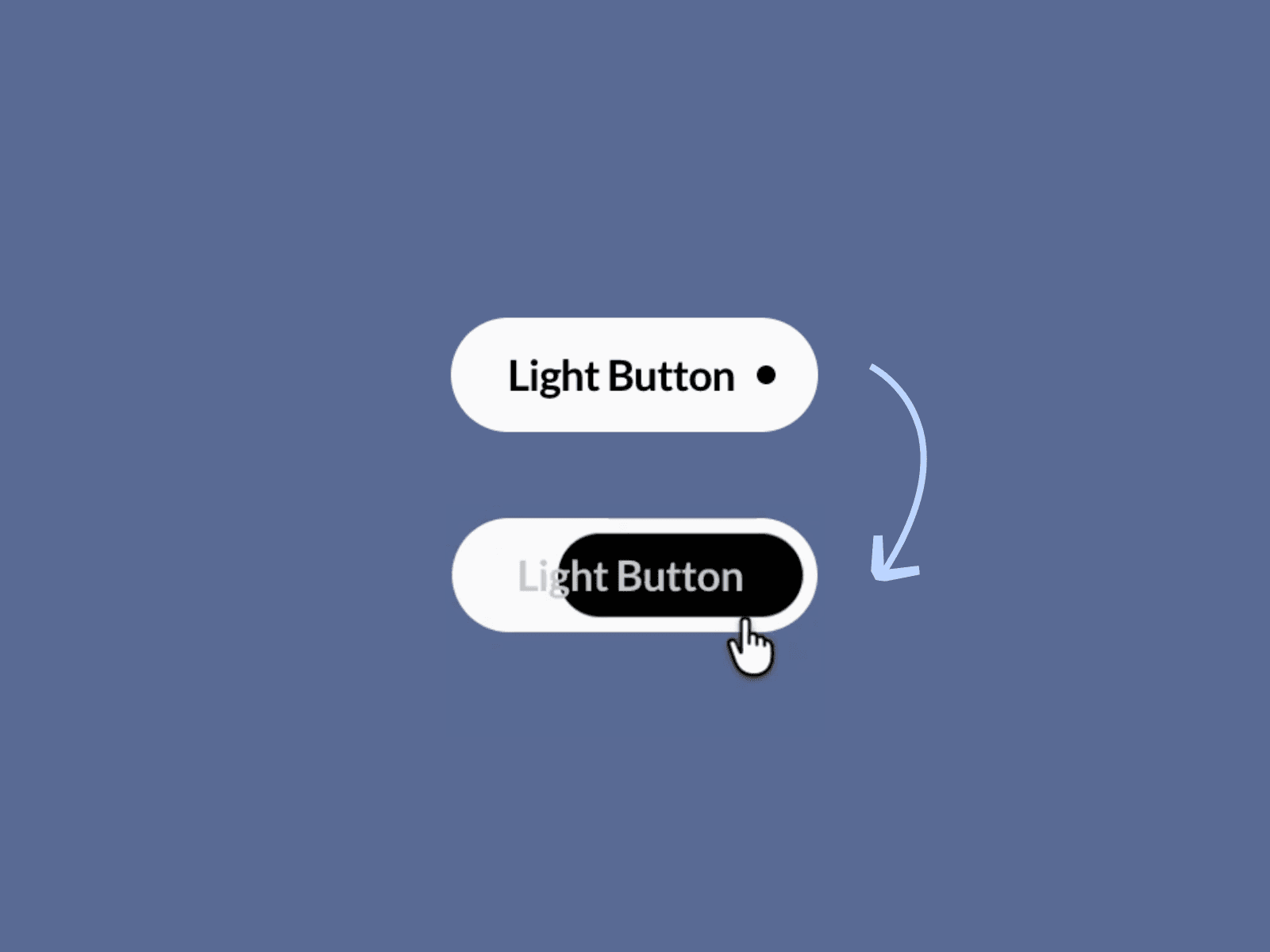
About Dot Button
Explore more components here →
Sometimes, the smallest details make the biggest difference.
Meet Dot Button — A minimal, modern button component for Framer featuring a simple dot mask that adds personality to your website without overwhelming your design.
With its clean pill-shaped design, balanced typography, and contrasting colors, Dot Button is perfect for modern websites that value simplicity and thoughtful details. Use it for calls to action, navigation links, hero sections, landing pages, portfolios, creative studios, and more.
What makes it different?
Most buttons rely on elaborate animations or decorative elements to stand out. Dot Button keeps things simple with a small dot that complements the label and gives the button a distinctive visual identity.
Choose between Light and Dark button styles to suit your design. Whether you're building a minimal portfolio, a premium agency website, or a modern SaaS landing page, Dot Button fits right in.
Instructions
Copy and paste Dot Button into your Framer project.
Add your button text.
Choose the Light or Dark variant to match your design.
Customize the component to fit your layout and visual style.
Connect your link or interaction and publish.
Features
Minimal Design: Clean pill-shaped buttons with a distinctive dot detail.
Light & Dark Variants: Choose between contrasting button styles.
Modern Typography: Clear, readable text for a polished appearance.
Versatile Use: Ideal for CTAs, navigation, hero sections, and landing pages.
Easy to Use: Copy, customize, and add to your Framer project.
Design-Friendly: A simple visual style that works across different website aesthetics.
Ready to Use: Get started without building the button from scratch.
Add a small detail that makes your buttons stand out.
Made by Zelo Studio 💙


