About Dreamlike Pattern
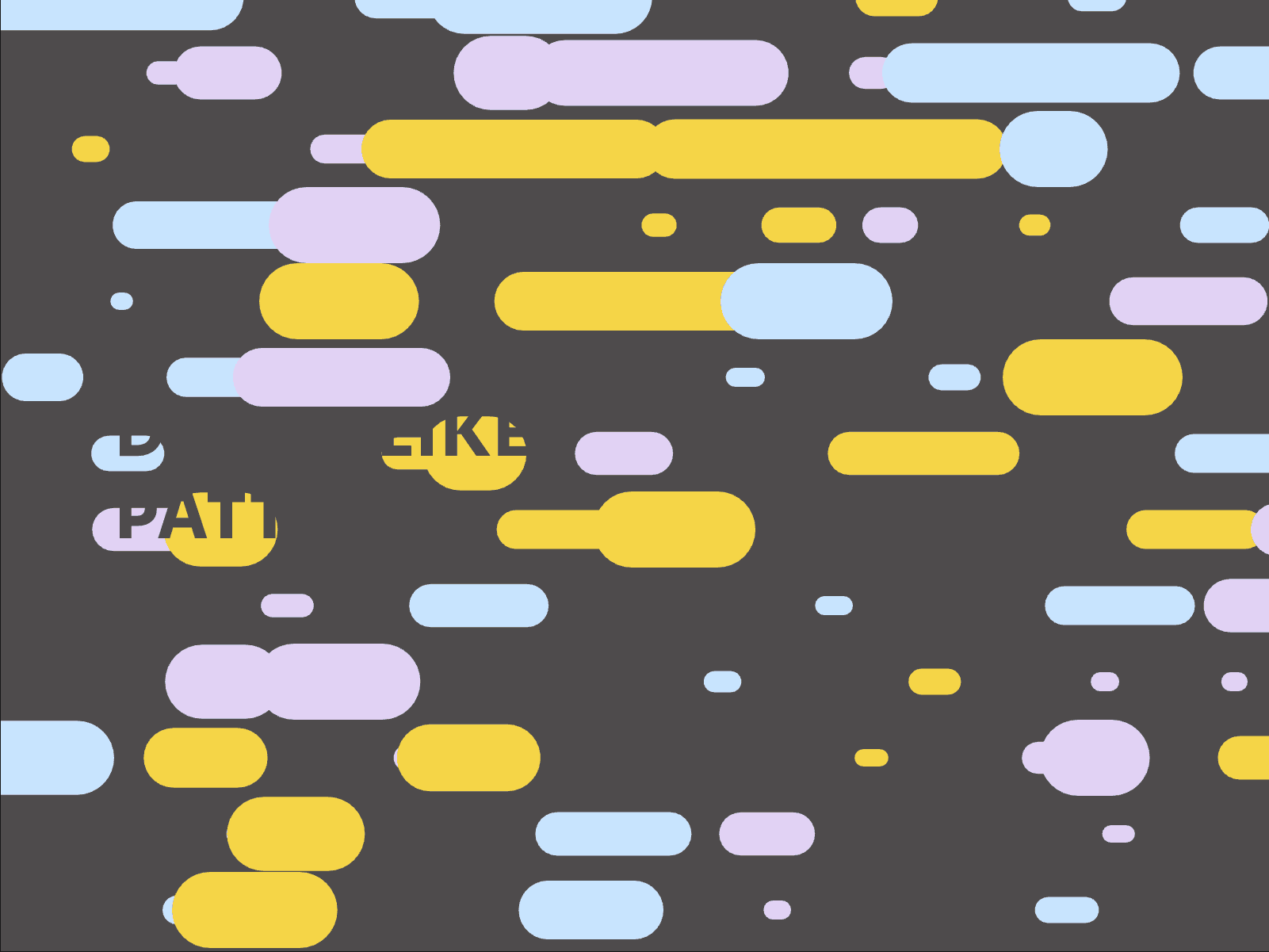
Bring any frame to life with a sweep of dashed strokes. Dreamlike Pattern fills a card, a button or a whole section, then sends wave after wave of lines, squares or triangles across it — from the side the pointer came in.
Four ways to start
Parent hover — strokes come in from the side the pointer entered, and leave when it goes
In view — a quiet entrance as soon as the section scrolls into the viewport
Always — a living backdrop that never stops
Expanded prop — drive it from a variant, like the hover of a button or the state of a switch
Make it yours
Movement: from the pointer, or forced left, right, up or down
Shape: lines, squares or triangles
Weight and grain: from fine button details to bold section fills
Speed of each wave
Three colours, alternated stroke after stroke
Use cases
Buttons and CTAs — bind Expanded to the hover variant: a fine sweep of lines fills the button as the pointer arrives and clears as it leaves, a call to action that answers back.
Switches and toggles — drive the sweep from the On variant, so turning a setting on visibly charges the control.
Cards and tiles — with Parent hover, the strokes come in from the side the pointer entered: product cards, project thumbnails or pricing plans react to each movement.
Hero sections and headers — set it to Always with large weights and slow speed for a living backdrop behind a title, without a video to load.
Section entrances — In view sweeps squares into place as a chapter scrolls in: a quiet transition between a long page's sections.
Navigation and menus — a small Dreamlike Pattern in each menu item highlights the destination under the pointer.
Brand moments — your three accent colours alternated stroke after stroke turn loaders, empty states or a 404 page into a branded scene.
---
Terms of Sale and Refund Policy: https://yelbolt.co/terms-of-sale
Live preview: https://dreamlike-pattern.framer.website
Suggestion and help: hello@yelbolt.co
Made by a_ng_d (an.gd)・Published by Yelbolt (yelbolt.co)