About DSLR Camera Slider
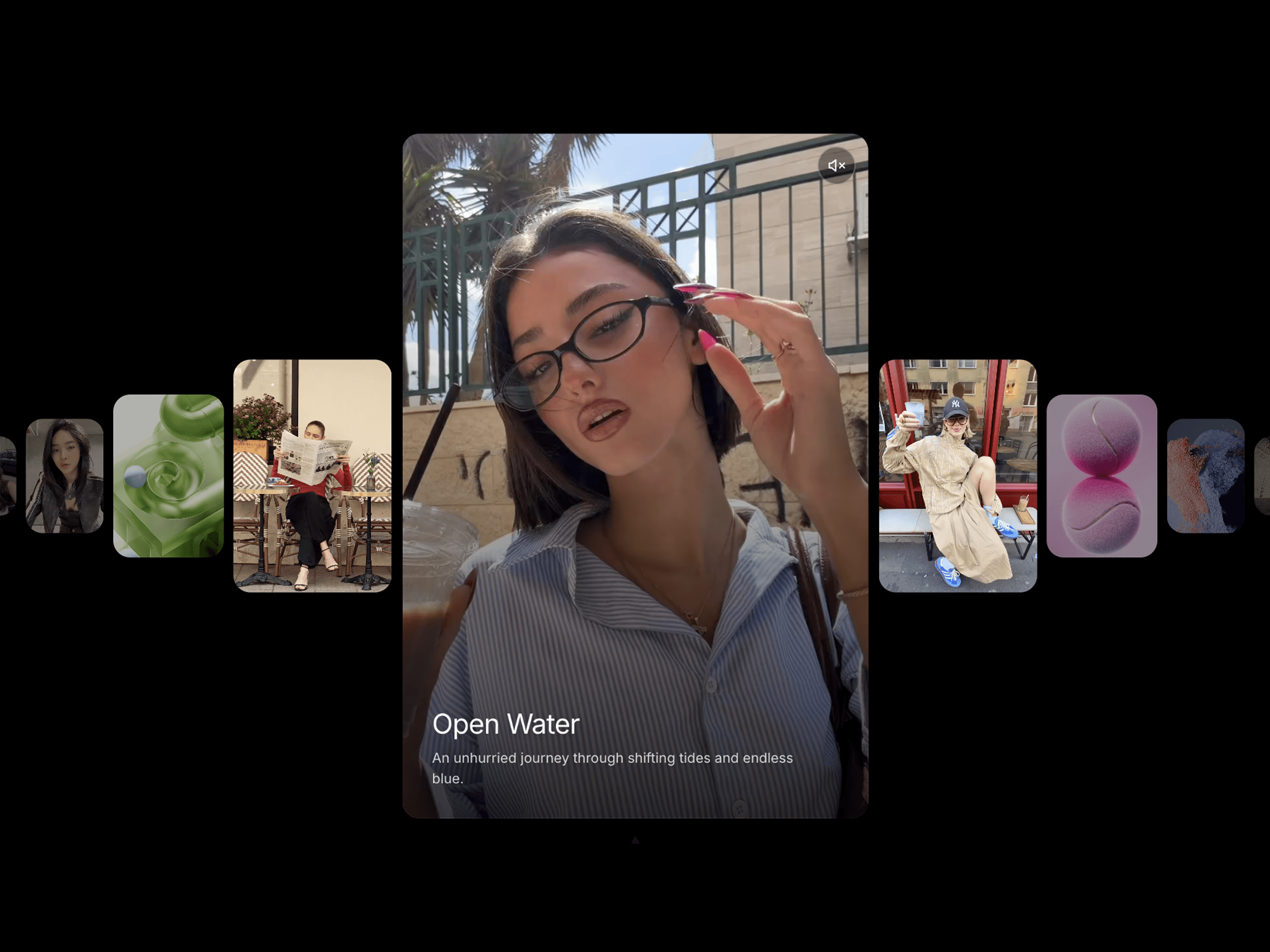
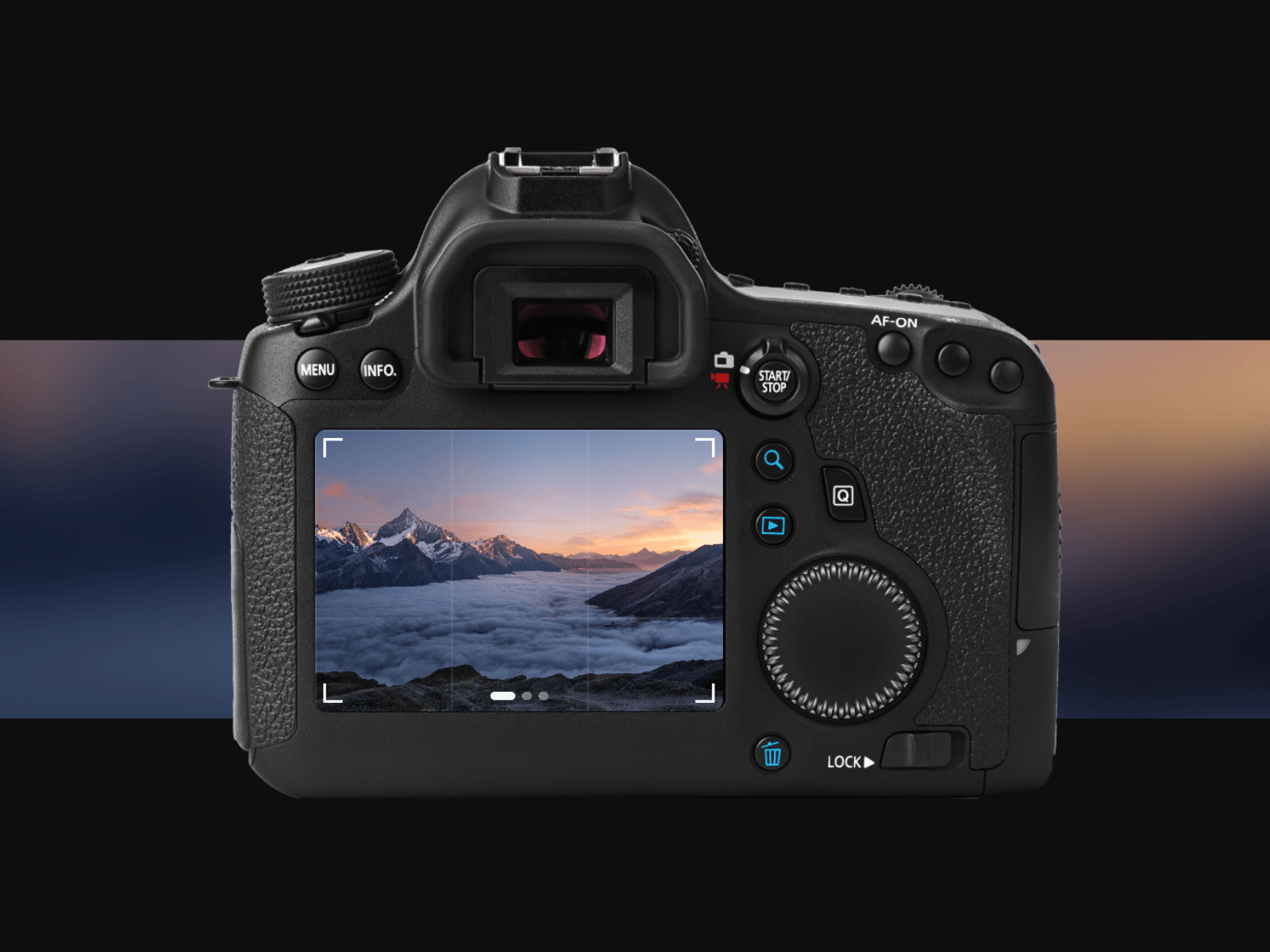
DSLR Slider shows your photographs on the display on the back of a camera body. Drag across the screen, click a dot, or press the arrow keys. The scroll wheel turns with every frame, and the colour of the picture bleeds out behind the camera, so a portfolio section reads as a photograph instead of a slideshow.
You can also swap the camera for your own photograph and place the screen over its display with four percentages, which is the part nothing else does.
Drop your images into the Slides list and the component does the rest. It ships with the camera body and the wheel, so there is nothing to draw and nothing to upload before it works.
Features
As many photos as you like, straight from the property panel
Fade or slide, with the duration in seconds
Autoplay with its own interval, pausing on hover
Drag across the screen, click a dot, or use the arrow keys
The wheel turns a set number of degrees with every slide you pass
A blurred band of the picture behind the camera, with its own blur, height and offset
Viewfinder grid and white corner brackets, both optional, colours included
Swap in your own camera photograph and place the screen with four percentages
Alt text per slide, for screen readers and image search
Honours the reader's reduce motion setting, autoplay included
Renders as a still frame in exports and preview thumbnails
Fills the width of any section and keeps its own height
Setup
Paste the component link onto your canvas, set the width to Fill and the height to Fit, and put your photos in the Slides list. Any Framer plan. No plugins, no API, no backend.
Good to know
The height follows the camera image, so give it a section set to Fit rather than a fixed height. Free for commercial and client work, no resale. Questions: info@zo-e.nl
Live demo: https://dslrslider.framer.website