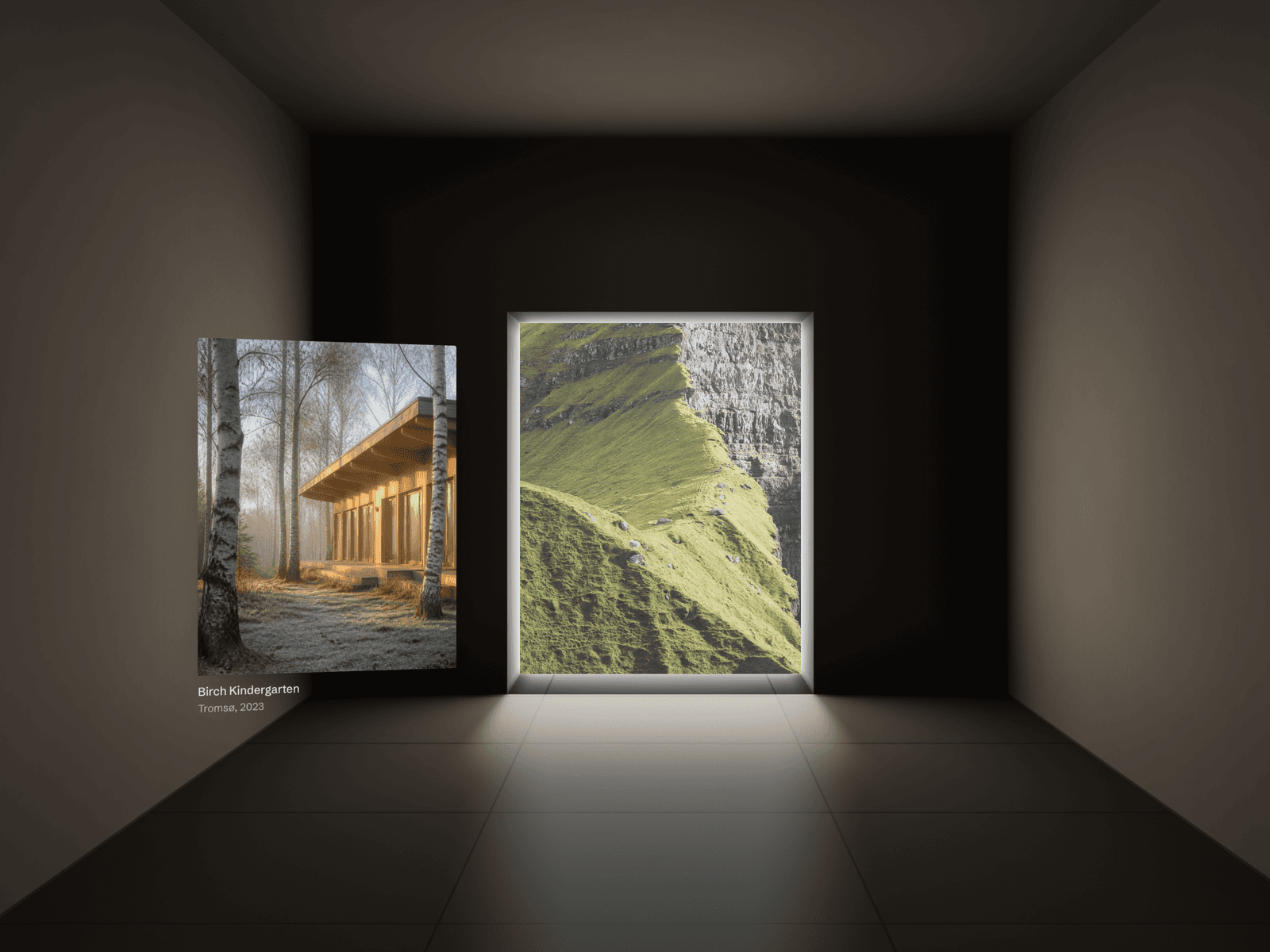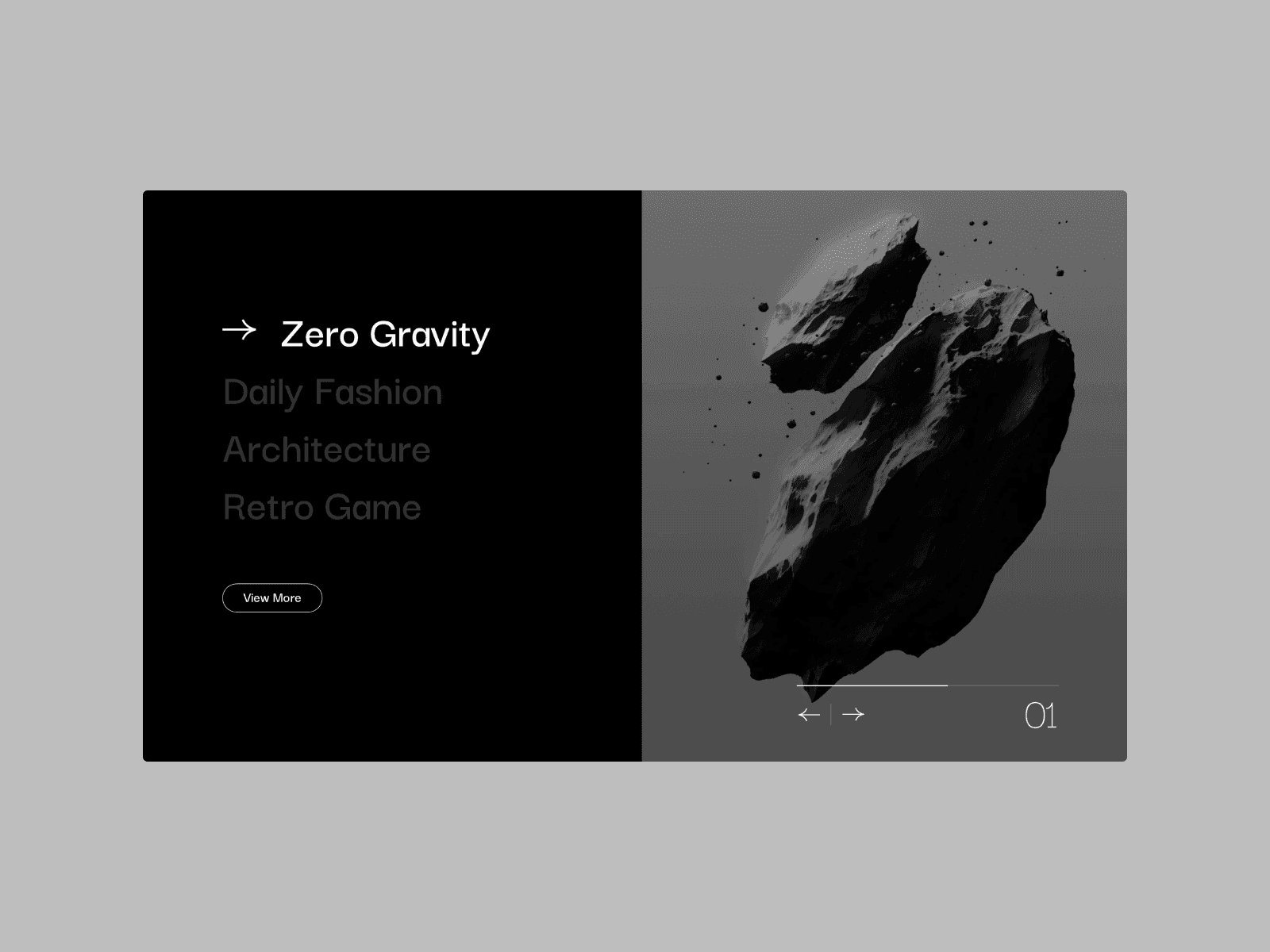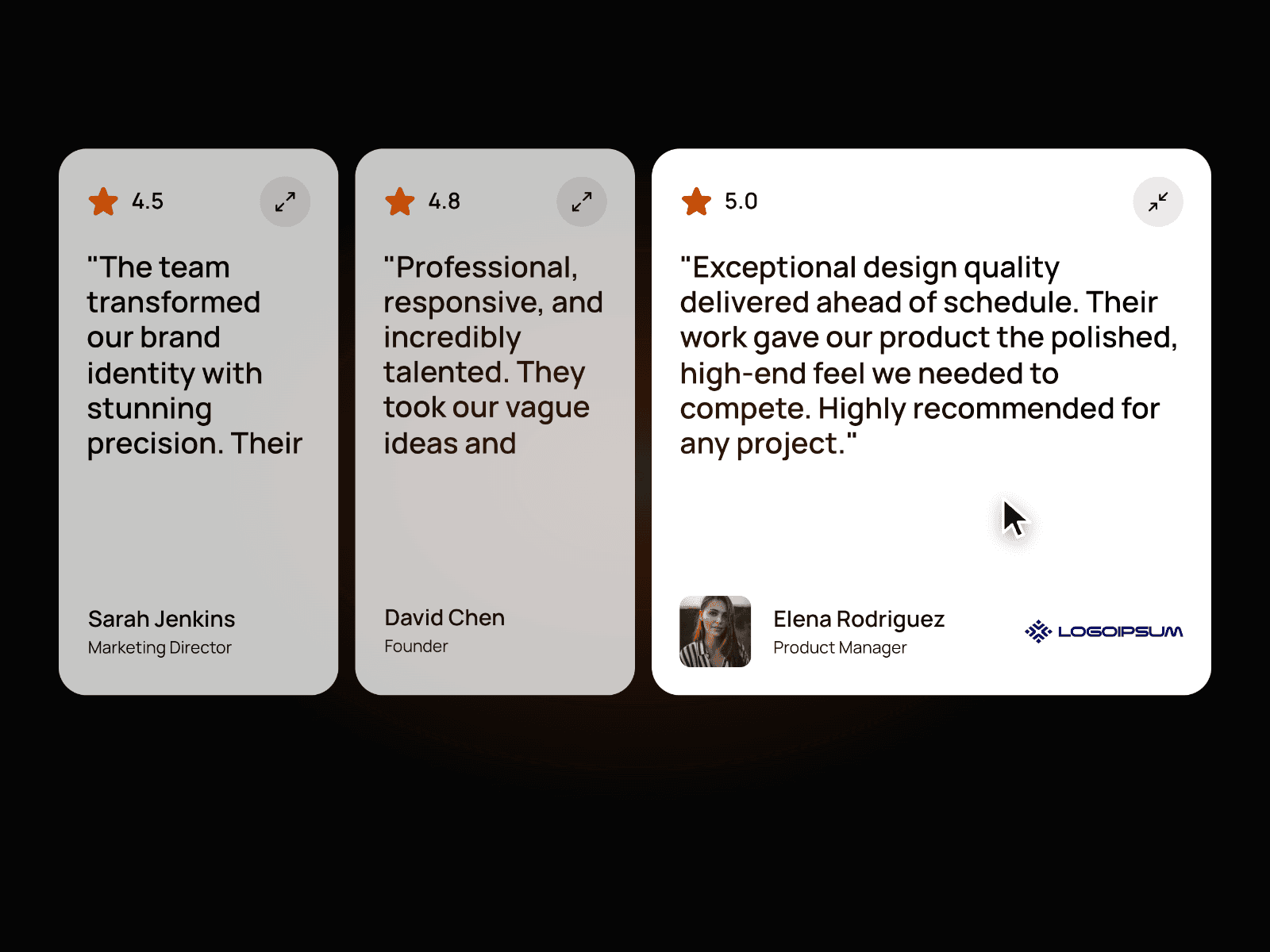
About Editorial Stage
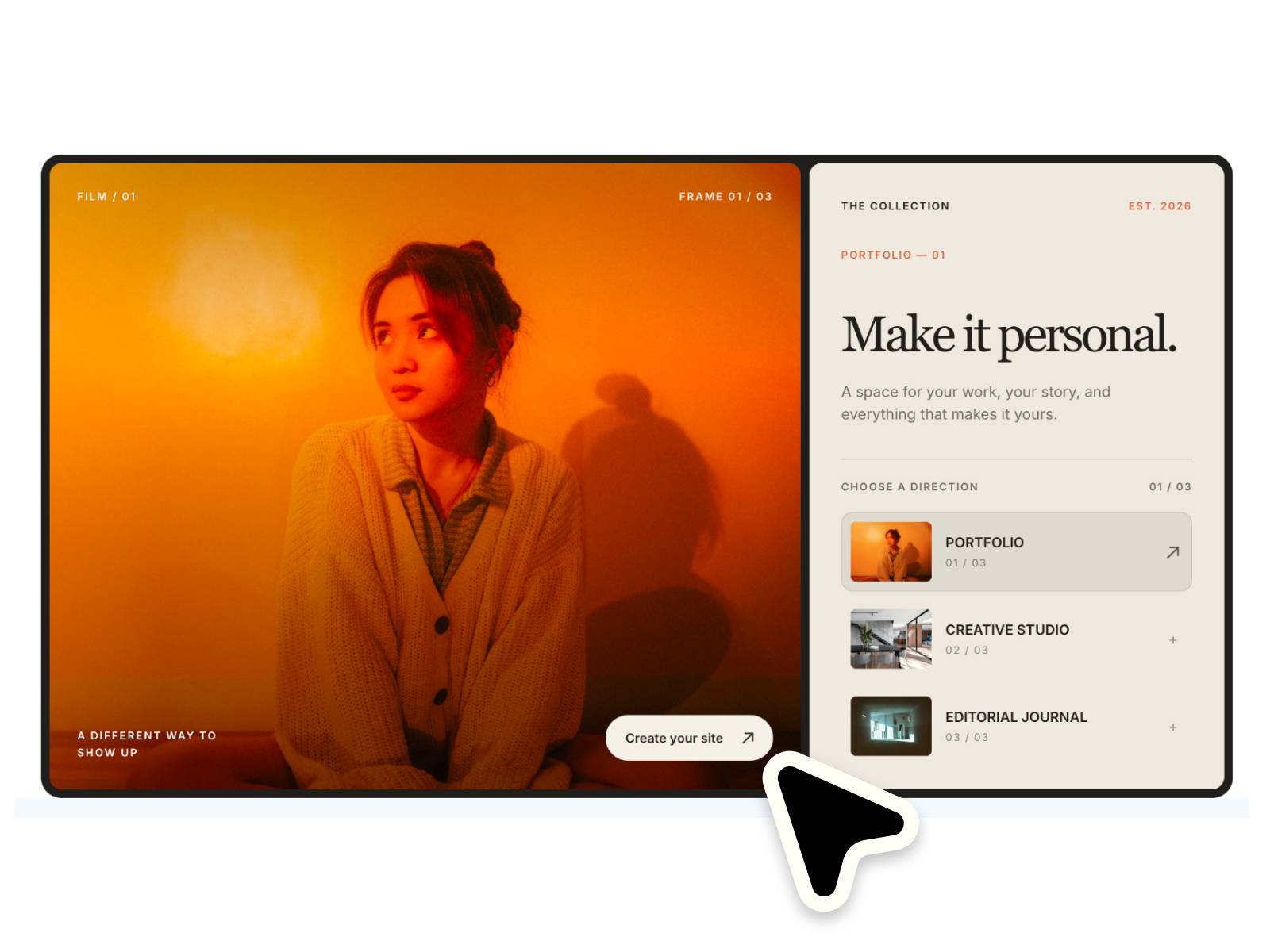
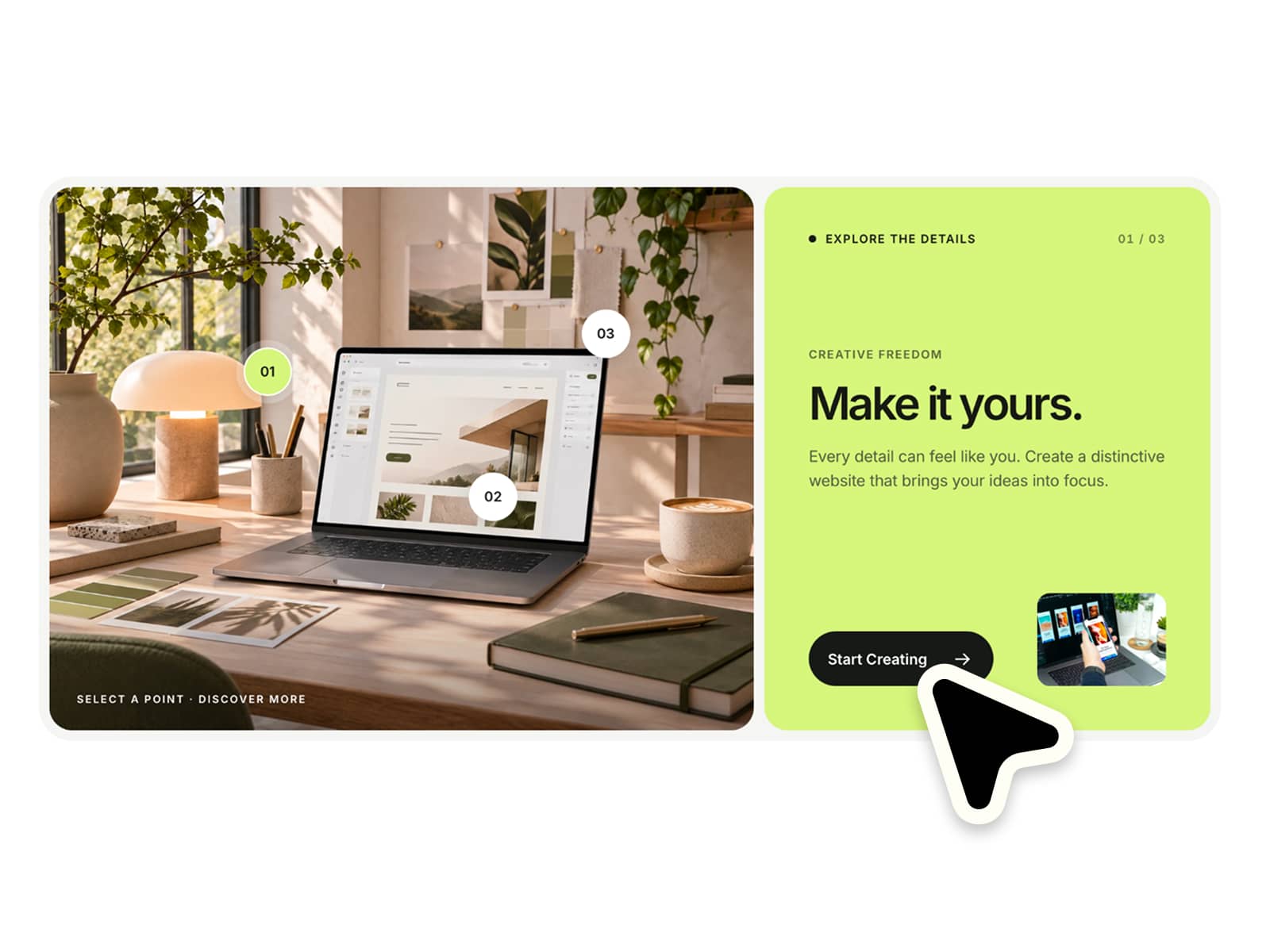
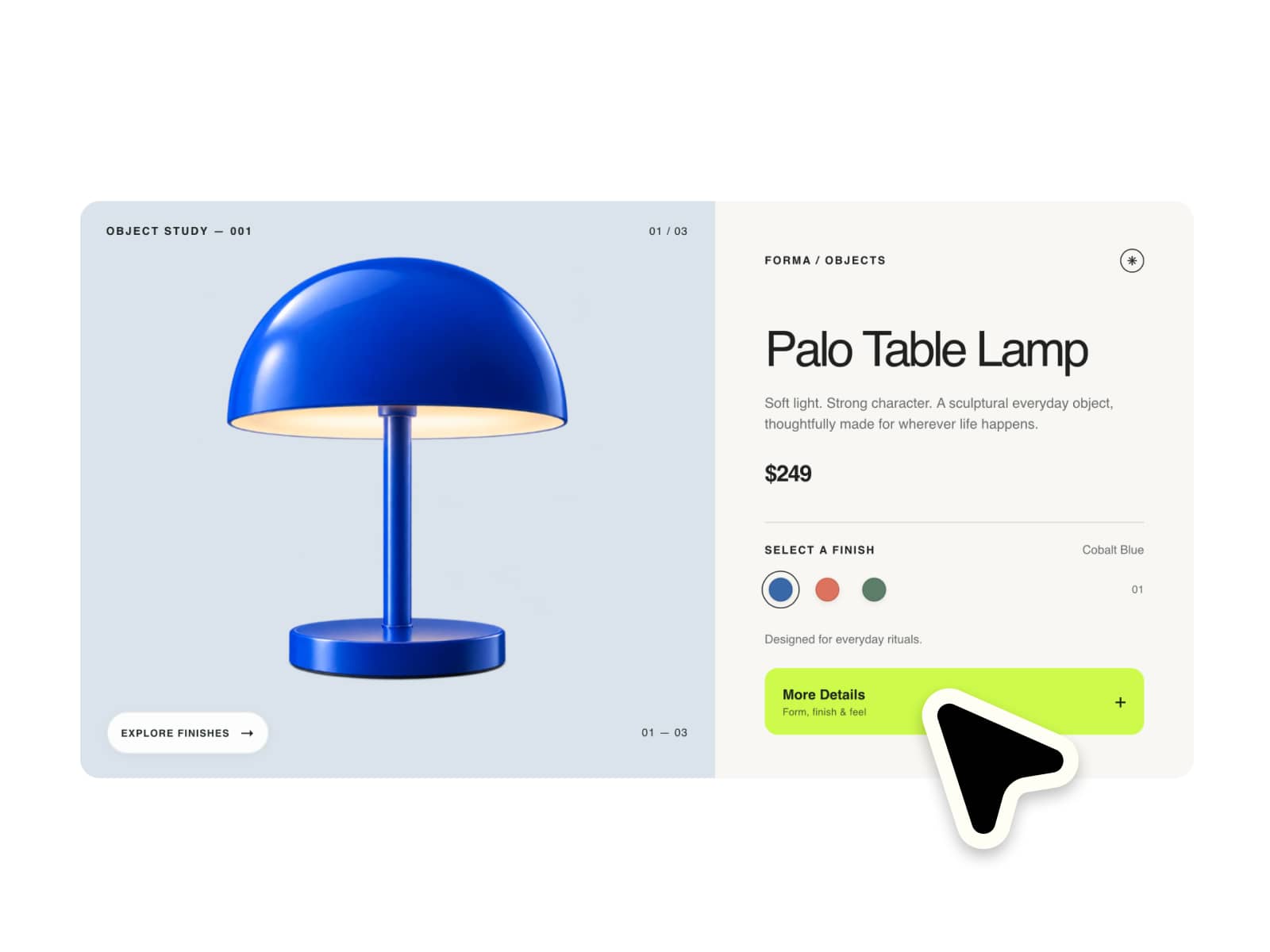
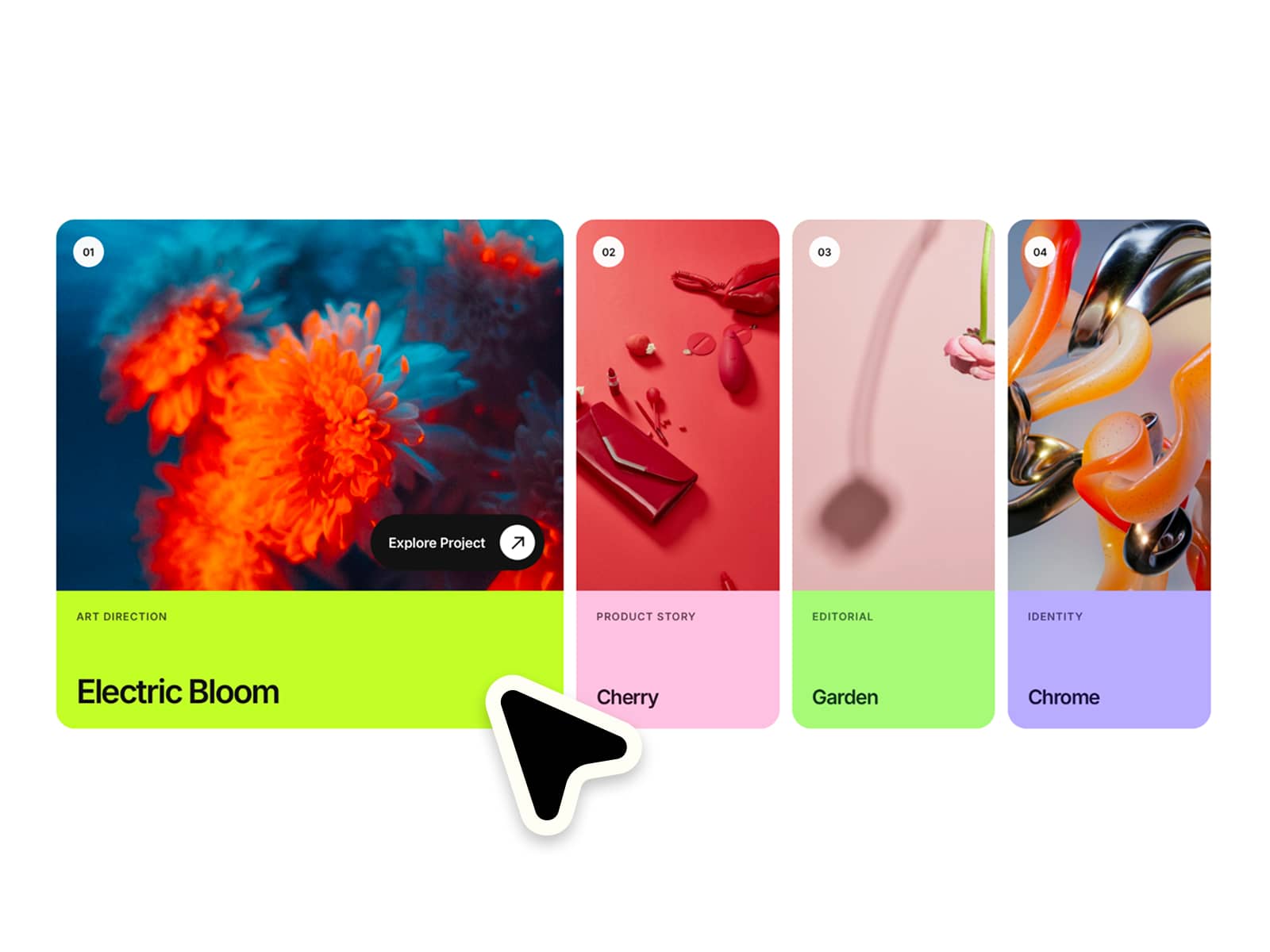
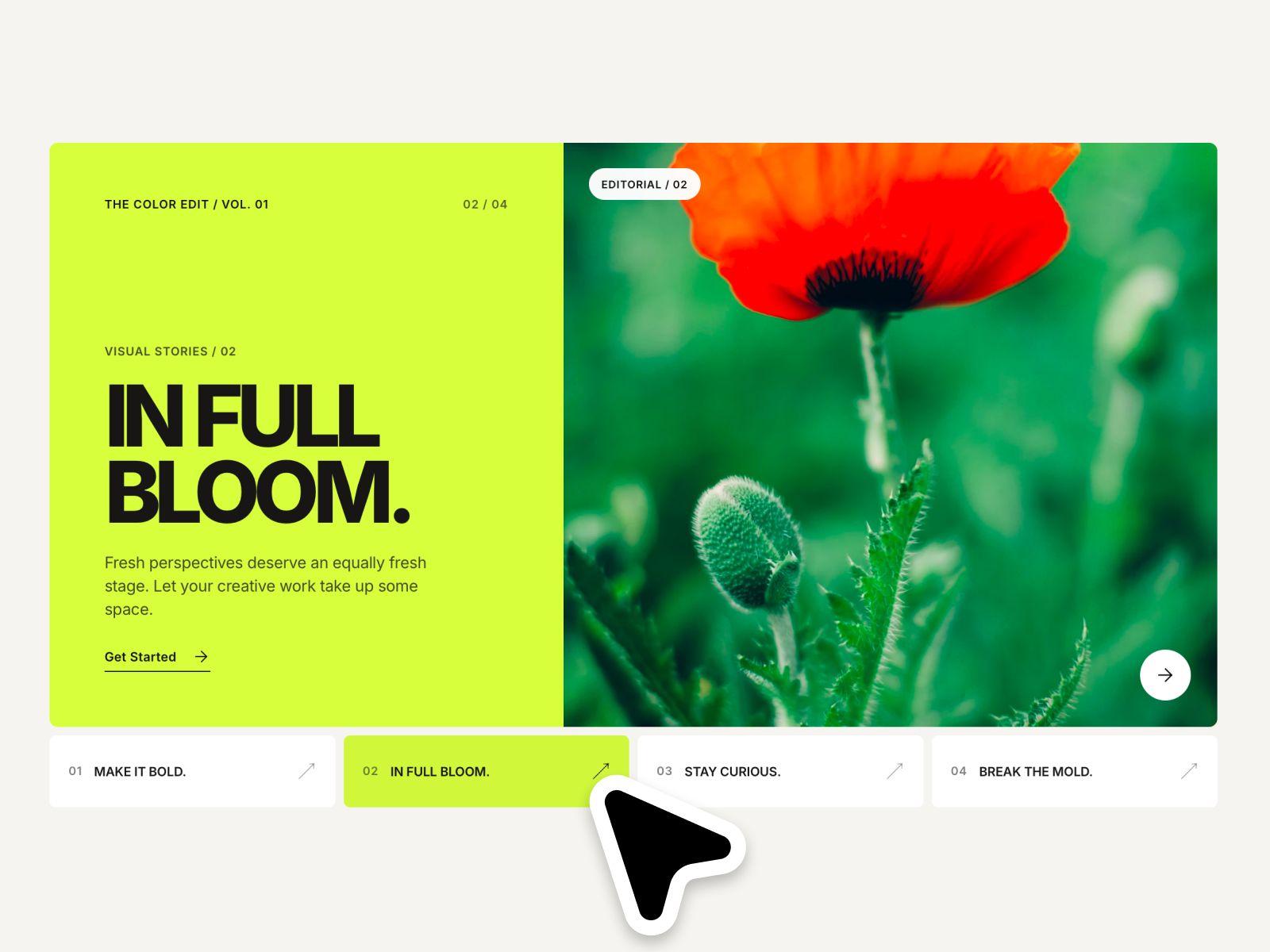
✦ Give your images their own color story.
Bring editorial photography and bold colors together in one expressive project gallery. Switch between stories with smooth image wipes, coordinated color panels and oversized typography. Make it completely your own with flexible controls for layout, styling and motion :)
⚙ What you can customize
Easily adapt every part of the component to match your own brand and style.
Editorial images ✦ Headlines ✦ Short labels ✦ Categories ✦ Descriptions ✦ CTA text ✦ Links ✦ Individual panel and text colors ✦ Typography ✦ Stage height ✦ Panel padding ✦ Corner radius ✦ Navigation spacing ✦ Image zoom ✦ Animation speed ✦ Background colors
🎯 Perfect for
Creative portfolios ✦ Design studios ✦ Fashion websites ✦ Campaign showcases ✦ Editorial galleries ✦ Photography portfolios ✦ Art direction ✦ Brand presentations
📱 Responsive by default
A split editorial stage on larger screens becomes a stacked image-and-content layout on smaller screens, with compact navigation labels for mobile.
🖱 Included interactions
Hover and tap selection ✦ Animated image wipes ✦ Coordinated color transitions ✦ Full-image and content-area links when configured ✦ Keyboard navigation ✦ Focus states ✦ Reduced-motion support
🔗 Live Preview
https://healthy-library-673205.framer.app
––––––––
❤ Thank you so much for your support! I genuinely appreciate every download. I hope you have fun customizing this component and making it your own. Happy building!