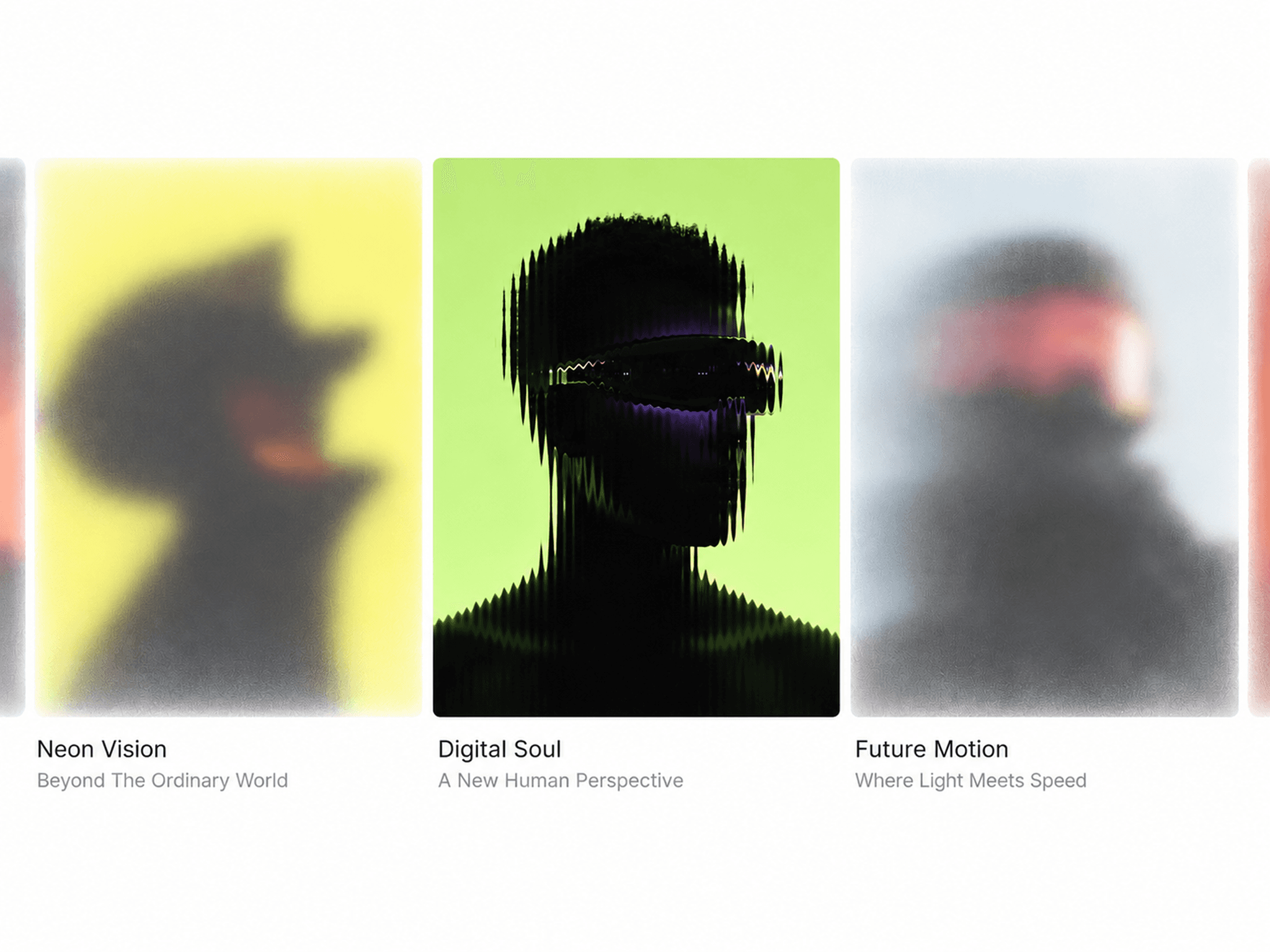
About Editorial Video Card
Editorial Video Card is a modern video card component for Framer designed to showcase videos in a clean, editorial-style presentation. Each card combines a video, title, category, year, description, and optional call-to-action to create a polished content block for creative websites.
HOW TO USE
Add Editorial Video Card to your Framer page
Upload a video or add a video URL
Add your title, category, year, and description
Add an optional CTA and link
Customize video fit, card size, radius, and spacing
Adjust typography, colors, overlays, and metadata
Configure playback, hover effects, and animations
Adjust the layout for your responsive design
KEY FEATURES
Modern editorial video card design
Video upload and URL support
Custom title and description
Category and year metadata
Optional CTA button and link
Responsive layout
Cover and contain video modes
Smooth hover interactions
Custom playback controls
Configurable autoplay and looping
Custom overlays and visual effects
Adjustable border radius and spacing
Custom typography and colors
Framer-native customization
Mobile-friendly and responsive
Smooth animations and transitions
WHY EDITORIAL VIDEO CARD?
Editorial Video Card gives your Framer website a refined way to present video content without relying on a basic video player or standard card grid. Its editorial-inspired layout makes each project feel more intentional while keeping important information such as categories, titles, years, and descriptions easy to explore.
Use it to highlight featured projects, portfolio work, video campaigns, creative direction, film projects, case studies, and visual stories. Keywords: Framer video card, Framer video component, editorial video card, video portfolio, video showcase, Framer portfolio component, creative video gallery, video project card, responsive video card, cinematic video component, Framer website component, portfolio video section, creative agency website, production studio website, video showcase component.